

Most people are already familiar with AI face swap, but body swap takes things a step further. Instead of only changing a face, it replaces the entire person in an image while keeping the original scene and composition.
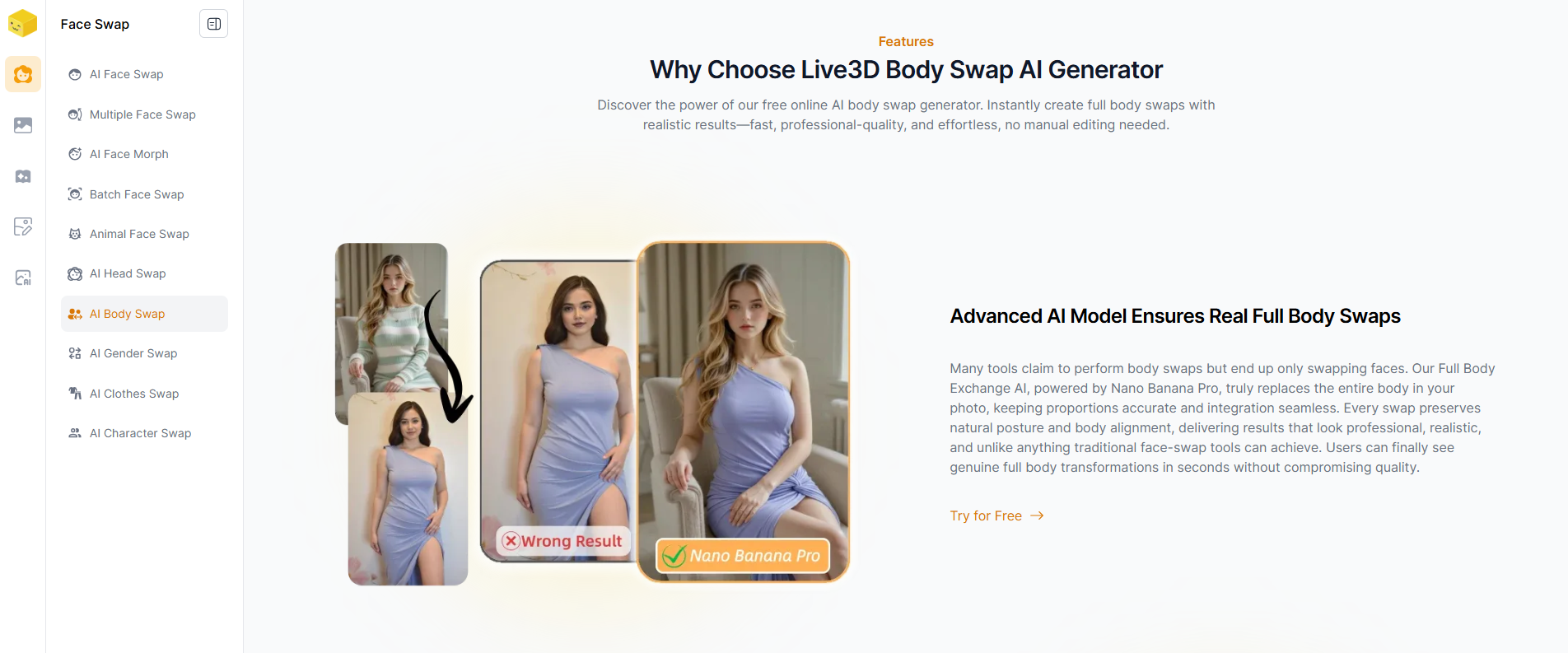
I recently tried Live3D AI Body Swap, and it’s one of the more straightforward tools I’ve come across for this.
What It Does
Live3D lets you swap a person’s body in an image with another identity. The system handles alignment, proportions, and basic blending automatically, so you don’t need to manually edit anything.
The process is simple: upload your images, wait a few seconds, and download the result.
What Stands Out
A few things make it easy to use compared to other tools:
- Runs directly in the browser
- No login required
- Free to use with decent limits
- Supports both single-person and multi-person images
- Batch processing for multiple images
It feels more like a “quick edit tool” than a full editing suite, which is actually a good thing if you just want fast results.
How Good Are the Results
The output is generally solid if your images are clear and well-lit. For normal poses, the swap looks fairly natural.
That said, it’s not perfect—complex angles or low-quality images can still affect the result. So it works best when your inputs are relatively clean.
When It’s Useful
- Trying out different looks or identities
- Creating memes or simple content
- Testing visual ideas quickly
- Editing multiple images without extra effort
Final Thoughts
Live3D AI Body Swap is a practical option if you want something fast and easy without dealing with complicated tools.
It’s not built for professional-level editing, but for everyday use and quick experiments, it does what you expect.






Top comments (0)