
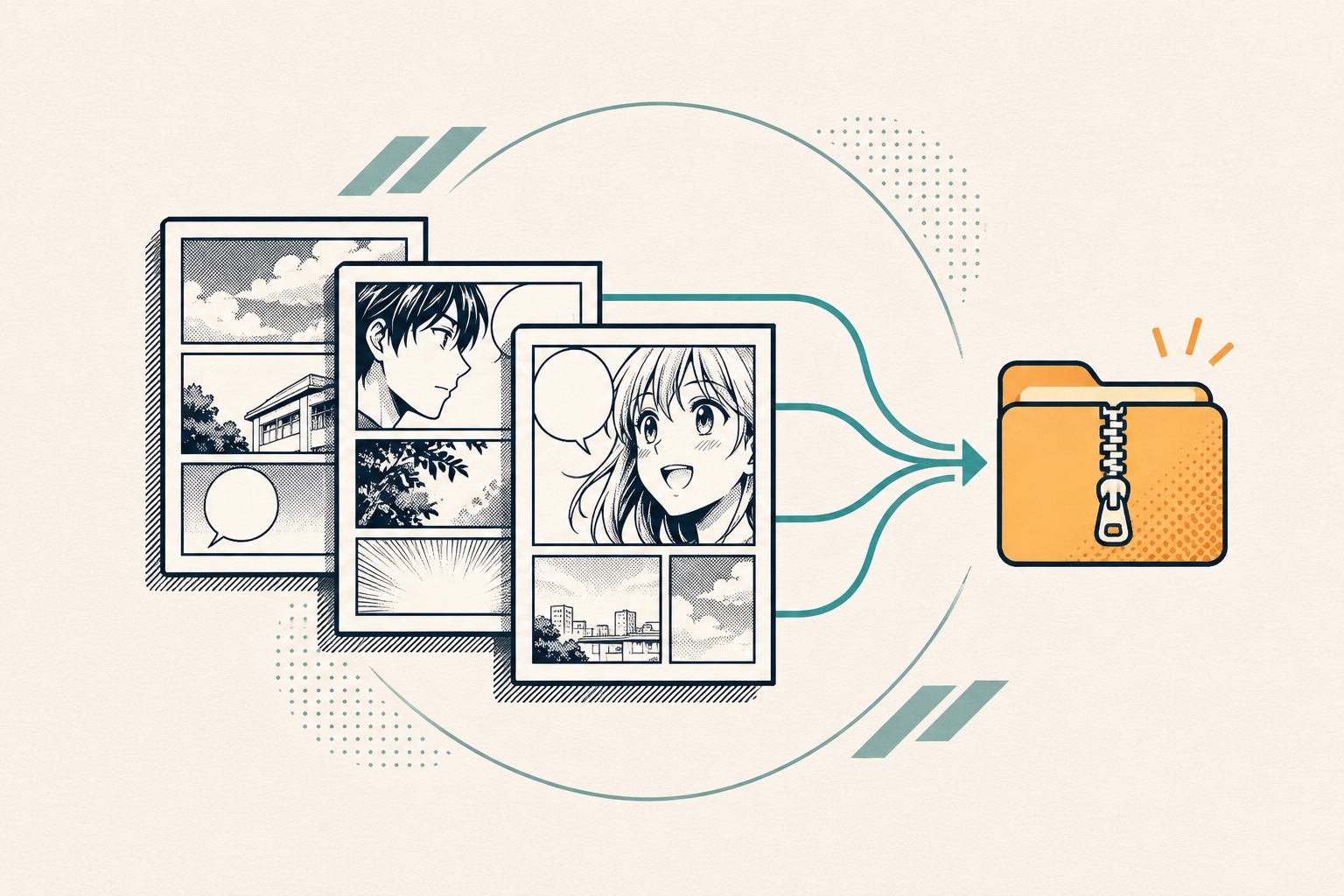

Consider a chapter with three source files: page-1.jpg, page-2.jpg, and page-10.jpg. They look straightforward until a program sorts the names as text. Now the reader sees page 1, page 10, and only then page 2. The files can all contain accurate translations, and the dialogue inside each image can be perfectly legible. The chapter still jumps ahead and then backward.
There is a second failure that can look almost identical. The chapter order is right, but page 2 has no translated image yet. The export then contains 001-page-1.png and 002-page-10.png. Both prefixes are consecutive, even though one source page is missing. Those two cases need different fixes. I used a three-page fixture with those exact filenames to isolate what was happening between a translation library and the ZIP it produces.
Decide which order the reader is asking about
There are at least two independent sequences in a manga translation. There is the path through panels and speech bubbles inside one image, and there is the sequence of images that make up a chapter. A reader may go right to left across the panels of one page, then continue to the next numbered page. Translating the speech inside the bubbles into English does not change which event belongs on which page. Similarly, a perfect archive cannot repair a dialogue exchange whose bubbles were read in the wrong order.
I find it helpful to diagnose the problem at the boundary where it first appears. If the chapter starts with the wrong picture, check the input list and the export. If the right picture arrives at the right time, but a reply is read before its question, investigate panel and bubble order. If only the words in one bubble are wrong, look at text recognition and translation. Each check is small enough to do without rerunning the whole chapter.
Filename, job time, and book position tell you different things
In JavaScript, default Array.sort() compares the string values of filenames. After the common prefix page-, the first different characters in 10 and 2 are 1 and 2. The sort places 10 first without ever interpreting it as ten. MDN documents the default string comparison. If every file follows the same naming scheme, zero-padding names such as page-001.jpg and page-010.jpg is an effective input convention. A numeric collator is another useful tool when the filenames are consistent but the padding is absent.
There are limits to what a filename sort can decide. A cover, an unnumbered insert, a two-page spread, and two images called 002.jpg from different chapters need an editorial decision. A recent jobs view answers a different question too. It can put a retried page near the top because the new job is recent. That behavior helps you find work you just started, while a chapter reader needs the same page order after a retry.
Store the order the user chose
In the library behind this example, All pages lists the newer jobs first. A book has a separate position for each page. When a reader selects pages and moves them into a book, the service appends positions in selection order. The book view sorts by that position. The job creation time is only a fallback if positions tie. This lets a reader open the book later and see why a particular page is first without asking the app to infer the sequence from a filename every time.
An export can then use the same sequence the reader sees. We take the visible book order, keep the pages that have results, and give each exported page a fixed-width prefix. We also retain a cleaned-up form of the source name after the prefix. The first part helps a file browser sort the export. The second part lets a person match a translated image to its original. If a page produced several translation styles, those variants share a page prefix and receive distinct suffixes. Three variants are still one source page.
A small test revealed what the ZIP does and does not say
I ran a local JavaScript reproduction using three synthetic page records. The newest-first list was 10, 2, 1, the default filename sort was 1, 10, 2, and the explicit book positions gave 1, 2, 10. I then gave page 2 an empty results list. After creating and reopening a ZIP with fixture bytes, I checked that its members were 001-page-1.png and 002-page-10.png, inside the chapter folder.
That check exercises ordering and naming with synthetic entries. It does not measure OCR quality or run cloud translation. It also illustrates why an archive's visible prefixes are insufficient for a completeness check. They describe the order of the files that made it into this export. To catch a missing page, compare the archive members to the source list, or carry original page IDs in a manifest for a workflow that needs automated auditing.
Check one short chapter before trusting a large export
- Write down the expected page order and page count. Keep the source names beside it, including covers and inserts.
- Check the thumbnails in the book view. If the pictures are out of order there, fix the selection or grouping before exporting.
- Check that each intended page has a result. A queued request and a finished translation with an image are different states.
- Open the ZIP and compare the filenames against the source list. A numbered prefix can look complete even when a source page is absent.
- Open at least the first and last images and a page around a known problem. Compare one conversation across a page boundary if the story still feels out of order.
The larger lesson is to preserve the reader's order as data. Filenames are good labels, timestamps tell you what happened recently, and export numbers keep a file browser predictable. A book position tells you where a page belongs. When you keep those roles separate, you can locate a missing page without guessing whether the translator, the chapter, or the ZIP got it wrong.
For this example I inspected the book and export behavior in AI Manga Translator’s My pages. The site’s manga translation guide covers preparing source images.
Disclosure. I used AI assistance to prepare this write-up from the implementation and a local synthetic fixture.






Top comments (0)