
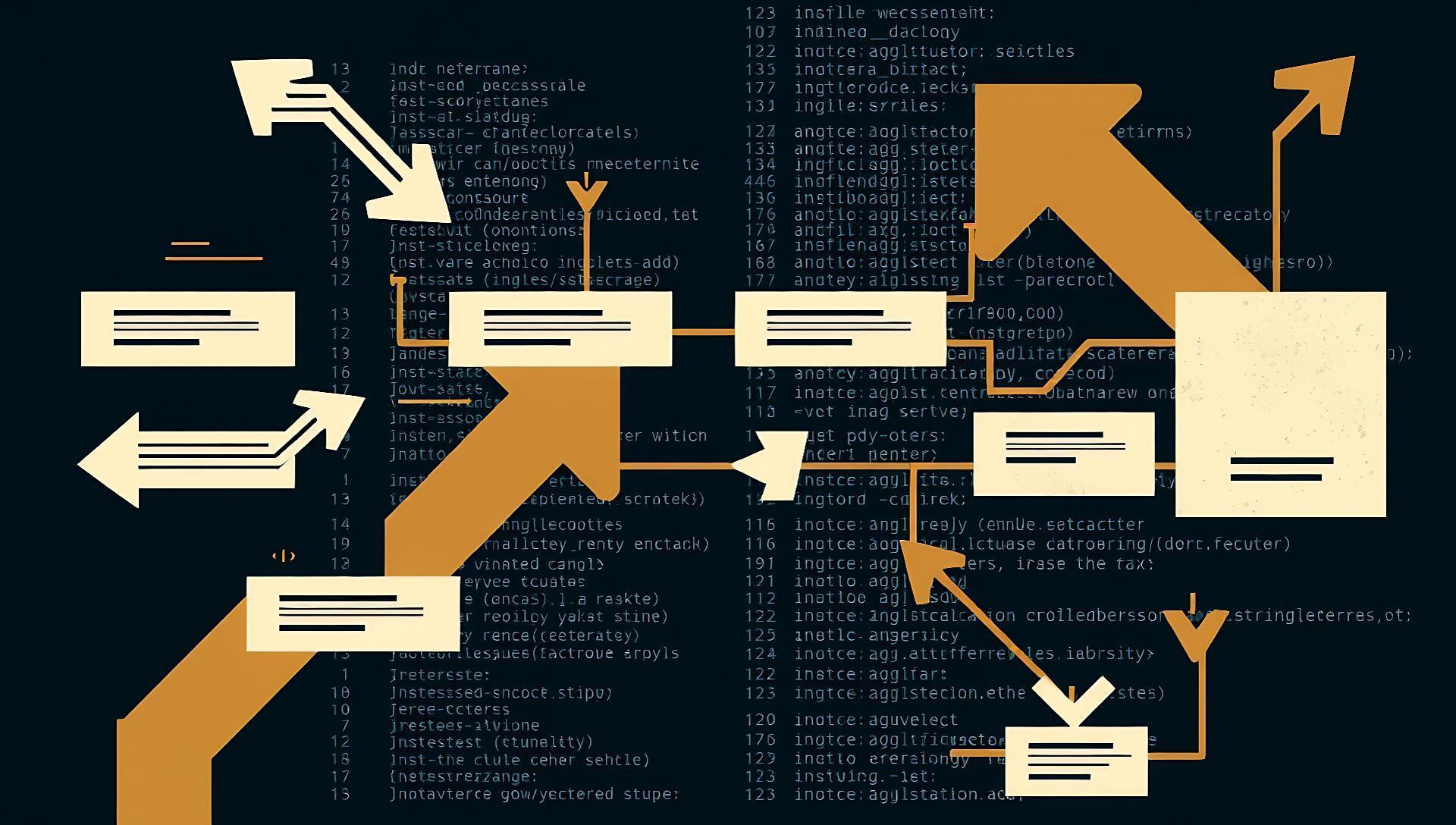

A fully-featured idle factory automation game now runs directly in your terminal. Terminactory, an open-source project written in Rust using the ratatui TUI library, surfaced on Hacker News this week, gathering 93 points and 14 comments from developers intrigued by its niche fusion of deep gameplay and minimalist interface.
Language: Rust | Framework: ratatui | License: MIT | Platform: Cross-platform terminal
How a Terminal Factory Works
Terminactory renders its entire game world within a terminal emulator using text-based graphics and Unicode block characters. The ratatui crate handles the immediate-mode rendering of UI panels, resource counters, and the factory floor grid. Game logic runs in a continuous tick-based loop, processing resource generation, transportation between nodes, and production chain upgrades without a graphical backend.
Players build a network of extractors, conveyors, assemblers, and storage. Each building is a node placed on a grid, with resources flowing between connected nodes every game tick. The core loop involves optimizing these connections to scale production of increasingly complex items, from basic ore to advanced components.
Installation and Setup
The project is distributed as source code. Running it requires the Rust toolchain and takes about two minutes to compile.
- Ensure you have Rust and Cargo installed (
rustc --versionto check). -
Clone the repository and build the release binary:
git clone https://gitlab.com/snipedbywifi/terminactory.git
cd terminactory
cargo build --release
Run the executable from the
target/releasedirectory. The game launches immediately in your terminal with keyboard-driven controls (arrow keys,Escape,Enter).
No configuration files or external assets are required. The entire game state is saved locally in a simple data file.
Performance and Technical Specs
As a native Rust binary, Terminactory is lightweight. It consumes under 50 MB of RAM during typical gameplay and has negligible CPU usage outside of the game tick processing. The binary size is approximately 8-10 MB. It runs on any system with a terminal that supports Unicode and 256 colors, including remote SSH sessions.
The game simulation is deterministic and can be sped up. Early testers report the ability to run it for days in a background terminal tab without performance degradation, a key feature for an idle game.
Pros and Cons from Early Testing
Feedback from the Hacker News thread and initial users highlights clear trade-offs.
Advantages:
- Zero-distraction gameplay: Runs in a terminal window, enabling background play alongside coding work.
- Extremely low resource footprint: Uses a fraction of the memory of a browser-based idle game.
- Transparent, modifiable code: The MIT-licensed Rust codebase is clean and well-structured for developers to fork or extend.
- Portable and scriptable: The binary can be easily moved and managed like any other CLI tool.
Limitations:
- Visual abstraction: The factory layout is symbolic, lacking the intuitive visual flow of a game like Factorio.
- Current content depth: The production tree and upgrades are simpler than established titles in the genre, though development is active.
- Input method: Navigation is entirely keyboard-based, which some find less fluid than mouse control for factory building.
Alternatives and Comparison
Terminactory occupies a unique niche between complex graphical factory simulators and simpler terminal games. It is not a direct clone but carries the spirit of titles like Factorio and Shapez into the TUI space.
| Feature | Terminactory | Factorio | CLI Game: nethack |
|---|---|---|---|
| Platform | Terminal | Desktop (Win/Mac/Linux) | Terminal |
| Gameplay Core | Idle/Automation | Real-time Automation | Roguelike RPG |
| Resource Overhead | <50 MB RAM | 4+ GB RAM | <100 MB RAM |
| Visual Fidelity | Text/Unicode | High-resolution 2D | ASCII |
| Cost | Free (MIT) | $35 | Free |
| Multiplayer | No | Yes | No |
For developers seeking other terminal-based time sinks, bastet (terminal Tetris) and kbt (keyboard typing trainer) are popular Rust TUI projects, but they lack the persistent progression of an idle game.
Who Should Try Terminactory
This tool is built for a specific, overlapping audience.
Ideal users include:
- Developers and sysadmins who live in the terminal and want a non-distracting game that can run in a
tmuxpane. - Rust and ratatui enthusiasts looking for a substantial, well-architected example project to study.
- Fans of incremental/idle games interested in a minimalist, programmable take on the genre.
You can likely skip it if:
- You prefer rich graphical feedback and mouse-driven interfaces for complex simulations.
- You seek a deeply narrative or action-driven gaming experience.
- Your primary interest is in end-game content rather than the novelty of the platform.
Bottom line: Terminactory successfully ports the satisfying loop of factory optimization to a resource-sipping terminal environment.
The Verdict on Terminal Gaming
Terminactory demonstrates that engaging, long-form game mechanics can thrive within the constraints of a TUI. Its value is less about competing with graphical giants and more about serving an underserved niche: engineers who want a background cognitive scratch that feels native to their workflow. The choice of Rust and ratatui makes it a compelling case study in modern terminal application design.
The project’s growth will depend on community contributions to expand production chains and QoL features. Its existence signals a continued interest in building rich, not just utilitarian, experiences for the command line.
"Where to Find It & Extend It"






Top comments (0)