
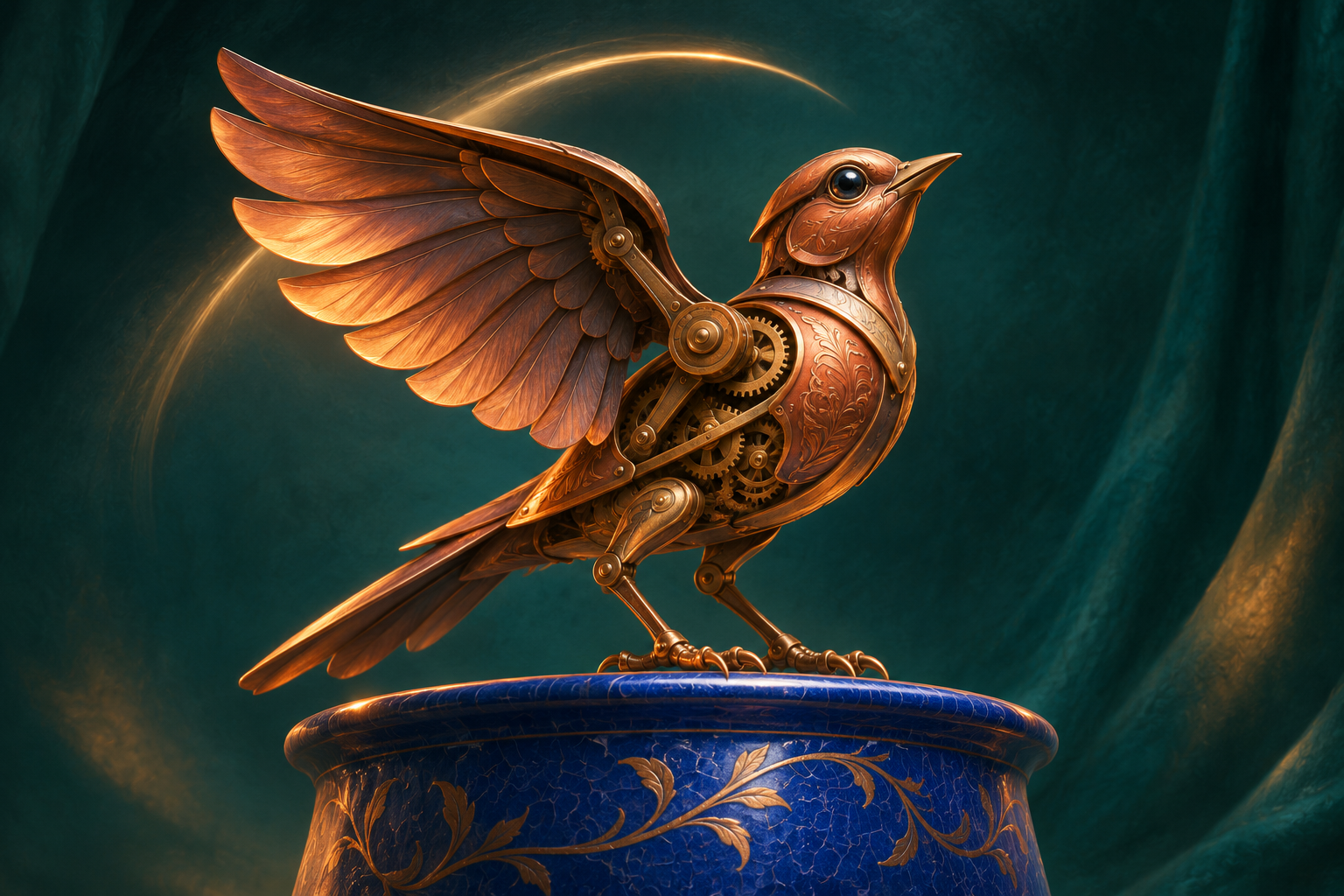

“The bird flaps its wings while the camera circles, pushes in and tilts as the background swirls” describes plenty of movement. It gives a viewer very little time to recognize which movement matters.
Before adding another adjective to a free AI video generator prompt, separate what the subject does from how the viewpoint moves. Then choose the action the audience should be able to describe after one viewing. For the exercise below, that action is simple: a small copper mechanical bird raises and lowers its wings once.
The bird is an original fictional prop. The AI-assisted illustrations are prompt-planning examples, not frames from a generated clip or evidence that one prompt outperforms another.
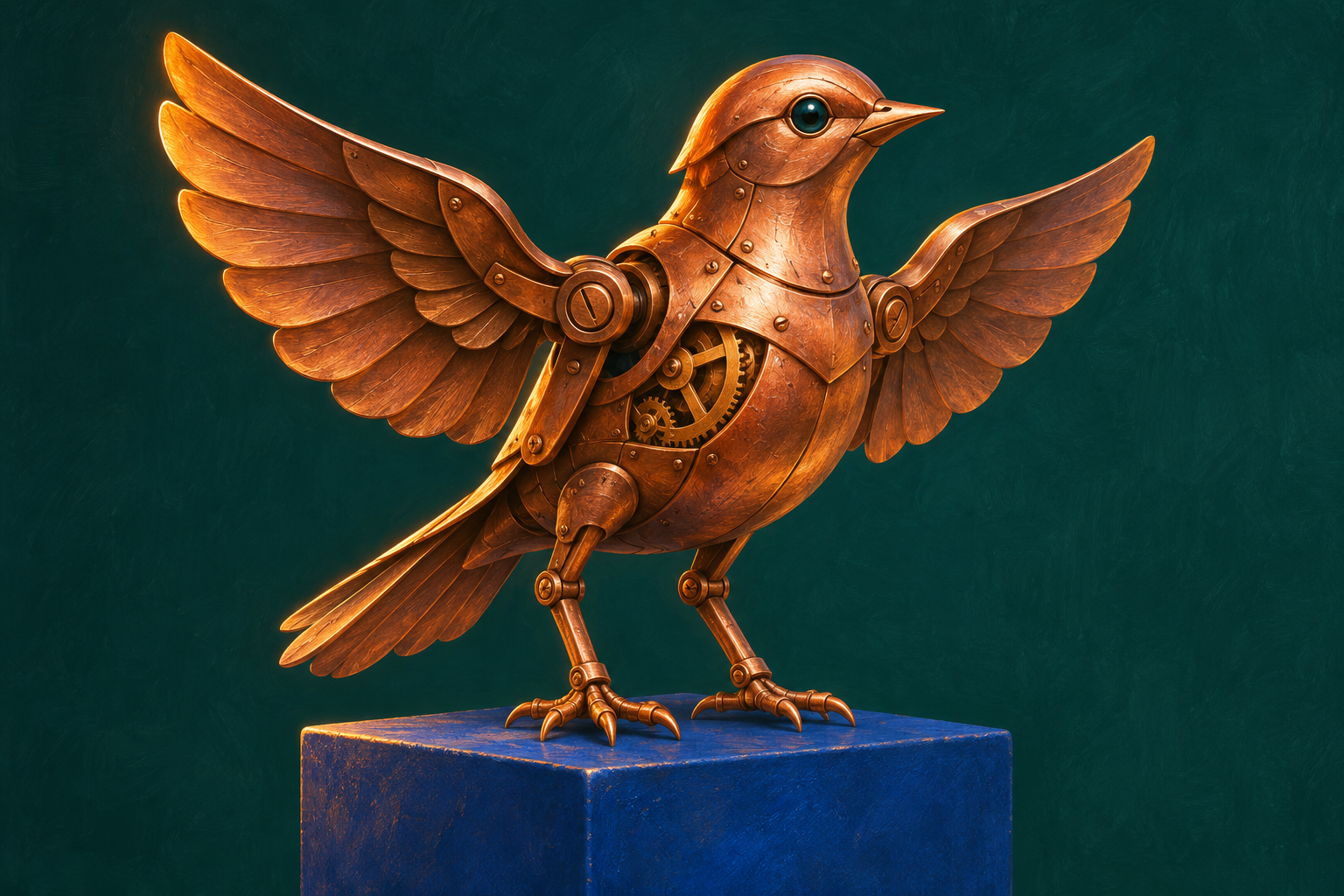
Give the subject one visible action. The illustrations are AI-assisted planning concepts, not generated-video frames.
Give movement three separate jobs
A useful planning note has three lines:
| Part of the shot | What changes in this exercise | What stays stable |
|---|---|---|
| Subject | The bird lifts and lowers its wings once. | Its feet stay on the pedestal. |
| Surroundings | No intended movement. | The pedestal, wall and light remain in place. |
| Viewpoint | No intended movement in the first version. | Medium framing at the bird's height. |
These lines are instructions for your brief, not technical controls a website necessarily provides. “Locked camera” in a prompt expresses an intention; it does not guarantee a locked result.
The separation still matters. If the view drifts in a finished clip, you can identify the difference between the requested action and the observed one. If all three lines request elaborate movement, that comparison becomes harder to make.
Repair the sentence before testing it
Here is a deliberately overloaded draft:
A tiny copper bird comes alive, flapping and turning on a spinning blue pedestal as the camera circles, zooms in and tilts upward, with moving light and a swirling background, dramatic cinematic energy.
The word “alive” leaves the action open. Turning, spinning, circling, zooming and tilting compete with the wing movement. The draft also asks the support, lighting and background to change, so a viewer has no stable reference for the bird.
A more specific version is:
A small copper mechanical bird stands on a stationary cobalt-blue pedestal against a plain dark teal wall. The bird slowly raises both wings, then lowers them once. Its feet remain planted. Medium shot at the bird's height, locked camera, steady soft light, one continuous shot.
This revision makes the intended event easier to inspect. It does not establish that a particular model will execute it correctly. Keep that distinction when sharing prompt examples: explain what you changed in the instructions rather than announcing an unmeasured improvement in output.
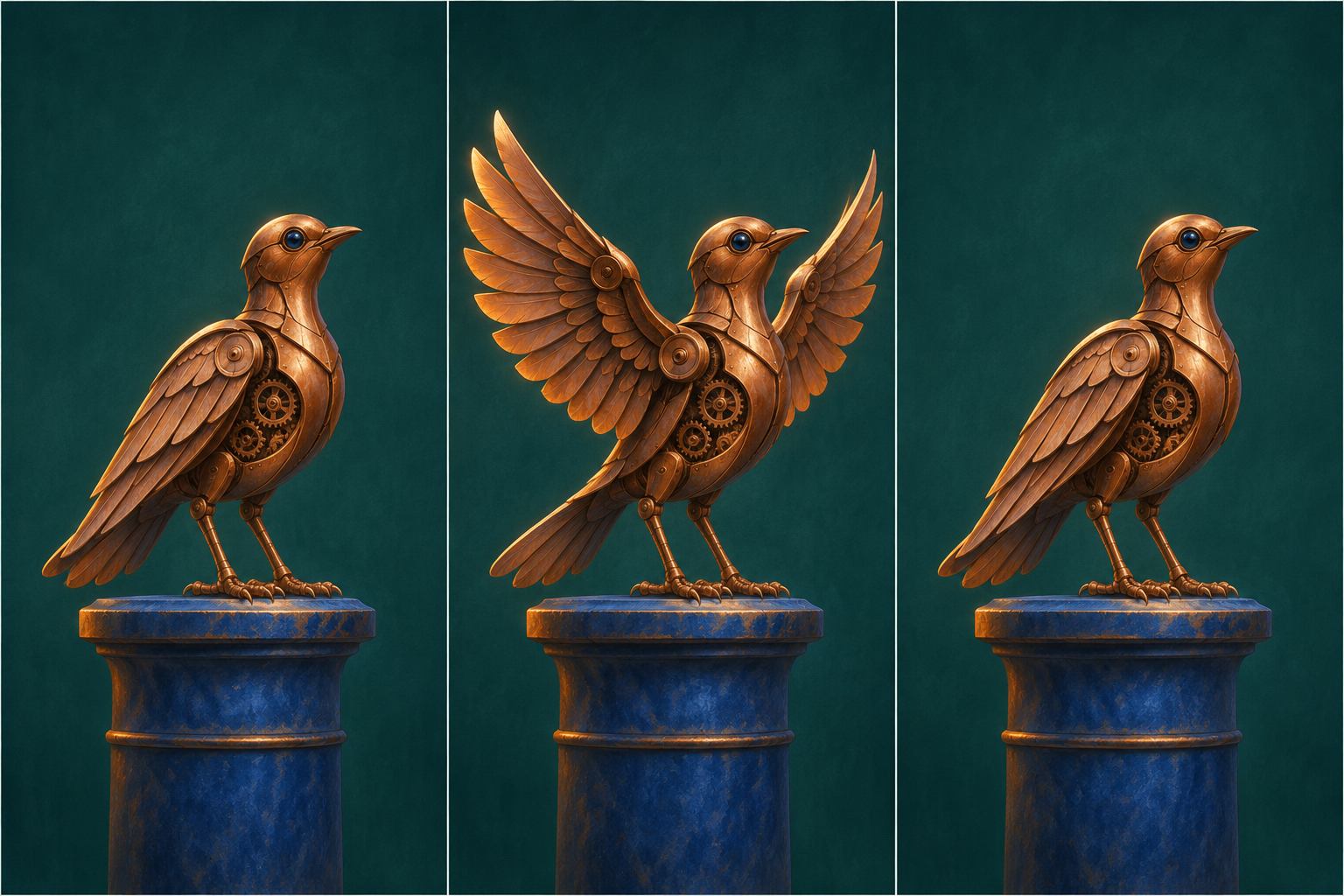
The intended cycle is down, up, down, with a stable view and planted feet. This is a storyboard intention, not a measured result.
Notice what the revision leaves out. It does not specify every gear, feather edge or decorative reflection. Those details can be considered later if they matter. First, see whether the main action is recognizable and whether the bird remains the same object throughout it.
Add camera movement only when it has a clear purpose
A camera move can reveal something the audience could not see from the initial view. It can also draw attention away from a small action. Ask what information the move contributes.
For this copper bird, use one of these distinct versions:
- To show the wing action: keep the view locked and let the bird perform the movement.
- To reveal the bird's construction: keep the bird still and ask for a slow, short move to one side, revealing the hinge at its shoulder.
- To approach a detail: keep the bird still and ask for a gentle push toward the hinge. Leave the circling and tilting out of this version.
These are different shot intentions. Do not compare them as if they were interchangeable versions of “more cinematic.” A side move answers a construction question; a locked view answers an action question.
If you genuinely need both a wing movement and a viewpoint change, describe their relationship in plain language: “The wings begin to rise while the camera makes a slight move to the right.” Keep the move small enough that the hinge remains visible. This expresses the intended timing; it still needs checking in the actual result.
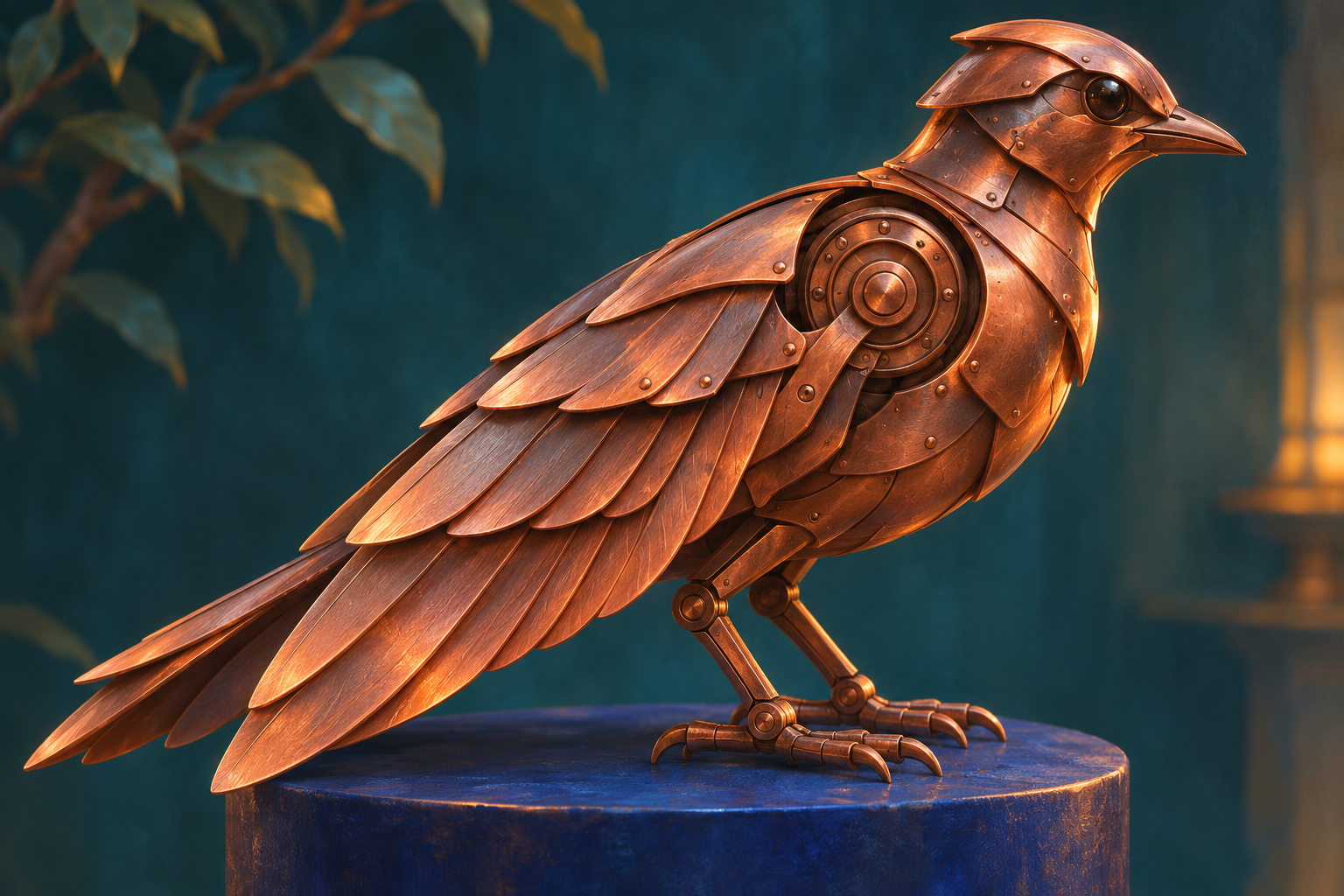
A closer view can reveal construction. Choose it for that purpose rather than adding movement without a reason.
Use a short review note, then change one cause
Write the acceptance sentence before generating: “I should be able to see one wing cycle while the feet remain on a stationary pedestal.” Watch the whole result at normal speed, then replay the relevant section. A pleasing still frame cannot tell you whether a complete wing cycle occurred.
Describe a problem as an observation:
- “The wings rose, but did not visibly return” points to an incomplete action.
- “The pedestal rotated while the bird stayed still” points to movement assigned to the wrong object.
- “The view moved so close that the wing tips left the frame” points to framing.
Choose one revision that addresses the observation. Changing the prop, lighting, camera and action together makes the next result harder to interpret.
For an optional text-only draft, try the Flyne AI Free AI Video Generator. Its free form offers five-second, 480p clips with 16:9, 9:16 and 1:1 choices. It accepts a text prompt or exactly two endpoint images; this exercise starts with text. Verification and a possible free queue remain part of the process.
Disclosure: This article is provided by the Flyne AI brand team.
Save the prompt together with your observation, including attempts you reject. “Requested one wing cycle; received a rotating pedestal” is a useful record. “Bad result” gives the next revision nowhere to start.





Top comments (0)