
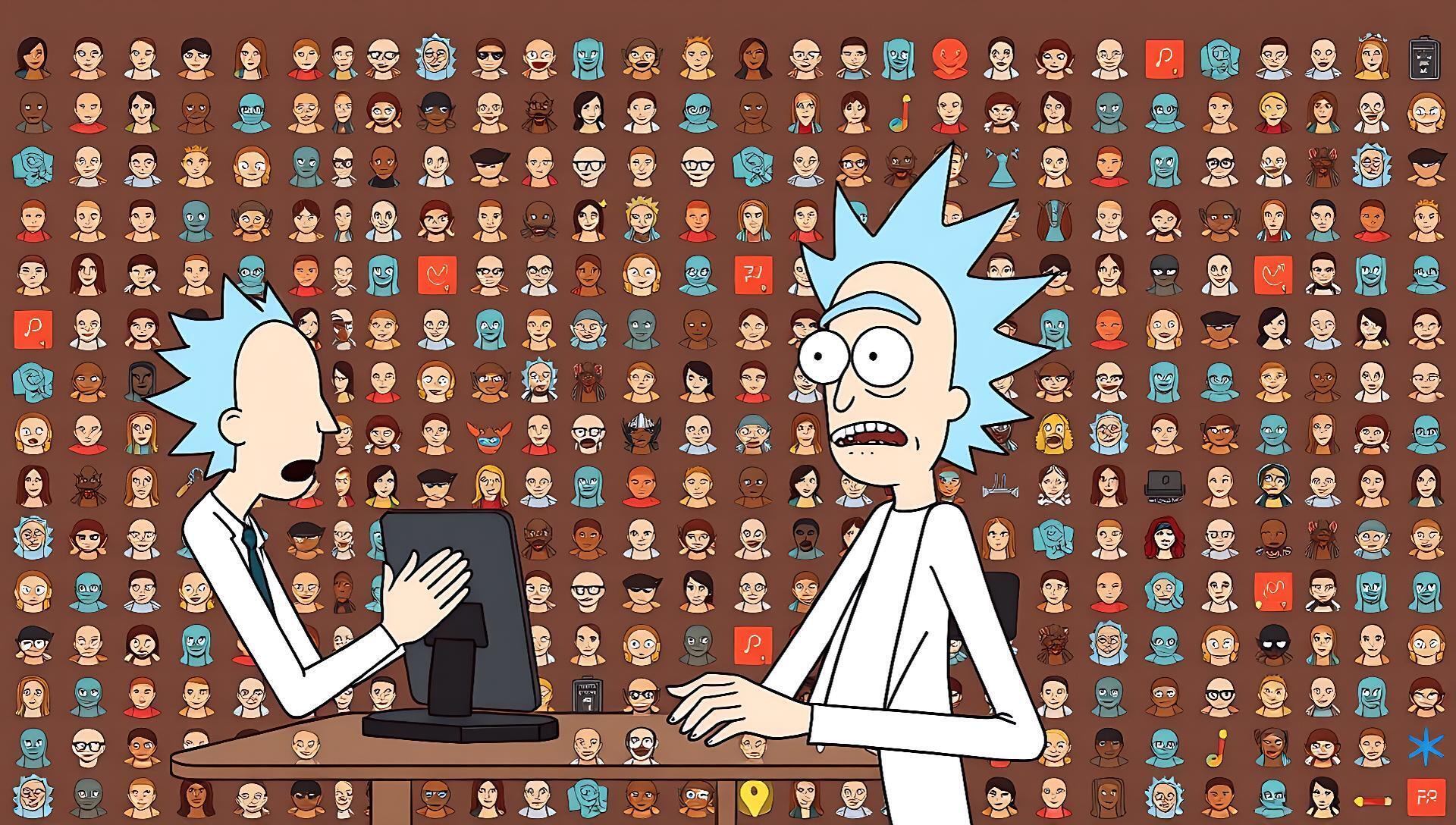

A developer launched Diorama, a specialized web tool that generates short, animated explainer videos in the distinctive style of Rick and Morty — first showcased on Hacker News. The tool accepts a topic prompt and automatically produces a 30-60 second video complete with character voiceovers, scene transitions, and the show's signature humor.
Tool: Diorama | Output: 30-60s animated video | Style: Rick and Morty
Input: Text prompt | Access: Web app | Cost: Free (as of launch)
How the AI Video Pipeline Works
Diorama's pipeline automates the entire explainer video production process. Users input a topic, like "quantum entanglement" or "how to make a sandwich." The system's backend, likely leveraging a combination of LLMs and image/video models, then scripts a concise explanation, casts Rick and Morty characters in specific roles (e.g., Rick as the expert, Morty as the confused learner), and generates matching visual scenes.
The final output is a cohesive video with synchronized voiceovers mimicking the characters' voices and scene-by-scene animations that match the show's rough, line-art aesthetic. This represents a move from generic video generation to style-locked, character-driven narrative AI.
The Niche Appeal: Pros and Cons
The tool's value is in its highly specific constraints, which is both its primary strength and its main limitation.
Pros:
- Zero Editing Skill Required: It completely removes the need for video editing software, voice casting, or animation skills.
- Consistent Branding: Guarantees output that matches a beloved, recognizable aesthetic, which is difficult to achieve consistently with general AI video tools.
- Rapid Prototyping: Can produce a first-draft explainer on any topic in under two minutes.
Cons:
- Extremely Narrow Use Case: It is only useful for creating content explicitly intended to parody or leverage the Rick and Morty IP. The style cannot be changed.
- IP and Copyright Risk: Using character likenesses and voices for any commercial purpose carries significant legal risk.
- Limited Creative Control: Users cannot fine-tune scenes, specific character poses, or voice delivery outside the model's preset interpretations.
How to Try Diorama
Testing the tool requires no installation. Navigate to the Diorama website, enter a prompt in the provided field, and submit. Generation time varies but typically takes one to two minutes. The interface is minimal, focusing solely on prompt input and video playback.
Since the tool is a new showcase, features are basic. There is no option to edit the generated script, select specific scenes, or download source assets. Output is currently viewable on the site and likely shareable via link.
Bottom line: A functional demo of a tightly-scoped, style-specific AI video workflow, best for experimentation and understanding the pipeline.
Alternatives and Comparisons
For creators needing explainer videos without the Rick and Morty constraint, several more flexible—though more complex—alternatives exist.
| Feature | Diorama | HeyGen | Runway Gen-2 |
|---|---|---|---|
| Style Control | Locked (Rick & Morty) | Avatar-driven, corporate | Broad (cinematic, realistic, animated) |
| Customization | Very Low (prompt only) | High (avatar, voice, script) | Medium (prompt, image/video input) |
| Best For | Fan content, parody, quick demos | Professional business comms, training | Creative storytelling, art, concept videos |
| Learning Curve | None | Low | Medium |
| Commercial Safety | Low (IP risk) | High (licensed avatars) | Medium (original content) |
General-purpose text-to-video models like Pika Labs or Stable Video Diffusion offer even broader creative freedom but require significant prompt engineering and often lack integrated voiceovers and pacing, necessitating a separate editing workflow.
"Technical Implementation Notes"
While the creator hasn't disclosed the full stack, the pipeline logically involves several AI steps:
Who Should (and Shouldn't) Use This
Diorama is useful for:
- Fans and Educators creating engaging, humorous explainers for personal blogs or non-monetized YouTube channels.
- Marketers and Agencies needing a rapid, attention-grabbing proof-of-concept to pitch a Rick and Morty-themed campaign idea internally.
- AI Developers studying how to chain multiple models (LLM, TTS, image gen) to create a complex, style-consistent output.
Skip Diorama if you:
- Need a video for any professional, commercial, or official use case.
- Require control over the visual style, branding, or original characters.
- Are looking for a general-purpose explainer video solution.
The tool demonstrates that the next frontier for AI video isn't just higher fidelity, but reliable character and style consistency for narrative purposes. While currently a niche experiment, its underlying pipeline architecture points toward future tools where creators can define their own "show style" and characters, moving beyond single-prompt generation to managed, branded storytelling.






Top comments (0)