

When I am preparing a tutorial, product demo, or short video script, the slowest part is often not writing the words. It is hearing whether the narration actually works.
A paragraph can look clear on the page and still sound awkward once it becomes audio. That is where a browser-based text-to-speech workflow is useful: paste a draft, test a voice, listen once, then revise before spending time on a final recording.
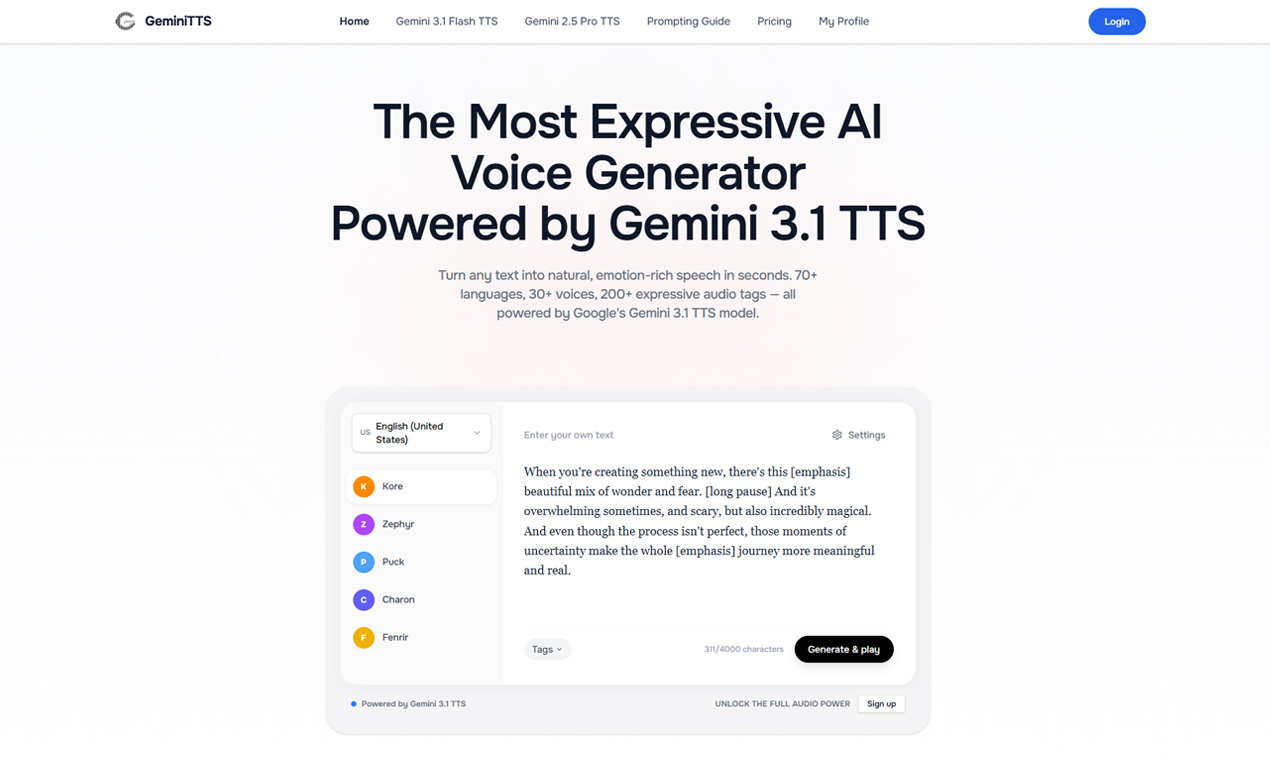
For that kind of quick iteration, Gemini 3.1 TTS is a practical option. It runs in the browser, so there is no desktop setup to manage. I can open the tool, paste a script, choose a voice style or language, and generate a voice sample while the idea is still fresh.
The best use case is not replacing a full production workflow. It is the earlier stage where you want to know whether a lesson intro, product walkthrough, social clip, or multilingual content draft sounds natural enough to keep developing.
I especially like this flow for:
- Testing narration drafts before recording
- Creating quick voiceover samples for tutorials or demos
- Checking whether a script sounds too stiff when spoken
- Preparing lesson or presentation audio ideas
- Exploring multilingual voice drafts without installing extra software
If you often move between writing, editing, and producing content, Gemini 3.1 TTS is worth trying as a fast voiceover draft step rather than a heavy production tool.





Top comments (0)