

When I am planning a post, landing page section, or campaign idea, the hardest part is often not writing the first line. It is getting a visual direction quickly enough to know whether the idea is worth continuing.
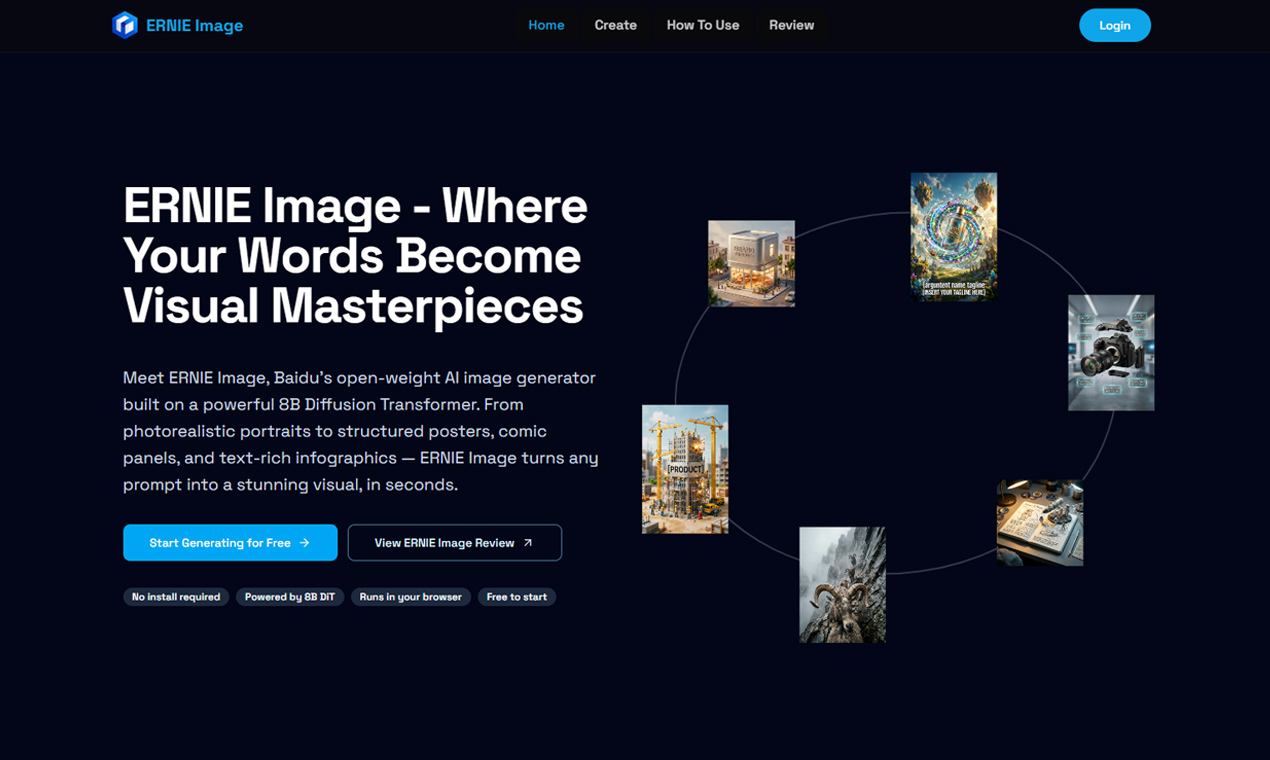
I have been using ERNIE Image as a fast first pass for that stage. Instead of waiting until the concept is fully polished, I can describe the image I have in mind, generate a few options, and compare the mood, composition, and subject clarity before spending more time on design work.
This is useful for lightweight creative decisions. A generated draft can show whether a visual is too busy, whether the subject is clear enough, or whether the style actually matches the message. It is also easier to discuss a rough visual direction with a team when there is something concrete on screen.
The workflow works best when the generated image is treated as a draft, not as the final creative asset. I still expect to refine the prompt, pick the strongest option, and edit the final result for the specific brand or channel. But as an early ideation layer, ERNIE Image helps reduce the blank-canvas problem.
For creators, marketers, founders, and small teams that need quick visual exploration, ERNIE Image is a practical way to move from text ideas to image drafts without adding a heavy production step.




Top comments (0)