

The market for AI transcription tools has become increasingly competitive. Most platforms can already transcribe audio to text with reasonable accuracy. But as someone who regularly works with podcasts, interviews, webinars, and online courses, I've noticed that the biggest challenge is no longer generating transcripts.
The real challenge is turning those transcripts into something useful.
That's why the latest updates to Video Transcriber AI's Audio to Text Converter caught my attention. Instead of focusing only on transcription accuracy, the platform has started improving what happens after the transcription is generated.
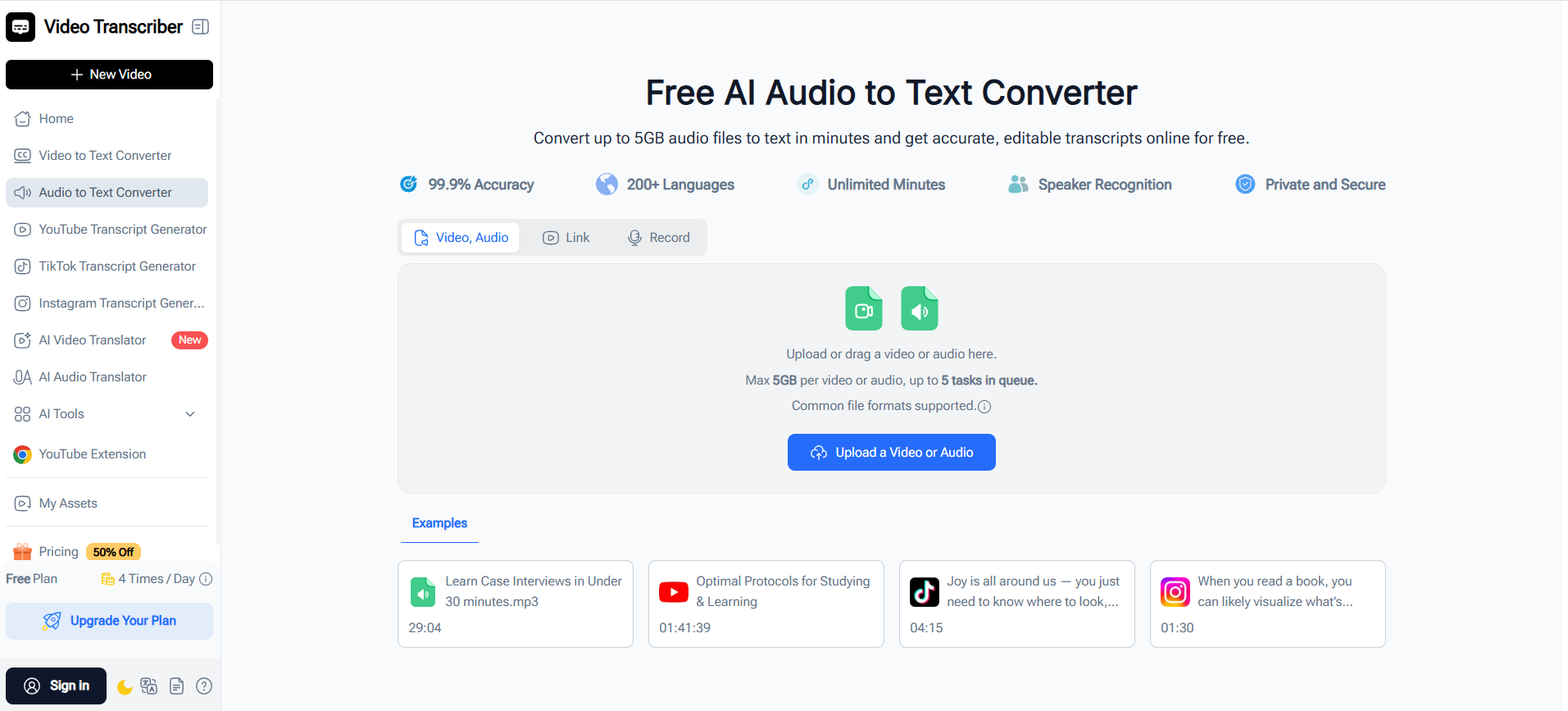
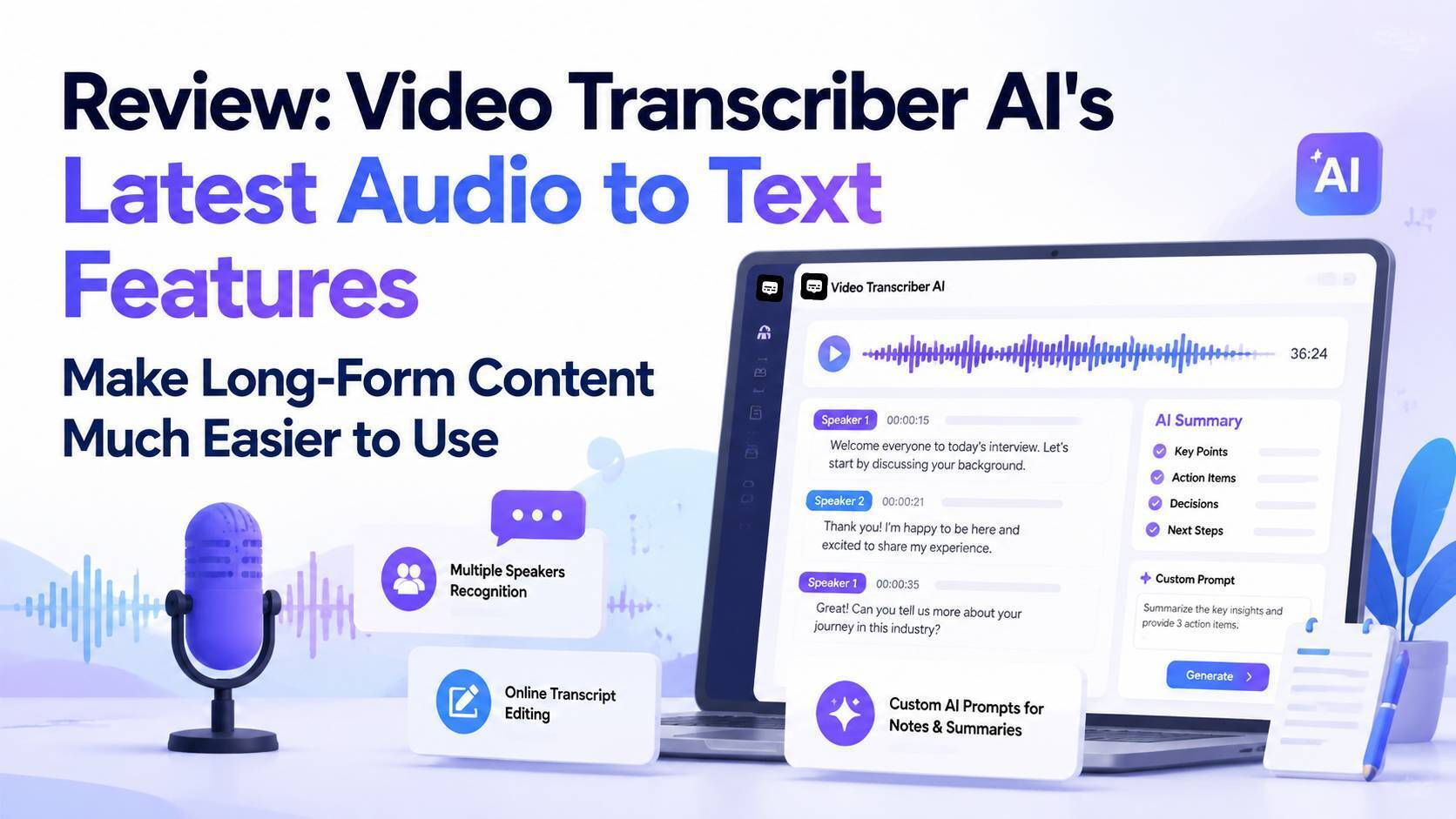
In this review, I'll look at three recently improved features:
- Multi-speaker recognition
- Online transcript editing
- Custom AI prompts for notes and summaries
More importantly, I'll discuss how these features help users get more value from audio content and where tools like this may be heading next.
Why Audio to Text Is No Longer Just About Transcription
For years, audio to text tools were evaluated based on a few simple criteria:
- Accuracy
- Processing speed
- Supported languages
Those factors still matter, but they're becoming standard features across the industry.
Today, users expect more than a transcript file. They want to:
- Find important moments quickly
- Create notes automatically
- Extract insights from long recordings
- Repurpose content into blogs, social posts, and reports
- Search conversations without listening again
In other words, the goal is no longer simply to transcribe audio to text. The goal is to transform spoken information into usable knowledge.
This is where Video Transcriber AI's recent updates become interesting.
Multi-Speaker Recognition Makes Conversations Easier to Understand
The Problem with Traditional Transcripts
Anyone who has worked with interview recordings or team meetings knows how confusing transcripts can become when multiple people are speaking.
Without speaker identification, transcripts often look like a large block of text:
"I think we should launch next month."
"That depends on budget approval."
"Let's review the numbers first."
Who said what?
Without context, the transcript loses much of its value.
How Speaker Recognition Improves Workflow
Video Transcriber AI now offers improved multi-speaker recognition that automatically separates participants throughout a conversation.
This is especially useful for:
Podcast Creators
Podcast hosts can quickly identify guest responses and important discussion segments.
Journalists
Interview recordings become significantly easier to review when quotes are already associated with individual speakers.
Researchers
Focus groups and qualitative interviews become more manageable because participant responses remain organized.
Teams and Businesses
Meeting recordings can be reviewed faster when decisions and action items are tied to specific participants.
Rather than manually labeling every speaker afterward, users receive a much more structured transcript from the beginning.
Online Transcript Editing Reduces Post-Processing Work
Why Most Audio to Text Workflows Are Incomplete
Many audio to text converter tools stop after generating a transcript.
The user then needs to:
- Export the file
- Open another editor
- Fix mistakes
- Remove filler words
- Format content for sharing This creates unnecessary friction.
Editing Directly Inside the Platform
One of the most practical improvements in Video Transcriber AI is the ability to edit transcripts directly within the browser.
Users can:
- Correct recognition errors
- Adjust speaker labels
- Clean up conversational language
- Reformat content for publishing
- Prepare transcripts before exporting
This may sound like a small feature, but for users who regularly transcribe audio to text, it can eliminate an entire step from the workflow.
For content creators, researchers, and educators processing large amounts of audio every week, those time savings quickly add up.
Custom AI Prompts Make Summaries More Useful
Generic Summaries Often Miss the Point
Many AI transcription platforms now generate automatic summaries.
The problem is that most summaries follow the same format regardless of the recording.
A podcast interview, sales call, university lecture, and research discussion rarely require the same output.
Yet many tools treat them identically.
Custom Prompt-Based Summarization
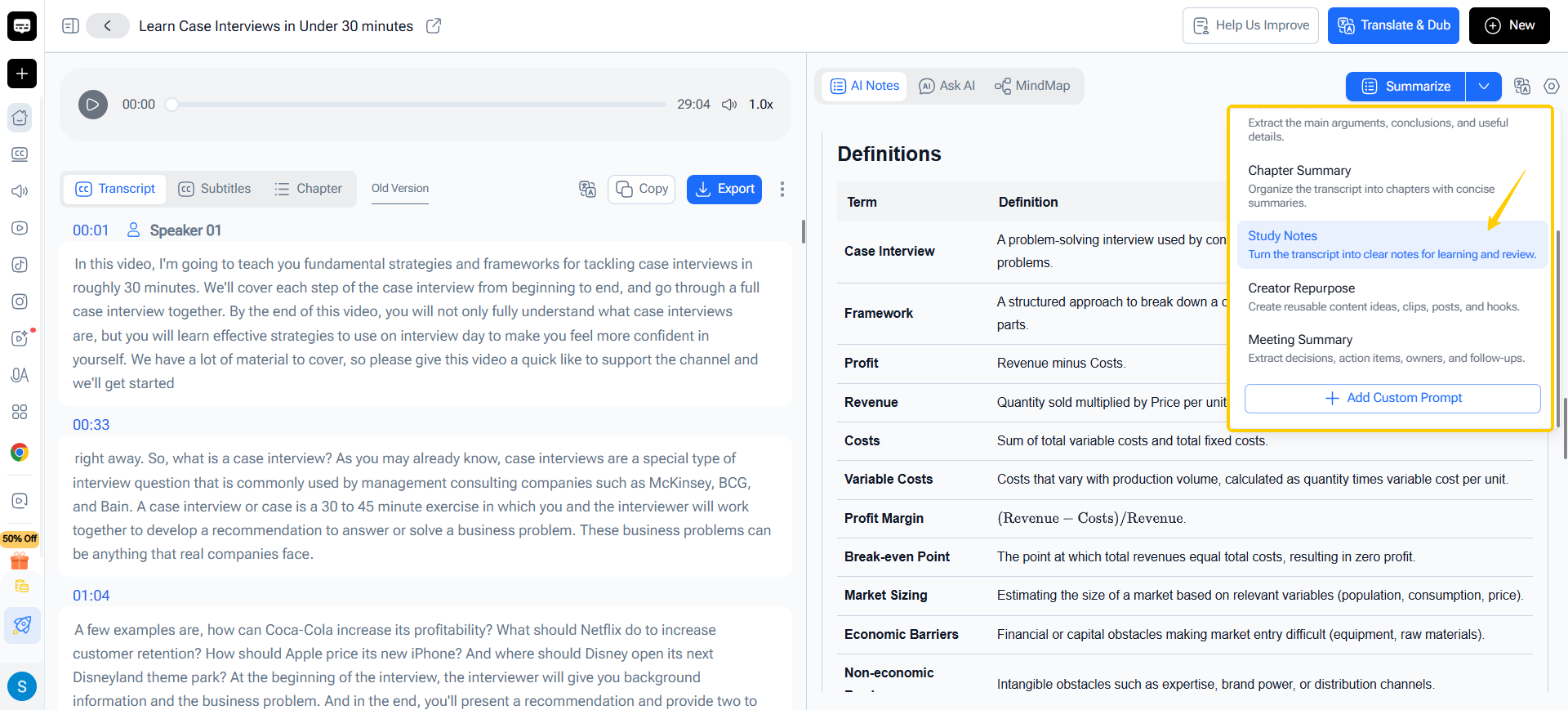
One of the more interesting additions in Video Transcriber AI is custom AI prompting for summaries and notes.
Instead of receiving a generic recap, users can instruct the AI to generate specific outputs.
Examples include:
For Students
Prompt:
Create study notes with key concepts, definitions, and exam preparation questions.
For Researchers
Prompt:
Extract research findings, methodologies, limitations, and future research opportunities.
For Content Creators
Prompt:
Identify viral hooks, key insights, content angles, and social media post ideas.
For Business Teams
Prompt:
Summarize decisions, action items, risks, and next steps.
This approach transforms audio to text conversion from a passive process into an active knowledge extraction workflow.
The transcript becomes a foundation rather than the final output.
What Types of Users Benefit Most?
Students and Lifelong Learners
Long lectures and educational content can be converted into searchable notes and customized study materials.
Content Creators
Creators can turn podcast episodes, interviews, and webinars into:
- Blog posts
- Social media content
- Newsletters
- Content outlines
Researchers
Researchers can organize qualitative interviews and extract patterns much faster than manual review.
Marketing Teams
Marketing teams can analyze customer interviews, webinars, and recorded meetings to identify recurring themes and customer language.
Business Professionals
Meeting recordings become easier to revisit when transcripts, summaries, and speaker labels are automatically generated.
Where Could Audio to Text Tools Go Next?
The most interesting part of these updates is not necessarily the features themselves.
It's what they suggest about the future direction of audio to text platforms.
Smarter Content Understanding
Today's tools can convert speech into text.
Tomorrow's tools will understand the meaning behind conversations.
Instead of searching keywords, users may eventually search concepts, intentions, or topics discussed within recordings.
Content Repurposing Automation
We are already seeing early signs of this trend.
Future workflows may automatically transform one recording into:
- Blog articles
- LinkedIn posts
- Email newsletters
- Presentation slides
- Learning materials without requiring separate tools.
Deeper AI Conversations with Content
AI chat interfaces connected directly to transcripts are becoming increasingly valuable.
Rather than reading a two-hour interview, users can simply ask:
- What were the most controversial opinions?
- What action items were discussed?
- Which topics appeared most frequently?
- What insights could become content ideas?
This shifts audio content from static information to interactive knowledge.
Final Thoughts
Many AI tools can transcribe audio to text today. Accuracy alone is no longer enough to stand out.
What impressed me about the latest Video Transcriber AI updates is that they focus on what users actually do after transcription.
Multi-speaker recognition improves readability. Online transcript editing reduces workflow friction. Custom AI prompts make summaries significantly more useful for different types of users.
Together, these features move the platform beyond a traditional audio to text converter and closer to a complete audio knowledge workspace.
As AI continues to evolve, I expect the most successful tools won't simply convert audio into text. They'll help users understand, organize, and act on the information hidden inside their recordings.






Top comments (0)