
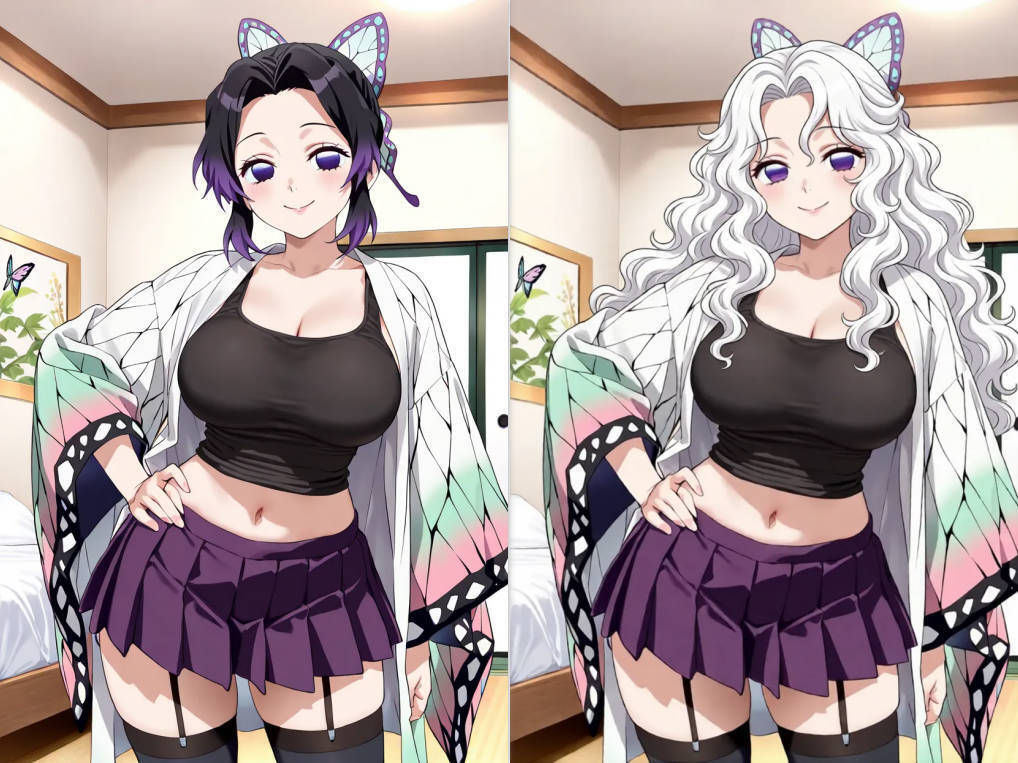

I didn’t go looking for a new tool. I was just trying to clean up a few anime images I wanted to post online—nothing serious, just fan posts and some edited screenshots I like sharing in anime communities.
If you’ve ever edited anime-style images before, you probably know how it goes. You download a picture, notice some small distractions in the background, maybe a watermark, or just something that feels slightly off. Then you open whatever editing tool you normally use, only to realize it either takes too long, limits basic features behind a paywall, or feels way too complicated for something that should be simple.
I’ve tried a bunch of tools over time. Some are powerful but feel like overkill when I just want to fix a small detail. Others are free but come with restrictions that make them frustrating to use. And quite a few of them ask you to sign up before you even know if they’re useful, which always kills the mood when you just want to quickly edit something.
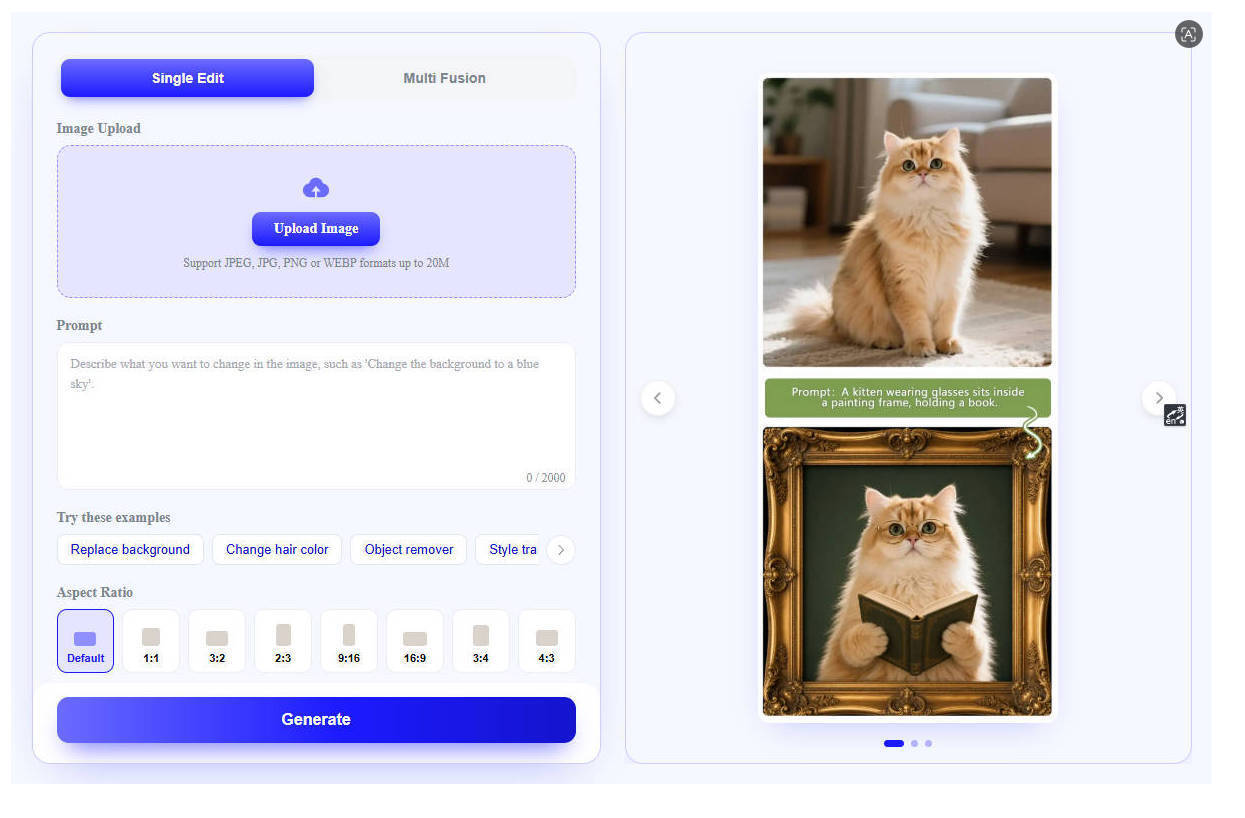
So I wasn’t expecting much when I stumbled across a free AI image editor called EZ Img Editor. Honestly, it just showed up while I was searching for a faster way to clean up an image. I didn’t plan to stick with it or even write about it later.
But I tried it anyway because I already had the image open.
What surprised me first was how little friction there was. I didn’t have to create an account or go through a setup process. I just uploaded the image and started experimenting. For someone who mostly edits anime-related content for fun, that alone already made it feel more usable than a lot of other tools.
The first thing I tested was background cleanup. A lot of anime images, especially screenshots or fan art reposts, come with messy backgrounds or elements that distract from the main character. I wanted to see if it could handle those situations without making the image look artificial.
The results were better than I expected. It wasn’t perfect, but it handled edges like hair and soft shading surprisingly well. Anime images are usually tricky because of the way outlines and colors blend, so I expected some obvious mistakes. But most of the time, the output was clean enough that I could use it directly for posting without needing to fix it manually.

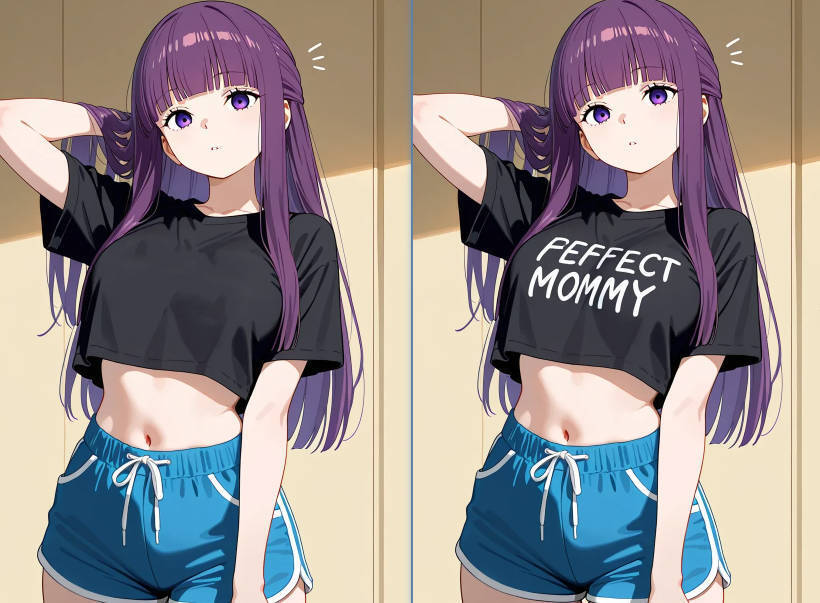
Then I tried removing small objects from a few images. Sometimes it’s just random things in the frame that break the aesthetic I want for a post. I selected the area and let the tool process it. In most cases, the result looked natural enough that I didn’t feel the need to redo it. For casual posting, that level of quality is more than enough.
I also tested it on a few older anime screenshots I had saved on my device. Some of them were low quality or slightly compressed from being shared too many times. The enhancement feature helped a bit with clarity. It didn’t magically turn them into high-resolution artwork, but it did make the images feel cleaner and more presentable.
What stood out to me the most wasn’t any single feature—it was how simple everything felt. There was no learning curve. No complicated menus. No feeling that I was using something designed only for professionals or designers. It felt more like a tool made for quick, everyday use rather than serious production work.
And I think that matters a lot for people like me who just enjoy editing anime images casually. I’m not trying to create commercial-grade visuals. I just want my posts to look nice when I share them in communities or with friends. A lot of tools don’t really understand that middle space between “too basic” and “too professional.”
I still use more advanced software when I need precision or full control. But for quick edits, especially when I just want to prepare something for posting, this kind of tool fits surprisingly well into my workflow.
I wouldn’t say it replaces anything I already use, and I don’t think it’s meant to. But it does remove a lot of small frustrations—like waiting for slow tools, dealing with login walls, or struggling through unnecessary features when all I need is a simple fix.
After using it a few times, I found myself going back to it more often than expected. Not because it’s revolutionary, but because it’s convenient in a very specific way.
It feels like one of those tools you don’t plan to keep, but eventually realize you’ve bookmarked because it quietly saves time whenever you need to clean up or adjust an image before posting.





Top comments (0)