


I’ve been seeing Image to 3D model tools everywhere lately—promising to turn a single photo into a usable 3D model in minutes. It sounds almost too convenient, so I decided to spend some real time testing a few of them in a practical way, not just for demos but for actual workflow use.
After a few days of experimenting, here’s the honest takeaway:
these tools are no longer just impressive—they’re actually useful. But they’re also not quite the magic button they’re sometimes marketed as.
First Try: Surprisingly Smooth, Slightly Misleading
Getting started is easy. Most tools follow the same pattern: upload an image (or a few), pick a quality setting, and wait. My first test was a simple desk object with clear geometry—nothing tricky.
The model came back in a few minutes.
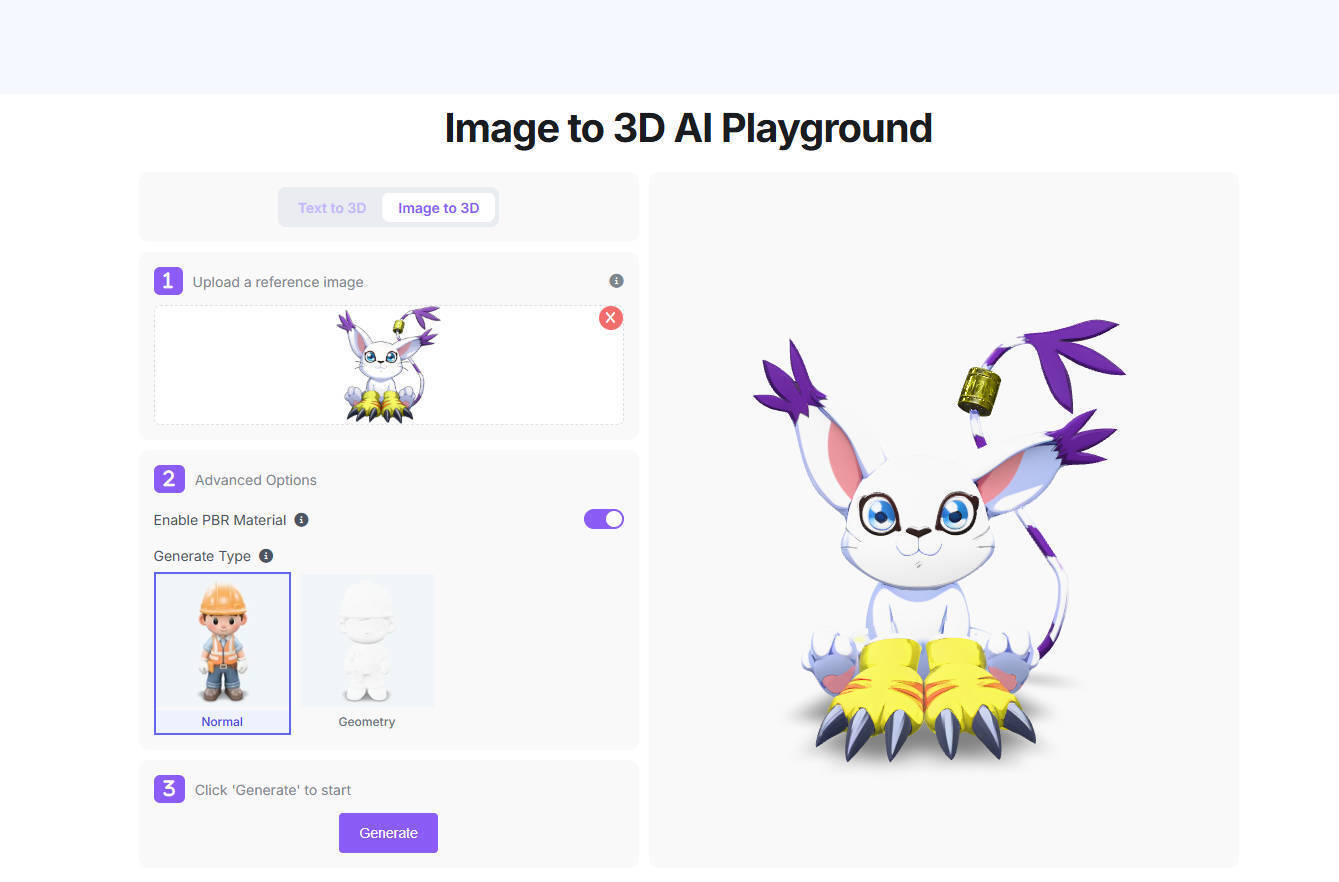
At a glance, it looked solid. The silhouette was accurate, proportions felt right. But once I rotated it, the illusion broke a bit. The back side, which wasn’t visible in the original image, was clearly reconstructed with guesswork. Some edges were softened, and small details didn’t quite hold up.
That said, it wasn’t bad—it just wasn’t complete.
Switching to multi-angle images made a big difference. The more visual information you give the model, the less it has to “invent.”
Where It Works Well (And Where It Doesn’t)
After running different types of images through the tools, a few patterns became obvious:
Clean, structured objects (furniture, gadgets) tend to work best
Organic subjects (people, animals) are hit or miss
Reflective, transparent, or soft materials often confuse the model
This matters depending on what you want to use the output for.
If your goal is quick prototyping or visual exploration, the results are often more than good enough. But if you’re expecting production-ready assets straight out of the tool, you’ll likely be disappointed.
Not a Replacement—More Like a Shortcut
One thing that became clear pretty quickly: this isn’t replacing traditional 3D modeling yet. It’s more like a fast starting point.
The models export cleanly into standard formats, and you can bring them into Blender, Unity, or other tools without much friction. But most outputs still need some level of cleanup—topology fixes, texture adjustments, or minor structural corrections.
In other words, it saves time, but it doesn’t eliminate work.
What Actually Makes a Difference
A few practical things had a noticeable impact on results:
Image quality matters—but clarity matters more than resolution
Simple backgrounds help a lot
Consistent lighting improves accuracy
Multiple angles beat a single “perfect” shot
It’s less about having a high-end image and more about reducing ambiguity for the model.
Real Use Cases That Make Sense Today
After testing, these are the scenarios where Image to 3D tools genuinely feel useful right now:
Blocking out assets in early-stage game development
Creating rough product models for previews or mockups
Rapid iteration during design exploration
Generating base meshes for further refinement
In these contexts, the speed advantage is real—and noticeable.
A Few Frustrations Worth Mentioning
It’s not all smooth. Some recurring issues showed up:
Geometry can get messy, especially in complex areas
Hidden parts are often inaccurately reconstructed
Human figures are still unreliable
Results can vary a lot between similar inputs
You get the sense that the tool is doing its best—but still guessing more than you might like.
Final Thoughts: Already Useful
A year ago, this kind of tool would’ve felt like a tech demo. Now, it’s something I can actually see fitting into a real workflow—just not as a standalone solution.
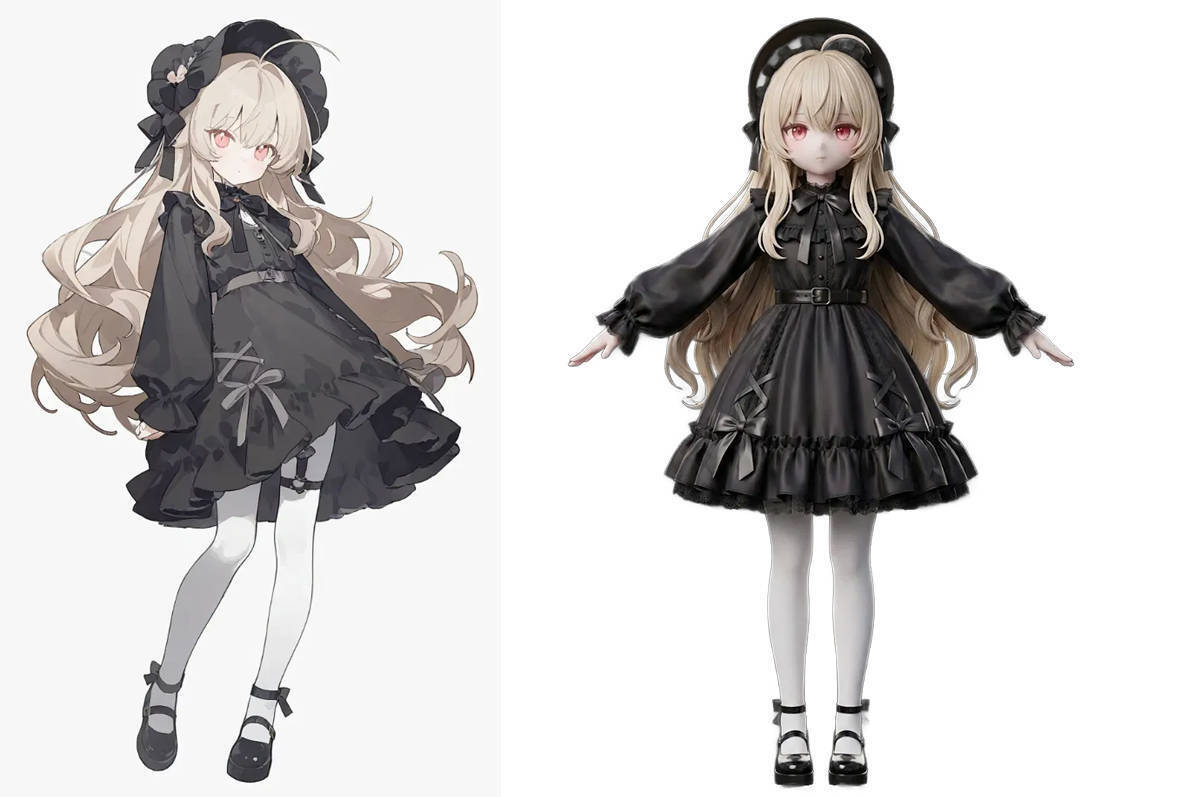
The way I’ve started using it is simple:
Generate a base model → clean it up → build on top of it
That alone cuts down a chunk of the early-stage modeling time.
So, is Image to 3D ready for serious use?
Yes—if you treat it as a helper, not a replacement.
And if the current pace of improvement continues, it probably won’t stay in that “helper” role for long.






Top comments (0)