
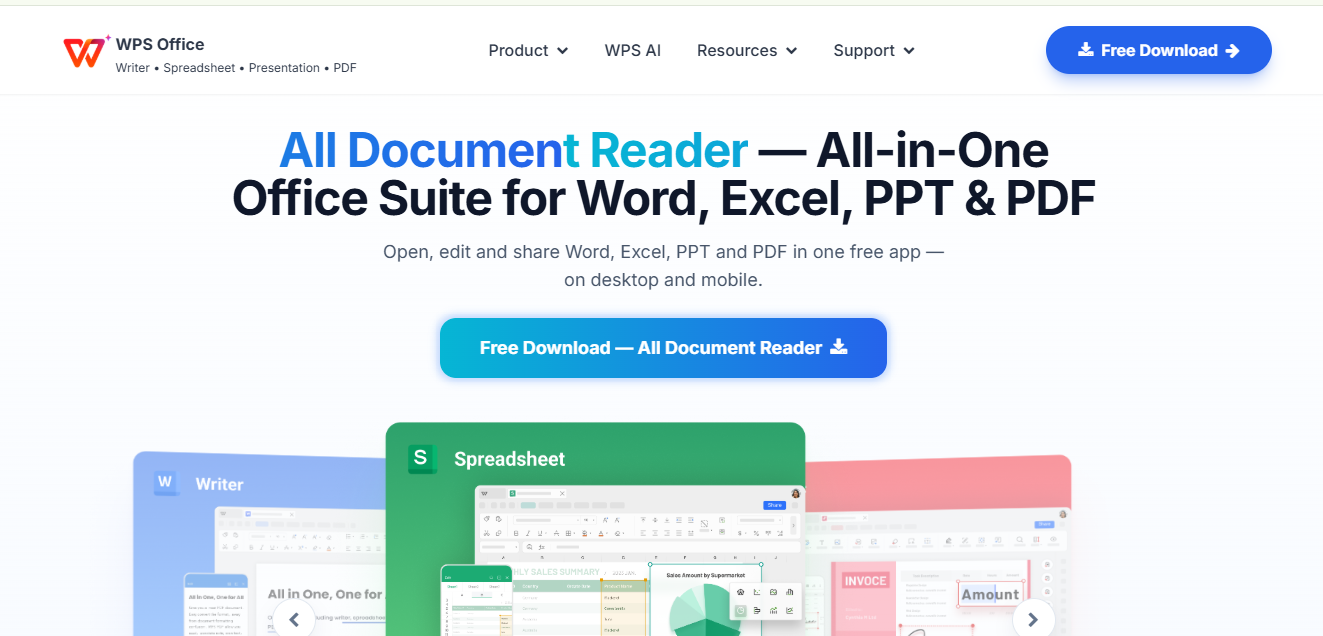

Get a free all document reader with WPS Office, an all-in-one office suite designed to open, create, edit, and manage different document formats in one application. Access Word documents, Excel spreadsheets, PowerPoint presentations, and PDF files without switching between multiple apps. Whether you need to read a DOCX document, edit an XLSX spreadsheet, view a PPTX presentation, or manage PDF files, WPS Office provides familiar tools for handling your everyday document tasks.
https://www.wps.com/feature/all-document-reader/
Download WPS Office and use its built-in Writer, Spreadsheet, Presentation, and PDF applications as your all-in-one document reader and editor. Open, create, edit, save, convert, and share documents with support for popular Microsoft Office formats, built-in PDF tools, cloud synchronization, and AI-powered features. Access your files across desktop and mobile devices with one convenient office application.
Features
Open and Edit Multiple Document Formats: Read and edit Word, Excel, PowerPoint, and PDF files in one application, with support for popular formats such as DOC, DOCX, XLS, XLSX, PPT, PPTX, and PDF.
Create and Manage Documents in One Workspace: Use WPS Writer, Spreadsheet, and Presentation to create and edit documents, spreadsheets, and presentations without installing separate applications.
Use Built-in PDF Reading and Editing Tools: Annotate, sign, merge, split, and convert PDF files into editable Word, Excel, and PowerPoint formats.
Organize and Access Documents Across Devices: Find and manage documents with file search, favorites, and cloud synchronization across supported desktop and mobile platforms.
Work More Efficiently with WPS AI: Use built-in AI features to summarize PDFs, draft and proofread documents, and generate presentation slides.





Top comments (0)