

Hook
A lot of my AI video projects fail before I even generate the first clip.
Not because of the video model.
Because I don't have a clear visual direction.
Sometimes I have an idea in my head, but I don't know:
- what the scene should look like
- what camera angle works best
- whether the mood feels right
- how the character should appear
So I started looking for a faster way to visualize ideas before moving into video generation.
What
Recently I started experimenting with Grok Imagine 1.5.
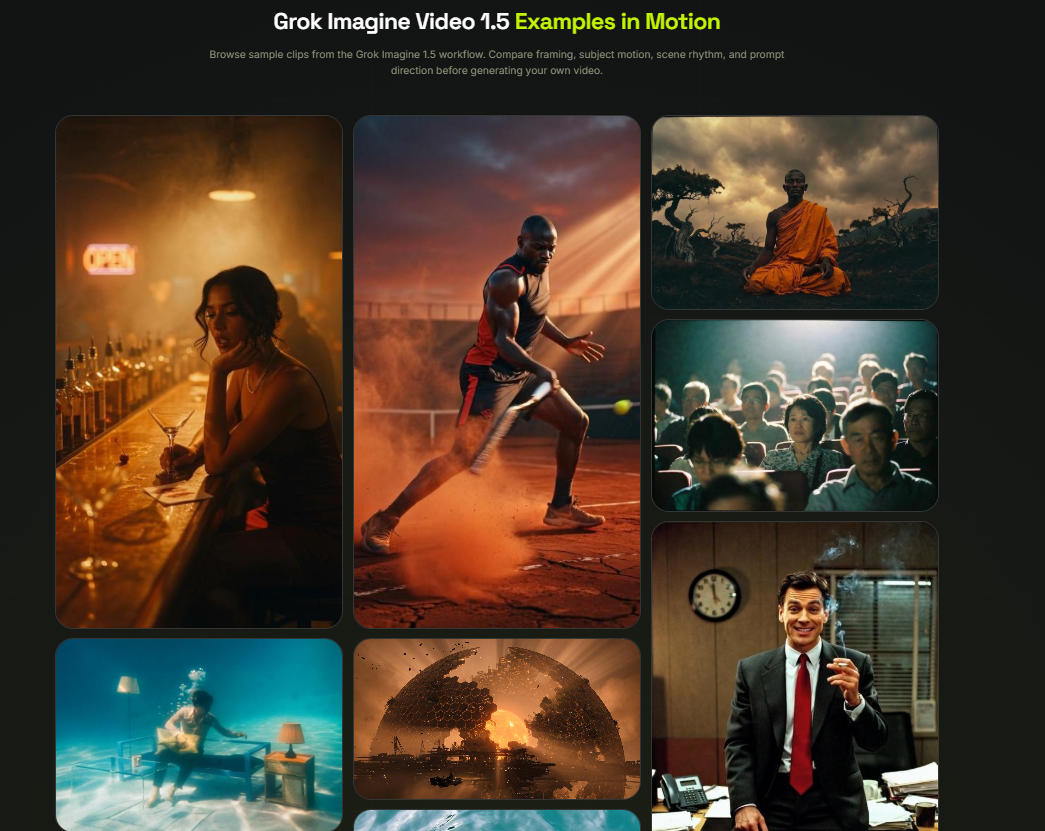
Instead of treating it as an image generator, I use it as a storyboard tool.
The features I found most useful are:
- Text-to-image generation
- Multiple visual styles
- Cinematic scene creation
- Image-to-video workflow preparation
- Rapid concept exploration
The goal isn't creating final artwork.
It's reducing creative uncertainty.
How
Step 1: Start With a Story Idea
Example:
A detective investigating a cyberpunk city at night.
Nothing complicated.
Just one sentence.
Step 2: Build a Visual Prompt
Instead of describing objects, I describe the scene.
Example:
cinematic wide shot, rainy cyberpunk street, neon reflections, lonely detective, atmospheric fog, film-noir lighting, realistic composition
Recent Grok Imagine prompting guides recommend focusing on mood, lighting, environment, and camera direction instead of simply listing objects.
Step 3: Generate Multiple Variations
I usually generate:
- wide shot
- close-up
- character portrait
- environmental shot
This helps me understand the visual language of the project.
Step 4: Choose a Direction
Once I find a style I like, I use those images as references for later video generation.
This saves a lot of trial and error.
Prompt Example
One prompt that worked surprisingly well:
cinematic alley at night, neon reflections on wet pavement, detective standing under glowing sign, atmospheric fog, dramatic lighting, movie still aesthetic
Simple prompts often produce more controllable results than giant keyword lists.
Use Case
This workflow has been useful for:
YouTube Creators
Planning thumbnails and intro scenes.
AI Filmmakers
Testing story ideas before generating videos.
Social Media Creators
Creating visual concepts for short-form content.
Marketing Teams
Exploring campaign concepts quickly.
Why
The biggest benefit wasn't image quality.
It was decision-making speed.
Instead of wondering:
"Will this scene work?"
I can see multiple visual directions within minutes.
Grok Imagine also supports both image generation and image-based animation workflows, making it useful as the first stage of a larger content pipeline.
Final Thoughts
I've stopped treating AI image tools as art generators.
Now I use them as creative planning tools.
If you're building AI videos, storyboards, thumbnails, or visual concepts, try creating images first and refining the visual direction before moving into production.
You may end up spending less time regenerating content and more time creating.



Top comments (0)