
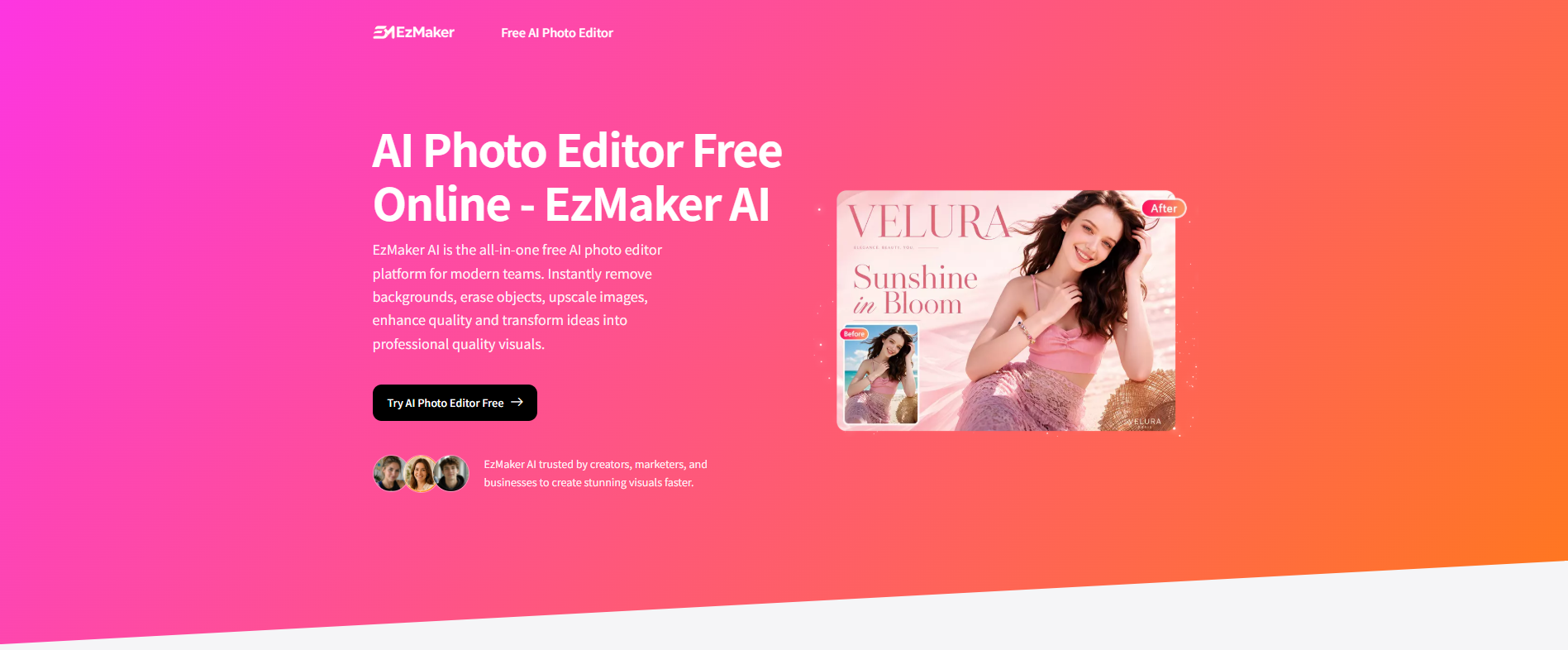
Historically, creating professional visuals required either a heavy, expensive Photoshop subscription or hitting an aggressive paywall on "freemium" online AI tools just when you’re in the middle of a tight deadline.
Enter EzMaker AI—a 100% free, unlimited, and privacy-first AI photo editing platform designed to handle your entire team's image editing workflows in seconds.
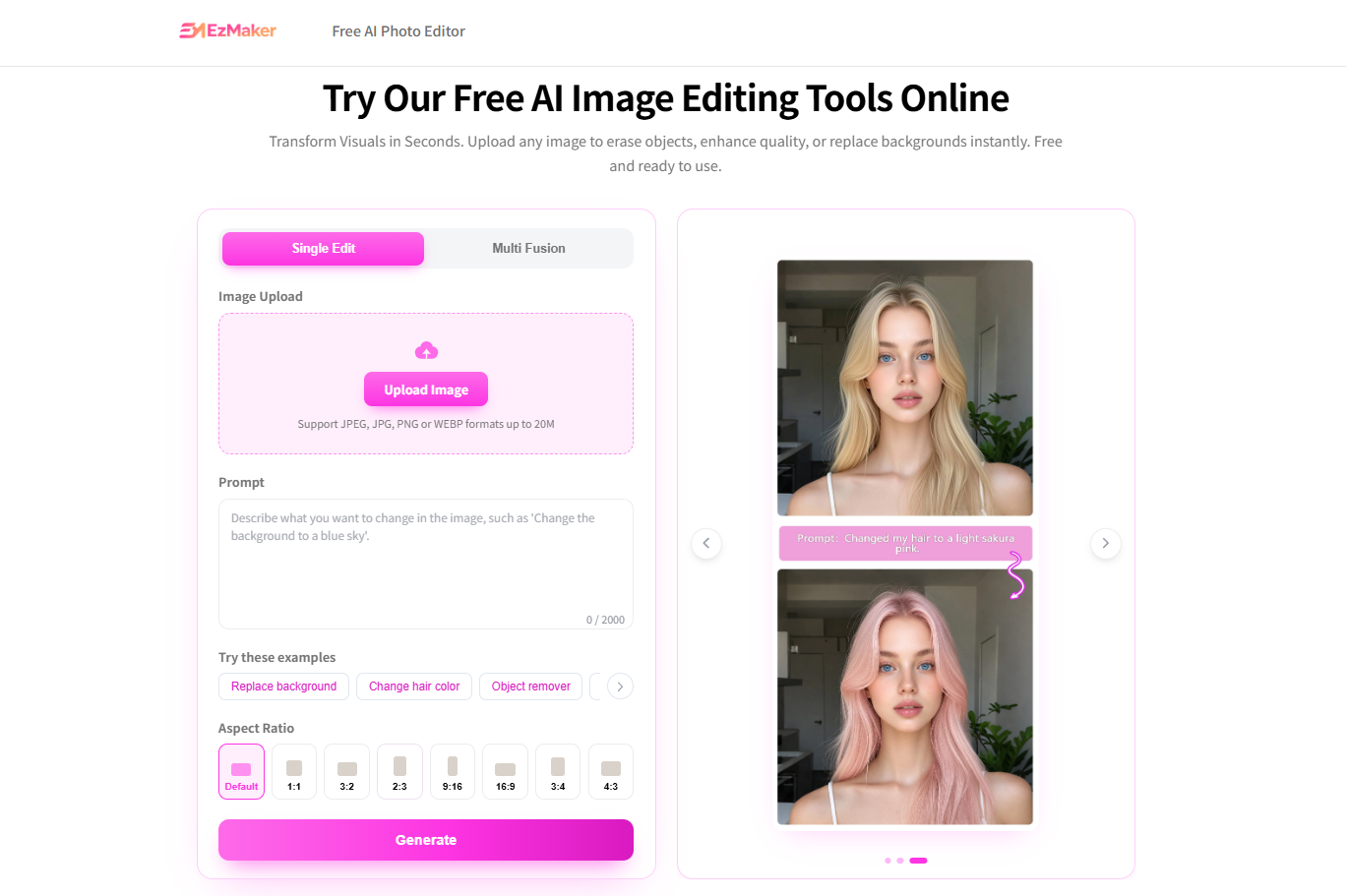
🛠 The Friction with Modern AI Photo Editors
If you’ve used online AI photo tools recently, you’ve likely run into the same three frustrating roadblocks:
The "Free" Bait-and-Switch: They claim to be free, but blur out your high-resolution download behind a VIP paywall.
Account Fatigue: Forcing you to sign up via email or OAuth just to make a simple 2-second background crop.
Privacy Concerns: Hidden terms of service that allow the platform to keep your uploaded corporate or personal images to train their third-party models.
EzMaker AI was built to break this cycle. Here is a breakdown of why it is becoming the go-to tool for modern agile teams.
🎨 Key Feature 1: Seamless Object Removal with Magic Eraser
Photobombing strangers, cluttered backgrounds, unwanted text, or stubborn watermarks embedded in images used to require complex clone-stamps and layering.
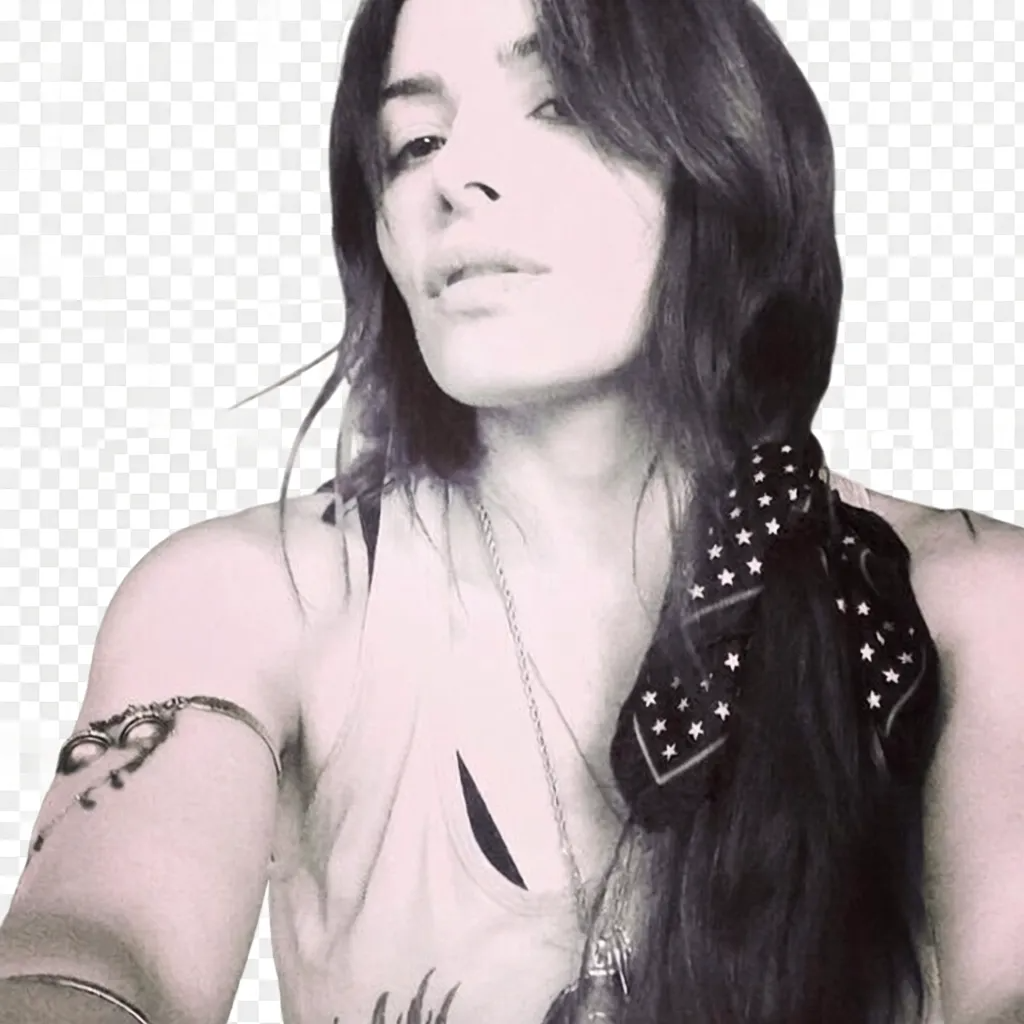
With EzMaker AI’s Magic Eraser, you simply use your mouse or finger like a brush to paint over the target area. The AI instantly analyzes the surrounding textures, deletes the unwanted object, and seamlessly fills in the background context.
Before:
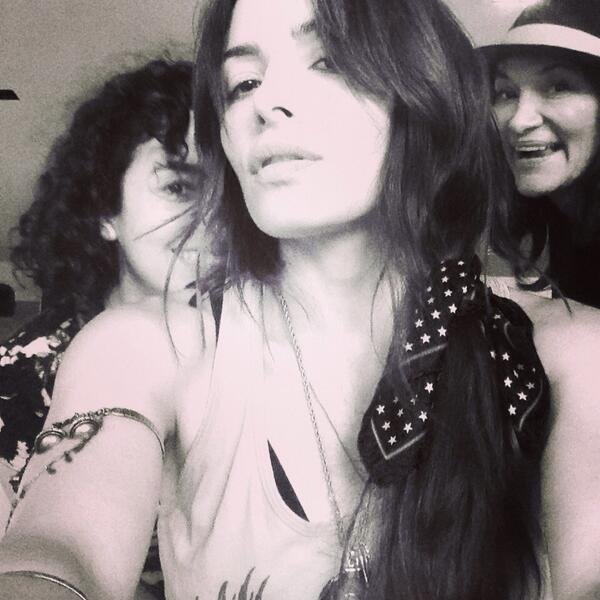
After:
✂️ Key Feature 2: Pixel-Perfect AI Background Remover & Image Expander
Extracting complex subjects—like fine strands of hair, transparent glassware, or intricate product edges—is notorious for looking "choppy" on sub-par editors. EzMaker AI processes these edges flawlessly in a single click. You can replace the background with a solid white canvas for e-commerce listings or drop in a custom scene.
Need to change your image aspect ratio? Instead of cropping out critical details, the AI Image Extander intelligently outpaints and generates new, matching context on the sides—perfect for turning a square photo into a widescreen banner or a vertical poster without stretching.
🚀 Key Feature 3: Image Enhancer & 4K Upscaler
Do you have a low-resolution user icon, a blurry smartphone photo, or a vintage graphic that needs to go onto a high-definition presentation?
EzMaker AI’s enhancer eliminates compression noise, sharpens text textures, restores facial details, and can upscale images by 2x, 4x, or even 8x with a single click—making them instantly ready for high-resolution large-screen displays or printing.
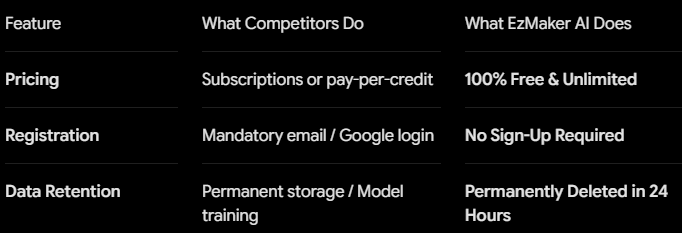
🔒 Built for Enterprise & Privacy-First Teams
Beyond the creative features, EzMaker AI stands out in how it handles user data:
📖 Step-by-Step Guide: How to Use EzMaker AI-Just Three Steps
Step 1: Upload Your Asset
Simply drag and drop your image file straight into the browser canvas. EzMaker AI supports all major image formats, including JPG, PNG, and WebP.
Step 2: Enter Your Editing Instructions
Use simple brush strokes or direct commands (like "remove background," "erase object," or "enhance quality"). The editor automatically recognizes your request and executes it server-side on high-performance GPUs.
Step 3: Download HQ Visuals
Within seconds, your high-resolution, unwatermarked asset is ready for download. Perfect for immediate deployment to product listings, marketing funnels, or code repositories.
🏁 Try it Yourself
You don't need a corporate credit card or a designated graphic designer to get professional-grade visuals anymore. EzMaker AI gives you premium, unlimited AI-powered editing features without the subscription fatigue.
👉 Give it a try today (No strings attached): [https://ezmaker.ai/]
Have you integrated AI photo tools into your team's design asset creation pipeline yet? Drop a comment below and let us know your favorite workflow hacks!


Top comments (0)