
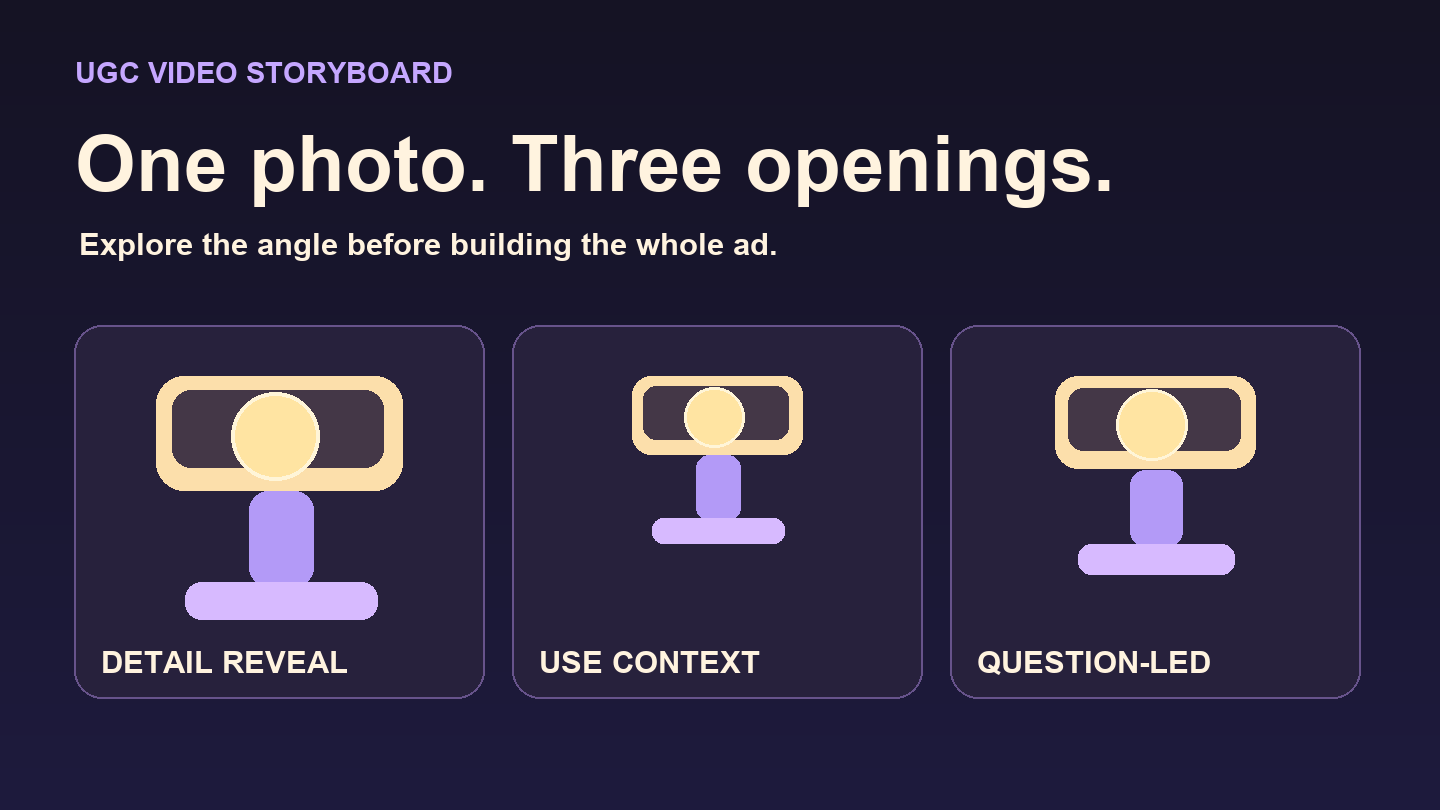

You have one good product photo and three ideas for a short ad. Before you edit three full videos, make three versions of the opening. A few seconds is enough to see whether the product reads clearly, whether the framing makes sense, and where you need real footage.
The example uses a fictional clip-on reading light with a cream housing, a round lamp head, and a lavender clamp. Its selling point is simple: it clips to a book. Before making that claim in a real ad, check that the light fits the book you plan to show.
Disclosure: This tutorial was prepared to introduce UGC Maker. The examples are illustrative.
Choose a reference that shows the feature
Pick a three-quarter photo that shows the head, the clamp, and where they connect. If the clamp is hidden, take a better photo before prompting. Asking a model to show the back or underside from one image gives it room to invent hardware.
List the parts you would notice if they changed. For the light, keep the housing cream, the lamp head round, and the clamp lavender and in the same place. Leave battery life, brightness, and supported cover thickness out of the brief unless you can verify them.
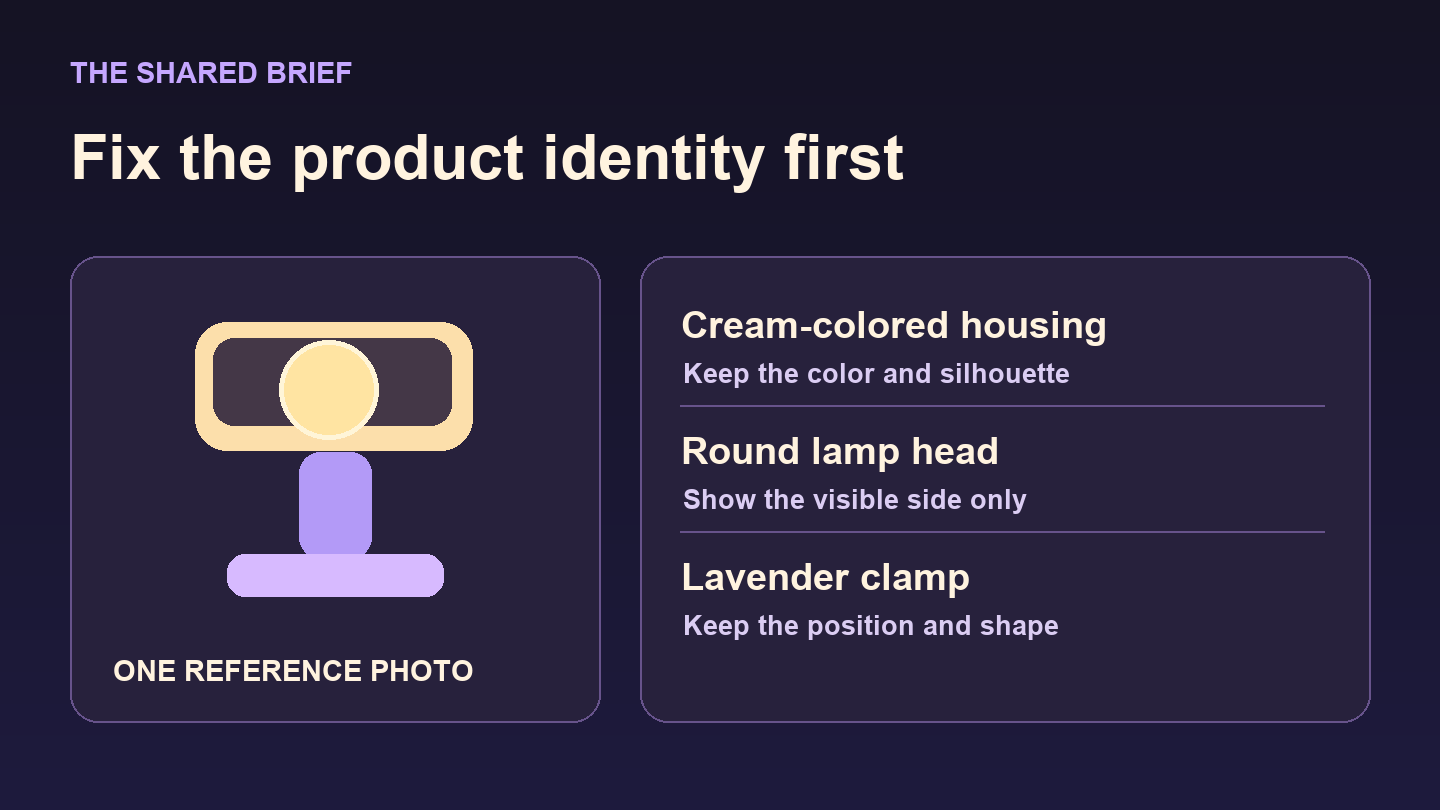
A shared reference brief for the fictional reading light. The drawing stands in for the photo you would supply.
Reuse one prompt, then change the opening
Use the same photo and base prompt for all three clips. Keep the model, duration, aspect ratio, and other available settings fixed. Then add one of the three opening directions below. The opening concept changes; the product brief stays the same.
Base prompt
Use the uploaded photo as the reference for the clip-on reading light. Preserve the cream housing, round head, and lavender clamp, including their shapes and positions. Stay on the visible side of the product. Use soft indoor light and a simple tabletop. One continuous shot. Do not add text, narration, or accessories to the light.
A. Detail reveal: show the clamp first
Open on a close-up of the lavender clamp with part of the cream housing visible. Hold focus on the clamp, then ease back slightly to show the light. Keep the clamp still and unobstructed.
This angle works as a concept if the detail is easy to recognize. Watch the opening at phone size. If the close-up looks like a floating purple shape, start a little wider so the viewer can place it.
B. Use context: put the light beside a book
Open at tabletop height with an open book in the foreground and the light beside it. Keep the book and clamp both visible from the first frame. Hold the framing without hands, page turning, or changes in lighting.
The book gives the scene a purpose. If the ad needs to show the clamp attaching to a cover, film that action with the real light and cut to it after the opening. A staged shot beside the book does not demonstrate the attachment.
C. Question-led: leave room for a line
Open with the light on the right side of the frame and the clamp visible. Leave an uncluttered area on the left for a question overlay. Hold the composition. Do not render the text.
Add the question in your editor. For the fictional reading light, try “Need a light for one more chapter?” Keep it short enough to read during the opening. Check it in the actual crop you plan to post, where platform controls may cover part of the frame.
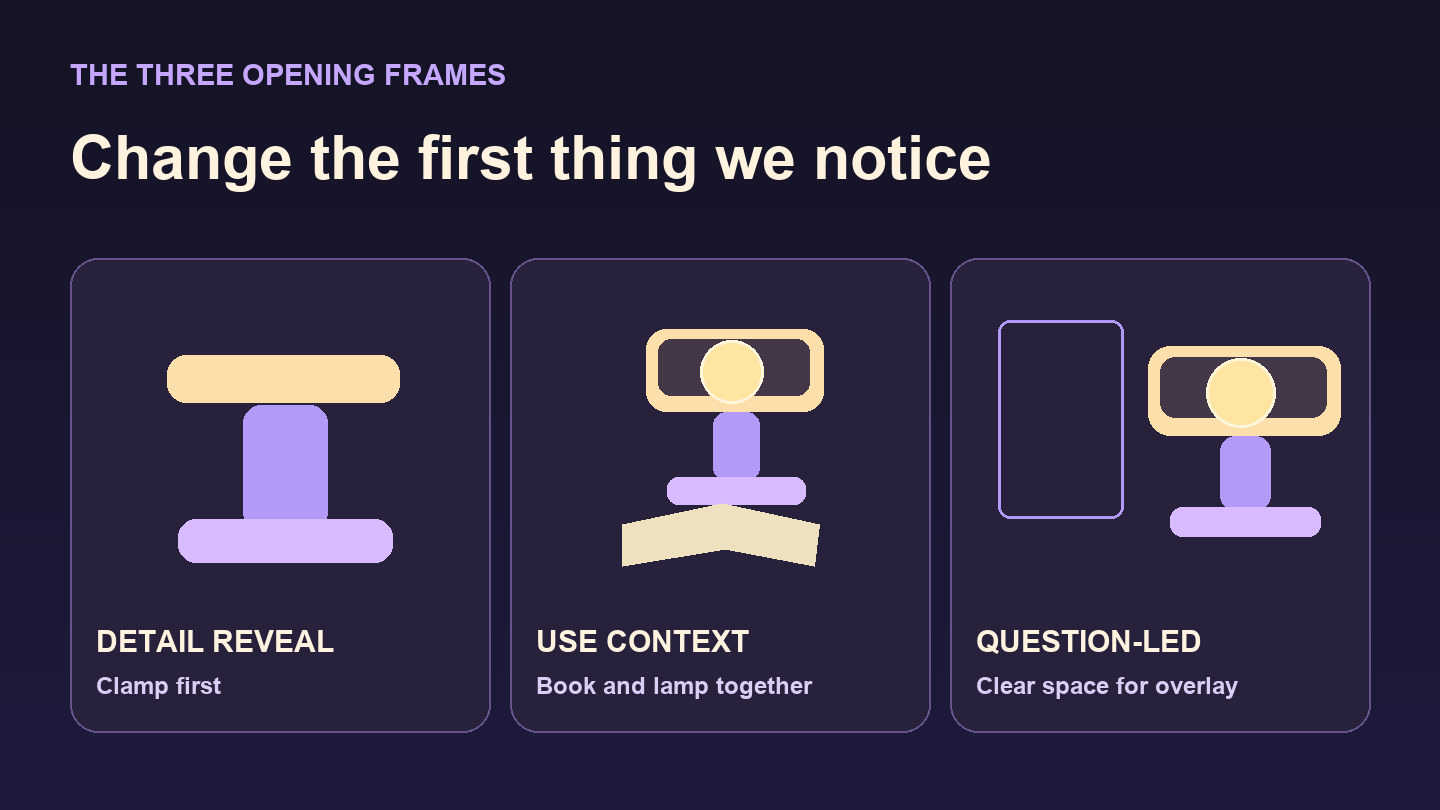
Three possible first frames, illustrated as storyboards.
Compare the drafts before committing to an edit
The UGC Maker ad generator accepts a product image and a prompt. Submit each direction separately with the same photo and available settings. Name the clips A-detail, B-context, and C-question so you can trace each clip to its brief. Review the same opening window for each, muted and at phone size. For the question-led version, include the text overlay in the review.
Give each draft one point for each yes:
- Readable: Can you tell what to look at before the opening ends?
- Faithful: Do the head, housing, and clamp match the reference through the visible movement?
- Accurate: Can you back up what the clip implies with the real product?
Drop clips that fail fidelity or accuracy, even if they look polished. If two drafts pass, choose the one that needs the least explanation and cuts cleanly to a real demonstration. Save the prompt with the chosen clip so you can return to the same brief later.
You now have a candidate for editing. To find out which opening performs better with viewers, compare finished versions that use the same body footage, offer, and call to action. Judging the drafts gets you to that test without editing three complete ads first.




Top comments (0)