
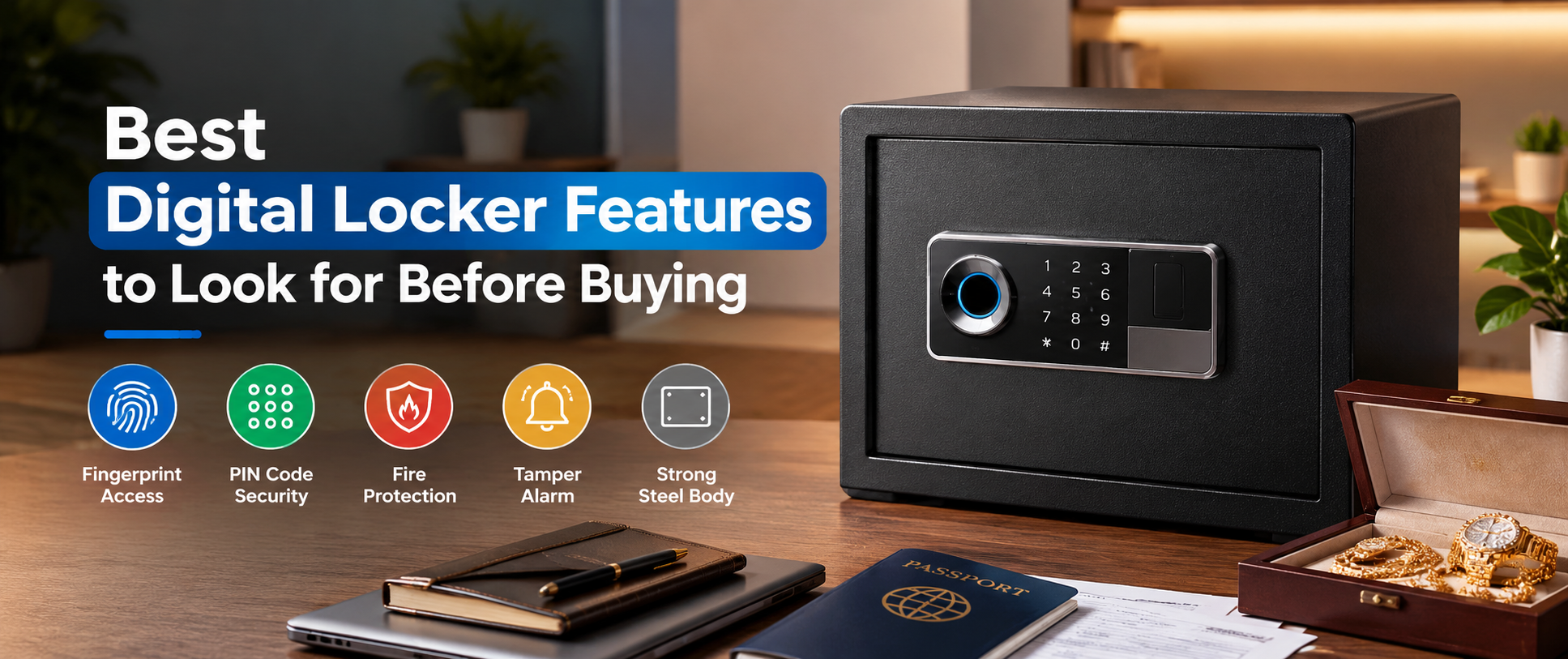

Keeping valuable belongings safe at home or in the office requires more than placing them inside a cupboard or drawer. Cash, jewellery, passports, property documents, business records, and other personal items need proper storage with controlled access. A digital locker offers a convenient way to protect these belongings through electronic locking systems such as PIN codes and fingerprint recognition.
However, choosing a digital locker can be confusing when different models offer different security features. Some focus on fingerprint access, while others include password protection, emergency keys, reinforced steel construction, or fire-resistant materials. The right choice depends on what you want to store, where you plan to install it, and how frequently you need access.
Understanding the best digital locker features to look for before buying can help you compare available models and avoid paying for features you may not need. Here are the main things worth checking before making a purchase.
Which Digital Locking System Offers Better Security?
The locking system is one of the first features to consider when buying a digital locker. It controls how users access the safe and determines which authentication methods are available.
Electronic keypad locks are common in digital lockers. They allow users to enter a personal PIN code to open the door. This system is relatively simple to operate and works well for people who prefer password-based access.
Fingerprint locking systems offer another way to access stored belongings. Instead of entering a code, registered users can unlock the safe using their fingerprints. Some models also combine fingerprint recognition with password access, giving users an alternative method when one system is unavailable.
For home use, a PIN-based or fingerprint-enabled locker may be sufficient. Offices with multiple authorised users may benefit from models that support multiple access methods. Before purchasing, check the available unlocking options and whether the manufacturer provides a reliable backup method.
Is Fingerprint Access Worth Having in a Digital Locker?
Fingerprint access can make a digital locker easier to use, particularly when you need frequent access to important belongings. It removes the need to remember a password every time you open the safe and reduces the need to carry a physical key.
This feature can be useful for storing jewellery, cash, personal documents, and other items that you access regularly. Depending on the model, the system may allow you to register several authorised fingerprints.
However, fingerprint recognition is not without limitations. A dirty scanner, wet fingers, damaged fingerprints, or sensor problems may prevent successful recognition. This is why a digital locker should ideally include an alternative unlocking method, such as a password or emergency key.
When comparing fingerprint digital lockers, check how many fingerprints it supports and what backup access options are available. A convenient fingerprint system should make daily access easier without leaving you dependent on a single unlocking method.
Why Are Emergency Keys Important?
An emergency key is a useful backup feature in an electronic safe. Digital lockers generally depend on batteries to operate their electronic locking systems. If the batteries become completely exhausted or the keypad stops responding, accessing the locker may become difficult.
Some models include physical override keys that allow users to open the safe when electronic access is unavailable. Other models may support an external battery connection to temporarily restore power.
Before buying, check whether the emergency key is included and how the backup unlocking process works. Also check whether the locker provides a low-battery warning so you can replace the batteries before they run out.
Keep the emergency key somewhere secure and separate from the locker. This small precaution can prevent unnecessary problems when you need access to your stored belongings.
How Important Is Steel Body Construction?
A digital locking system controls access, but the safe's physical construction also matters. A locker with an electronic keypad may still offer limited protection if its door, body, or locking mechanism is poorly constructed.
Look for a model made from durable steel with a reinforced door and a suitable locking bolt mechanism. Also consider the quality of the hinges, door frame, and overall body construction.
Door thickness is one specification worth checking, but it should not be the only deciding factor. The strength of the complete structure matters because different parts of the locker contribute to its resistance against forced entry.
For storing important documents or valuable belongings, compare the manufacturer's construction specifications instead of choosing a locker based only on its external appearance.
Should You Buy a Fireproof Digital Locker?
A standard digital locker does not automatically provide protection against fire. Its electronic locking system controls access, while fire-resistant construction reduces heat damage to stored belongings.
If you plan to keep passports, certificates, legal papers, or other important documents inside a safe, fire protection may be worth considering. Some models use specialised insulating materials to help protect the contents during exposure to high temperatures.
Before buying a fire-resistant locker, check its stated fire-resistance rating, testing conditions, and protection duration. For example, a manufacturer may specify protection for 30 or 60 minutes under particular testing conditions. These specifications are more useful than simply relying on the word "fireproof" in a product description.
Also consider the internal dimensions. Important documents should fit comfortably without unnecessary folding or damage. If document protection is your main priority, compare the actual fire-resistance specifications before selecting a model.
What Storage Capacity Is Suitable for Your Needs?
Storage capacity directly affects how practical a digital locker is for everyday use. A compact safe may suit jewellery, cash, and passports, but it may not have enough room for larger documents or office records.
Before choosing a size, consider the belongings you intend to store. Pay attention to the internal height, width, and depth rather than relying only on the external dimensions. Doors and internal compartments can reduce usable storage space.
Some digital lockers include removable shelves or separate compartments that help organise different items. Soft interior lining can also help prevent jewellery and delicate belongings from getting scratched.
For office use, consider whether the locker can accommodate business documents, cash, and other items you may need to store later. Choosing the right capacity from the start can prevent the inconvenience of replacing the safe too soon.
Do Digital Lockers Need Tamper Alarms?
Tamper alarms add an extra layer of security by alerting nearby people when someone attempts unauthorised access. Depending on the model, an alarm may activate after repeated incorrect password attempts, vibration, or suspected physical interference.
For example, a wrong-password alarm can make repeated attempts to guess a PIN more noticeable. Some models also include vibration detection to alert users when the safe is being moved or disturbed.
These features can be useful in offices, commercial spaces, and homes where the locker is installed in an accessible area. However, alarm functions vary between products. Some only produce a local sound, while others may offer additional electronic features.
Don't assume every digital locker includes smartphone connectivity or remote security notifications. Check the product specifications to understand exactly how the alarm works and what types of activity can trigger it.
Why Should You Check Wall and Floor Mounting Support?
A digital locker can be heavy, but weight alone doesn't stop someone from moving it. Mounting support allows users to secure the safe to a suitable wall, floor, or other stable surface.
Many models include pre-drilled mounting holes, while some also provide anchor bolts for installation. Proper mounting can make it more difficult to remove the locker from its location.
For home use, a locker installed inside a suitable wardrobe or secured to a solid surface may be more practical. Offices may need a fixed installation in a location that authorised staff can access conveniently.
Before purchasing, check whether mounting holes and installation accessories are included. You should also consider the strength of the installation surface and follow the manufacturer's instructions for proper fitting.
How Long Does a Digital Locker's Battery Last?
Most electronic lockers use batteries to operate their keypads, fingerprint sensors, and electronic locking mechanisms. Battery performance is therefore an important consideration when comparing models.
The actual battery life depends on the locker design, battery quality, usage frequency, and electronic features. Some models include a low-battery warning that gives users time to replace the batteries before power runs out.
Check the required battery type, replacement procedure, and whether the model supports external battery access. Easy battery replacement helps reduce maintenance issues over time.
It is also a good idea to keep compatible spare batteries available. Follow the manufacturer's instructions rather than waiting until the electronic system stops responding.
Which Digital Locker Features Matter Most for Home and Office Use?
The best digital locker depends on what you want to protect. A homeowner storing jewellery and personal documents may prefer a compact fingerprint locker, while an office may need a larger model with stronger construction and more storage space.
For home use, prioritise convenient fingerprint or PIN access, emergency unlocking, and suitable internal capacity. If the locker will hold important documents, fire-resistant construction may also be worth considering.
For office use, pay closer attention to body construction, mounting support, storage capacity, and access management. A model with multiple unlocking options may be more practical when several authorised people need access.
The key is to match features to your actual needs. A more expensive locker isn't necessarily the right choice if its extra features don't serve your intended purpose.
What Should You Check Before Buying a Digital Locker in Bangladesh?
When comparing the Digital Locker Price in Bangladesh, look beyond the listed price. Two digital lockers may appear similar but offer different locking mechanisms, body construction, storage capacity, and additional security features.
Start by reviewing the product specifications and checking the dimensions, unlocking methods, battery requirements, emergency access options, and warranty information. If you need fire protection, verify whether the product has a clearly stated fire-resistance rating.
You should also consider where you'll install the locker and what you plan to keep inside. A small fingerprint safe may suit personal belongings, while a larger model may be more practical for office documents and business valuables.
If you are comparing models, you can explore digital locker prices in Bangladesh at Techland BD. The collection includes Deli digital lockers with different access methods and security features. Review the individual product specifications to find an option that matches your storage requirements.






Top comments (0)