
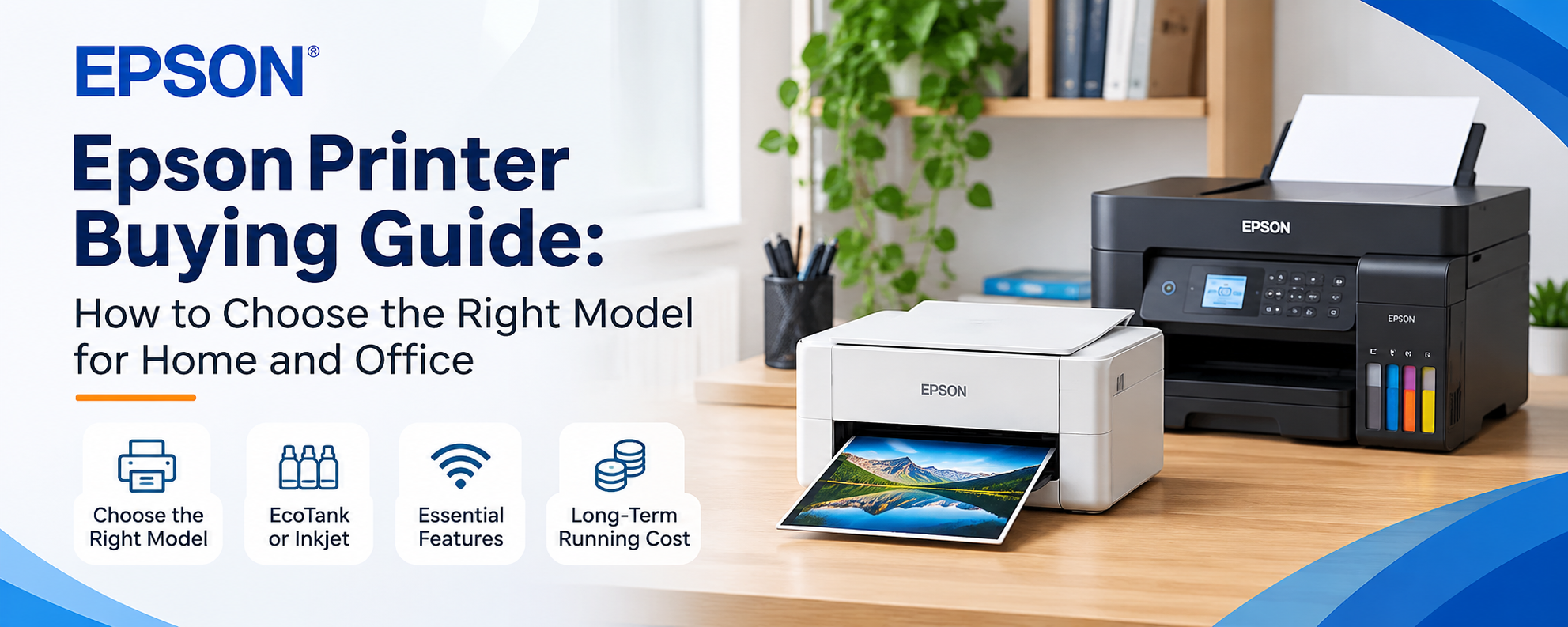

Choosing the right printer can make everyday printing easier and more cost-effective. Whether you need a printer for school assignments, office documents, business reports or occasional photo printing, Epson offers several options for different needs.
However, choosing a printer based only on its brand or appearance is not enough. You should consider your printing requirements, ink system, connectivity, available features and long-term running costs.
Here are some important factors to consider before buying an Epson printer.
1. Understand Your Printing Requirements
Start by identifying what you usually print. For home use: A compact ink tank or inkjet printer can handle assignments, forms, documents and occasional photos.
For students: A printer with affordable ink options and easy connectivity can be useful for regular academic printing.
For office use: Consider print speed, paper capacity, scanning and copying features.
For business use: Look for models with suitable document handling, network connectivity and higher printing capacity.
Your daily printing needs will help you narrow down the available options.
2. Choose Between EcoTank and Traditional Inkjet Printers
Epson offers different ink systems, including its popular EcoTank range.
EcoTank printers use refillable ink tanks instead of conventional cartridges. They suit users who print regularly and want to manage ink costs with refillable bottles.
Traditional cartridge-based inkjet printers may suit users with lighter or occasional printing needs. Before choosing, compare the printer's initial cost, compatible ink and expected printing volume.
3. Check the Features You Actually Need
Epson printers come with different features depending on the model. Some useful options include:
Wi-Fi connectivity: Allows wireless printing from supported devices.
Wi-Fi Direct: Connects compatible devices to a printer without a traditional wireless router.
Automatic duplex printing: Prints on both sides of the paper automatically.
Scanner and copier: Useful for digitising and duplicating documents.
Automatic Document Feeder (ADF): Helps scan or copy multiple pages without manually placing each page.
Borderless printing: Useful for printing photos without white margins on supported paper sizes.
Remember that these features are not available on every Epson printer. Always check the specifications of the exact model.
4. Consider Printing Speed and Quality
Print speed matters when you regularly print large documents. However, advertised speeds can vary depending on the document, print quality settings and connection method.
For everyday documents, standard print quality may be sufficient. If you plan to print photographs, graphics or colour-heavy materials, pay attention to print resolution, colour performance and supported paper types.
Choose a model based on the type of output you need most often.
5. Think About Long-Term Ink Costs
The cost of a printer is only one part of the overall expense. Ink replacement, maintenance and printing frequency also matter.
If you print frequently, an EcoTank model may be worth considering because its refillable ink system is designed for higher-volume printing. Check the compatible ink bottle series and official page-yield information before purchasing.
Using the correct ink and following the manufacturer's maintenance instructions can also help maintain print quality.
6. Check Connectivity and Compatibility
Think about how you will connect your devices.
USB connectivity is suitable for direct computer connections. Wi-Fi can make printing easier across supported laptops, smartphones and tablets. Some business-oriented models may also offer Ethernet for wired office networks.
Check operating system compatibility and supported Epson printing applications before deciding.
7. Choose a Printer That Fits Your Workspace
Printer size and paper handling are worth considering, especially for home offices and small businesses.
Check the printer's physical dimensions, paper input capacity and supported paper sizes. If you regularly print larger documents, make sure the model supports the paper format you need.
A compact printer may suit a small desk, while an office environment may benefit from a model with greater paper capacity and document-handling features.
Choose the right Epson printer
The right Epson printer depends on how often you print and what you need it to do. A basic model may be enough for occasional home printing, while students, offices and businesses may benefit from an EcoTank or multifunction printer with additional features.
Before purchasing, compare the available models, ink systems, connectivity options and specifications. Explore the Epson printer collection at TechLand BD to compare models and find an option that matches your printing needs.






Top comments (0)