
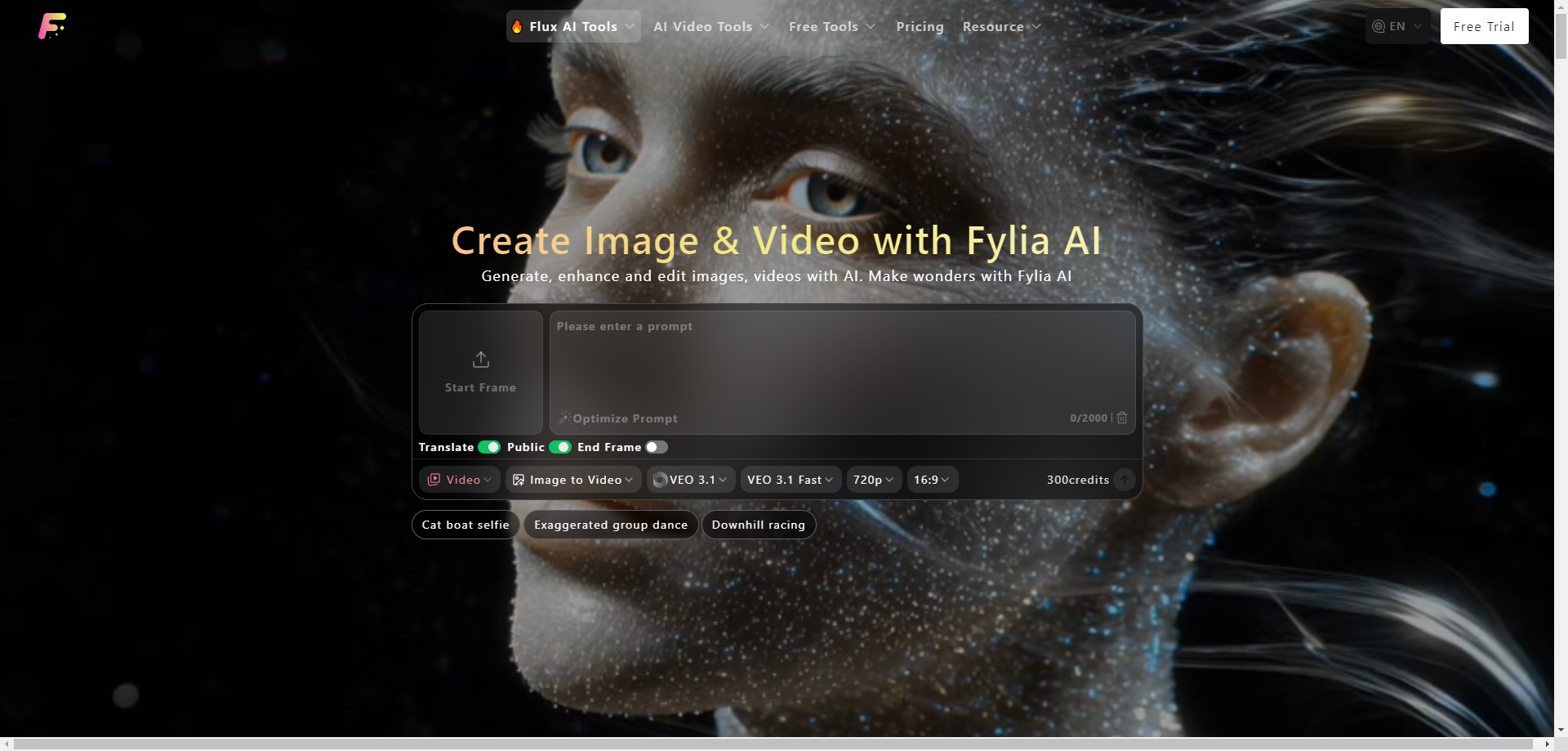

We all have moments when we wish we could instantly turn a thought, a memory, or a simple idea into something we can see and share. A quick photo of a product, an old family picture that needs restoring, or a creative concept for a new project. For a long time, making those ideas look professional meant either spending money on designers or struggling with complicated tools. Fylia AI changes that. It’s a straightforward, all-in-one platform that uses powerful artificial intelligence to help anyone create, edit, and bring images and videos to life.
Why Visual Creation Feels More Important Now
In our daily lives, visuals do a lot of the talking. Whether you’re sharing on social media, building a small business, teaching a class, or simply preserving a personal memory, good images and short videos make ideas easier to understand and more engaging. Fylia AI steps in as a helpful companion that removes many of the usual barriers. You describe what you want, upload a photo if you have one, and watch high-quality results appear in seconds.
The platform brings together some of the most advanced AI models, particularly the Flux series, known for speed, detail, and natural-looking outputs. It feels less like a complicated machine and more like a creative partner that listens to what you need.
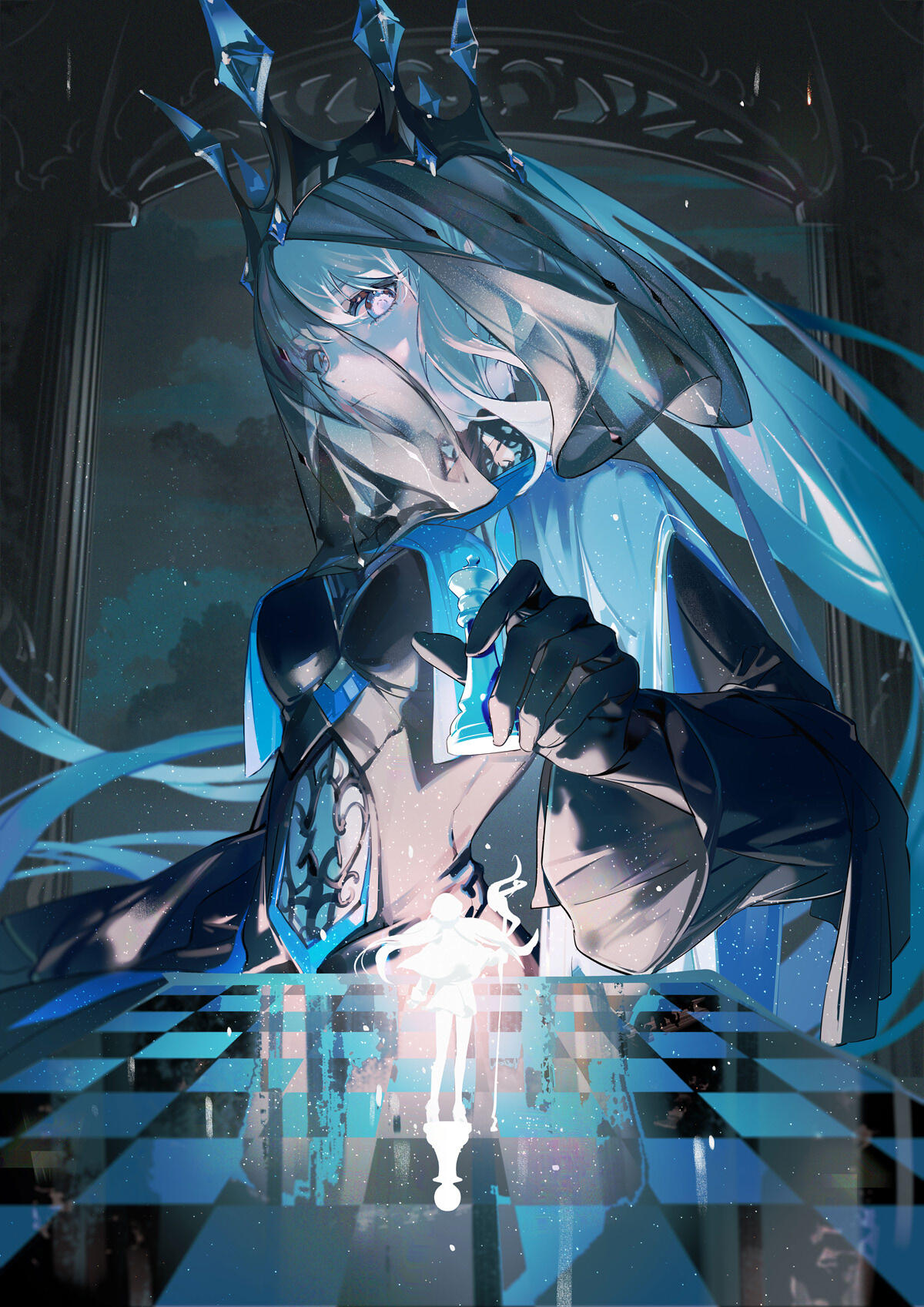
Core Features That Make Creation Simple
Fylia AI combines several powerful tools in one clean interface, so you don’t need to jump between different apps.
- Text-to-Image and Image-to-Image: Start with a written description or upload an existing photo. You can generate new scenes, refine what you already have, change backgrounds, adjust lighting, or experiment with different styles.
- Text-to-Video and Image-to-Video: Turn static ideas into short moving clips. Add gentle motion — steam rising, leaves swaying, or a slow zoom — without needing complex editing skills.
- Restoration and Enhancement: Bring old or low-quality photos back to life with clearer details and better colors.
- Specialized Tools: Swap outfits on figures, remove backgrounds instantly, upscale images for sharper results, or keep consistent characters and styles across multiple creations.
The Flux models stand out here. The Schnell version is excellent for quick experiments because it works very fast, while the Pro and Max versions deliver higher quality for more serious projects.
Free Tools That Let Anyone Start Right Away
One of the best parts of Fylia AI is how welcoming it feels for beginners and casual users. New users receive credits immediately, and several genuinely useful tools are available without paying:
- Background remover for clean, professional-looking shots
- Image upscaler to improve resolution and clarity
- Prompt generator to help you write better descriptions
- Image describer that analyzes your uploads and suggests improvements
You can also earn extra credits through simple daily check-ins. These free options make it easy to experiment, learn, and create without pressure.

When You Need More: Premium Credits and Practical Benefits
For bigger or ongoing projects, the credit system scales naturally. Premium generations offer higher resolution, no watermarks, full commercial usage rights, and secure storage for up to a full year. This becomes especially valuable when your visuals are used for business, branding, or public sharing.
The pricing stays transparent — you only use credits for what you actually generate, and different models consume credits at different rates. Lighter tools like Flux Schnell are gentle on your balance, while advanced video or high-detail options use more. It feels flexible and fair, matching the way most people create in real life.
How It Works in Everyday Moments
Getting started is refreshingly simple. Visit fylia.ai, sign up, and you’re ready to go. The interface stays clean and intuitive, never overwhelming. Choose your tool or model, type a description, upload an image if you want, make small adjustments, and download the result.
Many people use it for practical things like improving product photos, creating consistent social media content, restoring cherished memories, or turning ideas into short videos. Because it responds well to natural language, the more personal or detailed your prompt, the better the output tends to feel.
Creativity, Speed, and Keeping the Human Touch
Powerful AI tools naturally bring up an important question: How do we stay creative when results come so quickly? Fylia AI works best when you treat it as a collaborator rather than a replacement. The strongest results come from your own ideas, stories, and specific instructions. A vague prompt gives average results, while a thoughtful one — carrying emotion, detail, or personal context — produces something that feels meaningful and unique.
In the end, the technology doesn’t replace human imagination. It simply removes technical obstacles so that more people can express what’s already in their minds.
Ready to Bring Your Ideas to Life?
If you’ve ever stared at a blank screen wishing you could show others exactly what you’re imagining, Fylia AI offers a gentle and capable way forward. Start with the free tools to explore, then let your ideas grow from there.
Head over to fylia.ai and see what happens when a simple thought turns into something visual and shareable. You might be surprised how natural and enjoyable the process feels — and how much closer your ideas come to looking exactly the way you pictured them.






Top comments (0)