
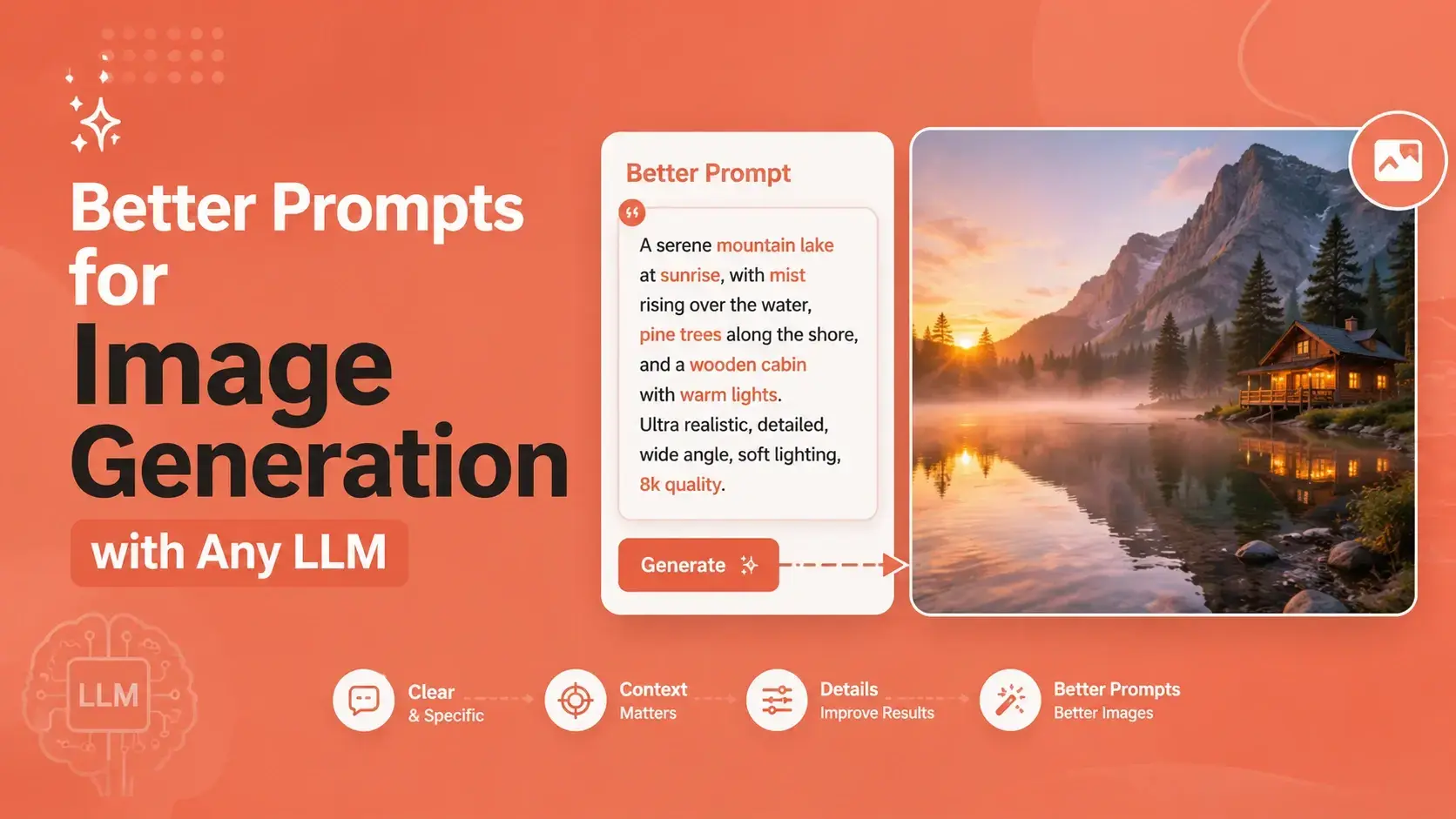

Every large language model that can generate images, from ChatGPT to Midjourney to Stable Diffusion, responds to the same basic truth. The output is only as good as the input. Weak, vague instructions produce generic or distorted visuals, while clear, structured prompts produce sharp, usable images.
This guide breaks down how to write better prompts for image generation, no matter which tool you are using.
Why Prompts for Image Generation Matter More Than the Model You Choose
People often assume that switching to a newer or more expensive model will fix bad results. In reality, most disappointing outputs come from unclear instructions, not model limitations. A three word prompt like "cat in rain" leaves too much open to interpretation. The model has to guess the mood, lighting, composition, and style, and it will guess differently every time. Detailed prompts of around thirty to fifty words tend to give far more control over composition, color, and texture than short, vague ones. Once you understand what a prompt needs to contain, you can move between tools without starting from scratch each time.
The Core Anatomy of Strong Prompts for Image Generation
A dependable image prompt is built from a handful of layered details rather than a single description. Most strong prompts stack four to six elements in a logical order, moving from the main subject outward to the technical finish.
Subject and Setting
Start with exactly what should appear in the frame and where it is placed. Instead of "a coffee mug," try "a matte black coffee mug sitting on a wooden cafe table near a window." The added context gives the model a scene to build around instead of a floating object.
Style and Medium
State whether you want a photograph, an illustration, a watercolor painting, or a 3D render. Naming an art movement or artist style, such as art deco or a specific painting technique, helps guide the visual language without needing extra words.
Lighting and Camera Details
For realistic images, describe the light source and direction, such as soft window light from the upper left, along with a lens type like a 35mm or an 85mm portrait lens. These small technical cues push the model toward natural depth of field and believable shadows instead of flat, artificial looking scenes.
Negative Prompts
Telling the model what to avoid is just as useful as describing what to include. Common exclusions are blurry, distorted, extra fingers, and watermark. Keep this list short and specific, since piling on too many negative terms can suppress detail you actually wanted to keep.
Prompts for Image Generation Across Different LLMs and Tools
Each major platform interprets prompts a little differently, so the same wording will not always produce the same result across tools.
Midjourney
Midjourney tends to reward compact, keyword rich prompts that flow in a clean structure, subject first, followed by style and lighting, with technical parameters added at the end for aspect ratio or rendering quality.
DALL-E via ChatGPT
Since DALL-E is built into a conversational model, it responds well to natural sentences rather than keyword stacks. You can describe a scene the way you would explain it to a person, and the surrounding chat context can be used to refine the image across follow up messages.
Stable Diffusion and Flux
Open models like Stable Diffusion and Flux generally need more explicit technical detail, including camera settings, texture descriptions, and a dedicated negative prompt field, since they rely less on conversational context to fill in gaps.
A Simple Workflow for Writing Better Prompts for Image Generation
A repeatable process saves time and produces steadier results. Begin by writing one clear sentence naming the subject and setting. Add a second layer describing style and medium. Add a third layer for lighting and camera details if the goal is a realistic image. Finish with a short negative prompt list. Generate the image, review what is missing or wrong, and adjust just one or two elements at a time rather than rewriting the whole prompt. This kind of small, controlled iteration is how creators and marketing teams consistently move from a rough draft to a production ready visual.
It is worth remembering that prompt writing for images shares a lot with writing for text based tools. Precision beats length, and structure beats guesswork. The same discipline that goes into formatting text correctly for a specific piece of software applies here too. Writers who publish in Urdu, for example, already understand this kind of precision, since converting text between encoding systems needs the same attention to detail. A resource like a unicode to inpage converter shows how the right tool, paired with a clear process, removes friction that would otherwise slow down publishing work.




Top comments (0)