
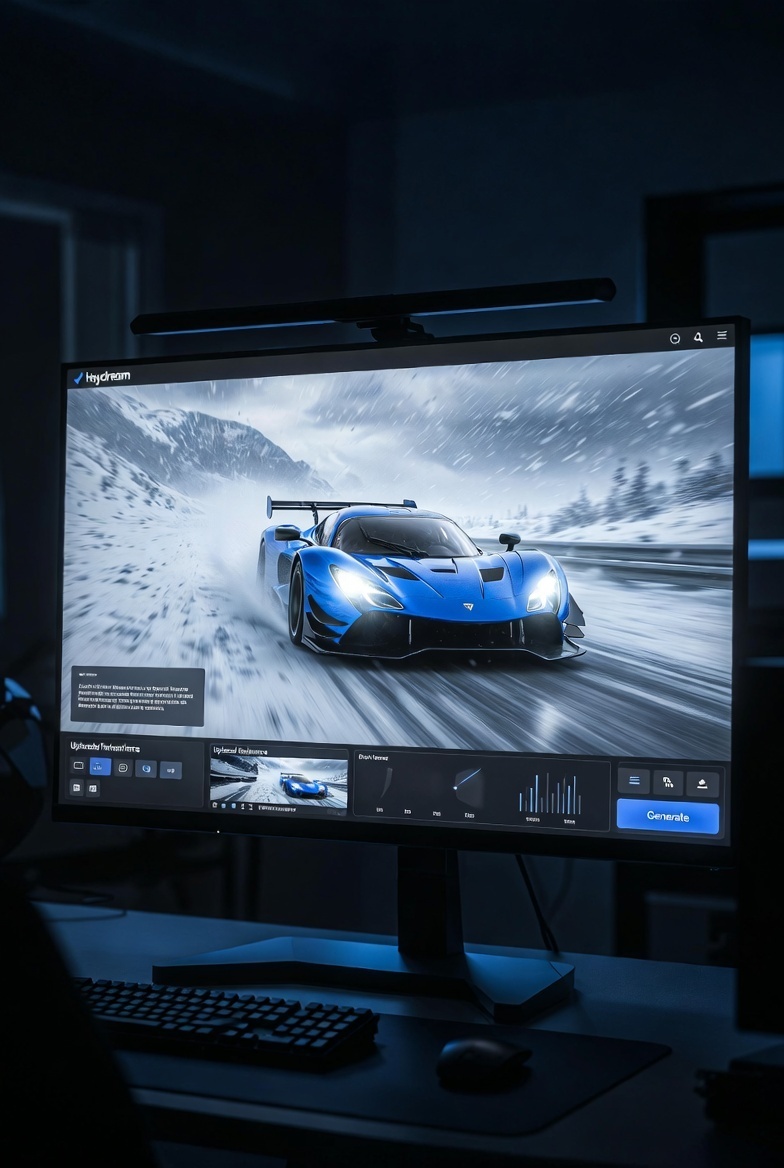

If you’ve ever sat down with an idea for a video — a story, a product demo, a wild concept — only to realize you don’t have the budget, the crew, or the months it takes to turn that idea into something that actually looks and sounds professional, then Seedance 2.0 on Heydream AI is about to change how you create forever.
Released by ByteDance’s Seed AI team in early 2026, Seedance 2.0 isn’t just another AI video tool that spits out short, glitchy clips. It’s built like a real director’s brain: it understands physics, lighting, camera language, character consistency, and narrative flow. Most importantly, it generates video and audio at the exact same time, so everything syncs perfectly from the first frame — no awkward post-production fixes required.
On Heydream AI, this power is wrapped in one of the cleanest, most intuitive interfaces I’ve used. True 2K resolution, up to 12 reference assets in a single generation, multi-shot storytelling, and director-level camera control all in one place. Whether you’re a complete beginner who’s never touched AI video before or a seasoned creator tired of clunky workflows, this guide will take you from zero to producing videos that genuinely feel cinematic.
I’ve tested it extensively, iterated through dozens of generations, and refined the exact methods that deliver consistent, high-quality results. No hype, no filler — just what actually works in real use.
What Makes Seedance 2.0 Stand Out in 2026
Most AI video models still feel like they’re guessing their way through a scene. Seedance 2.0 changes that with its Dual-Branch Diffusion Transformer architecture. One branch handles the visuals while the other handles audio, but they work together in parallel during every step of the generation process. The result is native lip-sync, perfectly timed sound effects, ambient layers, and emotional music cues that feel like they were recorded on set.
On Heydream AI the model becomes truly quad-modal. That means you can feed it:
- Detailed text prompts for story and direction
- Images for character looks, style, and lighting
- Short reference video clips for motion logic and camera behavior
- Audio files for voice tone, music rhythm, or specific sound effects
This combination lets the model build coherent, multi-shot sequences in a single generation instead of forcing you to stitch together random 4-second clips. Characters stay consistent, environments feel continuous, and the entire piece has a sense of real cinematic intent.
Step-by-Step: How to Create Your First Professional Video on Heydream AI
Getting started is surprisingly straightforward, but the real results come from understanding how to use the tools properly. Here’s the exact workflow that delivers reliable, high-impact videos every time.
1. Access the Model and Get Oriented
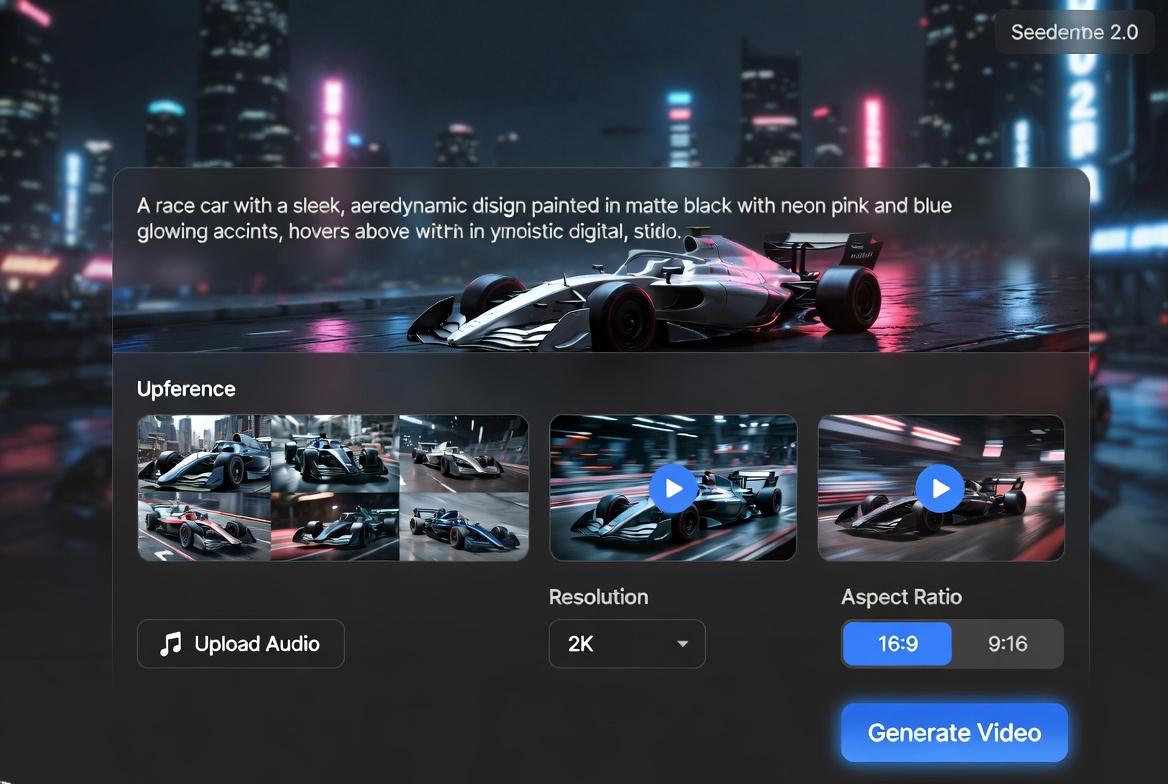
Head directly to the dedicated Seedance 2.0 on Heydream AI. Click “Create Video Now.” The interface loads instantly and feels clean and focused — no overwhelming menus or hidden settings.
2. Prepare Your Reference Assets (This Is Where Most People Miss the Magic)
You can start with just text, but the best videos happen when you upload references. Seedance 2.0 supports up to 12 assets in one generation:
- Character and style images
- Short motion clips (totaling no more than 15 seconds)
- Audio tracks for voice, music, or effects
Drag and drop is seamless. The model uses these files intelligently to anchor everything — appearance, movement style, tone, and atmosphere.
3. Write a Prompt That Actually Delivers Results
Forget vague descriptions. Think like a director. Cover subject, action, environment, camera movement, and mood. Use natural brackets for camera directions.
Here’s a prompt that consistently produces stunning output:
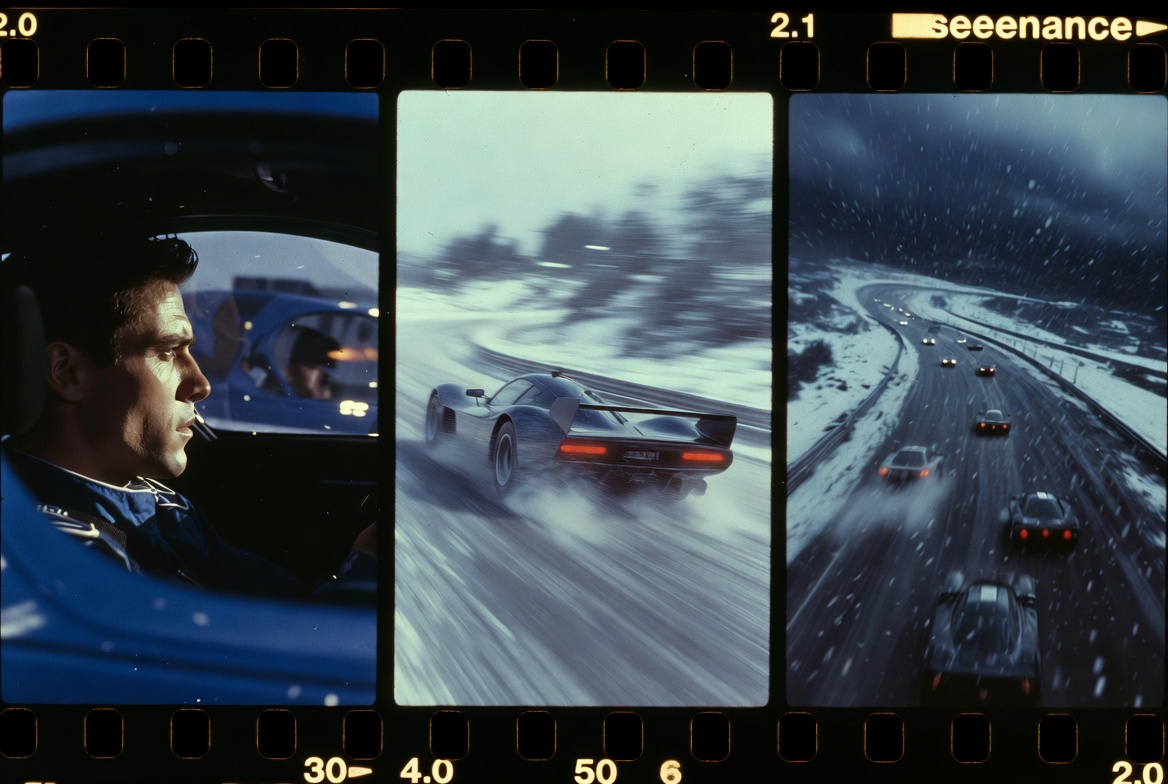
“A bright blue race car speeds along a snowy racetrack. [Low-angle shot] Captures several cars speeding along the racetrack through a harsh snowstorm. [Overhead shot] The camera gradually pulls upward, revealing the full race scene illuminated by storm lights.”
Be specific about timing and transitions when you want multi-shot storytelling. The more precise your language, the more the model respects your vision.
4. Set Your Parameters and Generate
- Choose 2K resolution for that true cinematic look
- Pick the right aspect ratio for your platform (9:16 for vertical social, 16:9 for everything else)
- Hit “Generate” — one full video costs 400 credits and usually finishes in under two minutes
5. Review, Refine, and Extend
Watch the result immediately. The native audio will already be perfectly synced. If something needs adjustment, tweak one reference or one sentence in the prompt and regenerate. Use the built-in Smart Continue feature to extend the scene while maintaining perfect visual and narrative continuity.

Advanced Techniques That Separate Good Videos from Professional Ones
Once you’re comfortable with the basics, these techniques will push your output into territory that genuinely impresses clients and audiences:
- Structure prompts like mini screenplays — describe events unfolding over time rather than one static moment. This encourages the model to create natural pacing and logical cuts.
- Leverage video references for camera style — upload a short clip showing the exact pan, zoom, or tracking movement you want. The model copies the energy and framing almost perfectly.
- Focus on one main subject per shot — this dramatically improves motion stability and composition quality.
- Match aspect ratio from the very first generation — it prevents awkward cropping later.
- Iterate with surgical precision — change only the element that’s off (lighting, speed, camera angle) instead of rewriting the entire prompt.
Real-World Use Cases: Who’s Getting Results Right Now
I’ve seen creators across different fields put Seedance 2.0 to work in ways that feel genuinely transformative:
- Short-form content creators are producing consistent character-driven videos for TikTok, Instagram Reels, and YouTube Shorts with perfectly synced dialogue and sound design.
- Marketers and advertisers are creating branded product stories and personalized commercials that look like they came from high-end production houses.
- Filmmakers are using it for rapid pre-visualization, testing complex sequences before committing to expensive real-world shoots.
- Educators and corporate teams are turning technical or dry material into engaging explainers with natural voice-over and cinematic visuals.
- E-commerce brands are generating professional showcase videos that highlight products with dynamic motion and atmosphere.
The model supports multiple languages, so global creators can work in English, Chinese, Japanese, Korean, and more without losing quality.
Pricing and Practical Considerations on Heydream AI
Seedance 2.0 runs at 400 credits per full 2K generation. There are also lower-cost “Fast” variants if you want to test ideas quickly. Storage is 15 days for free accounts and a full 365 days for paid plans — plenty of time to organize and download your projects.
The credit system is fair for both casual experimentation and serious production workloads.
Final Thoughts: Why This Feels Like the Future
Seedance 2.0 on Heydream AI doesn’t replace human creativity — it removes every technical barrier that used to slow it down. The first time you watch a video you described in plain language come to life with professional motion, lighting, physics, and perfectly synced audio, it hits different. It feels like the director’s chair just became available to anyone with an idea.
Go to the Heydream AI Seedance 2.0, upload a couple of references, paste the race car prompt above, and hit generate. You’ll immediately understand why so many creators are calling this a genuine game-changer.
Your ideas deserve to look and sound this good. What are you going to create first?





Top comments (0)