

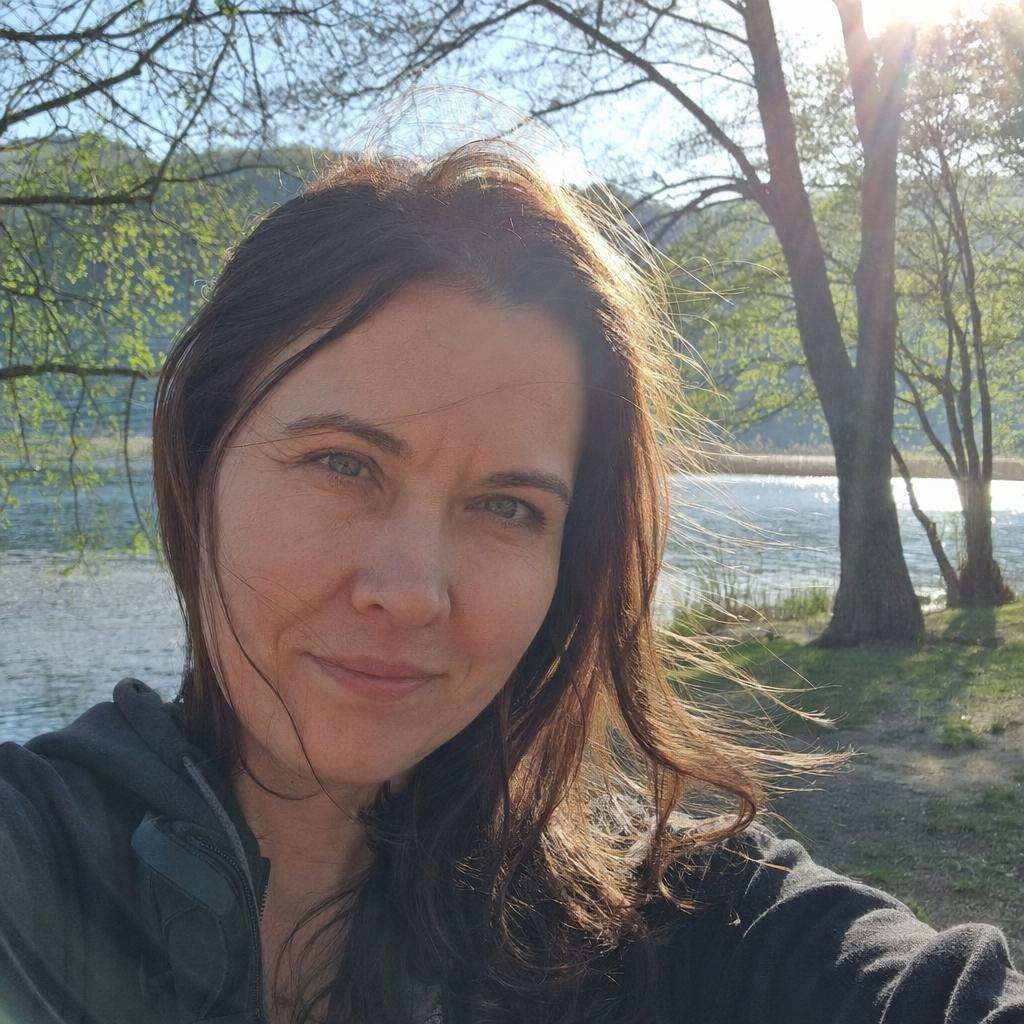
Qwen-Image-2512 is the Qwen team's December 2025 text-to-image update. Download its 20B weights under Apache-2.0 and run them with Diffusers. The release targets people, natural textures, and lettering. Model card
This overview explains what changed and how to evaluate the specific checkpoint. Keep the full model identifier in your records so a later comparison uses the release you intended.
What are the key facts about Qwen-Image-2512?
| Field | Verified detail |
|---|---|
| Developer | Qwen team. Project repository, Original announcement |
| Released | December 31, 2025. Project release log |
| Type | Text-to-image model in the Qwen-Image family. Model card |
| Size or parameters | 20 billion parameters. Repository model metadata |
| License and access | Apache-2.0; downloadable weights with a Diffusers quickstart. Model card |
| Where it runs | On your infrastructure through Diffusers; the card demonstrates CUDA and a CPU fallback. Quickstart |
What changed in Qwen-Image-2512?
Qwen reports more natural people, finer environmental and animal detail, and better text layout than its August release. The release material illustrates these publisher-reported improvements. Release log
Evaluate human realism with a concrete brief. Choose an age range, expression, lighting condition, and setting, then inspect whether the result follows those details. A polished face is not enough if the requested scene is wrong.
For natural textures, use a subject whose materials are easy to distinguish. A rain-soaked garden with stone, leaves, and a wooden bench can reveal whether those surfaces remain coherent across the image.
The original Qwen-Image work emphasized native text rendering, including Chinese. The 2512 update continues that direction with examples combining lettering and images. Original announcement, 2512 card
For your first typography test, use a short headline and a clear layout. Add secondary copy only after checking that the main words are readable and positioned where the brief requires.
What are the limitations of Qwen-Image-2512?
The release material reports blind preference evaluations conducted by the Qwen team. Treat that evidence as an evaluation under its stated conditions, not a universal ranking for every subject, language, or deployment. Release log
The cited card does not publish a universal minimum VRAM requirement or an inference time for all hardware. Its CUDA and CPU examples are access paths, not a guarantee that either configuration will be practical on your machine. Model card
Keep the checkpoint and pipeline aligned with the task. Qwen-Image-2512 is the text-to-image release; Qwen-Image-Edit-2511 has its own image-editing model card and input-image workflow. 2512 card, Edit card
Generated typography still needs proofreading before publication. Inspect names, dates, punctuation, and spacing as part of your acceptance process, even when the image looks convincing at first glance.
How do you run and evaluate Qwen-Image-2512 with Diffusers?
Prepare the local pipeline
Follow the card's installation instructions with compatible PyTorch. Its quickstart recommends current Diffusers source; supporting packages include Transformers and Accelerate. Model card
Before loading weights, decide which compute environment you will use and confirm adequate storage for its downloads. Keep installation messages and the model identifier available so a failed setup can be diagnosed precisely.
The following adapts the official example for a CUDA environment with sufficient resources. It preserves the card's landscape dimensions, sampling steps, and classifier-free guidance setting. Quickstart
import torch
from diffusers import DiffusionPipeline

pipe = DiffusionPipeline.from_pretrained(
    "Qwen/Qwen-Image-2512", torch_dtype=torch.bfloat16
).to("cuda")
image = pipe(
    prompt='A garden poster with the headline "GROW TOGETHER", illustrated herbs',
    negative_prompt=" ", width=1664, height=928,
    num_inference_steps=50, true_cfg_scale=4.0,
    generator=torch.Generator(device="cuda").manual_seed(42),
).images[0]
image.save("garden-poster.png")
For QwenImage classifier-free guidance, Diffusers requires true_cfg_scale > 1 together with a negative prompt; a string containing a space is sufficient. The example enables that guidance with true_cfg_scale=4.0. Pipeline documentation
Save the output alongside the full prompt and settings. Record the library version and hardware as well, particularly if you plan to compare timing or memory use with another configuration.
Review the text example
Inspect the headline at the size it will be displayed. Verify the wording, letter order, line breaks, and visual relationship to the herbs. A decorative plant illustration and a readable headline are separate acceptance criteria.
For the next attempt, specify the headline's position and the area occupied by the illustration. Keep other settings fixed so you can evaluate the effect of that layout instruction.
If you need editable typography, use the generation as an illustration and add the headline in a design tool. Choose that workflow based on delivery requirements, then evaluate whether the result meets them.
Test realism separately
Create an original portrait brief, such as an adult gardener in a greenhouse inspecting a tray of seedlings under overcast daylight. Decide which details matter: expression, visible tools, clothing material, and interaction with the tray.
Review those criteria individually. Save examples that fail as well as those you prefer; a useful comparison should expose recurring weaknesses that might affect a series of assets.
For a texture exercise, try a wooden bench after rain with fallen leaves and moss on nearby stone. Inspect boundaries between materials and whether detail remains plausible away from the focal point.
Do not combine the typography, portrait, and texture exercises into one initial prompt. Separate tasks make it easier to identify which capability is useful for your work and which needs further testing.
Compare the actual release
The project release log now includes later Qwen-Image announcements. For a controlled test of 2512, load its explicit repository identifier instead of assuming a web interface still selects the same model by default. Project log
Record each candidate's identity and settings before comparison. Review the same intended deliverable, and avoid treating a different resolution, extra adapter, or changed prompt as evidence about the base checkpoint alone.
How does Qwen-Image-2512 compare with other Qwen checkpoints?
| Model | Documented role |
|---|---|
| Qwen-Image | Original text-to-image foundation model with native text-rendering emphasis. Original announcement |
| Qwen-Image-2512 | December update targeting human appearance, natural detail, and text composition. Release log |
| Qwen-Image-Edit-2511 | A separate checkpoint for editing supplied images. Model card |
Use the sibling Qwen-Image overview for family context. The ComfyUI pillar explains the graph-based workflow approach.
What should you know about the Qwen-Image-2512 release?
How many parameters does Qwen-Image-2512 have?
Qwen-Image-2512 has 20B parameters according to its official Hugging Face repository. Use the full checkpoint name when reporting this figure. Model repository
When was Qwen-Image-2512 released?
The Qwen project log dates the Qwen-Image-2512 release and weights announcement to December 31, 2025. The model card identifies it as the December update to Qwen-Image. Release log, Model card
What license does Qwen-Image-2512 use?
Qwen-Image-2512's official repository declares Apache-2.0. Keep the model's license information with your deployment record and review separately added components on their own terms. Model card
Is Qwen-Image-2512 an image editor?
Qwen-Image-2512 is a text-to-image checkpoint. Qwen-Image-Edit-2511 is the separate model documented for editing supplied images. 2512 card, Edit card
Sources
- Qwen-Image-2512 model card and quickstart
- Qwen project release log
- Original Qwen-Image announcement
- Diffusers QwenImage pipeline documentation
- Qwen-Image-Edit-2511 model card




Top comments (0)