
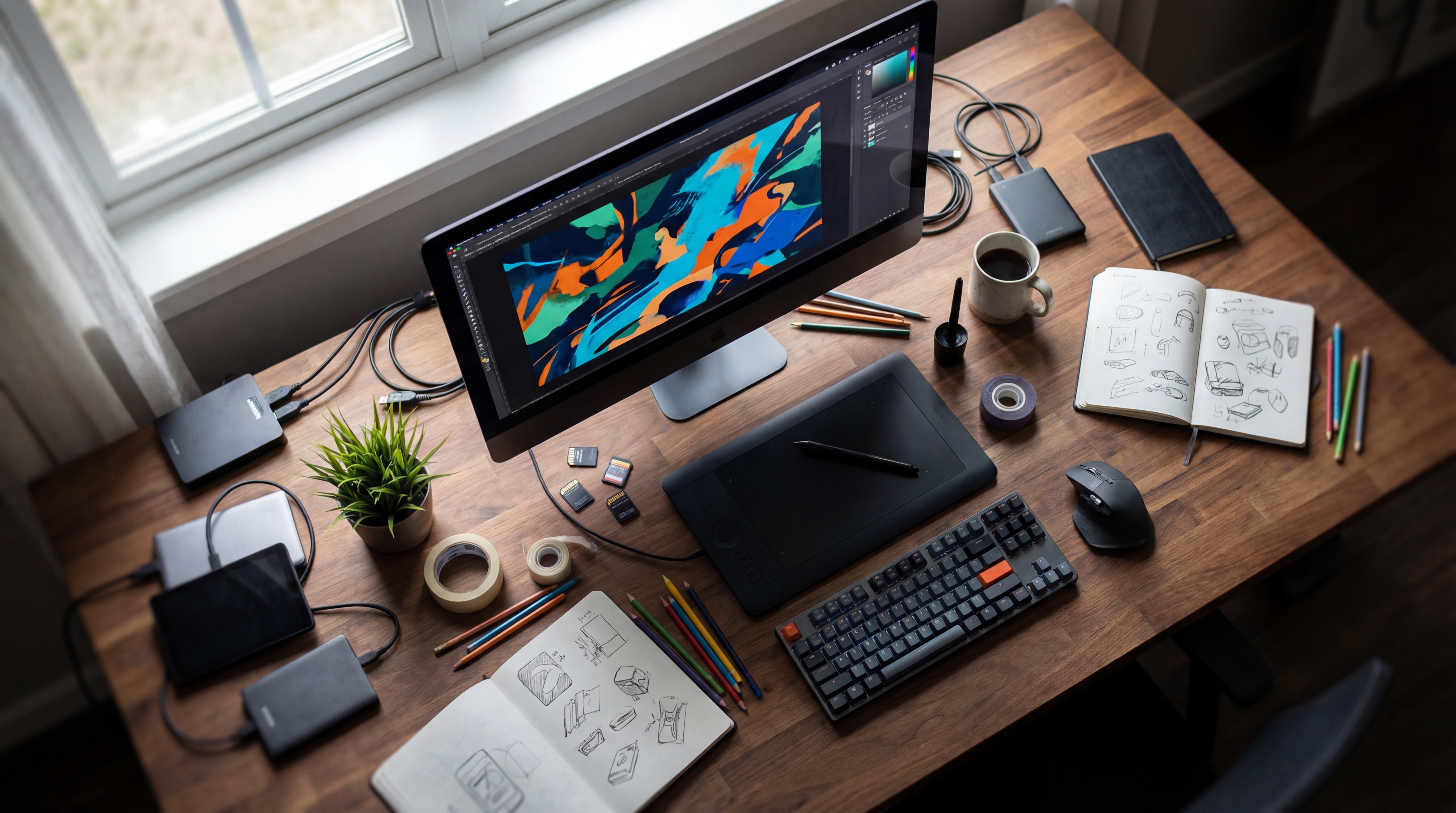

MAI-Image-2 is Microsoft's hosted text-to-image model, introduced on March 19, 2026 through MAI Playground. Microsoft highlights photographic scenes and text within images; check the current model selector before trying it, because Playground now lists newer MAI image versions. Launch announcement, Playground
What are the key facts about MAI-Image-2?
| Field | Verified information |
|---|---|
| Developer | Microsoft AI; the model card identifies Microsoft Ireland Operations Limited as developer. Announcement, Model card |
| Released | March 19, 2026 on MAI Playground. Model card |
| Type | Diffusion-based text-to-image generation with a flow-matching training objective. Model card |
| Size or parameters | 10B–50B non-embedding parameters; Microsoft publishes a range, not an exact count. Model card |
| License and access | Product and service terms apply; the release materials provide hosted access and no open-weight download. Model card |
| Where it runs | Microsoft-hosted services; Playground was the initial public access route. Confirm present model availability separately. Model card, Playground |
| Input and output | Text input, 32K-token context, and image output up to 1024×1024 pixels in the release model card. Model card |
What image tasks does MAI-Image-2 support?
Microsoft's announcement emphasizes three areas: photographic scenes, lettering within images, and detailed compositions. Its examples include posters and typographic layouts, with prompting guidance covering visual style, imagery, fonts, and colors. Launch examples
Start with a deliverable you can evaluate explicitly. For an editorial image, decide on the subject, camera position, light direction, and space needed for a headline. For a poster, write the exact copy and decide where each line should appear.
Suggested photographic brief: a blue ceramic bowl on a pale stone counter beside a tall window, viewed at counter height, warm afternoon light from the left, a soft shadow to the right, and empty space above the bowl.
Check the bowl's rim and silhouette before assessing the mood. Then inspect the contact shadow and the empty area. Reject a candidate that misses an essential requirement even if its colors look appealing.
For a lettering test, request a cream poster with a blue bowl illustration, the title OPEN STUDIO at the top, and SATURDAY underneath. Review each word separately from the illustration. Keep the photographic and poster trials separate so you can identify which task needs more revision.
What limits and access changes should you check?
The release model card describes text input and image output. Use those documented modalities when planning an MAI-Image-2 workflow; image-upload editing in a later MAI model belongs to that version's specification. Model card, Current Foundry models
Current access needs a version check. When checked on September 6, 2026, the public Playground selector listed MAI-Image-2.5 and MAI-Image-2.6. The Foundry image-model guide also centers on newer 2.5 and 2.6 variants, so these entry points do not by themselves establish new-account access to the original MAI-Image-2. Playground, Foundry guide
The March announcement described Copilot and Bing Image Creator rollout as beginning and API access as available to selected Microsoft customers. Treat those as launch conditions. For a current project, verify the model label, access offer, and deployment details in the service you intend to use. Launch access details
Do not use a later model's output as an MAI-Image-2 sample. Save the visible model name with each image, along with its prompt, dimensions, and generation date. This also gives collaborators a clear reference when reviewing a series.
How do you check MAI-Image-2 access and start a workflow?
Follow the official announcement's MAI Playground link and inspect Choose your model. If the service offers MAI-Image-2 to your account, select that exact version for an original-model trial; otherwise, choose an available model only if it meets your project needs and record its full name. Official entry point, Model selector
For a text-to-image trial, use the bowl brief above and save the first result with the prompt. Make one wording change at a time: for example, lower the camera angle while retaining the bowl, counter, and light direction. Compare the outputs against the same checklist.
For developers, begin by inspecting existing Foundry deployments. Microsoft's current guide documents the following Azure CLI command; replace the account and resource-group placeholders with your resource details. Deployment inspection
az cognitiveservices account deployment list \
  --resource-group "<RESOURCE_GROUP>" \
  --name "<ACCOUNT_NAME>" \
  -o table
Verify the deployed model and version before copying an API example. Microsoft's current instructions use a deployment name in the request's model field, rather than assuming that the public model name is also the deployment name. Request parameters
For supported MAI image deployments, the documented generation route is:
POST https://<resource-name>.services.ai.azure.com/mai/v1/images/generations
The family API accepts a prompt and output dimensions, authenticates with an API key or Microsoft Entra ID, and returns PNG data in data[].b64_json. These are current Foundry interface details; confirm that your selected deployment is supported before sending a request. API contract
Keep the returned image, submitted prompt, and deployment identity together. Build any batch process only after a single request produces a usable result under the intended account and model.
How does MAI-Image-2 compare with Stable Diffusion XL?
| Option | Documented access | Decision to make |
|---|---|---|
| MAI-Image-2 | Hosted Microsoft product release. Model card | Is the required version available through your chosen service? |
| Stable Diffusion XL | Downloadable weights and a Diffusers inference example. SDXL model card | Do you want to maintain an inference environment yourself? |
The SDXL models guide covers that checkpoint ecosystem. The ComfyUI complete guide provides context for organizing a local image workflow.
Compare the same deliverable across the options you can actually access. Record whether each attempt satisfies the required objects, placement, spelling, and lighting, then include the manual finishing effort in your decision.
What are common MAI-Image-2 specification and access questions?
Can I download MAI-Image-2 weights?
Microsoft's MAI-Image-2 release materials document access through hosted products and provide no open-weight download. The model card refers users to the terms of the service where it is deployed. Model card
How many parameters does MAI-Image-2 have?
Microsoft publishes a range of 10B–50B non-embedding parameters for MAI-Image-2. The model card does not give a single exact count. Model card
Where was MAI-Image-2 first available?
MAI-Image-2 launched on MAI Playground on March 19, 2026. The current Playground lists newer image models, so inspect the selector before assuming the original version remains available to your account. Announcement, Playground
Does a Foundry deployment name identify the model version?
The Foundry API uses the deployment name you assigned in its model field. Inspect the deployment's model details to establish whether it runs MAI-Image-2 or a later release. Foundry deployment guide
Sources
- Microsoft AI MAI-Image-2 launch announcement
- Microsoft MAI-Image-2 release model card
- Microsoft MAI Playground and current model selector
- Microsoft Foundry MAI image deployment and API guide
- Stable Diffusion XL official model card



Top comments (0)