
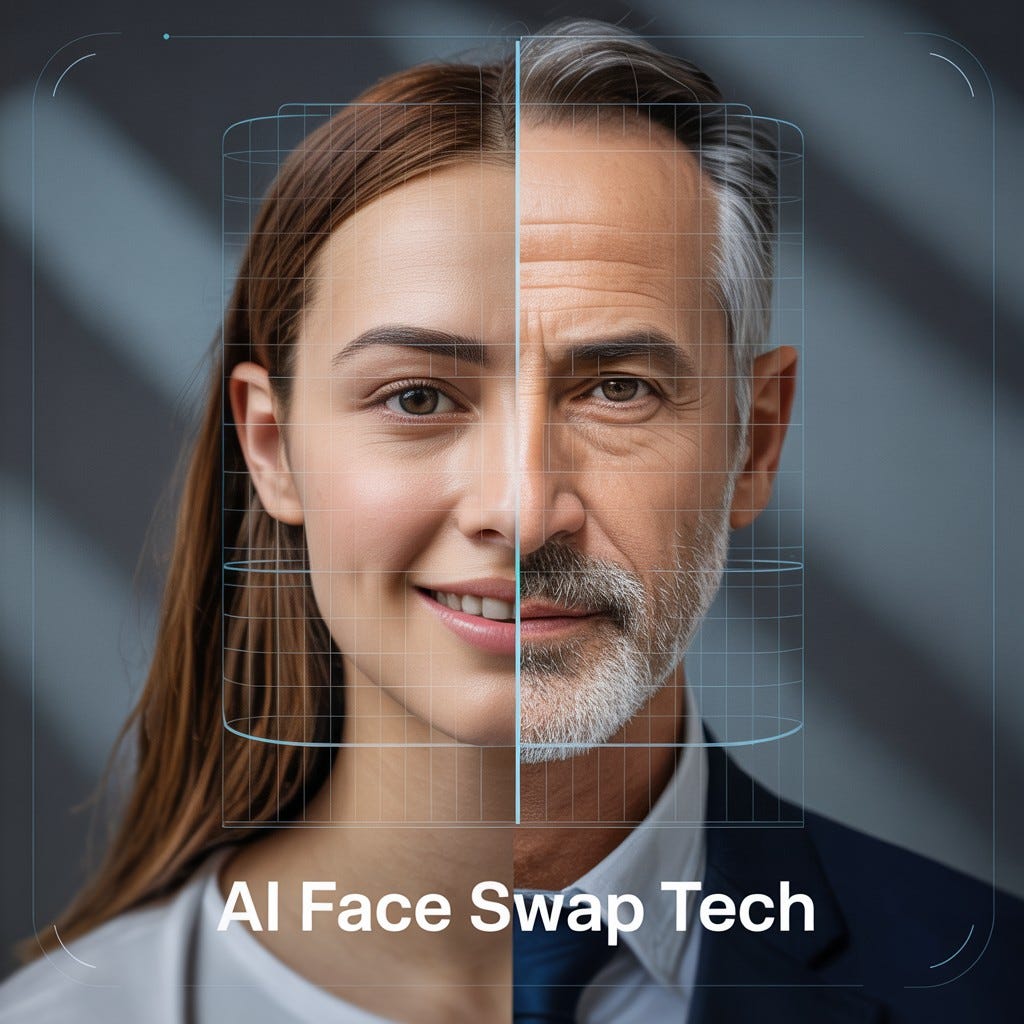

Roop is s0md3v's face-swapping project; its Stable Diffusion extension replaces faces inside an AUTOMATIC1111 workflow. The extension uses InsightFace and an ONNX swapping model, while Stable Diffusion supplies the surrounding image-generation workflow. Its source remains on GitHub, where the repository is archived. Project Swapping implementation
What are the key facts about Roop?
| Field | Verified detail |
|---|---|
| Developer | s0md3v and project contributors. Project |
| Released | Original release date not published in the current README; repository archived May 17, 2026. Project |
| Type | Face-replacement extension for AUTOMATIC1111, using InsightFace analysis and an ONNX model. Project Implementation |
| Size or parameters | A combined parameter count is not published; the extension orchestrates separate components. Implementation |
| License and access | Extension code: AGPL-3.0. InsightFace library code: MIT; its supplied pretrained models are restricted to non-commercial research. Project InsightFace |
| Where it runs | Within a local AUTOMATIC1111 installation; the inspected swapping implementation selects ONNX Runtime's CPU provider. Integration Implementation |
What can Roop do?
The extension separates scene creation from face replacement. Its integration code can process a source image before img2img or replace a face in a generated result afterward. These controls let an existing workflow incorporate a reference face without treating that face as a text prompt. Integration
Its swapping code runs face analysis, selects a detected face, loads the chosen swapping model, and applies the replacement. Target faces are ordered by horizontal position. That makes face selection inspectable: the index refers to a detection in the target picture, rather than to a named character in the prompt. Implementation
A useful evaluation exercise is to keep the target picture fixed and compare different reference photographs. Look at whether the desired identity is recognizable, whether facial boundaries blend, and whether the expression remains appropriate.
The interface also exposes restoration and upscaling controls. Evaluate those as separate processing decisions: save an initial swap before enabling additional finishing operations, so you can identify which step improves or changes the face. Integration
What are the limitations of Roop?
The archive notice matters when planning a new installation: the author has stopped development. The published setup remains documentation for a legacy extension, but it does not establish compatibility with every subsequent AUTOMATIC1111 or dependency release. Preserve a working environment before experimenting with upgrades. Project
Face detection is a prerequisite. The implementation returns no selected face when detection or indexing fails. Start troubleshooting with a clearly visible reference face and a simple target composition, then inspect the console before changing unrelated generation settings. Implementation
The license of the Python library does not describe the license of its pretrained models. InsightFace explicitly separates its MIT code from research-only supplied weights, including automatically downloaded weights. Treat each dependency's published terms as part of the installation record. InsightFace
Do not estimate the complete workflow's speed from the swapping model alone. The inspected extension selects CPU execution for swapping, while AUTOMATIC1111 has its own image-generation workload. Benchmark the actual sequence you intend to use, including generation, replacement, restoration, and saving. Implementation Web UI features
For a practical review, keep the reference image, target, output, and settings together. Inspect eyes, teeth, jaw boundaries, and differences in apparent lighting. A result that looks acceptable as a thumbnail may need another pass at its intended display size; use that display size as your acceptance criterion.
How do you use Roop?
The following follows the archived extension's documented route. Use a separate, compatible AUTOMATIC1111 installation when evaluating these legacy instructions. The README specifies InsightFace and, on Windows, build tooling for its dependencies. Project
python -m pip install insightface==0.7.3
- Run the dependency command in the Python environment used by your web UI.
- Open AUTOMATIC1111's Extensions panel and install from the repository URL given in the Roop README.
- Restart the web UI after installation.
- Open the Roop panel, supply a reference face, and enable the extension.
- Generate a simple test image and inspect the result. Project
The documented installation URL is https://github.com/s0md3v/sd-webui-roop, which currently redirects to the author's archived Roop repository. Follow that repository's model instructions if the swapping file is missing; do not assume the extension code alone includes every dependency. Project
For a group image, choose the target face index deliberately. The UI starts indexing at zero, and the swapping implementation orders detections from left to right. Verify the selected person on a disposable test output before processing a larger set. Integration Implementation
When assessing results, change one factor at a time. First establish successful detection and replacement, then compare finishing settings. Finally, repeat the test on a second target composition to see whether your chosen configuration addresses the task beyond a single favorable example.
How does Roop compare with inpainting?
| Workflow | What you control | Appropriate comparison |
|---|---|---|
| Roop extension | Reference face and detected target indices. Integration | Whether the intended face is replaced. |
| AUTOMATIC1111 inpainting | A mask and generation settings for a selected image region. Web UI features | Whether a local region can be regenerated as requested. |
| Fooocus inpainting | Image editing through its documented inpaint workflow. Fooocus | Whether broader visual changes meet the brief. |
These workflows solve different parts of a portrait-editing task. Use replacement when evaluating reference identity; use inpainting when evaluating a requested change to a region. Neither comparison supplies a universal quality ranking.
The Fooocus guide explains its surrounding workflow. For generation before replacement, the SDXL model guide provides context for choosing the image-producing component.
What should you know before using Roop?
Does Roop use Stable Diffusion to detect faces?
Roop's extension calls InsightFace for face analysis and loads an ONNX swapping model. Stable Diffusion is the surrounding generation system, with replacement handled by the extension's separate code. Implementation
Is Roop still maintained?
s0md3v's Roop repository is archived, and the author says development has stopped. Its README remains available; record the actual dependency versions of any successful installation. Project
Can Roop replace one face in a group?
The Roop extension provides target face indices starting at zero, with detected faces sorted from left to right. Check a test result before applying the selection repeatedly. Integration Implementation
Are the InsightFace weights covered by MIT?
The InsightFace library code is MIT, while its supplied pretrained models are designated for non-commercial research. Roop's extension code has its own AGPL-3.0 license. InsightFace Project
Sources
- Roop repository and archived extension README
- Roop swapping implementation
- Roop web UI integration source
- InsightFace Python library documentation
- AUTOMATIC1111 feature documentation
- Fooocus official repository






Top comments (0)