
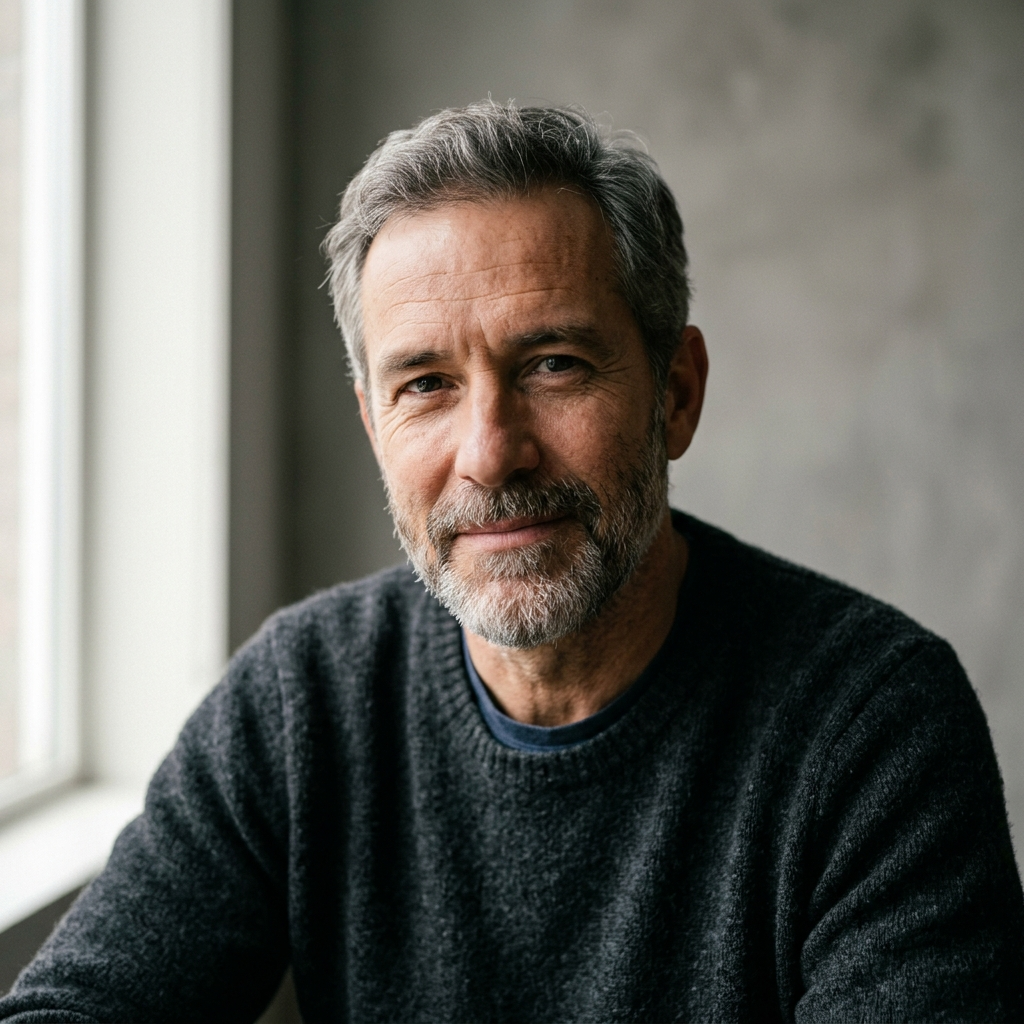

I've been testing this realisticai image generator lately, and honestly, it’s a breath of fresh air for anyone trying to hit that actual photography look in 2026. If you're like me, you're probably tired of the "perfectly smooth" but fake-looking skin that most models produce. I've spent way too much time trying to get AI to stop making everything look like a digital painting.
The real difference I noticed with this platform is how it handles micro-details. I’m talking about actual skin pores and the way light hits a face—what photographers call subsurface scattering. I’ve tried a bunch of models, but the problem is usually the same: the lighting looks "off" or the textures feel like wax. This tool feels more like something that came off a pro DSLR than a typical AI generator.
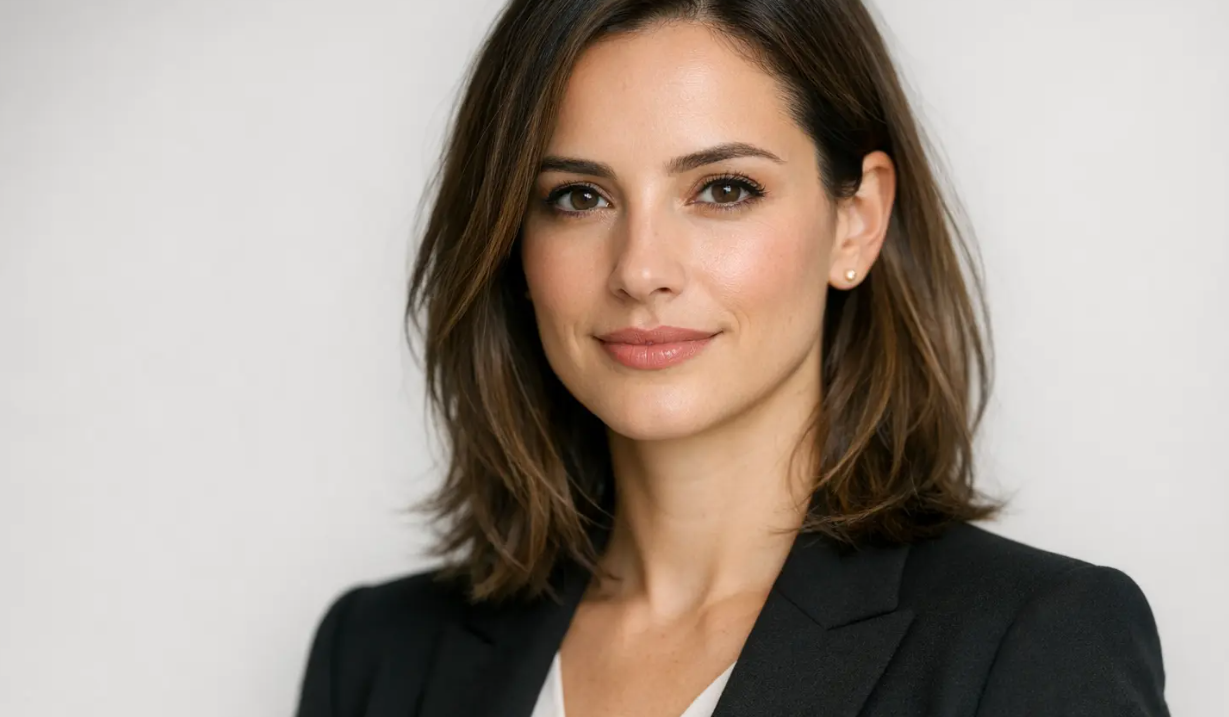 prompt used>
Professional photorealistic headshot of a confident woman with medium-length brown hair, wearing a stylish black blazer over a white top. Soft natural studio lighting, clean white background, sharp focus on eyes, realistic skin texture, neutral expression, 85mm lens, f/2.8, highly detailed, corporate portrait style.
One of the biggest wins for me was getting past the "uncanny valley." You know that weird feeling when an AI face looks almost human but something is just... creepy? I’ve found that by using a tool specifically tuned for realism, those artifacts pretty much disappear. For example, if you prompt for a headshot with an 85mm lens, the bokeh (background blur) actually looks optical, not just like a cheap Photoshop filter.
I also do a lot of ecommerce work, and that’s where this really saves my life. Instead of booking a studio and a lighting crew for a product shoot, I’ve been using this AI engine to generate high-end product visuals. I just did a test with a luxury watch on a marble surface, and the reflections were so spot-on it saved me hours of post-processing. It’s perfect for rapid prototyping when you need to show a client ten different "looks" in ten minutes.
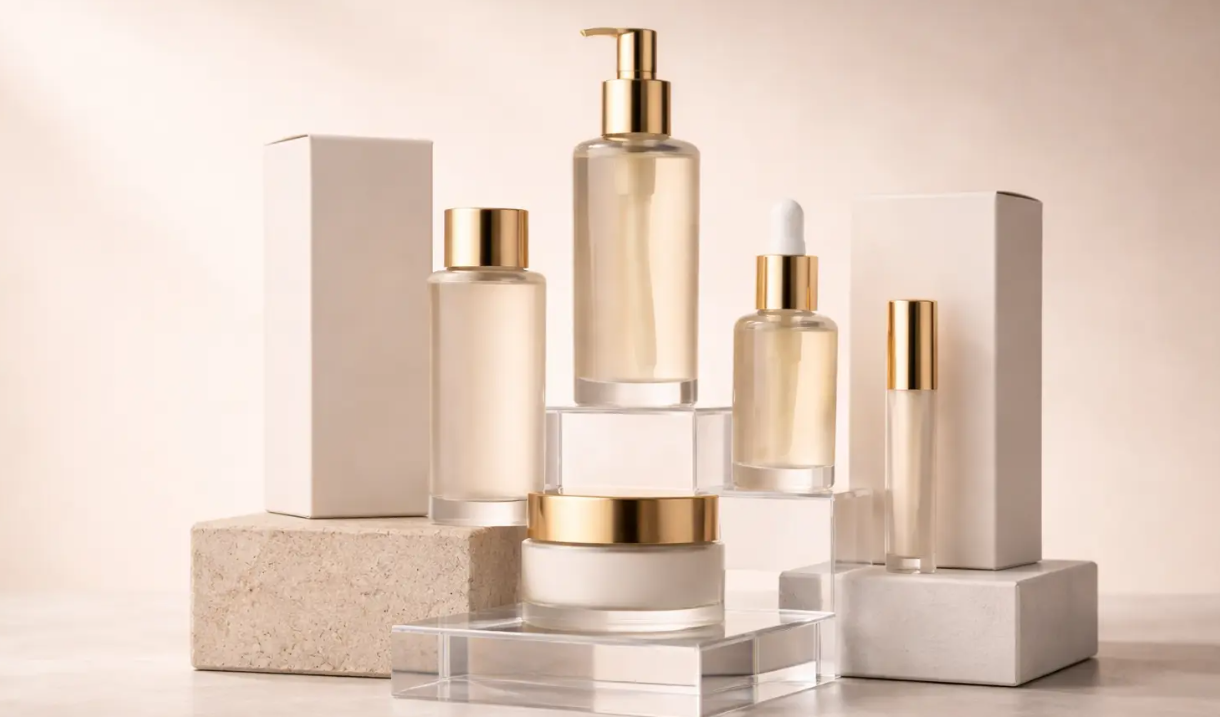 prompt used>
Luxury skincare product set photography, glass bottles with gold pumps and caps, minimalist aesthetic, arranged on transparent acrylic blocks and stone pedestals. Soft warm studio lighting, beige neutral background, elegant shadows, sharp focus, high-end ecommerce quality, realistic glass reflections, 4k resolution.
My biggest tip for this community is to focus on "Intent-Based Prompting." Don't just spam keywords like "4k" or "hyper-realistic"—the AI already knows you want quality. Instead, talk to it like a photographer. Tell it about the softbox lighting, the golden hour, or the camera angle. Since this photorealistic generator is built on photographic data, it actually understands what a "35mm wide angle" is supposed to look like.
I really think we're moving toward a point where "AI photography" is just going to be part of the standard workflow. Being able to get these kinds of textures and sharp edges directly in the browser is a game-changer. It’s less about fighting the AI and more about just having a really powerful, virtual camera at your fingertips.
Anyway, if you’re struggling with that "AI look" and want something that actually feels authentic and professional, you should definitely give this a look. It’s made a huge difference in my own workflow lately. Curious to see what prompts you guys come up with for this one!





Top comments (0)