
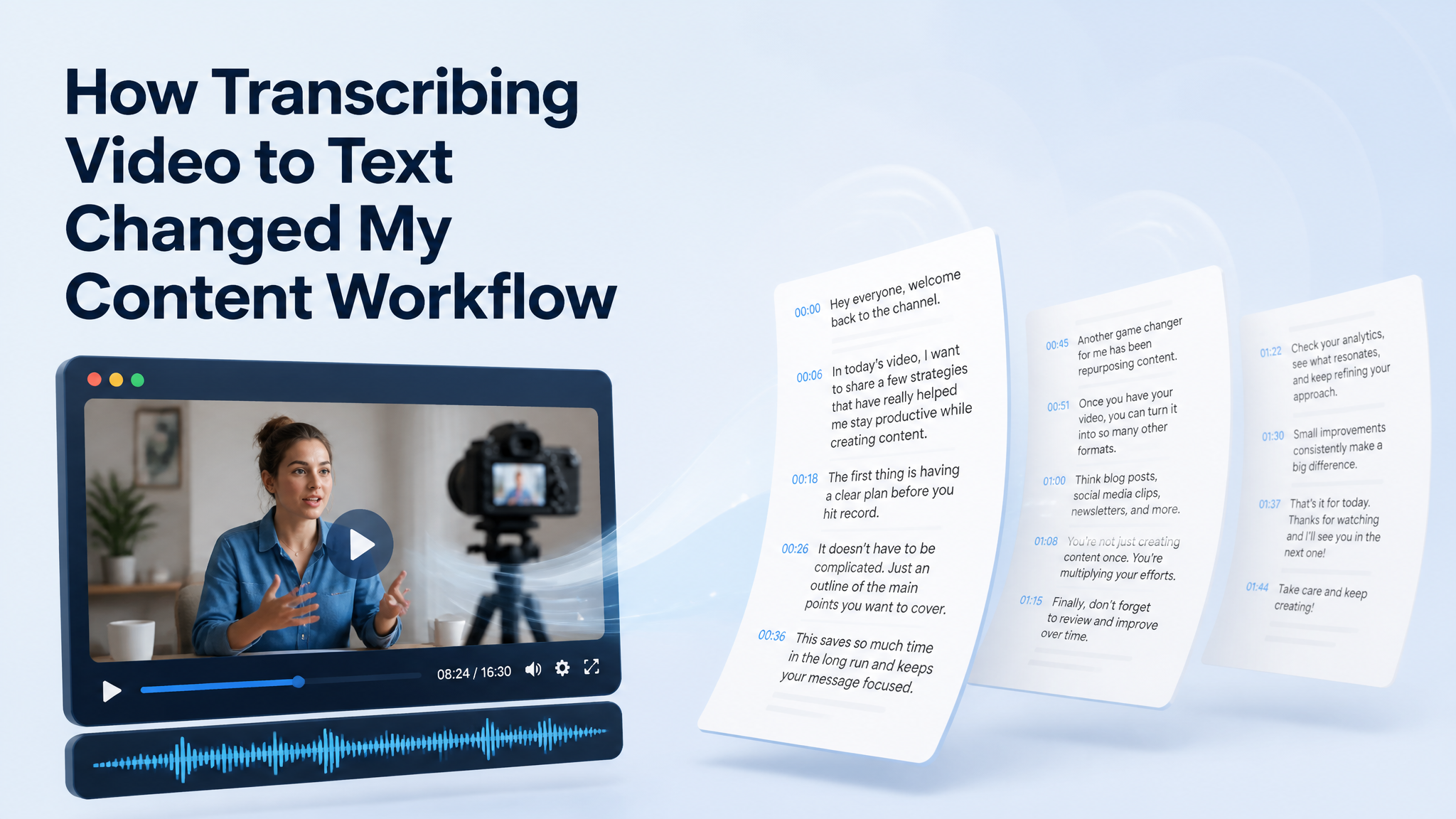

My "watch later" list has been a source of quiet guilt for years. Saved courses, recorded talks, tutorial playlists, webinar replays. Most of them were never watched again. When I started using Video Transcriber AI to transcribe video to text, the biggest change wasn't faster note-taking. It was that every saved video became raw material I could actually reuse.
Here's how that shift played out in my normal week.
It Started With a Backlog of Saved Videos
Saving a video feels productive, but a saved video is just a promise to spend thirty more minutes later. My list kept growing while my actual watching time stayed flat.
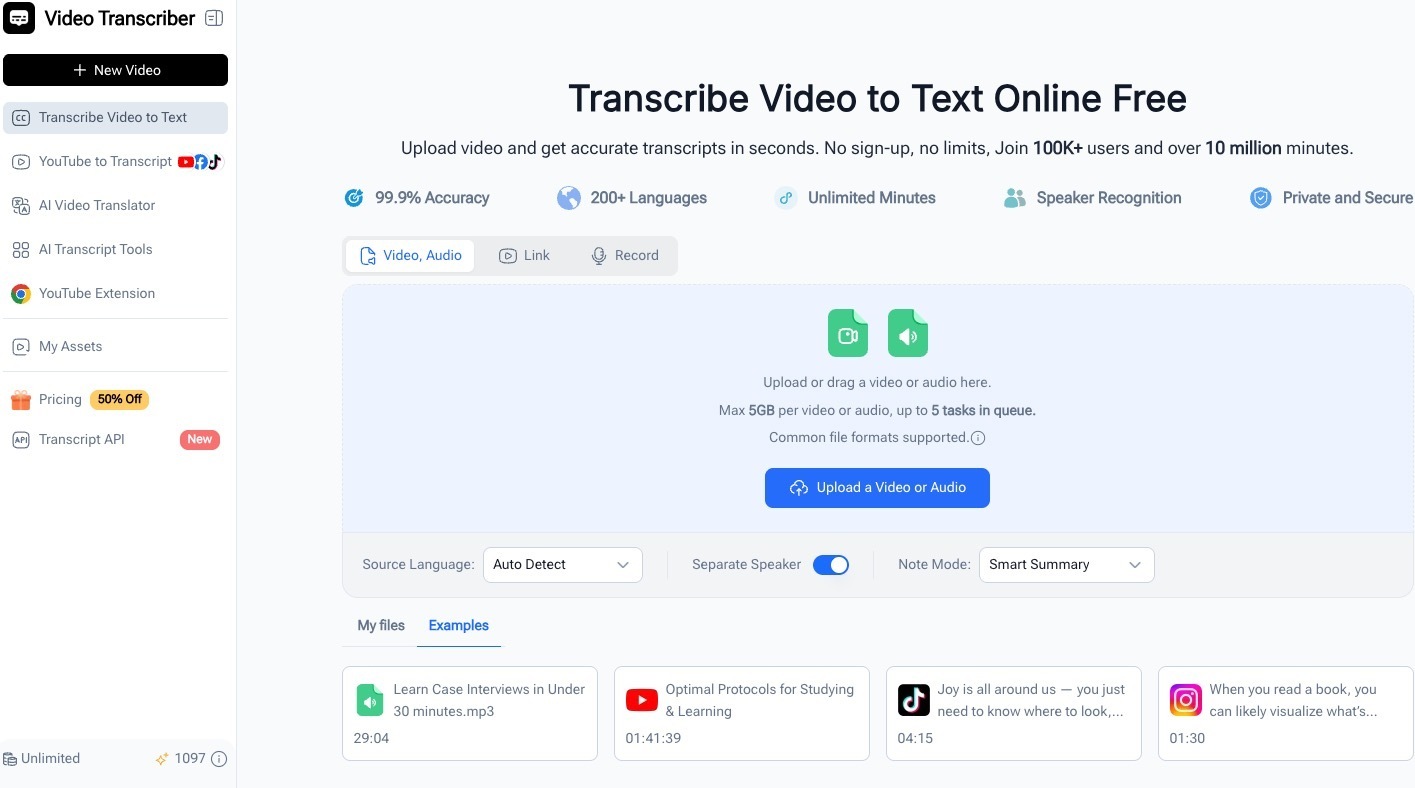
Once I could pull the text out instead:
- short videos got skimmed in a minute
- long ones got read before I decided if they deserved full attention
- anything useful got clipped into my notes on the spot
The backlog stopped being a guilt pile and started behaving like a small library. Nothing got deleted, nothing got "saved for later" into oblivion. Every video in the list became something I could open, read, and put to work in about the same time it used to take to decide whether I felt like watching it.
Skim First, Watch Only What Matters
For anything longer than twenty minutes, I now read before I watch. The transcript tells me what the video covers, where the dense parts are, and whether it's worth the time.
The usual flow looks like this:
- generate the transcript
- scan the section headings and timestamps
- jump straight to the ten minutes that matter
Sometimes I never watch the video at all, and I still walk away with everything I needed from it. Other times the skim tells me exactly which segment deserves my full attention, and I watch that part properly instead of half-listening to all of it. Either outcome beats the old default, which was starting at the beginning, losing focus somewhere in the middle, and finishing with a vague memory of the whole thing.
Turning Tutorials Into Reference Notes
Technical tutorials are where this pays off fastest. A spoken step-by-step becomes a written checklist I can follow without pausing and rewinding.
With the text in hand, I can:
- copy commands, settings, and code exactly as they were said
- renumber messy spoken steps into a clean ordered list
- keep my own notes anchored to timestamps so I can jump back if something breaks
A tutorial I would have watched once and forgotten now turns into a reference I keep.
Subtitles and Timestamps Without the Manual Work
I used to avoid making subtitles because scrubbing through footage to mark every line sounded miserable. Transcription changes that starting point completely.
What I get from one pass:
- the full text already split into timed segments
- timestamps I can lean on for rough cuts and chapter markers
- a base layer for captions that only needs a quick edit instead of hours of typing
Even when the final polish is manual, starting from a full draft instead of a blank file is the difference between finishing and giving up.
One Video, Multiple Outputs
This is the part I didn't expect to rely on as much as I do. One recorded talk or webinar can feed a whole week of content.
From a single transcript I regularly produce:
- a rough draft for a blog post or internal write-up
- a list of pull quotes for social posts
- bullet-point summaries to send to people who won't watch the replay
- talking points for the next team sync
Instead of a video being something I consume once, it becomes a source I mine. The transcript is the bridge between the two. And because the text is editable, I can clean up the filler, fix a misheard word, and reorganize the flow before anything goes out. The first draft is written by the recording itself, which is a much better starting point than a blank page and a tired memory of a talk I watched three days ago.
Working Across Languages
A fair share of the videos I need are in languages I read better than I listen to. Having the text makes those usable.
In practice this means:
- I can follow a talk in another language by reading along
- transcripts can be translated so nothing important stays locked in one language
- technical vocabulary becomes searchable instead of something I mishear
It quietly removes a whole category of "I'll deal with that later" from my list.
A Workflow That Stays Simple
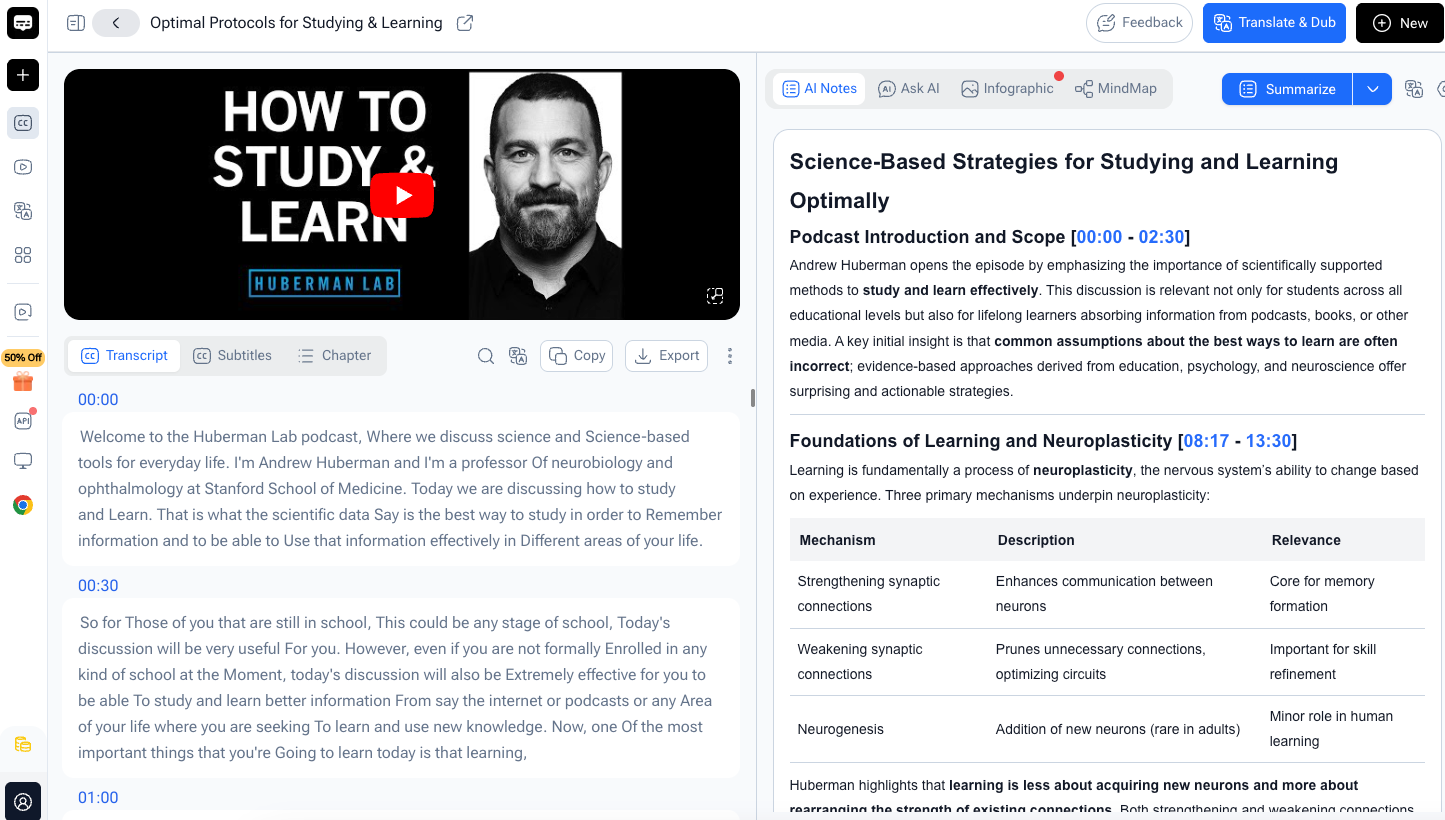
What keeps me using this is that it never turned into a project. The steps never grew:
- upload a file or paste a link
- get a transcript with timestamps and speaker labels
- edit, copy, or download what I need
No sign-up wall in my way, no credit card to try it, and the free daily usage covers a normal week of videos. Tools that stay this simple are the ones that actually stick around.
Final Thoughts: A Habit Change, Not Just a Feature
The honest summary is that transcribing video to text didn't just save me time. It changed what a video is to me.
A used-to-be: a thing I watch once, feel briefly informed, and lose. Now: a text file I can search, quote, clip, and build on.
If your watch-later list looks anything like mine did, try it yourself:
👉 Video Transcriber AI – transcribe video to text
It's one of those small habit changes that quietly compounds the more content you work with.





Top comments (0)