
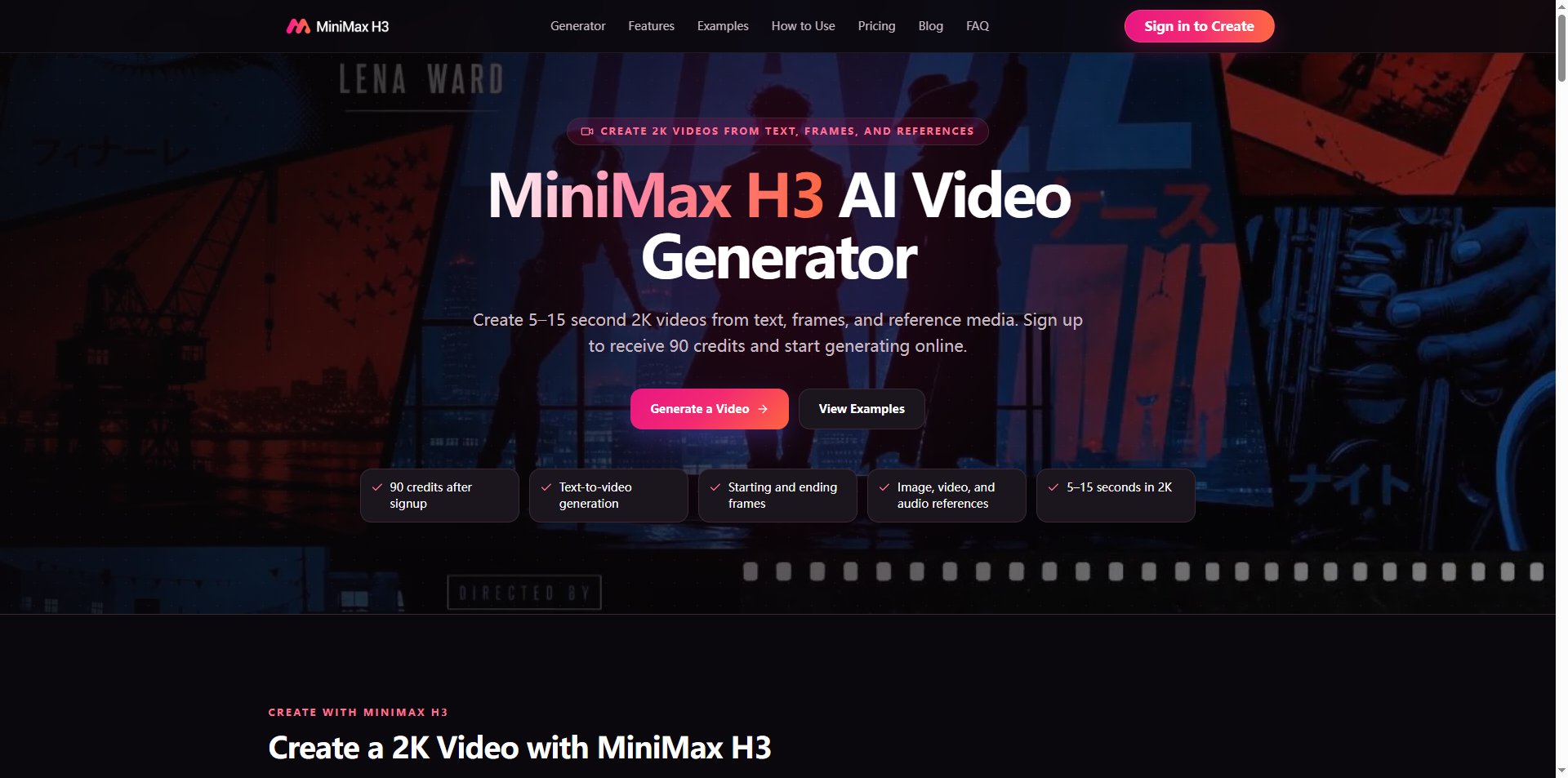

If you spend your days crafting, refining, and sharing reusable prompt templates on PromptZone, you’ve almost certainly hit the biggest bottleneck plaguing modern AI video creation: disjoint prompt pipelines.
Every mainstream text-to-video platform forces you to build separate prompts for visuals, then duplicate core scene descriptions into a standalone audio generator. You waste valuable rewriting time, risk mismatched timing between movement and sound, and struggle to lock consistent character styles across disconnected renders. This fragmented workflow dilutes the power of your carefully built prompt libraries—and MiniMax H3 eliminates every single one of these redundant steps.
Unlike competing video models that treat visuals and audio as two isolated tasks requiring separate prompt drafts, MiniMax H3 uses a single unified prompt syntax that embeds visual direction, camera language, character rules, and full audio cues within one 4,000-character text block. For PromptZone contributors building shareable public prompt packs, this single-prompt framework is transformative. Instead of uploading paired visual/audio prompt sets that users must manually combine, you publish one complete copy-paste prompt that outputs fully synced 2K video with native stereo sound in a single generation run. This cuts friction for everyone who tests your templates and drastically boosts the usability of your public prompt collections.
Built-In Reference Syntax Tailored for Prompt Builders
The most game-changing feature for PromptZone creators is the platform’s native asset tagging syntax, designed to bundle reference media directly inside your prompt text. You can tag uploaded reference images, motion clips and audio samples with simple inline markers, telling the model exactly which asset controls character likeness, camera choreography, or background rhythm—all without switching between tool tabs mid-write.
For example, your prompt can read:
“Generate a 9:16 social product reel, lock character facial features using @image1, copy slow pan movement from @video2, and match soft lo-fi tone from @audio1. Maintain mint brand palette, crisp printed product text, gentle natural lighting, and synchronized ambient shop noise layered under background melody.”
This inline reference system solves a universal pain point for template creators: broken continuity when end-users have to manually upload and link separate reference files to matching prompt sections. When you share templates built with MiniMax H3 on PromptZone, your audience only needs to upload your bundled reference assets once, paste your full prompt, and generate consistent, on-brand footage with zero manual alignment work.
Stable Typography & UI Prompt Support For Commercial Templates
Most AI video models fail catastrophically when prompts include detailed text and UI instructions, warping logos, button text and marketing slogans during camera movement. This forces prompt engineers to add dozens of corrective lines to fix blurry graphics, bloating prompt length and lowering template reliability. This multimodal engine is trained specifically to interpret typography-focused prompt language, preserving sharp, legible on-screen text through pans, zooms and tracking shots.
This capability opens entirely new template categories for your Prompt
portfolio: polished UI walkthrough prompts, e-commerce product label reels, branded title sequence templates, and vertical marketing clips with layered promotional copy. You can write granular text rules within your core prompt—specifying font weight, text placement, color contrast and animation timing—and the model adheres to those instructions without heavy post-production fixes. Your shared templates become far more valuable to marketers and UX designers browsing PromptZone for ready-to-use assets.
Cross-Aspect Ratio Prompt Reusability
A common frustration prompt creators face is rebuilding identical scene prompts just to output vertical 9:16, square 1:1 or cinematic 21:9 formats for cross-platform distribution. This tool lets you define universal scene, character and audio rules in your base prompt, then toggle aspect ratio settings without rewriting a single line of your creative direction. You can create one master prompt template that generates optimized footage for TikTok, Instagram feed, YouTube Shorts and brand banner ads simultaneously, cutting your template building time in half.
For PromptZone creators focused on scalable commercial prompt packs, this means one single template file serves dozens of cross-platform use cases, increasing the value and appeal of every asset you publish to the community. You no longer need to create separate prompt variants for each social media format, saving hours of repetitive editing before you share your work.
Real PromptZone Creator Use Cases
E-commerce template builders: Create universal product showcase prompts that lock product textures via reference images, auto-generate matching ambient retail audio, and render crisp pricing text across all vertical and square formats.
UX/UI prompt designers: Build reusable app demo templates with locked interface references, smooth transition prompts and synced click sound effects for stakeholder presentation videos.
Game cinematic creators: Package character reference art + motion clip prompts to generate consistent short cutscenes without rebuilding movement instructions for every new scene variant.
Brand marketing prompt packs: Develop locked color palette and logo templates that preserve brand identity across hundreds of unique ad variations from one core prompt.
Closing Thoughts For PromptZone’s Creator Community
The future of high-value prompt libraries hinges on unified, low-friction generation workflows that remove redundant rewriting and manual asset alignment. Traditional split visual/audio AI tools force prompt engineers to waste hours duplicating creative instructions and troubleshooting mismatched output. By centralizing text, reference media, motion direction and audio guidance into one cohesive prompt environment, MiniMax H3 streamlines every stage of template creation and sharing for the PromptZone community. If you want to build more powerful, one-click usable prompt packs that stand out to fellow creators and commercial clients, explore its full prompt-focused capabilities today.





Top comments (0)