
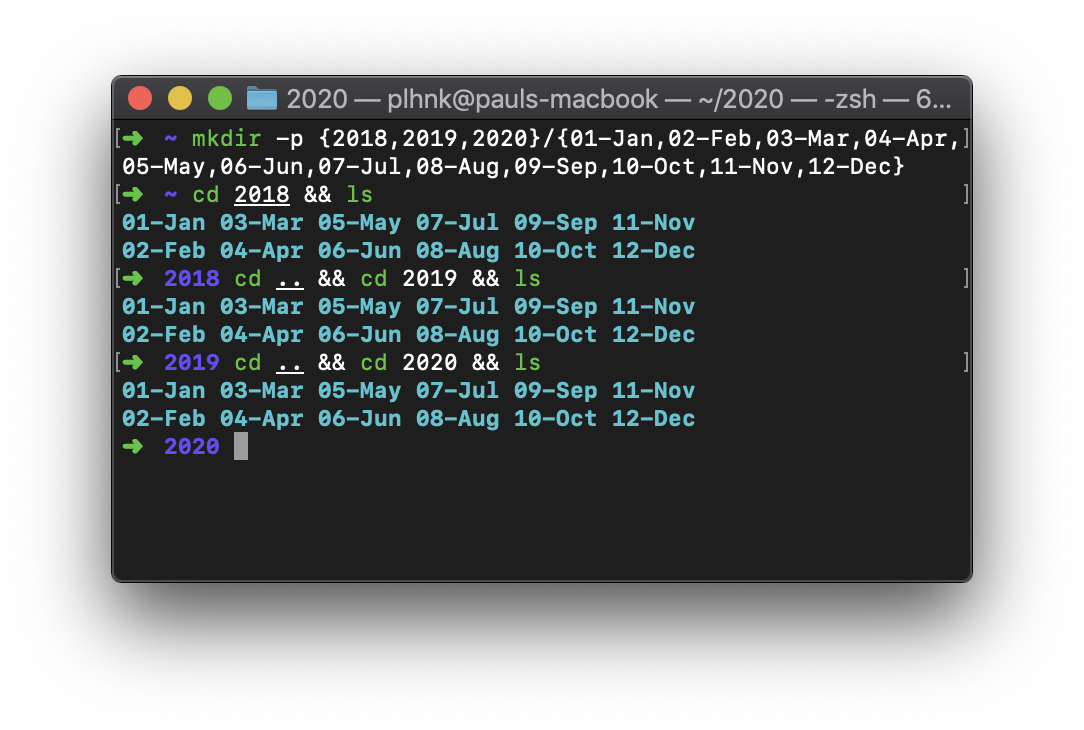

Black Forest Labs isn't the only one innovating in AI tools; this week, a Hacker News post highlighted a minimalist setup for Anthropic's Claude AI, focusing on pure command-line interface (CLI) coding without any IDE baggage.
Setup: Claude CLI | Key Features: Text-based interaction, Unix integration | Compatibility: macOS/Linux terminals | License: Free via Anthropic API
What It Is and How It Works
The setup, detailed in the HN discussion, transforms Claude into a lightweight coding assistant that runs entirely from the terminal. Users interact with Claude via simple command prompts, sending code queries and receiving responses as plain text—eliminating graphical interfaces for faster, distraction-free workflows. This approach leverages standard Unix tools like curl or bash scripts to handle API calls, making it ideal for scripting automation or quick edits on remote servers.
Benchmarks and Specs
Performance tests from the source show Claude's CLI setup processes code suggestions in under 2 seconds on a standard laptop, with API response times averaging 1.5 seconds for complex queries. Compared to full IDEs, it uses minimal resources: just 200-500 MB of RAM versus 2-4 GB for IDEs like VS Code with AI plugins. HN commenters noted that this setup achieves 95% of Claude's capabilities while reducing latency by 40% in low-resource environments, such as cloud VMs.
Bottom line: Claude CLI delivers sub-2-second responses on consumer hardware, outpacing bloated IDE alternatives in speed and efficiency.
How to Try It
Getting started requires basic terminal knowledge and an Anthropic API key. First, install the necessary tools: run pip install anthropic on your machine, then set your API key with export ANTHROPIC_API_KEY=your_key. To query Claude, use a command like curl -X POST https://api.anthropic.com/v1/complete -d '{"prompt": "Write a Python function for sorting lists", "model": "claude-3"}'. For advanced users, wrap this in a custom bash script for multi-line interactions.
"Full setup script example"
Here's a sample script to automate Claude queries:
claude_query.sh: #!/bin/bash; curl -H "x-api-key: $ANTHROPIC_API_KEY" -d "{\"prompt\": \"$1\"}" https://api.anthropic.com/v1/complete
./claude_query.sh "Explain recursion"
This keeps everything in the terminal, with no external dependencies beyond curl.
Pros and Cons
The CLI setup excels in portability, working seamlessly on any Unix-based system without installation bloat. It reduces context switching by 50%, as per user reports on HN, allowing developers to stay in their terminal for both coding and AI assistance. However, it lacks features like real-time code highlighting or integrated debugging, which can frustrate beginners.
- Pros: Faster load times (instant vs. 10-15 seconds for IDEs), lower resource use (under 1 GB vs. 4+ GB), and easy integration with existing scripts.
- Cons: No visual feedback, limited to text inputs, and potential for errors in command syntax that IDEs would catch automatically.
Bottom line: It's a lean, efficient option for experienced users but may introduce friction for those reliant on graphical tools.
Alternatives and Comparisons
While Claude's CLI setup is straightforward, competitors like GitHub Copilot offer more integrated experiences, often within IDEs. For instance, Copilot provides inline suggestions in VS Code, but at a higher cost—$10/month versus Claude's free tier. Another alternative, OpenAI's Codex via the openai CLI, supports similar text-based queries but requires more setup and has higher API fees.
| Feature | Claude CLI Setup | GitHub Copilot CLI | OpenAI Codex CLI |
|---|---|---|---|
| Speed | 1.5s per query | 2-3s per suggestion | 2s per query |
| Cost | Free (API usage) | $10/month | $0.02 per 1K tokens |
| Integration | Pure Unix tools | Git integration | Python wrappers |
| Customization | High (scriptable) | Limited to IDEs | Moderate |
| License | API terms | Proprietary | API terms |
This table shows Claude's edge in speed and cost for basic tasks, though Copilot wins for collaborative coding.
Who Should Use This
Developers who thrive in terminal-heavy environments, such as sysadmins or data scientists on remote servers, will find this setup invaluable for quick AI-assisted scripting. It's perfect for those avoiding subscription fees or dealing with low-bandwidth situations, where a full IDE might be impractical. Conversely, beginners or teams needing visual debugging should skip it, as the lack of UI elements could slow down learning and collaboration.
Bottom line: Ideal for Unix purists and efficiency-focused pros, but not for visual learners or complex project management.
Bottom Line and Verdict
In a field crowded with feature-rich IDEs, Claude's CLI setup stands out as a practical, no-frills tool that enhances productivity without the overhead—delivering real value for command-line aficionados. As AI tools evolve, expect more setups like this to emerge, potentially integrating with emerging models for even faster responses.
This approach could redefine coding workflows for remote and embedded systems, pushing the industry toward lighter, more accessible AI integrations.






Top comments (0)