

Axonnic launched its finger-tracking wearable sleeves this week, a hardware and software package that uses inertial measurement units (IMUs) to capture hand motion and estimate applied force — flagged in a Launch HN thread with 47 points. The system targets developers and researchers needing detailed hand data without the constraints of camera-based systems.
Product: Axonnic Sleeves | Sensors: 30 IMUs (15 per sleeve) | Data Rate: 30 Hz
Price: $299 (developer kit) | Platforms: Unity, Unreal Engine, Python | Connectivity: USB-C
How the Sleeves Estimate Motion and Force
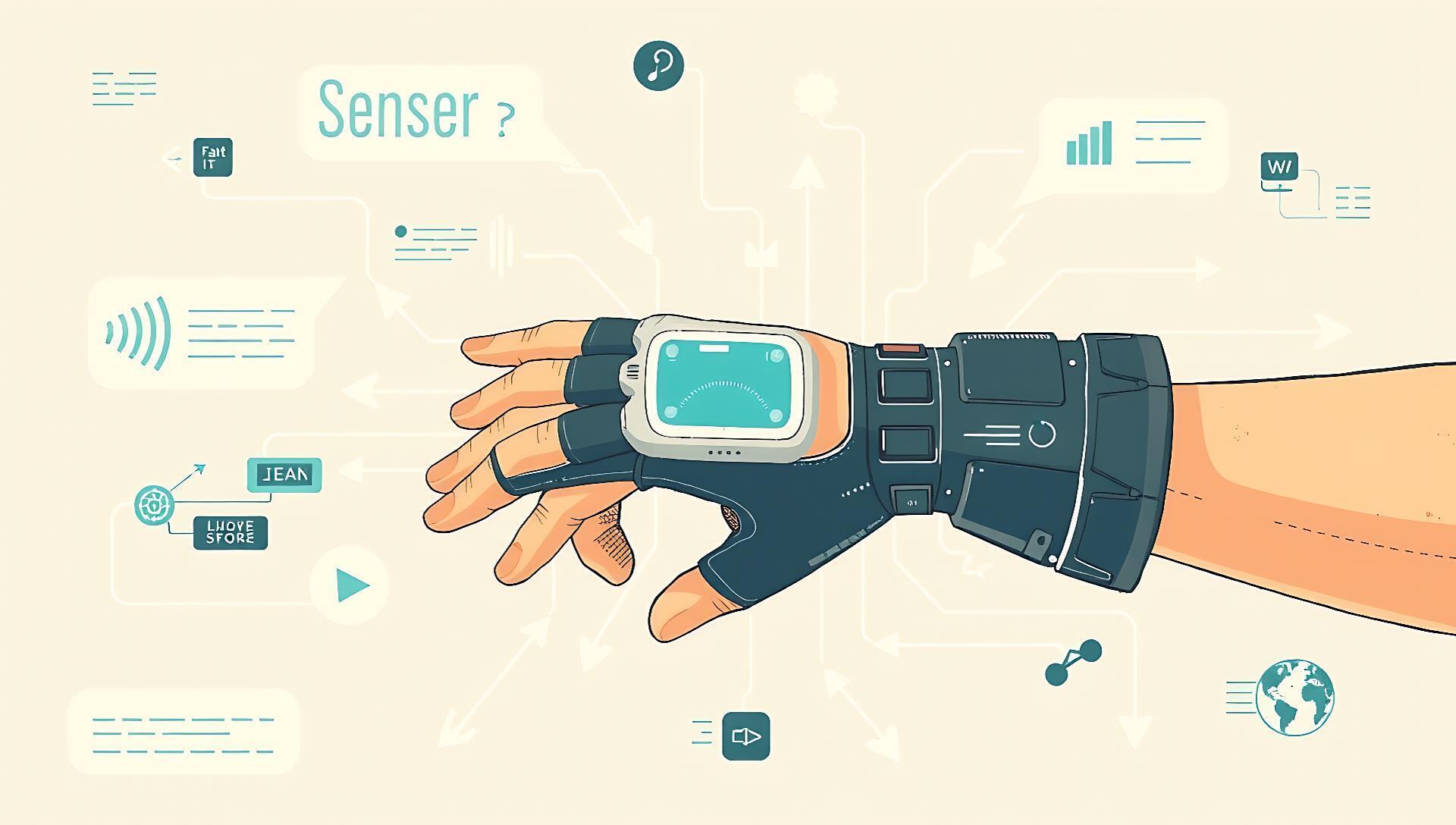
Each fabric sleeve houses 15 IMU sensors positioned to track individual finger joints and wrist rotation. The system streams raw orientation and acceleration data at 30 Hz to a companion software SDK.
Force estimation is the key differentiator from basic motion capture. Axonnic’s model analyzes micro-movements and vibration patterns in the IMU data to infer when and how much force a finger applies to a surface. This is a machine learning problem — the model was trained on paired IMU data and ground-truth force measurements from instrumented objects. Early testers report it works best for relative force comparisons (e.g., pressing button A harder than button B) rather than providing absolute, calibrated newton readings.
Benchmarks and Technical Specifications
The system prioritizes accessibility and portability over the extreme fidelity of high-end solutions. The 30 Hz data rate is sufficient for many interactive and research applications but falls short of professional cinematic motion capture, which often exceeds 120 Hz.
| Feature | Axonnic Sleeves | Camera-Based MoCap (e.g., Rokoko) | Data Gloves (e.g., SenseGlove) |
|---|---|---|---|
| Primary Data | Joint angles, estimated force | 3D joint positions (visual) | Joint angles, haptic feedback |
| Setup | Wear and connect USB | Calibrated camera rig | Wear and connect (often wireless) |
| Environment | Any lighting, occlusions OK | Controlled lighting, no occlusion | Any lighting, occlusions OK |
| Force Feedback | Estimated (software) | None | Active (hardware) |
| Typical Cost | $299 (dev kit) | $1,500+ | $5,000+ |
The $299 developer kit price is the standout figure, undercutting most professional alternatives by an order of magnitude. The trade-off is the indirect nature of force estimation and the lower sampling rate.
How to Try Axonnic
The path to evaluation is direct. The developer kit is available for purchase on the Axonnic website. Upon receipt, setup involves installing the Axonnic Bridge software and integrating the SDK into a project.
The provided SDKs for Unity, Unreal Engine, and Python output a standard skeletal hand model. A basic Python script can stream data in under 10 lines of code, allowing for rapid prototyping of gesture control or biomechanics logging. The company provides sample projects on GitHub to accelerate initial testing.
"Technical Setup Steps"
pip install axonnic for Python, import package for Unity/Unreal).
Pros, Cons, and Community Feedback
The Hacker News discussion highlighted both intrigue and skepticism, focusing on the force estimation claim.
Advantages:
- Portability and Setup: No cameras, lighting, or calibration rigs required. Use anywhere.
- Cost: At $299, it's accessible for indie developers, students, and prototyping.
- Occlusion Resistance: Works with hands in pockets, under desks, or out of frame—a clear edge over vision.
Limitations and Open Questions:
- Force Accuracy: Commenters questioned the validity of force-from-IMU inference, especially for dynamic tasks. The company acknowledges it's best for relative, not absolute, measurement.
- Drift Correction: IMU-based systems suffer from orientation drift over time. The software uses kinematic constraints to correct this, but long sessions may require re-homing.
- Durability: The fabric sleeves and embedded electronics are unproven for long-term, daily use.
Bottom line: A low-cost, highly portable tool for capturing approximate hand kinematics and relative force, with accuracy trade-offs versus lab-grade equipment.
Alternatives and When to Choose Them
Axonnic occupies a new niche between simple camera tracking and expensive professional gear.
- Choose Camera-Based Systems (Rokoko, Perception Neuron) when you need high-fidelity, absolute positional data for animation or rigorous biomechanics study, and you can control the environment.
- Choose Professional Data Gloves (SenseGlove, CyberGlove) when you require sub-millimeter precision, true haptic feedback, or are working in enterprise/industrial validation. Budget $5,000 to $20,000.
- Choose Axonnic Sleeves for portable prototyping, educational use, or applications where environmental flexibility is critical and force estimation—even approximate—adds unique value.
Who Should Use Axonnic Sleeves
This tool fits specific user profiles and falls short for others.
Ideal for:
- Indie XR Developers: Building gesture-controlled experiences where putting hands in pockets or behind objects is a feature, not a bug.
- Prototyping Researchers: In HCI or biomechanics labs needing a fast, good-enough tool for early-stage gesture or force analysis without a major capital expenditure.
- Educators: Teaching concepts of motion capture and human-computer interaction with a sub-$300 tangible tool.
Not recommended for:
- Film/Game Cinematics: The 30 Hz rate and potential drift lack the precision required for final-frame animation.
- Medical or Quantitative Biomechanics: Where validated, calibrated force measurement is legally or scientifically necessary.
- Users Needing Absolute Precision: If your application fails with a 5-degree joint error, look to high-end alternatives.
Axonnic’s sleeves signal a push to democratize motion capture by accepting clever software approximations in exchange for radical affordability and convenience. Their success hinges on developers finding utility in "good enough" data where none was previously accessible.



Top comments (0)