
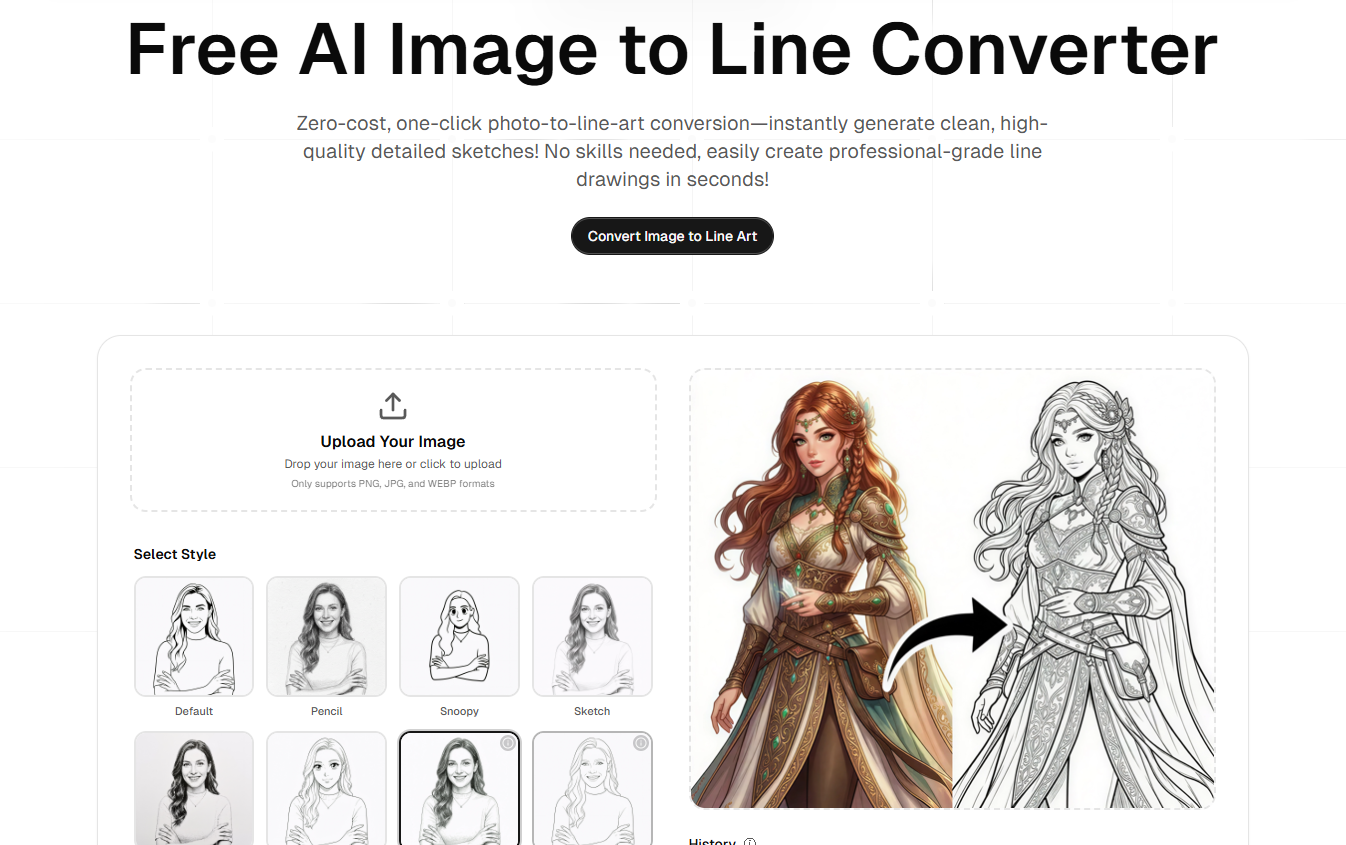
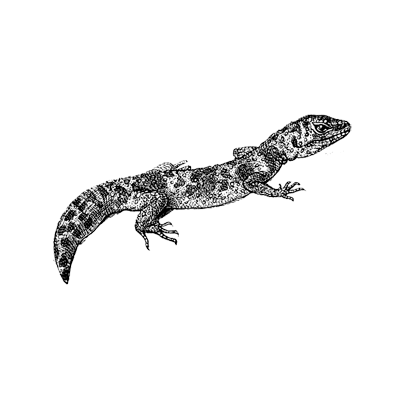
As someone who’s always looking for ways to speed up my design workflow, I’ve tried countless filters and AI models to get clean line art from photos. Most of the time, the lines are either too messy or the details get lost in the noise.
Recently, I’ve been using a tool called Image to Line, and it’s honestly been a game-changer for my early-stage drafts. Unlike generic AI generators that try to "reimagine" the image, this one focuses strictly on precise edge extraction.
*Here’s how I’ve been using it in my workflow:
*
1.I often take photos of interesting architecture or textures while out. Instead of manual tracing, I run them through Image to Line to get a high-def outline that I can immediately import into Procreate.
2.If I generate a complex image in Midjourney but want to turn it into a "coloring book" style for a project, this tool strips away all the shading and color, leaving just the crisp lines.
*What I like about it:
*
- Speed: It’s almost instantaneous. No waiting in a generation queue.
- Pure Lines: The output is a clean white background, which means no extra "cleanup" time in Photoshop.
**A quick tip for best results:
**I’ve found that high-contrast photos work best. If your image is a bit flat, try bumping up the contrast on your phone before uploading, and the AI will pick up the edges even more accurately.
If you’re a digital artist, a crafter, or just someone who needs clean outlines for your projects, I’d highly recommend giving Image to Line a try.
I'd love to see what you guys create with it!
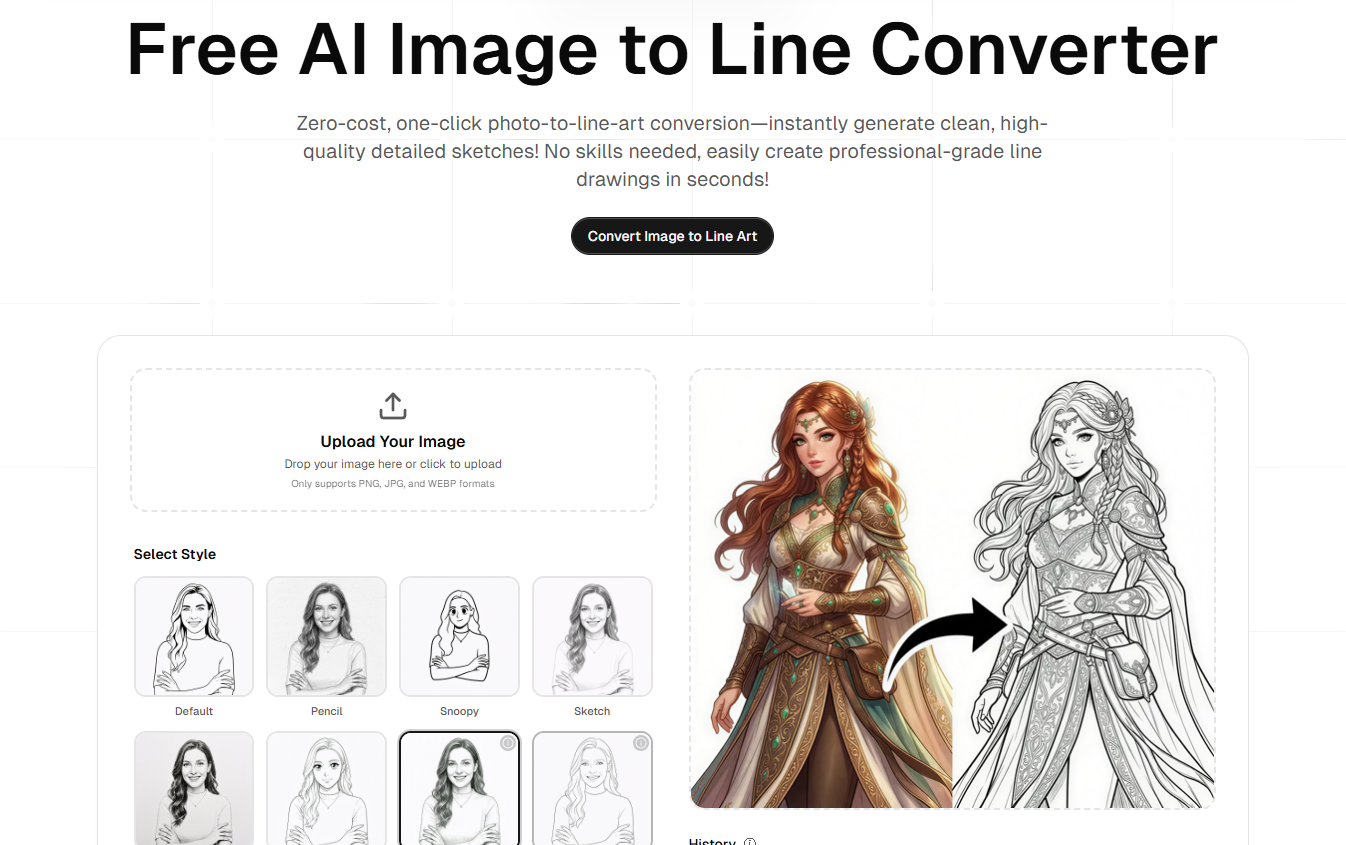

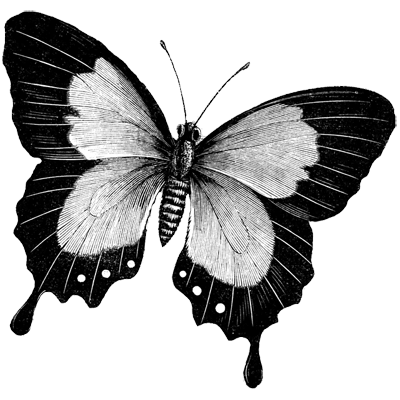


Top comments (0)