
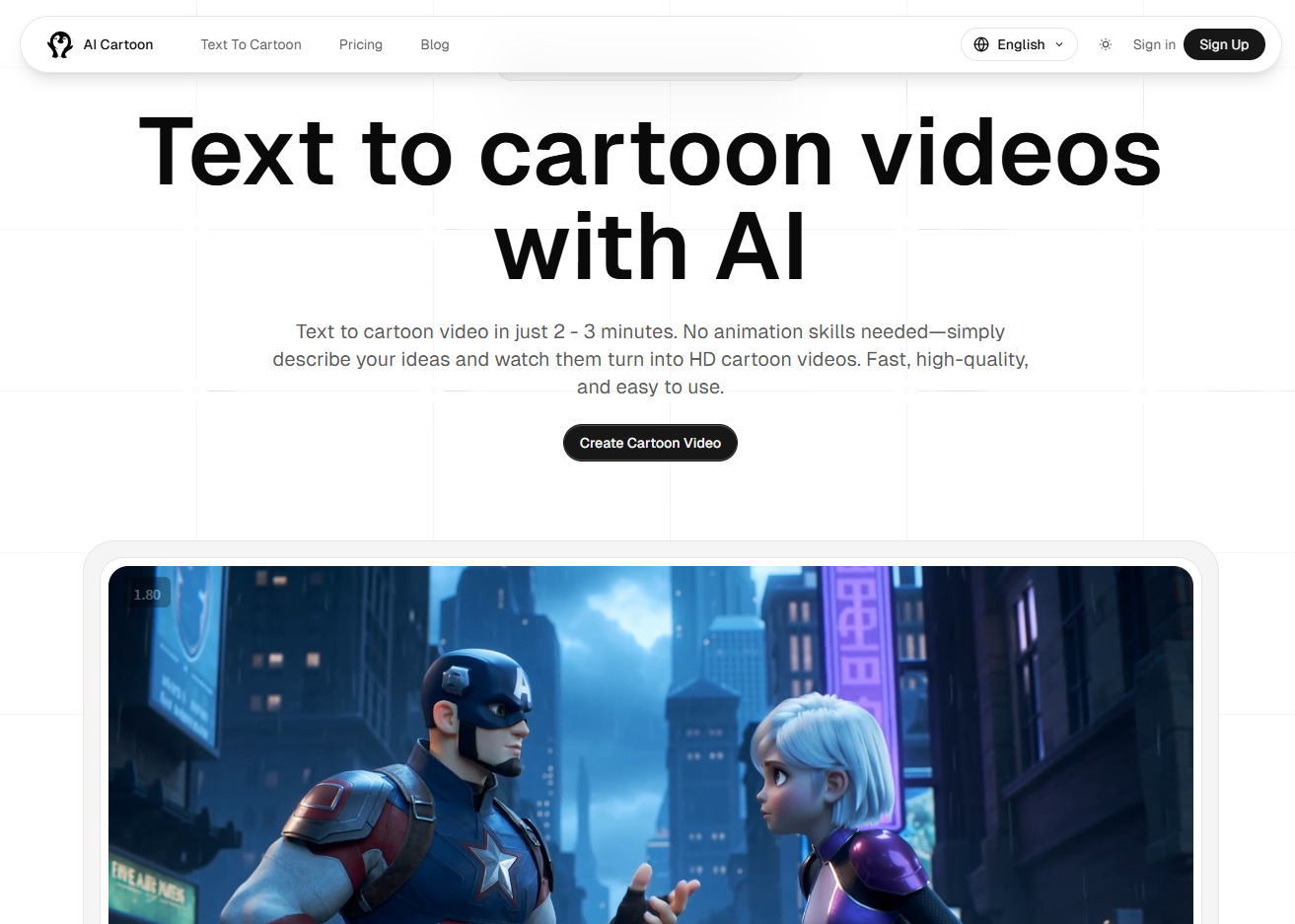
We all know that producing a 30-second cartoon used to take weeks of drawing and keyframing. I’ve been experimenting with Text to cartoon videos lately, and it has completely changed how I think about visual storytelling.
*How it fits into my workflow:
*
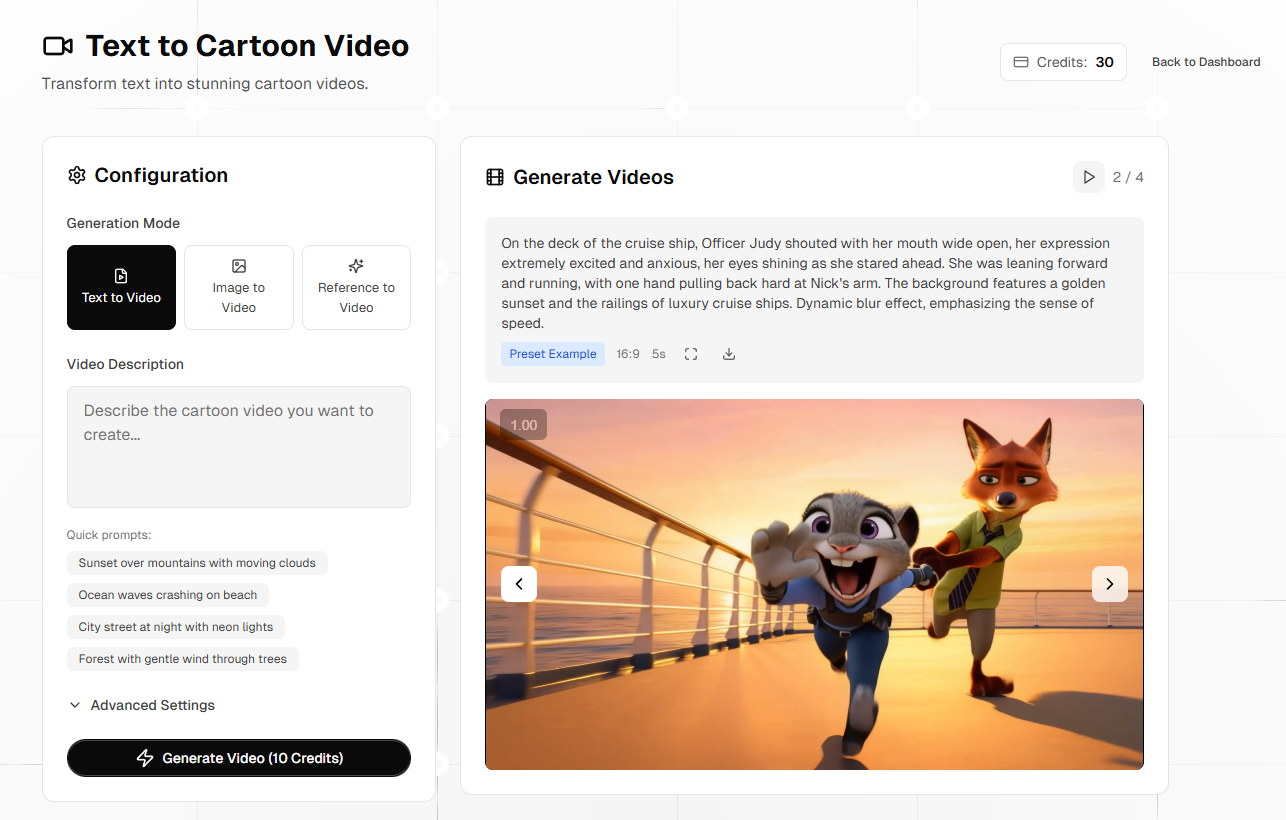
1. Script to Scene: I usually write a short script or a funny dialogue. Instead of just posting text, I plug it into Text to cartoon videos. The AI interprets the prompt and generates a synchronized animation with consistent characters.
2. Social Media Content: For platforms like TikTok or Reels, where movement is key to engagement, I use this to create "explainer" shorts. It’s much more eye-catching than a static image or a basic AI headshot.
3. Prototyping Ideas: Before committing to a larger project, I use this tool to quickly visualize a character's "vibe" in motion.
*Why I’m sticking with it:
*
Consistent Aesthetics: It keeps that vibrant "cartoon" feel across the frames, which is hard to achieve with generic video models.
Insane Speed: I can get a high-def render in about 2-3 minutes. That’s faster than I can brew a cup of coffee.
Low Barrier: You don’t need to be an animator. If you can write a good prompt, you can make a video.
**A Pro Tip for the Prompt Engineers here:
**The AI responds really well to descriptive lighting and camera angles. If you add keywords like "cinematic lighting" or "low angle shot" to your prompt, the output quality jumps significantly.
If you’re looking to add some motion to your stories or just want to play around with AI video, definitely give Text to cartoon videos a spin.




Top comments (0)