
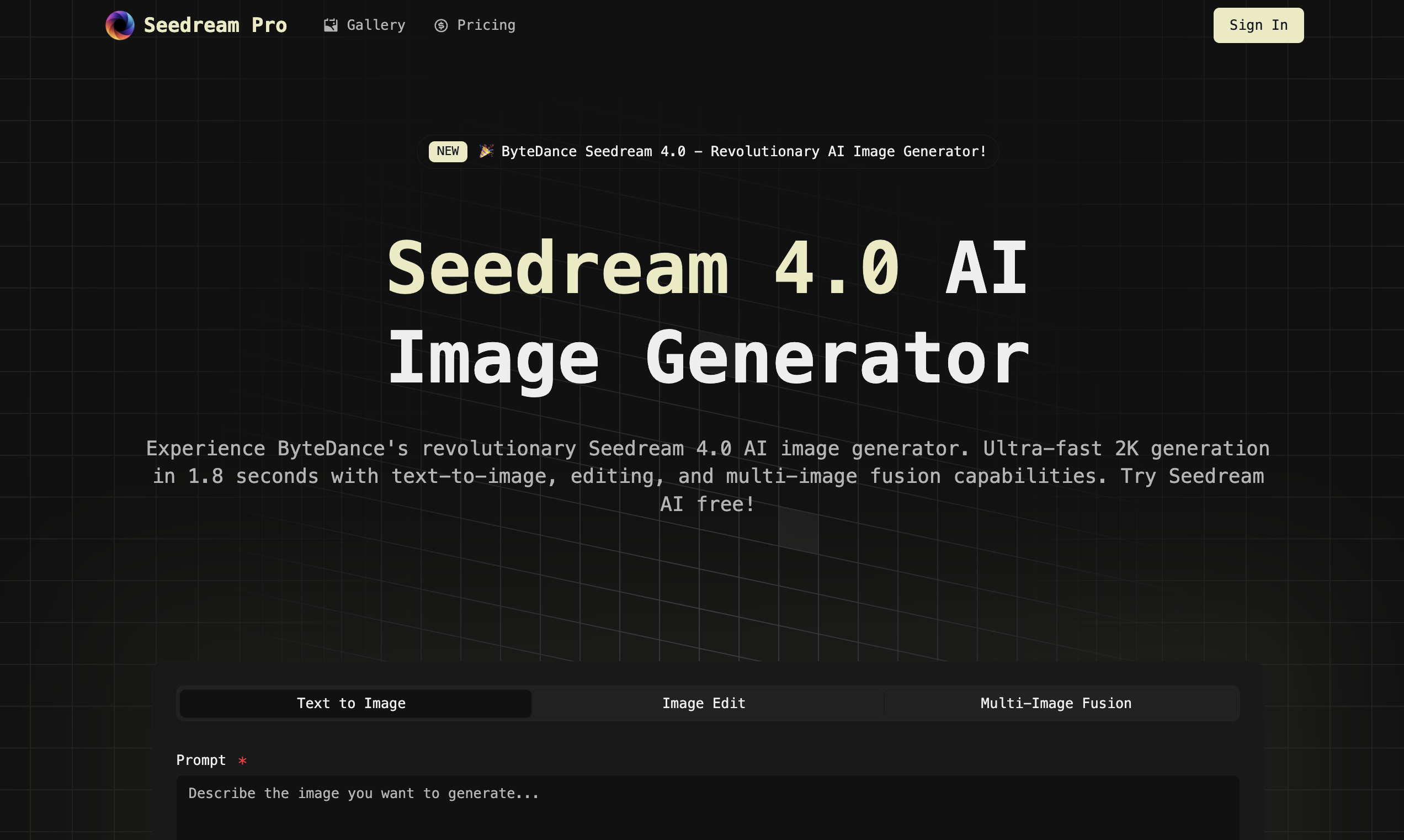

Welcome to Seedream Pro on promptzone! 👋
What you can do here
• Generate high-res images from text
• Mask (inpaint) directly on the canvas
• Fuse multiple reference images to keep visuals on brand
Quick start
1. Sign in with Google → open a new project.
2. Choose a mode: Text-to-Image / Image Edit / Multi-Image Fusion.
3. Write a clear prompt + add style hints (camera, lighting, materials).
4. Use Mask for local edits; upload 1–5 references for fusion.
5. Export 2K/4K assets for ads, landing pages, or social posts.
Plans
• Each account gets 1 free generation for life.
• Paid plans: Monthly (100/400/1200 generations) and Yearly options.
• All plans include text-to-image, editing, and fusion; higher tiers add priority/batch benefits.
We’d love your feedback—what should we build next (batch jobs, style presets, upscaler, API)?
Try it now → https://www.seedreampro.com/






Top comments (0)