
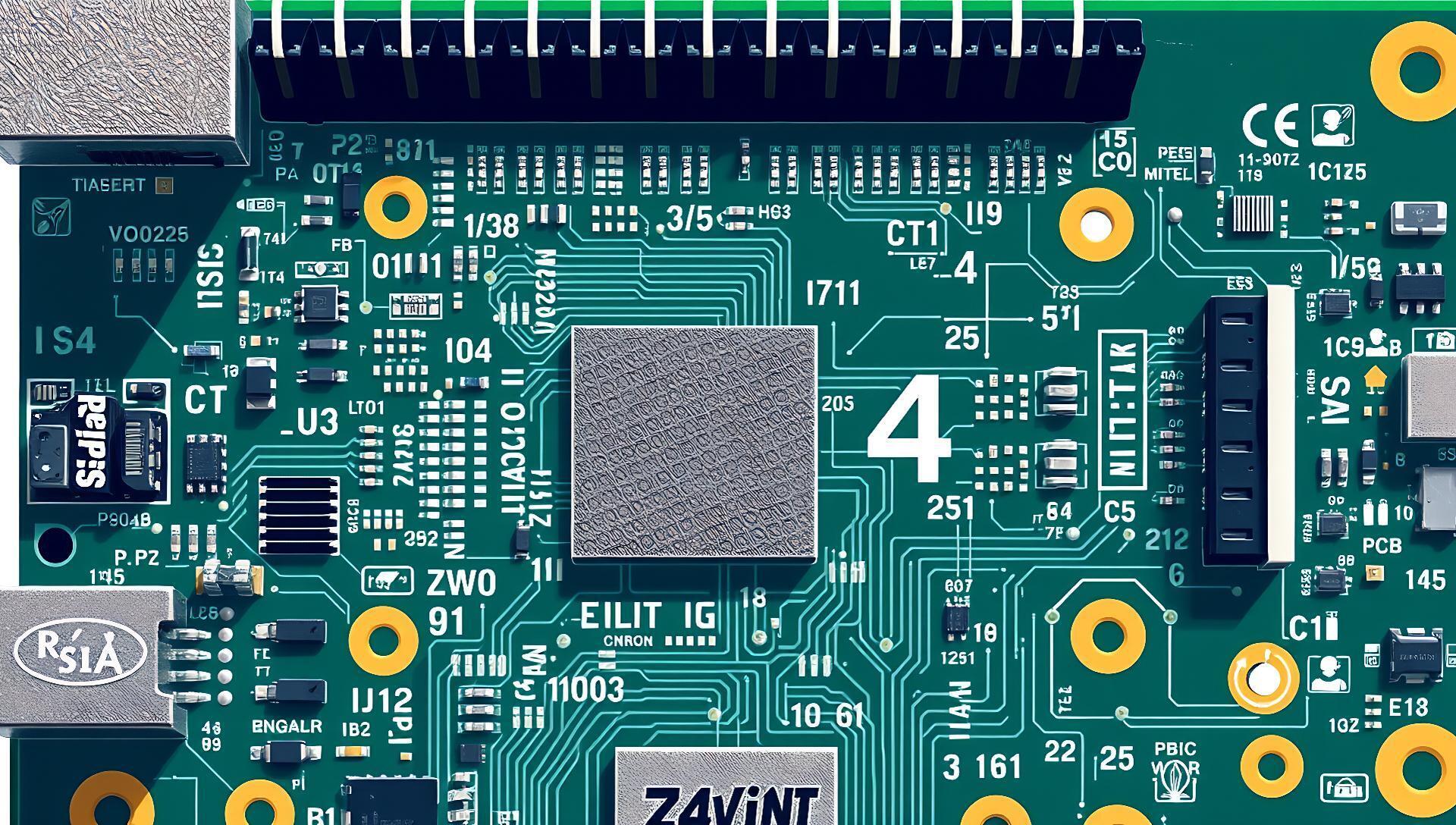

The smolmaxxing GitHub project, flagged on a Hacker News thread with 117 points, demonstrates running a 7-billion-parameter large language model on a Raspberry Pi 4 with just 4GB of RAM. The project’s core achievement is achieving usable inference on hardware typically considered incapable of local LLM operation.
Project: smolmaxxing | Target Model: Llama 2 7B | Target Hardware: Raspberry Pi 4 (4GB RAM)
Key Technique: 4-bit quantization & memory mapping | Inference Speed: ~1.5 tokens/sec
How It Works: Quantization and Memory Mapping
The project applies aggressive 4-bit quantization to a standard 7B model, reducing its memory footprint from approximately 13-14 GB (for 16-bit) down to about 4 GB. It then uses memory mapping (mmap) to load the model directly from storage, bypassing the need to load the entire model into RAM at once. This allows the Raspberry Pi’s limited RAM to handle the active computation layers while the bulk of the model weights stay on the SD card or SSD.
Early testers on Hacker News confirmed the basic premise: it runs, but slowly. The primary trade-off is speed for accessibility.

Benchmarks and Practical Performance
On a Raspberry Pi 4 with 4GB of RAM, performance is measured in tokens per second, not the tens of tokens per second expected on desktop GPUs. The project reports an inference speed of roughly 1.5 tokens/second. For context, generating a 100-token response takes over a minute.
| Feature | smolmaxxing (RPi 4) | llama.cpp (M1 Mac) | Ollama (Desktop CPU) |
|---|---|---|---|
| Hardware | RPi 4 (4GB RAM) | Apple M1 (8GB) | Intel i5 (16GB RAM) |
| Model (7B) | 4-bit quantized | 4-bit quantized | 4-bit quantized |
| Speed (tokens/sec) | ~1.5 | ~25-40 | ~10-15 |
| Primary Use Case | Proof-of-concept, ultra-low-resource | Balanced speed/efficiency | Ease of use & local dev |
How to Try It: A Three-Step Setup
The setup is command-line focused and requires comfort with terminal operations. The official GitHub repository provides the core instructions.
- Prepare the Hardware: Use a Raspberry Pi 4 (4GB or 8GB model) with a 32GB+ high-speed microSD card or, preferably, a USB 3.0 SSD for faster model loading.
- Install Dependencies: Clone the repo and install required packages like
cmakeandbuild-essential. The project builds a modified version of a C++ inference runtime. - Download and Run: Use the provided scripts to download a pre-quantized 4-bit model (like Llama 2 7B) and start the inference server. The interface is terminal-based.
"Detailed setup commands"
# Clone the repository
git clone https://github.com/hyperionaidev/smolmaxxing.git
cd smolmaxxing

# Follow the build instructions in the README.md
# Typically involves running a build script and then a download/run script.
# Example:
./scripts/download-model.sh
./scripts/run-pi.sh
Pros, Cons, and Honest Trade-Offs
This project fills a specific niche, not a general-purpose one.
Pros:
- Hardware Democratization: Runs a 7B model on a $35 single-board computer.
- Educational Value: Excellent for understanding model quantization and low-level inference constraints.
- Energy Efficient: The Raspberry Pi 4 consumes under 10 watts under load.
Cons:
- Extremely Slow: At 1.5 tokens/sec, it's impractical for interactive chat.
- Limited Model Support: Currently tailored for specific 4-bit quantized Llama-family models.
- Setup Friction: Requires command-line proficiency and debugging for a successful build.
Who Should (and Shouldn't) Use This
Use smolmaxxing if you are:
- An educator or student demonstrating LLM fundamentals on minimal hardware.
- A hobbyist or tinkerer interested in the absolute limits of edge AI deployment.
- A developer prototyping for ultra-low-power, always-on embedded scenarios where latency is not a concern.
Avoid smolmaxxing if you need:
- Responsive interaction for chat or coding assistance.
- A plug-and-play local LLM experience.
- To run models larger than 7B parameters.
Bottom line: Smolmaxxing is a compelling technical demonstration that pushes the boundary of "what hardware can run an LLM," but it is not a viable tool for productive use.
Alternatives for Local LLMs on Limited Hardware
For practitioners seeking usable local LLMs on resource-constrained systems, more mature options exist. The comparison below assumes a 7B parameter model.
| Tool | Minimum Practical Hardware | Speed (Approx.) | Ease of Setup | Best For |
|---|---|---|---|---|
| llama.cpp | Desktop CPU (8GB RAM) | 10-30 tokens/sec | Moderate | Maximum performance on CPU |
| Ollama | Desktop CPU (8GB RAM) | 10-20 tokens/sec | Very Easy | User-friendly local deployment |
| MLC LLM | iPhone, Android, Raspberry Pi 5 | 5-15 tokens/sec | Moderate | Cross-platform edge deployment |
| smolmaxxing | Raspberry Pi 4 (4GB RAM) | 1-2 tokens/sec | Difficult | Educational / extreme low-power proof-of-concept |
For those with a Raspberry Pi 5, tools like MLC LLM offer a significantly better experience, with speeds potentially 5-10x faster due to the newer CPU and available 8GB RAM option.
Smolmaxxing proves the lower bound of LLM hardware requirements, but for now, practical local inference still demands more capable silicon. The project’s real value is in defining the frontier of minimal viable deployment, a benchmark that will quickly be surpassed.





Top comments (0)