


Google AI plan support is now officially integrated into the Pi coding agent, per a recent Hacker News thread discussing the merged pull request. This gives developers a direct, lower-cost API pathway to Google’s latest Gemini models for code generation and review directly within their IDE.
Model: Gemini 1.5 Pro/Flash | Price: $20/month (Google AI Studio plan) | Available: Pi Agent IDE extension | License: Proprietary
How the Integration Works
The Pi agent now natively accepts a Google AI Studio API key as a configured backend. When selected, Pi routes coding tasks—from inline completions and refactoring to full file generation—through Google’s Gemini models instead of its default model or other configured LLMs.
The integration uses Google’s standard API, meaning latency and performance depend on Google’s infrastructure. Developers must generate an API key from their Google AI Studio account and add the $20/month “AI Studio Plan” for sustained usage beyond the free tier limits.
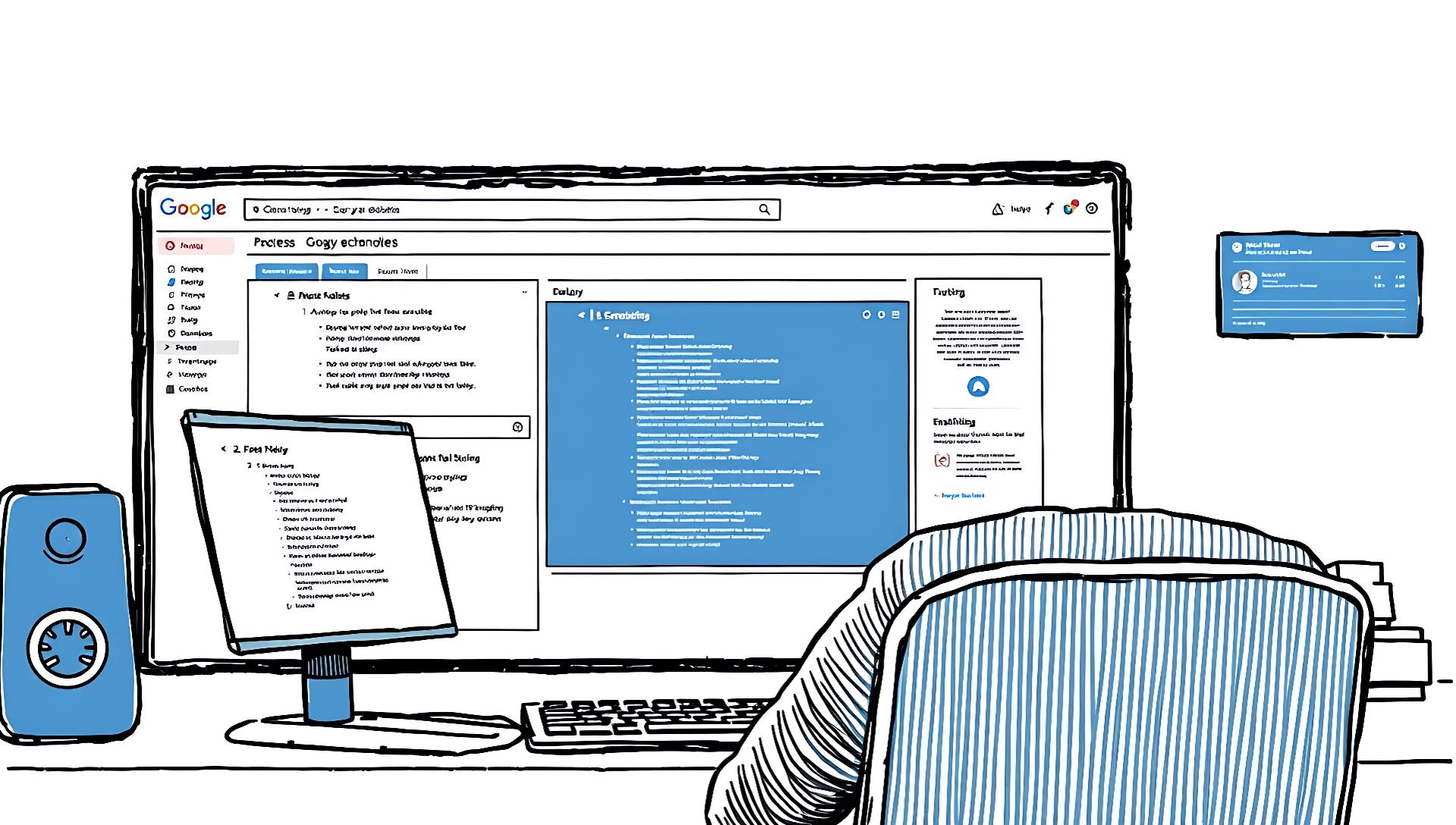
How to Try It Today
Setting up the Google AI backend in Pi takes three steps. You must have the Pi agent extension installed in VS Code or JetBrains IDE.
"Setup Steps"
Early testers report the setup is straightforward, but note that usage will now draw from your Google AI Studio quota, not any separate Pi subscription.
Pros and Cons of the Google Backend
Choosing the Google AI plan as Pi’s engine presents clear trade-offs based on initial community feedback and model specs.
Advantages:
- Cost Control: The $20/month Google AI Studio plan offers a high rate limit, potentially cheaper than some tiered per-token plans for heavy users.
- Long Context: Access to Gemini 1.5 Pro’s 1M token context window is significant for analyzing large codebases in a single request.
- Direct Model Access: Removes an intermediary layer, potentially improving transparency into which model is processing your code.
Disadvantages:
- Added Complexity: Manages a separate API key and subscription from your Pi usage.
- Variable Latency: Performance is tied to Google’s API, which can be slower than locally-hosted or dedicated coding agents.
- No Unified Billing: Splits your developer tool billing between Pi’s service (if used) and Google AI Studio.
Pi with Google AI vs. Other Coding Agents
The primary alternatives for AI-powered coding are standalone agents or other IDEs with built-in AI. The key differentiator for Pi is its model-agnostic design, letting you swap backends.
| Feature | Pi (with Google AI) | Cursor (Pro Plan) | GitHub Copilot (Individual) |
|---|---|---|---|
| Primary Model | User-selectable (Gemini, others) | GPT-4o (default) | OpenAI Codex / GPT-4 |
| Price | Pi fee + $20/mo (Google AI plan) | $20/month (all-inclusive) | $10/month (all-inclusive) |
| Context Window | Up to 1M tokens (Gemini 1.5 Pro) | 128K tokens | Not officially disclosed |
| Key Strength | Backend flexibility, cost control | Tight IDE integration, strong defaults | Ubiquity, strong VS Code integration |
Bottom line: Pi with Google AI is for developers who want to pay directly for a specific, high-context model. Cursor and Copilot offer simpler, all-in-one pricing.
Who Should Use This Integration
This update is a niche but powerful tool for specific developer workflows.
Use Pi with Google AI if:
- You are already a heavy user of Google AI Studio and want to apply its quota to coding.
- You require the long context window of Gemini 1.5 Pro for large-scale code analysis or generation.
- You prefer the Pi agent’s interface and want to decouple your model provider from your agent tool.
Skip this and use an alternative if:
- You want the simplest, single-subscription experience (choose Cursor or GitHub Copilot).
- You prioritize the lowest possible latency for completions (consider a local model or a dedicated, optimized agent).
- Your coding needs are well-served by existing defaults and you don’t want to manage API keys.
The Verdict on Model-Agnostic Agents
The official Google AI support in Pi is less about a new feature and more about validating a trend: the decoupling of AI coding agents from their underlying models. This gives developers unprecedented control to mix and match for cost, performance, and capability.
For most, the convenience of an all-in-one tool like Cursor will win. But for teams with existing cloud AI credits, specific model requirements, or complex cost structures, Pi’s flexible backend is becoming a compelling platform. The next logical step is seeing similar official support for Anthropic’s Claude API and open-source model endpoints.
This integration is a small step for Pi, but a clear signal that the AI coding tool layer is maturing into a configurable platform.






Top comments (0)