

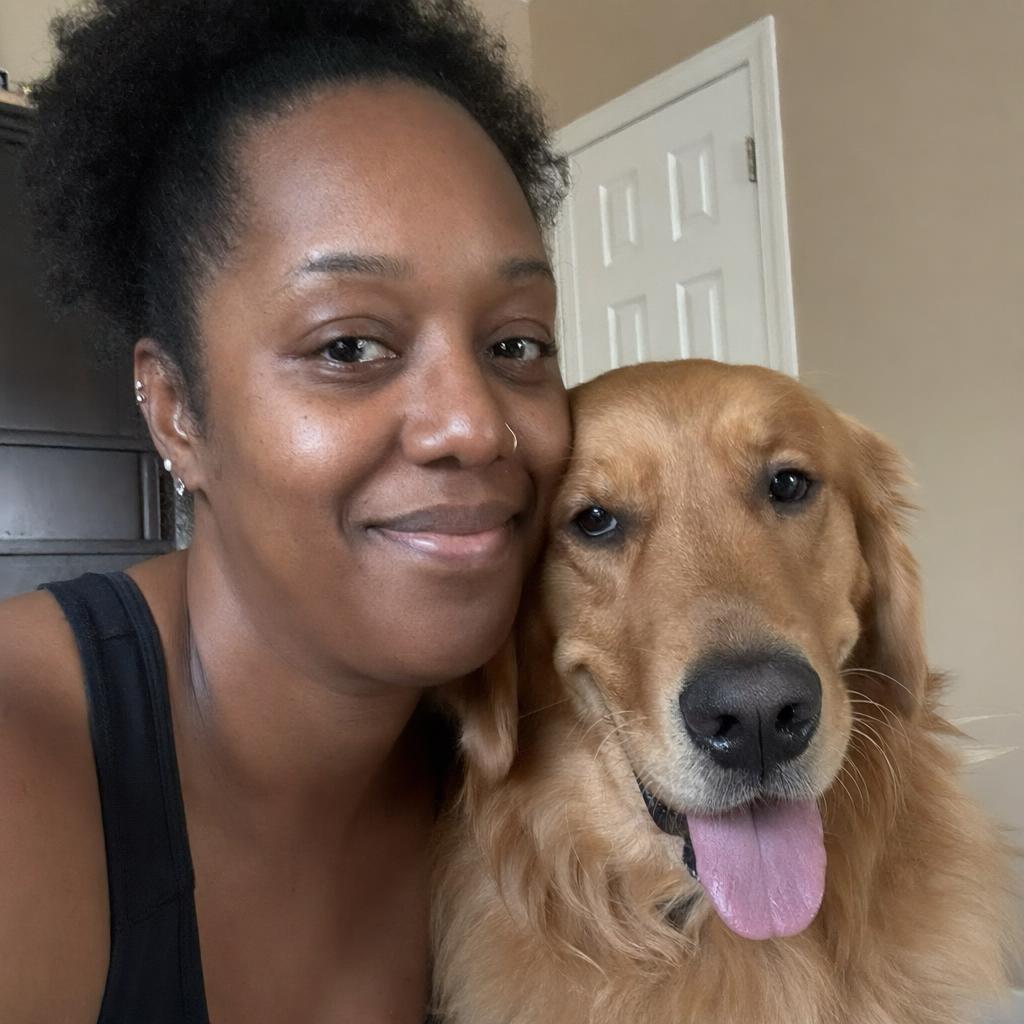
Getting one good image of an invented person is easy. Getting forty images of the same invented person - same face, same age, same build, across different scenes - is where most people give up and go train a LoRA. You often do not need to. Fooocus has enough built in to hold a character together across a series, and the workflow below is the one that survives contact with reality.
Why a text description alone will not hold a character
Write out a careful description - late twenties, dark curly hair, square jaw, small scar above the left eyebrow - and generate it ten times. You get ten different people who all technically match. The model is sampling from an enormous space of faces consistent with your words, and no amount of extra adjectives narrows that space to one individual. Adding more description makes the faces more similar in type, not in identity.
So you need something outside the text prompt to carry identity. That is the whole problem, and everything below is about supplying it cheaply.
Step 1: write a character block and stop editing it
Create one paragraph that describes the person and nothing else - no scene, no lighting, no camera. Something like age range, build, hair colour and style, eye colour, skin tone, face shape, and one or two distinctive features. Then treat that block as frozen text. Every prompt in the series starts with it, character for character.
This matters more than it sounds. Rewriting the description between generations, even slightly, is the biggest source of drift in a character series. Keep the block in a text file and paste it.
Build the rest of each prompt after the block, and keep the two mentally separate:
| Locked - never changes | Free - changes every image |
|---|---|
| Character description block | Location and background |
| Checkpoint and style presets | Pose and action |
| Face reference image | Wardrobe |
| Aspect ratio, ideally | Lighting, time of day, weather |
Step 2: earn a hero portrait
Generate against the character block until you get one image you would genuinely cast. You want a clean headshot or upper-body shot: front-facing or close to it, even lighting, no heavy shadow across the face, no sunglasses, no extreme expression, face occupying a decent share of the frame.
While you are hunting, fix the seed whenever you change a word so you can see what the word did. Once you are close, unlock the seed and generate a batch to sample around the look. Save the winner somewhere permanent - that file is now your character's identity.
Fooocus ships with a photographic SDXL checkpoint by default, in the Juggernaut XL family, which is a reasonable starting point for realistic characters. Whatever you pick, do not change it mid-series. Different checkpoints have different ideas about what a face is, and switching one will undo the consistency you just built.
Step 3: carry the face forward
For every subsequent image, load the hero portrait into an Image Prompt slot and set its mode to FaceSwap. The text prompt is then free to describe a new scene while identity comes from the reference.
Two practical points. First, keep the reference weight moderate - pushed too high, FaceSwap starts flattening expression and pose along with identity, and every image ends up with the same stare. Second, if the wardrobe or colour palette also needs to stay consistent, add a second reference slot in ImagePrompt mode at low weight, pointing at an image with the right styling. Structure from one slot, identity from another.
Step 4: vary the world with wildcards
Once identity is handled, the bottleneck becomes inventing scenes. Fooocus wildcards solve this: a plain text file in the wildcards folder, one option per line, referenced in a prompt by its filename between double underscores. At generation time one line is picked at random.
So a prompt tail of standing in __location__, __weather__, __time_of_day__ with three small text files gives you a scene generator. Run a batch and you get your character across a spread of contexts without writing each one.
A few habits that keep this useful rather than chaotic:
- Keep each wildcard file to one dimension. Mixing locations and lighting in the same file makes results impossible to attribute.
- Write options in the same grammatical shape so they drop into the sentence cleanly.
- Never put character attributes in a wildcard file. That is the one thing that must stay locked.
- When a random combination works, copy the resolved prompt out and save it before it is gone.
Where the drift creeps in
This approach is good, not perfect. Where it degrades, roughly in order of frequency:
- Small faces. In a wide shot the face may be too few pixels for the reference to take hold. Frame tighter, or generate wide and then inpaint the face at higher resolution.
- Extreme angles. A front-facing reference does not carry well to a full profile or a strong low angle. If your series needs those, produce a second hero image at that angle and swap references by shot type.
- Style changes. Moving from photographic to illustrated output breaks identity almost completely; the features that encode a face in a photo do not survive stylisation.
- Lighting mismatch. A flatly-lit reference dropped into a hard-shadow night scene tends to produce a face that looks pasted on. Match the lighting register roughly in the prompt.
- Cumulative drift. If you use image N as the reference for image N+1, small errors compound. Always reference the original hero portrait, never the most recent output.
If you are fighting all five at once, a LoRA is genuinely worth the training time. For a few dozen images, it is not.
A prompt worth building a character on
Style-forward prompts give a checkpoint strong direction and make a character read as deliberately art-directed rather than generically rendered. This one is a good template - a period, a film stock, a wardrobe register, a time of day, and a documentary framing:
80s editorial fashion, Agfa Vista film, natural coloring, a woman on the street wearing streetwear in 1982, afternoon, documentary film
Swap the year, the film stock and the wardrobe to move the whole series somewhere else while keeping your character block untouched.
Practical takeaways
Identity has to come from outside the text prompt, so a hero portrait plus FaceSwap does most of the work that people assume requires training. Freeze the character description and the checkpoint; vary only scene, pose, wardrobe and light. Always reference the original portrait rather than your latest output, or drift compounds silently. Use wildcards to generate scene variety cheaply, and keep character attributes out of them. When face size, extreme angles or a style change break the illusion, a LoRA finally pays for itself.





Top comments (0)