
When a vision model reviews a cutout, ask it to describe observable differences before offering fixes. Otherwise it may propose a polished result without noticing that part of the subject is missing.
Pass one: compare, do not repair
Compare the original with the cutout. List visible changes to the subject’s shape. Inspect thin parts and interior gaps. Separate clear observations from uncertain areas. Do not invent hidden detail.
Give it images at comparable sizes. A crop change can otherwise look like a missing feature. The remove background discussion is useful context when choosing which areas deserve a manual check.
Pass two: make a review queue
Turn the observations into a short checklist for a human editor. Name each location and what to compare with the source. Leave uncertain items unresolved.
Use the checklist beside the actual files. For a manual selection reference, consult the GIMP selection-tool manual. The model’s description is a lead to inspect, not a verified mask.
A small evaluation
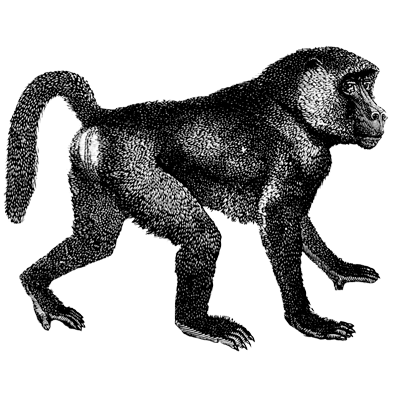
Try one intact cutout and one with a deliberately removed handle segment. Record whether the review catches the known difference. If it misses the damage, change the input scale or prompt and test again before trusting the workflow with unfamiliar images.
Keep the model version and image scale in the log. That makes a later comparison more meaningful: a changed result could come from the image presentation as well as from the wording of the prompt.




Top comments (0)