

AI image generation has reached a point where the hardest part is often not getting an image. It is getting the right image.
Most people have had the same experience: you write a prompt, the output looks impressive at first glance, but something is slightly off. The product shape changes. The text is unreadable. The lighting does not match the reference. A small edit turns into a completely different image.
That is why prompt engineering for images is starting to look less like writing dramatic descriptions and more like giving clear creative direction.
A better prompt does not just describe the final image. It explains the job the image needs to do.
For example, instead of writing:
“Create a beautiful product poster for a drink brand.”
A stronger prompt would be:
“Create a clean product poster for a strawberry matcha drink. Center the bottle on a soft cream background, use natural window light, leave clear space at the top for a headline, keep the label readable, and make the image suitable for an Instagram product launch post.”
The second prompt gives the model a purpose, layout, lighting, constraint, and platform context.
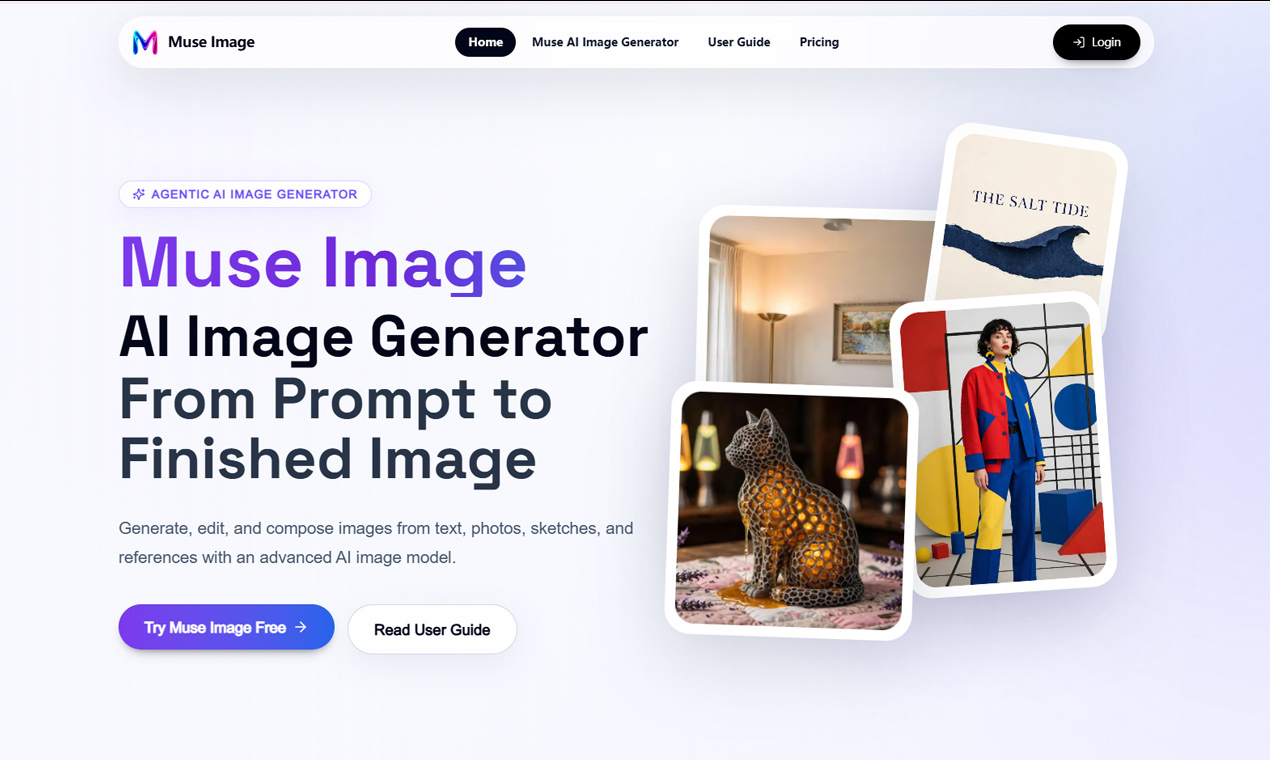
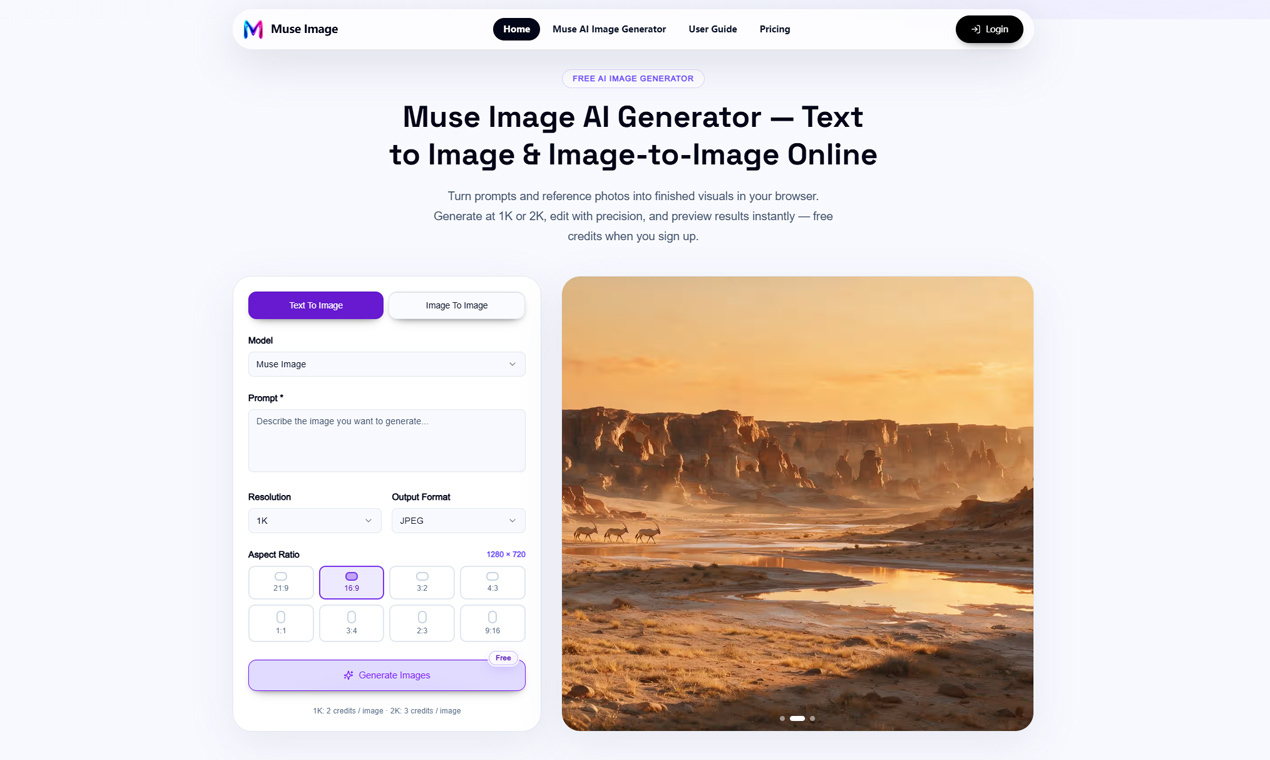
This is also where newer tools such as Muse Image are useful. Muse Image supports text-to-image generation, photo editing, and multi-reference composition, so the prompt does not have to carry everything alone. You can bring in photos, sketches, style references, or product images, then use the prompt to explain how those materials should work together.
Start With the Creative Task, Not the Style
A lot of weak prompts begin with style words: cinematic, realistic, premium, futuristic, viral, luxury, editorial. Those words can help, but they are vague. A stronger approach is to define the task first.
Ask yourself:
- What is this image for?
- Who needs to understand it?
- What should stay accurate?
- What can be creative?
- Where will the image be used?
A prompt for a book cover is different from a prompt for a product listing. A prompt for an educational infographic is different from a prompt for a fashion concept.
Use References With Clear Roles
References are powerful, but only when they have a job. If you upload several images without explaining what each one controls, the result can feel mixed or confused.
A better method is to assign roles:
- Image 1: use only for the product shape.
- Image 2: use for the lighting mood.
- Image 3: use for the background style.
- Character reference: keep the person’s face and clothing unchanged.
This is especially useful in a multi-reference AI image workflow, where people, products, places, and style references may need to blend into one coherent visual. The goal is not to add as many references as possible. The goal is to reduce guessing.
Write Edits Like Instructions, Not Wishes
A vague edit prompt might say:
“Make this look better.”
A useful edit prompt says:
“Remove the person in the red jacket from the background. Keep the original lighting, shadows, wall texture, and camera angle unchanged.”
That second version tells the tool what to change and what to preserve. Preservation is the part many beginners forget.
For image editing, try this structure:
- Change: what should be different
- Preserve: what should stay the same
- Match: what lighting, angle, texture, or style should remain consistent
- Use: where the final image will appear
Give Text and Layout Special Attention
Text inside AI-generated images is still one of the most common failure points. If you need readable wording, make it a clear requirement.
For example:
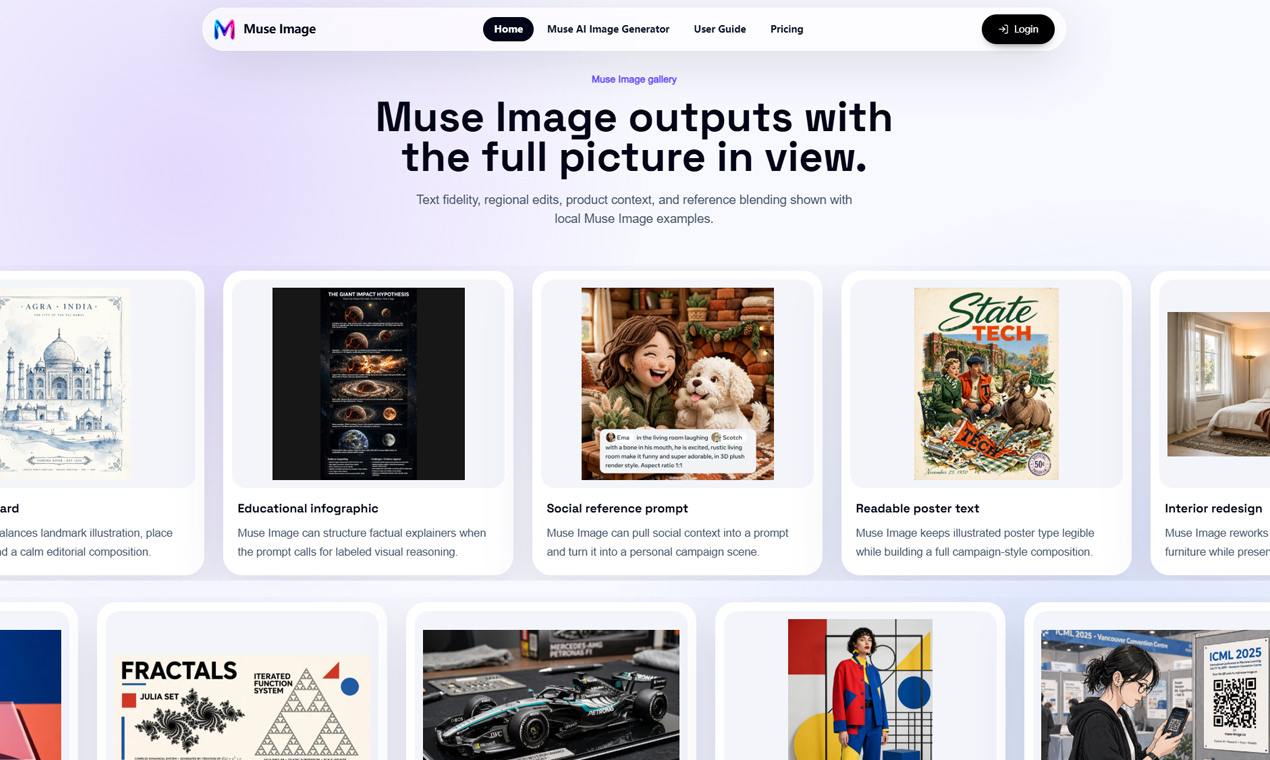
“Create a simple poster with the headline ‘STATE TECH’ in large readable letters. Keep the typography clean, centered, and easy to read. Do not distort the letters.”
If the image is for a campaign, book cover, event poster, or educational graphic, also describe layout hierarchy: headline, subheading space, subject placement, empty area for copy, and logo position.
Think in Iterations
A good AI image workflow is rarely one prompt and done. It usually looks like this:
- Generate a first draft.
- Identify what works.
- Fix one problem at a time.
- Preserve the good parts.
- Export when the image matches the use case.
This is where a tool like Muse Image AI image generator can fit into a creator’s process. The useful part is not only generating from text. It is being able to move between prompting, editing, references, and refinement without treating every mistake as a reason to start over.
A Simple Prompt Template
- Subject: what the image is about
- Purpose: where it will be used
- Composition: where key elements should appear
- Style: visual mood, medium, or reference direction
- Lighting: time, softness, contrast, shadows
- Constraints: what must be accurate or readable
- Edit instruction: what should change or stay fixed
Example:
“Create a product poster for a small ceramic coffee cup. The image will be used for an online shop banner. Place the cup in the center on a warm neutral background, with soft morning window light from the left. Keep the cup shape simple and realistic, leave empty space on the right for text, and make the final image clean, calm, and commercial.”
The best AI image prompts are not always the longest or most poetic. They are the clearest.
As image tools become more capable, the advantage shifts toward people who can direct the work: define the goal, choose the right references, protect important details, and revise with intention.



Top comments (0)