
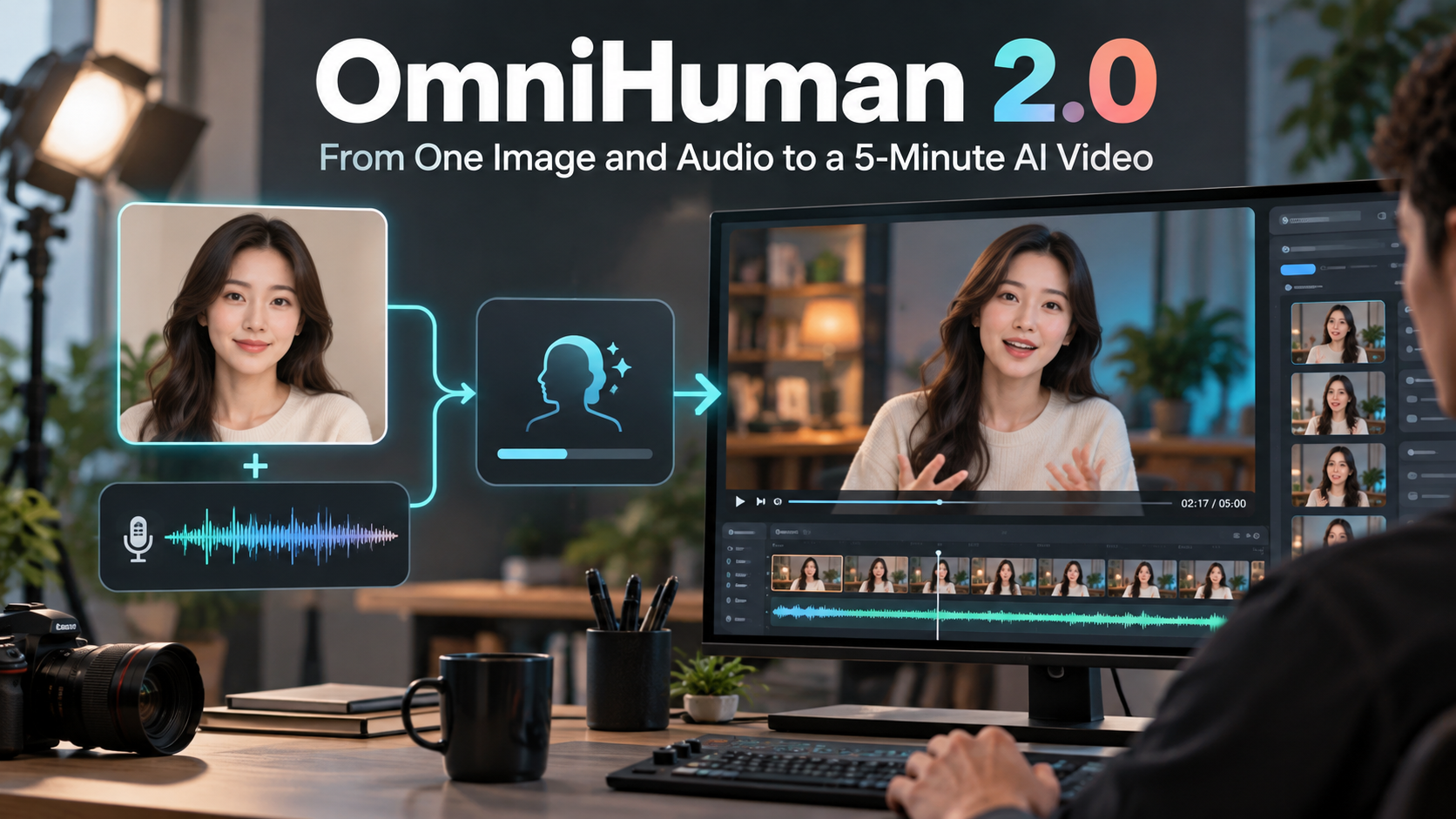

When a talking-avatar clip looks wrong, the first instinct is often to blame the image or rewrite the visual prompt. In longer projects, I have found that the audio is usually the better place to start. A small pause, a clipped word, or a sudden change in volume can affect the performance for several seconds after it happens.
That matters even more when the final video is meant to run for a few minutes rather than a short social clip. A long render takes more time and credits, so I now treat the audio track as the performance plan instead of something to add at the end.
Start with a short representative section
Before generating the full version, I choose 10 to 20 seconds that includes a normal sentence, an emotional change, and at least one pause. This small section reveals whether the source portrait and the recording feel natural together.
I listen for three things:
- background noise that becomes obvious between words;
- breaths or pauses that are much longer than intended;
- changes in volume that could make the character's energy feel inconsistent.
Cleaning those details first is faster than trying to hide them in a later edit.
Match the image to the way the person speaks
A calm explanation usually works better with a centered portrait and restrained direction. A more energetic performance needs enough space around the subject for gestures. If the image is cropped too tightly, even good audio can produce movement that feels cramped.
For this kind of test, I use OmniHuman 2.0 because the workflow begins with one image and one audio track. The audio drives the timing, lip movement, emotion, and much of the body performance, while an optional prompt can guide actions or camera behavior.
Write prompts like stage directions
Broad words such as "cinematic" or "professional" do not explain what should happen on screen. I get more predictable results when the prompt describes visible behavior in order: look toward the camera, use small hand gestures, pause after the main point, then finish with a relaxed expression.
The prompt should support the recording rather than compete with it. If the speaker sounds measured and thoughtful, constant dramatic movement will make the result feel disconnected.
Review more than the face
Lip sync is important, but it is only one part of the frame. During the short test I also check hands, clothing, accessories, background objects, and other people. A convincing face cannot rescue a scene if the rest of the image changes unpredictably.
Once the short section works, I keep the same image, cleaned audio settings, and restrained prompt for the longer version. A long-form audio-driven AI video generator is most useful when the inputs are already stable; it should extend a good performance plan, not repair a weak one.
A small checklist before the full render
Before committing to the complete clip, I confirm that:
- the image is sharp and leaves room for natural movement;
- the audio is clean, evenly paced, and free from accidental silence;
- the prompt describes only the actions the viewer needs to see;
- a short proof has been reviewed from the first frame to the last;
- the image and voice are being used with permission.
This adds a few minutes before generation, but it usually saves much more time later. The best long avatar videos still depend on ordinary production discipline: clear source material, a focused brief, and a careful review before publishing.



Top comments (1)
Testing audio before generating a long AI avatar video is a smart way to improve quality and avoid unnecessary rework. For entertainment lovers looking for movies and web series, Castle App is another option worth exploring.