

Image-to-Image AI: How to Get Better Results with Reference Images
One of the biggest frustrations with AI image generation is getting consistent results.
You describe a visual idea, generate an image, and then spend several attempts trying to recreate the same composition with a different style.
That's where image-to-image AI becomes useful.
Instead of relying entirely on text prompts, you can start with an existing image and use it as a visual reference.
1. Why Reference Images Matter
Text prompts are great for describing ideas, but they often struggle with precise visual structure.
A reference image can help communicate:
- Subject positioning
- Overall composition
- Color relationships
- Camera perspective
- Important visual elements
This makes image-to-image generation particularly useful for creative exploration and design variations.
2. Start with a Clear Reference Image
Before generating anything, choose a reference with:
- A clearly visible main subject
- Minimal unnecessary clutter
- Good lighting
- A recognizable composition
The cleaner your starting image, the easier it is to describe which elements should change.
3. Use a Structured Image-to-Image Prompt
Here's a reusable prompt template:
Prompt:
Transform the uploaded reference image into [desired visual style]. Preserve the main subject, overall composition, and important visual relationships. Change the artistic treatment, textures, lighting, and color palette to match [style description]. Avoid introducing unnecessary objects or significantly altering the subject's identity.
Example:
Transform this street photograph into a cinematic cyberpunk illustration. Preserve the original street layout, buildings, and camera perspective. Introduce neon lighting, atmospheric rain, and futuristic color grading while keeping the main composition recognizable.
For models with transformation-strength controls, start conservatively and increase the strength gradually.
4. Experiment with Image-to-Image AI
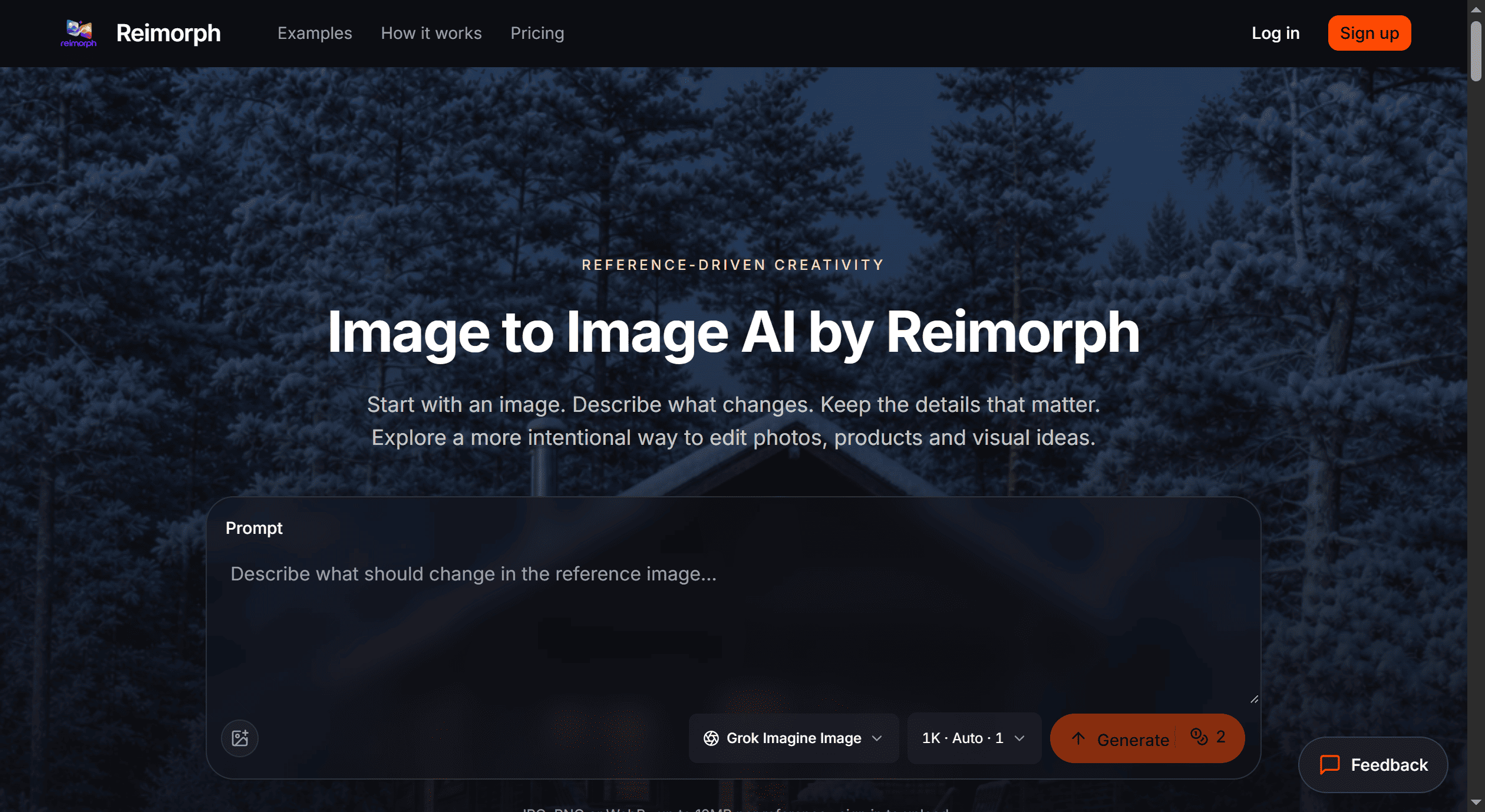
I've been developing Reimorph, an AI image-to-image platform focused on helping creators explore visual transformations using existing images.
The idea is simple:
Start with an image, describe the transformation you want, and explore new creative possibilities.
You can explore it here:
It's particularly relevant for:
- Digital artists
- Content creators
- Designers
- AI art enthusiasts
- Anyone experimenting with reference-based image generation
5. Change One Variable at a Time
A useful technique is to keep the reference image consistent while changing only one element between attempts.
For example:
- Version A: Change lighting
- Version B: Change artistic style
- Version C: Change color palette
This makes it easier to understand which instructions affect your results.
Final Thoughts
Image-to-image AI is useful because it allows creators to build on visual ideas rather than restarting with every generation.
The key is balancing creative transformation with reference consistency.
Question for the community:
What's your biggest challenge with image-to-image AI — maintaining subject identity, controlling composition, or getting consistent styles?



Top comments (0)