
How to Translate Text in Images Without Ruining the Layout
Have you ever tried translating a product image, manga panel, or screenshot using AI?
Extracting the text is usually straightforward. The difficult part is putting the translation back into the image without destroying the original design.
This becomes especially challenging when working with product advertisements, comics, menus, and infographics.
Here's a practical workflow for improving image translation results.
1. Understand the Difference Between OCR and Image Translation
Traditional OCR extracts text from images.
However, extracting text is only one part of the process.
A complete image translation workflow involves:
- Detecting text inside the image.
- Recognizing the source language.
- Translating the extracted text.
- Identifying the original text positions.
- Replacing or overlaying the translated text.
- Reviewing the final layout.
Simply translating the text into a separate document doesn't solve the original visual problem.
2. Preserve the Original Context
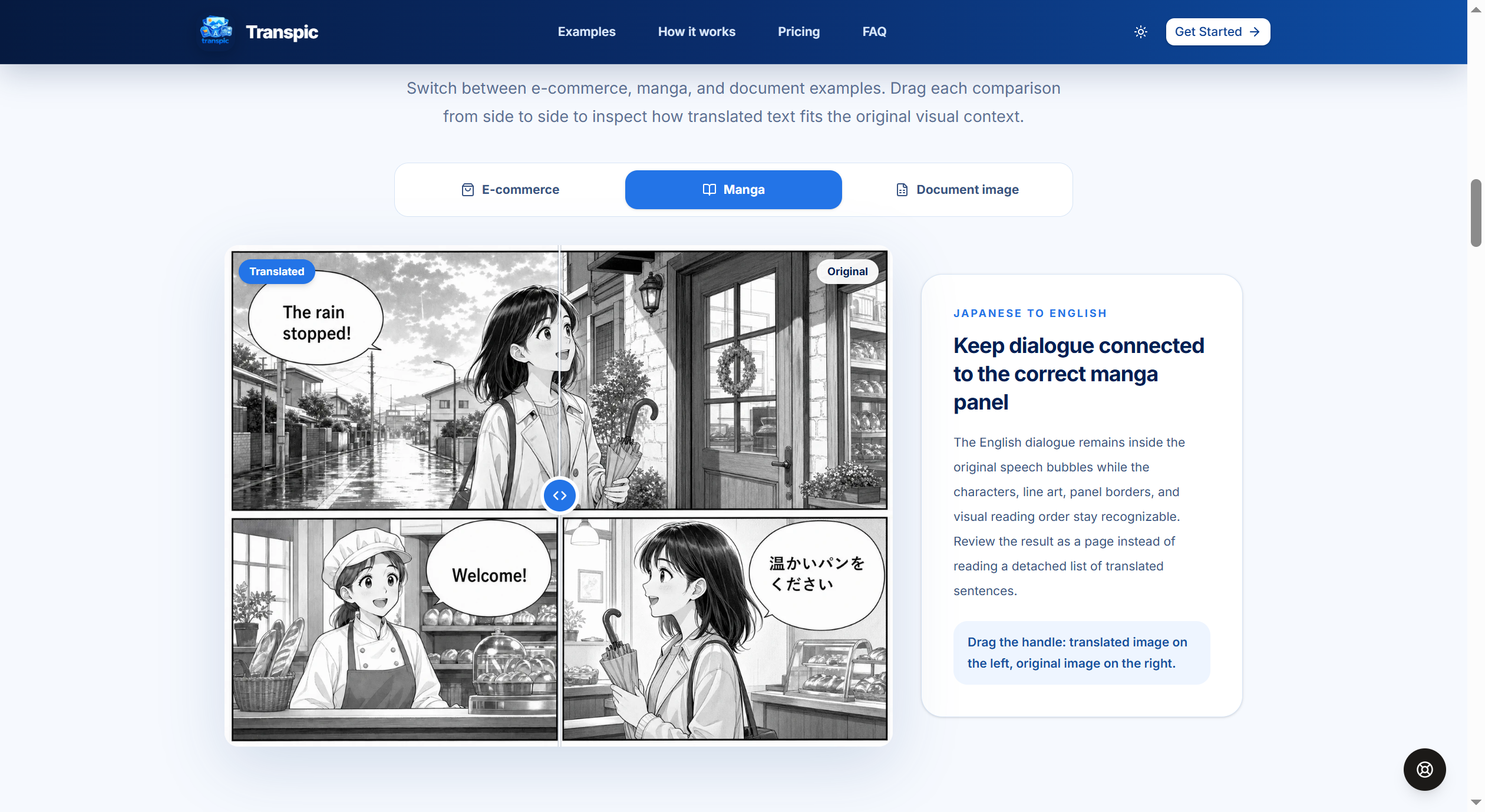
Imagine translating a Japanese manga panel into English.
A basic translator might extract all the dialogue into paragraphs.
But readers need the translation to remain associated with the correct speech bubbles.
The same principle applies to product images.
A translated product feature should remain next to the relevant product element.
3. Use Context-Aware Translation Instructions
For AI translation systems supporting custom prompts, try:
Prompt:
Translate all visible text in this image from [source language] to [target language]. Preserve the original meaning, context, names, numbers, and important terminology. Keep translations concise enough to fit their corresponding text regions. Maintain the relationship between translated text and the surrounding visual elements.
For commercial graphics, always manually verify prices, measurements, product names, and important claims.
4. Try an AI Image Translator
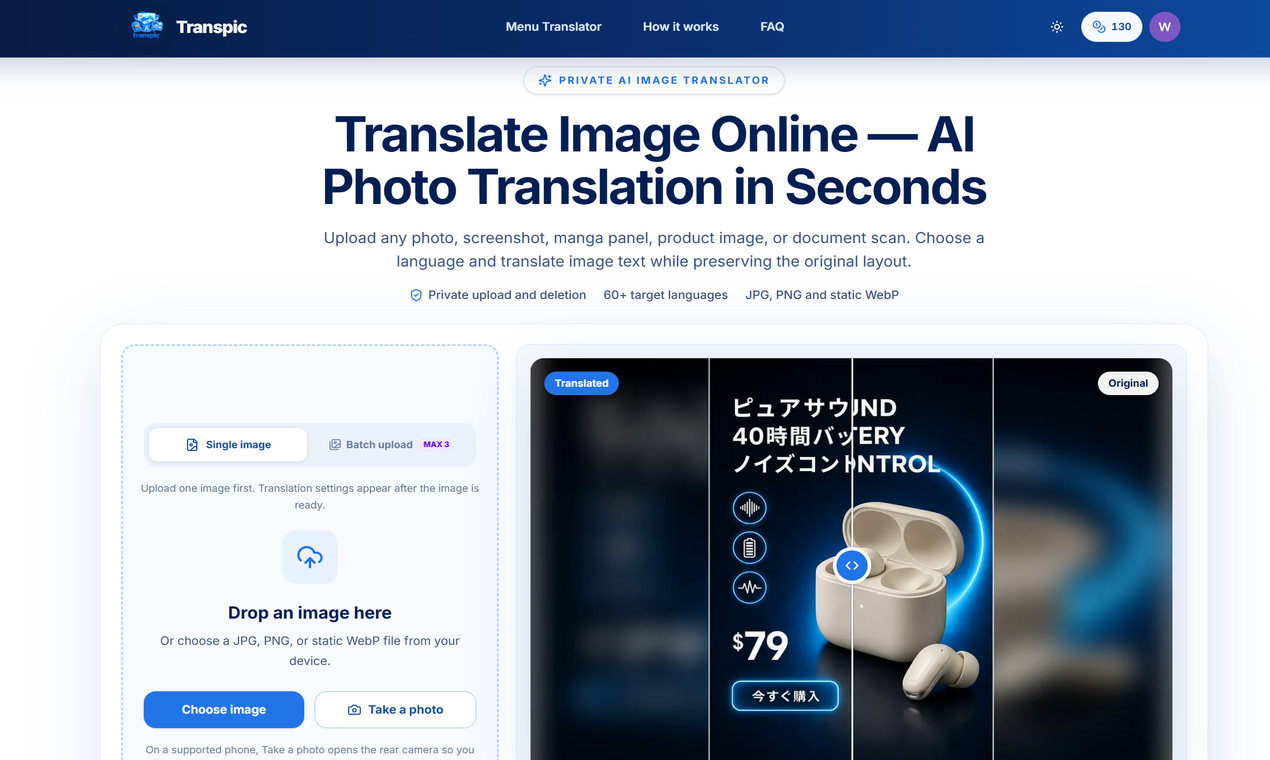
I've been building Transpic, an AI-powered image translation tool designed to keep text connected to its original visual context.
It supports:
- Image translation across 60+ target languages
- Manga and comic image translation
- Product image localization
- Screenshot and document image translation
- Layout-aware text placement
- Editing translated text before export
There's also a free guest trial available without registration.
You can explore it here:
5. Review Before Publishing
Even advanced AI translation systems can make mistakes.
Always check:
- Product prices and numerical values
- Brand names and technical terminology
- Text overflow
- Font readability
- Speech bubble alignment
- Missing or untranslated text
AI can dramatically simplify the process, but human review remains important.
Final Thoughts
Image translation isn't just a language task. It's also a visual layout problem.
A good workflow needs to preserve both meaning and presentation.
Question for the community:
When translating images with AI, what's more challenging for you — translation accuracy or preserving the original layout?



Top comments (0)