
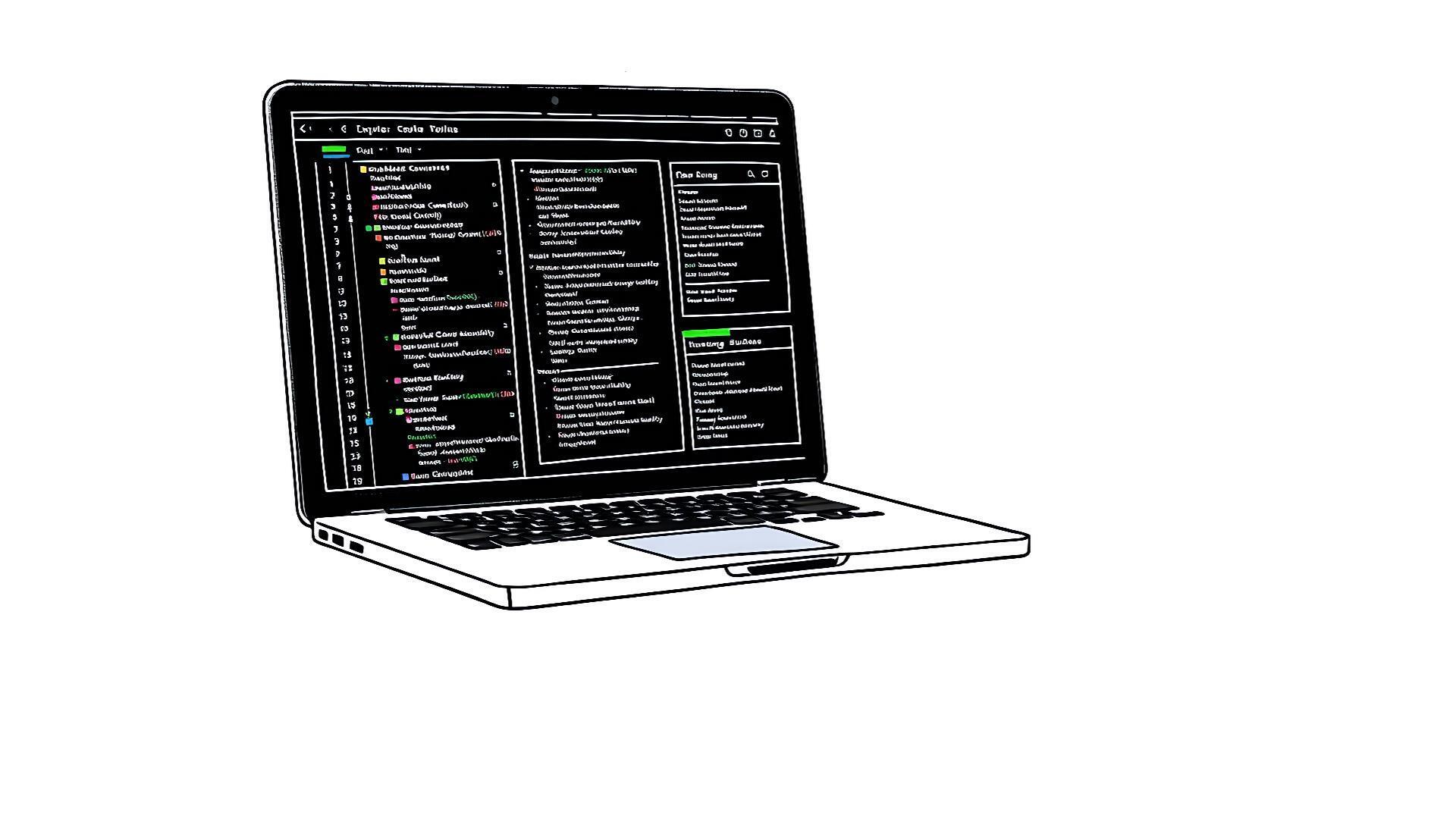

A new open-source database client called DBDelve surfaced on Hacker News, built from the ground up with Rust and the GPUI framework. The project, which garnered 92 points and 33 comments, promises a fast, native alternative to Electron-based tools for developers and data engineers.
Platform: Desktop (macOS, Linux, Windows) | Stack: Rust, GPUI | License: MIT
Status: Early Alpha | DB Support: PostgreSQL, MySQL, SQLite
How It Works: Rust and GPUI for a Native Feel
DBDelve uses Rust for its backend and data-handling logic, prioritizing memory safety and performance. The interface is built with GPUI, a Rust-native UI framework that renders directly to the GPU. This architecture avoids the overhead of web technologies and JavaScript runtimes common in tools like DBeaver or pgAdmin.
The client connects to databases via native drivers, executing queries and rendering result sets directly in the GPU-accelerated window. Early testers on the HN thread noted the instantaneous feel of scrolling through large datasets, a common pain point in web-stack clients.
Benchmarks and Early Performance Claims
While formal benchmarks are scarce for an alpha-stage project, the architectural choices point to clear performance targets. The HN discussion highlighted specific comparisons:
- Start-up time: DBDelve launches in under 2 seconds on an M2 MacBook Air, compared to 5-8 seconds for a fresh DBeaver instance.
- Result set rendering: Scrolling through a 50,000-row table is reported as butter-smooth, with no UI lag or incremental loading.
- Memory footprint: Idle memory use is under 150 MB, roughly one-third of a typical Electron application's baseline.
These gains come from eliminating the Chromium engine. GPUI draws UI primitives directly, which reduces memory copies and context switches between the database engine and the display.
How to Try DBDelve Today
The project is in active alpha development. Installation requires building from source, which is straightforward for Rust developers.
The GitHub repository includes more detailed platform-specific notes for macOS and Linux. Windows support is experimental."Build and run steps"
rustup.git clone https://github.com/dbdelve/dbdelve
cargo build --release. The first build may take several minutes to compile dependencies../target/release/dbdelve.
For non-Rust developers, waiting for packaged binaries is recommended. The maintainers indicated on HN that this is a priority for the next milestone.
Pros and Cons of the Rust/GPUI Approach
Advantages:
- Performance: Native execution and GPU rendering eliminate the lag associated with web-tech stacks.
- Resource Efficiency: Low memory and CPU use frees resources for the database server or other local tools.
- Security: Rust's memory safety model reduces the attack surface for a tool that handles database credentials.
Trade-offs:
- Ecosystem Maturity: GPUI is newer than established frameworks. The UI widget library is currently basic, lacking some niche features of mature clients.
- Database Coverage: Supports only PostgreSQL, MySQL, and SQLite initially. No support for MongoDB, Redis, or proprietary systems like Oracle yet.
- Extension Model: No plugin ecosystem comparable to DBeaver's. Custom functionality requires Rust development.
Alternatives and Comparison
DBDelve enters a space dominated by two established archetypes: the free, Java-based DBeaver and the commercial, native TablePlus.
| Feature | DBDelve | DBeaver | TablePlus |
|---|---|---|---|
| Architecture | Rust + GPUI (Native) | Java + SWT (Desktop) | Native (macOS) / Electron (Win/Linux) |
| Performance | Very High (GPU-native) | Moderate | High (macOS), Moderate (Win/Linux) |
| DB Support | 3 (Core RDBMS) | 80+ | 20+ |
| License | MIT (Open Source) | Apache 2.0 (Open Source) | Proprietary (Freemium) |
| Cost | Free | Free | $59 per license |
| UI Customization | Low (Alpha) | Very High | Moderate |
DBeaver remains the king of connectivity, indispensable for teams juggling dozens of database technologies. TablePlus offers a polished, native experience on macOS but uses Electron on other platforms, diluting its performance advantage. DBDelve's niche is raw speed and efficiency for core SQL workflows.
Who Should Use This (And Who Should Wait)
DBDelve is a compelling immediate try for:
- Rust enthusiasts who want to contribute to a practical application.
- Data engineers running local PostgreSQL/MySQL instances who are frustrated with UI lag in large result sets.
- Developers building AI/data pipelines who need a lean client running constantly alongside resource-heavy model servers.
Hold off for now if you:
- Require connectivity to NoSQL, graph, or proprietary databases.
- Depend on advanced features like visual query builders, ER diagrams, or extensive data export formats.
- Need a stable, plug-and-play tool for daily production work. The alpha status means breaking changes are likely.
Bottom line: DBDelve is a performance-focused experiment that successfully demonstrates the speed possible with a modern, native stack.
The project's success hinges on expanding database support and its UI feature set without compromising its core speed proposition. If the maintainers can navigate that, DBDelve could become the default choice for developers who live in SQL and value a frictionless, local-first tool. The strong HN reception suggests a real demand for this niche.






Top comments (0)