

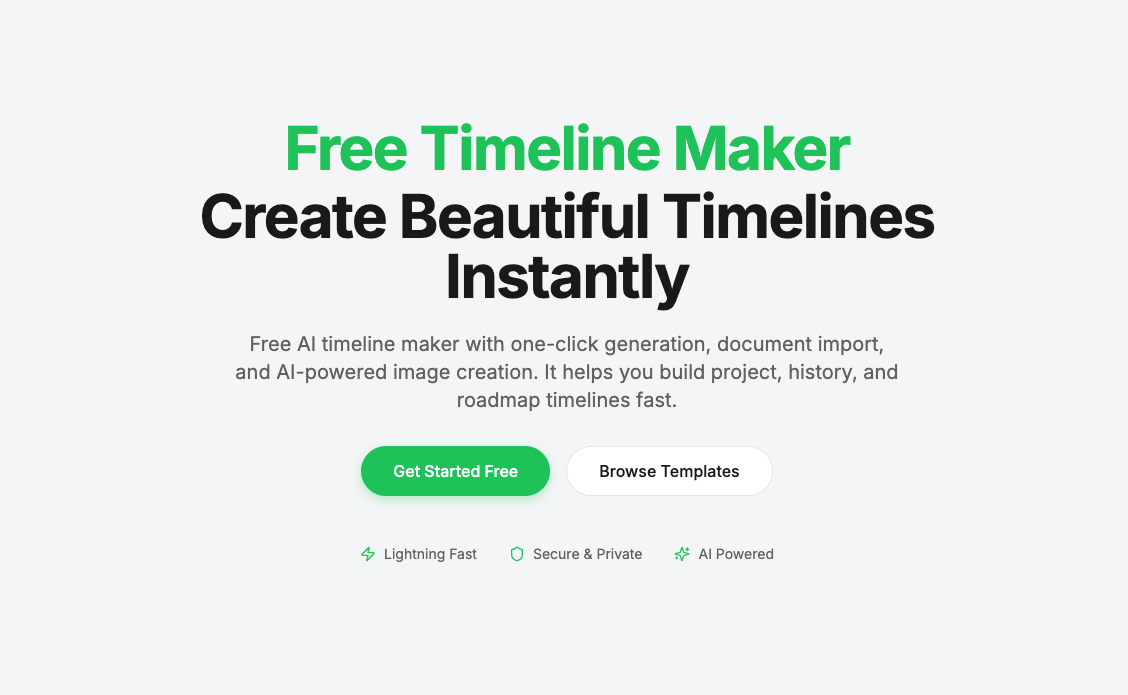
Creating timelines is usually a slow and manual process. You collect information, organize dates, structure events, and then design the visual layout. This workflow becomes even more time-consuming when working with long documents, research notes, or project plans.
That’s exactly the problem I wanted to solve when building an AI-powered timeline tool.
Instead of starting from a blank canvas, you can now generate a structured timeline simply by describing a topic or uploading a document. The AI analyzes the content, extracts key events and dates, and automatically organizes them into a clear chronological structure.
Why This Approach Is Different
Most timeline tools focus only on visual editing. They give you templates, but still require manual data entry.
AI Timeline Maker flips this workflow.
You start with meaning (text, ideas, or documents), and the AI handles the structure first. After that, you can fully customize everything in a visual editor. This combination of automation and manual control makes the process both fast and flexible.
Example Prompts You Can Use
Here are some practical prompts that work well:
“Create a timeline of the history of artificial intelligence”
“Generate a project roadmap from 2024 to 2026 with milestones”
“Convert this research document into a chronological timeline”
“Build a company growth timeline from founding to present”
These prompts allow the AI to instantly produce a usable timeline draft instead of forcing users to build one event by event.
Practical Use Cases
This tool is especially useful for:
Product roadmaps and startup planning
Educational timelines and historical analysis
Research summaries and documentation
Content creators and knowledge visualization
Project management and strategic planning
Built for Real Workflows
The core idea behind the product is not just “AI generation,” but workflow efficiency.
Users can generate timelines from text or documents, edit them visually, collaborate with others, and export them for presentations or reports — all in a browser without installation.
As more people work with large amounts of information, tools that transform unstructured content into visual structure will become increasingly valuable. AI-assisted timeline creation is one step toward making complex information easier to understand, share, and present.





Top comments (0)