

I record a podcast every week.
The recording part is easy.
The difficult part is promoting it.
Posting a static cover image on social media rarely gets much attention, and editing short promotional videos manually takes more time than recording the episode itself.
I wanted a workflow that could turn audio into engaging visual content without rebuilding everything from scratch.
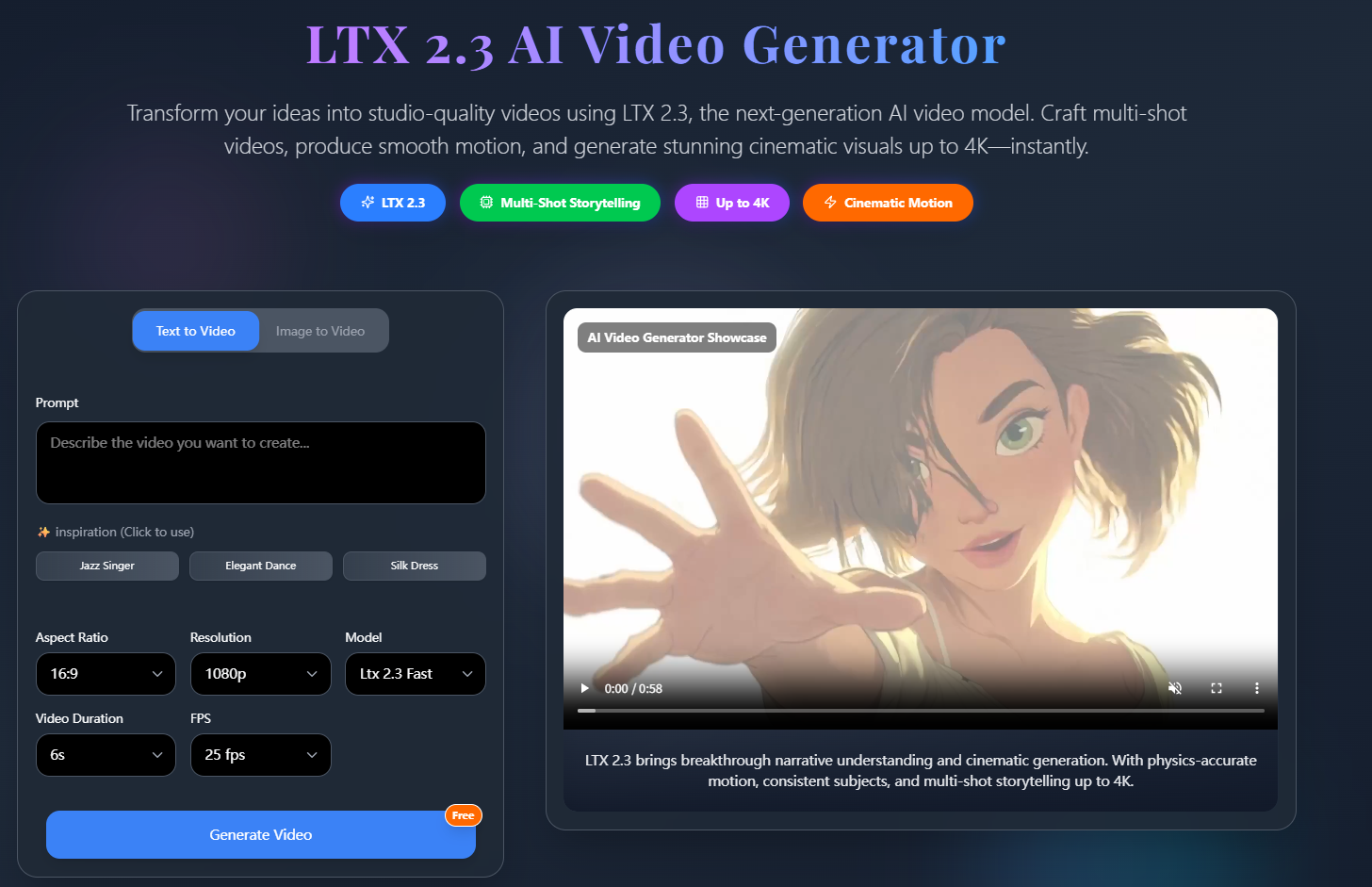
That's when I started experimenting with LTX 2.3.
What
I don't use LTX 2.3 to create movies.
I use it to create short promotional clips for podcast episodes.
Some features that fit this workflow include:
- Audio-to-video generation
- Image-to-video workflows
- Native audio support
- Portrait (9:16) video output
- Scene editing and clip extension
LTX 2.3 is designed as a multimodal video engine that supports text, images, and audio, making it suitable for production workflows instead of single-purpose generations.
How
Step 1: Pick One Highlight
Instead of using the entire episode, I choose a 20–30 second moment with a clear idea or story.
For example:
"The biggest mistake I made when launching my first startup."
Step 2: Create a Visual Theme
I prepare a simple prompt that matches the topic.
Example:
modern podcast studio, warm lighting, subtle camera movement, clean background, documentary style
Step 3: Generate Supporting Visuals
Rather than showing the same frame for the whole clip, I create several complementary scenes:
- recording studio
- notebook and microphone
- close-up workspace
- abstract motion background
Step 4: Add Captions
Finally, I combine:
- generated visuals
- podcast audio
- subtitles
- logo
Now I have a vertical clip ready for Shorts, Reels, or TikTok.
Prompt Example
cozy podcast studio, wooden desk, professional microphone, warm ambient lighting, slow cinematic push-in, modern creative workspace
Use Case
This workflow works well for:
Podcast Hosts
Creating promotional clips.
Business Coaches
Sharing educational highlights.
YouTube Creators
Repurposing long-form content.
Marketing Teams
Turning webinars into social videos.
Educators
Publishing lesson snippets.
Why
After trying this workflow for several episodes, I noticed a few improvements:
- Faster content repurposing
- More engaging social posts
- Less manual editing
- Better use of existing audio
- Easier production of vertical videos
The biggest benefit wasn't generating entirely new content.
It was giving existing content a second life.
Because LTX 2.3 supports native audio workflows, portrait video, and production-oriented editing, it fits naturally into this type of content repurposing process.
Final Thoughts
Instead of thinking about every podcast episode as a single audio file, I now think of it as multiple short stories that can each become a social video.
If you already create podcasts, webinars, or interviews, try turning one interesting moment into a short visual clip before recording something completely new.
You may discover that your existing content has much more value than you expected.



Top comments (0)