

Hook
I had dozens of travel photos sitting on my hard drive.
The problem wasn't a lack of content.
The problem was turning those photos into something people would actually watch.
I tried slideshow apps.
I tried templates.
I tried editing everything manually.
The results usually felt generic.
That's when I started looking at AI video workflows.
What
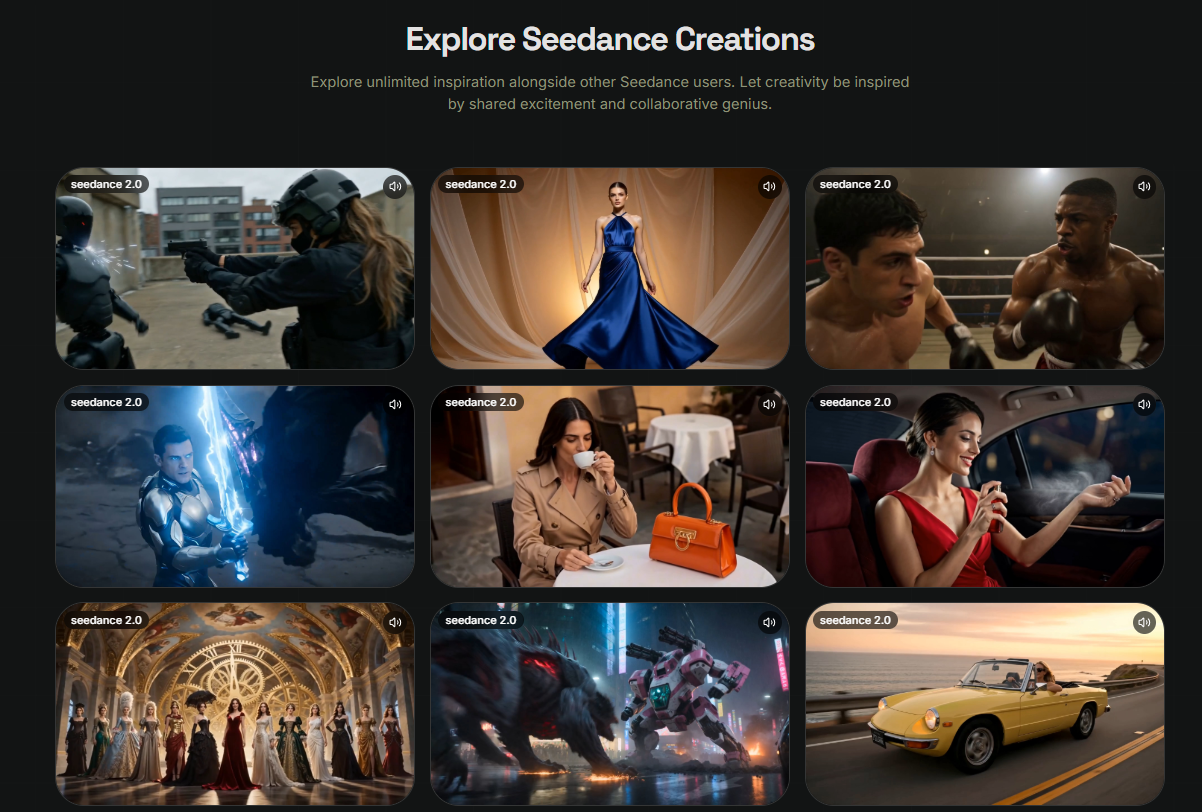
Recently I started experimenting with Seedance 2.0.
Instead of treating it as a text-to-video tool, I used it as a visual storytelling tool.
A few things stood out:
- Image-to-video generation
- Multi-shot storytelling
- Reference-based workflows
- Audio-aware generation
- Character and scene consistency
The goal wasn't creating a movie.
It was making static content feel alive.
How
Step 1: Choose a Story
I started with a simple travel sequence:
- arriving at the airport
- boarding a flight
- exploring a city
- watching the sunset
Rather than creating one long video, I focused on telling a small story.
Step 2: Use Reference Images
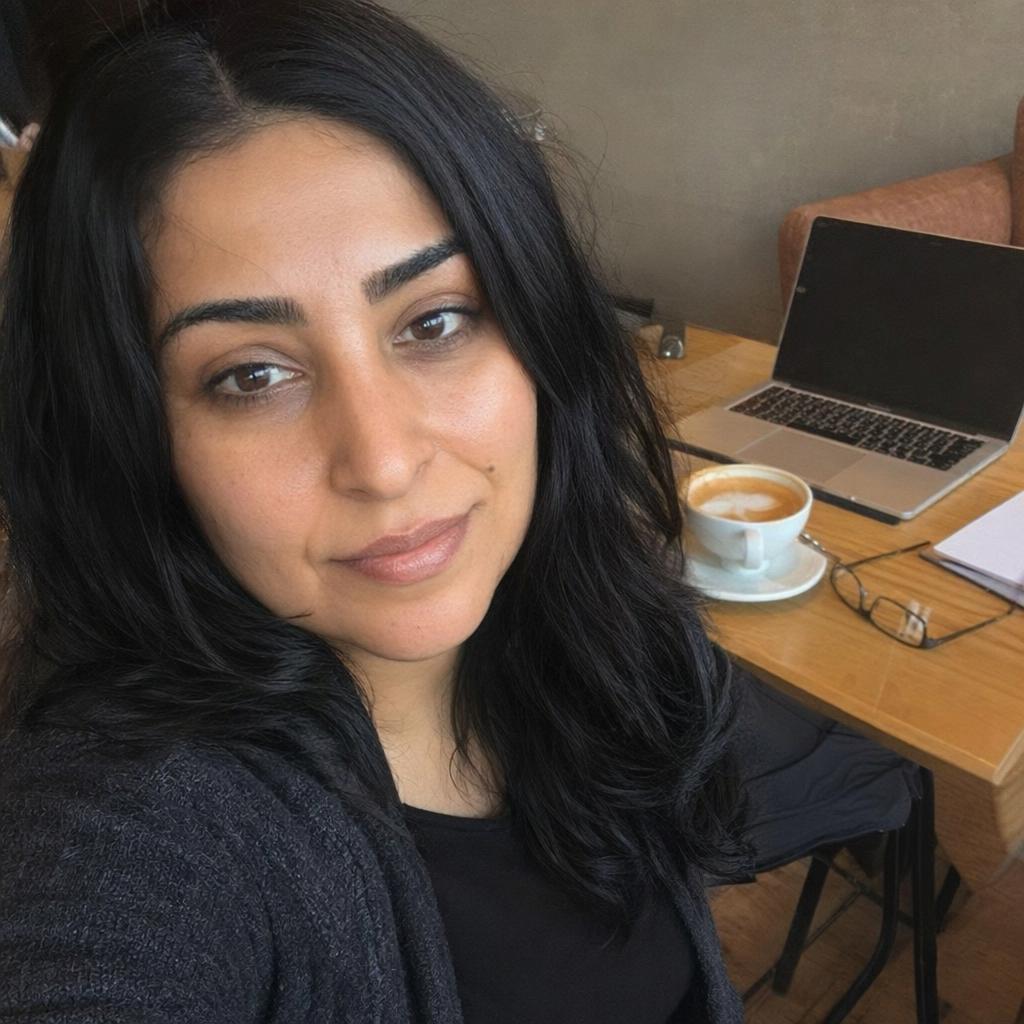
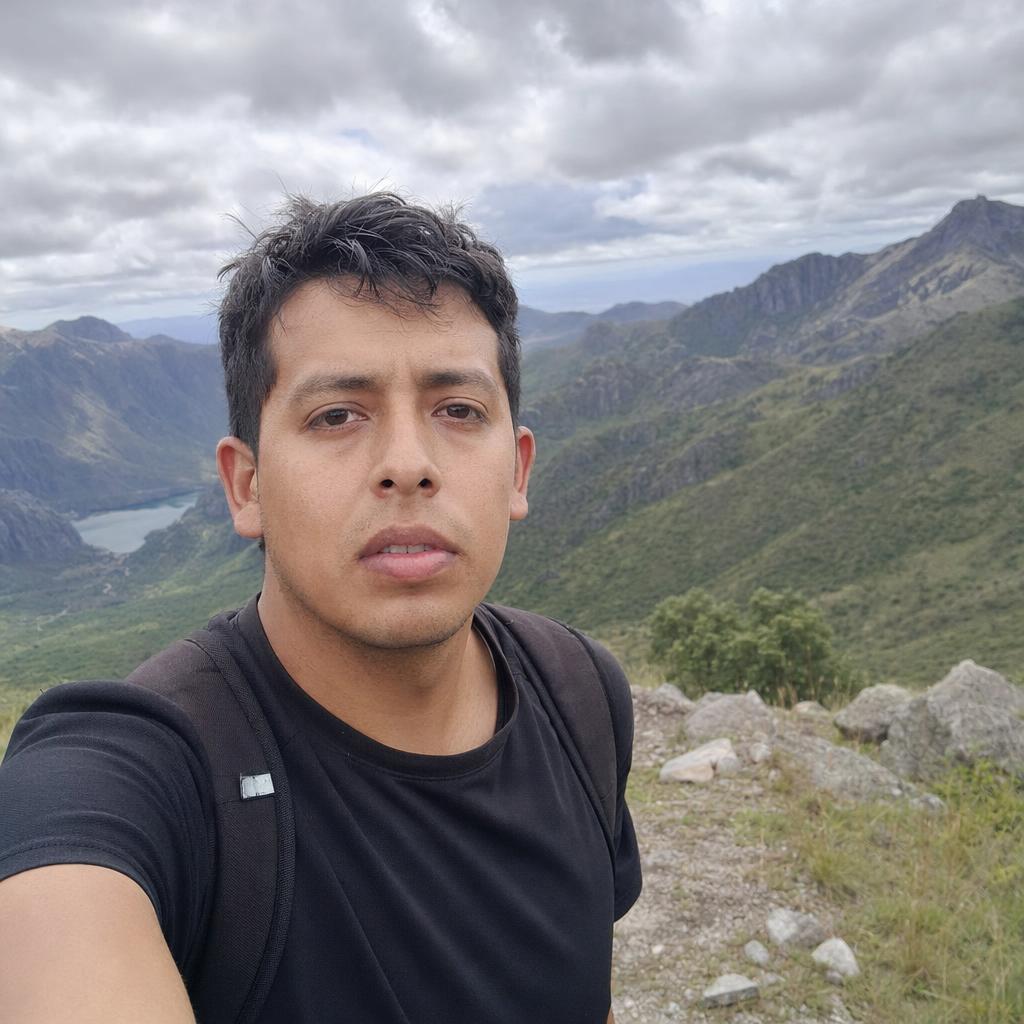
Instead of generating everything from text, I uploaded images from the trip.
Reference-based workflows are often recommended when consistency matters more than creativity because they help preserve identity, objects, and scene continuity.
Step 3: Create Shot Descriptions
For example:
Shot 1
traveler walking through airport terminal, cinematic camera movement
Shot 2
window seat view above clouds, soft sunlight, realistic motion
Shot 3
sunset overlooking city skyline, slow cinematic pan
Community experiments show that structured shot lists often produce stronger continuity than one large prompt.
Step 4: Generate Multiple Versions
I usually test:
- different camera movements
- different pacing
- different transitions
Then choose the strongest sequence.
Example Prompt
traveler standing on rooftop overlooking Tokyo at sunset, cinematic wide shot, slow camera pan, warm golden lighting, atmospheric mood
Use Case
This workflow works well for:
Travel Creators
Turning photos into short stories.
YouTube Creators
Creating intro sequences.
Social Media Creators
Producing Reels and Shorts.
Marketing Teams
Building destination content.
AI Video Enthusiasts
Experimenting with visual storytelling.
Why
After several projects, I noticed a few advantages:
- Better scene continuity
- Faster content creation
- Easier storytelling
- More engaging visuals
- Less manual editing
What surprised me most wasn't the visual quality.
It was how much easier it became to organize a story.
Seedance supports multimodal inputs including images, video, audio, and text, making it particularly useful for creators who already have existing assets rather than starting from a blank prompt.
Final Thoughts
I've started treating AI video generation less like content creation and more like story assembly.
Instead of asking:
"How do I make a video?"
I now ask:
"How do I tell this story?"
For travel content, social media, and short-form storytelling, that mindset shift has made a surprisingly big difference.
Try the workflow yourself and see how your existing photos can become part of a larger visual story.




Top comments (0)