

One thing I struggle with as a real estate agent is creating fresh property content every week.
Professional video tours look great, but they also require:
- scheduling a photographer
- waiting for good weather
- editing footage
- exporting different versions for every platform
For listings that may only stay online for a few weeks, that's a lot of work.
I wanted a faster way to visualize properties and create promotional content.
That's when I started experimenting with AI video workflows.
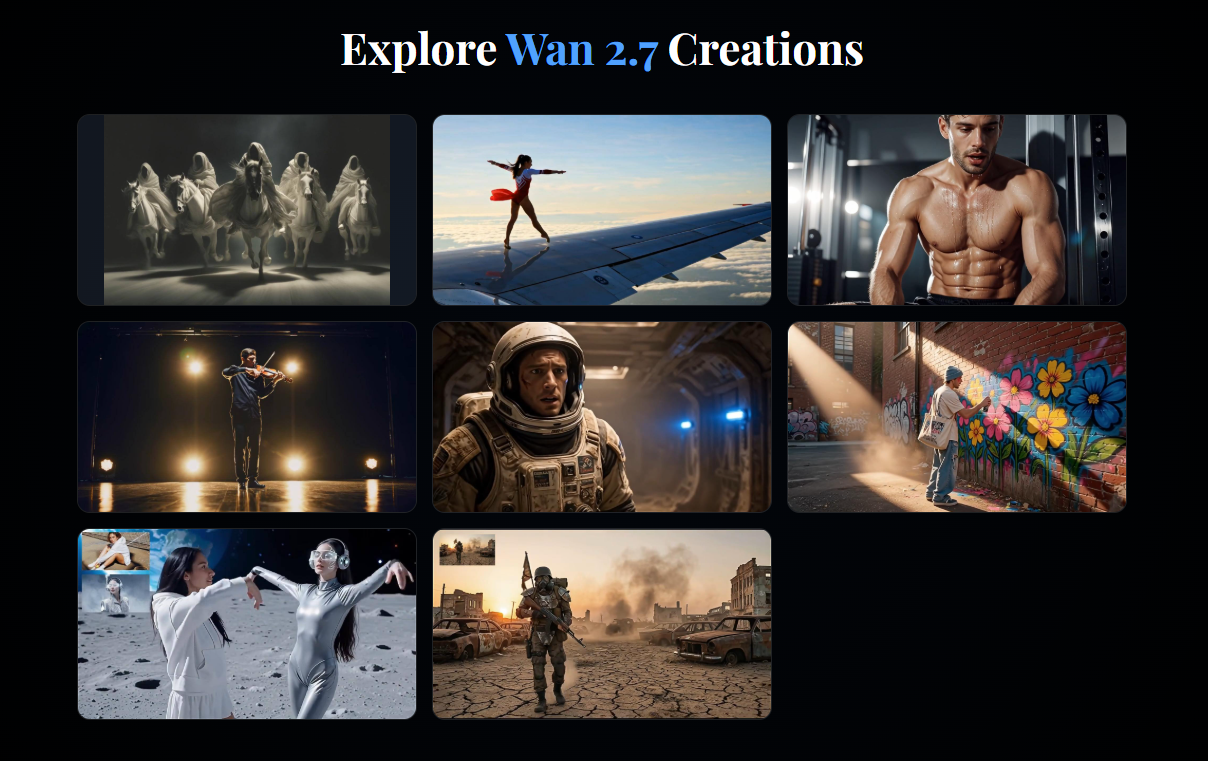
What
Recently I began testing Wan 2.7 AI Video Generator.
Instead of using it to create fictional scenes, I used it to build short property showcase videos from existing images.
Some features that fit this workflow include:
- Image-to-video generation
- Reference-based video creation
- Video extension
- Instruction-based editing
- Multi-workflow support
Wan 2.7 is designed around multiple creation modes rather than a single prompt-to-video flow, making it easier to refine existing assets instead of starting from scratch.
How
Step 1: Collect Property Images
I usually select:
- the living room
- the kitchen
- the bedroom
- the exterior
High-quality listing photos work well as starting points.
Step 2: Create Motion Prompts
Instead of describing furniture, I focus on camera movement.
Example:
slow dolly-in through a modern living room, warm afternoon sunlight, natural shadows, luxury property tour style
Step 3: Generate Individual Clips
Rather than making one long video, I generate several short scenes:
- entrance reveal
- kitchen walkthrough
- bedroom showcase
- backyard overview
Step 4: Arrange the Sequence
After exporting the clips, I add:
- background music
- property information
- contact details
- subtitles
This creates a short promotional video that works well on social media.
Prompt Example
modern open-plan living room, slow cinematic camera movement, soft natural daylight, realistic interior lighting, luxury home presentation
Use Case
This workflow could be useful for:
Real Estate Agents
Creating listing previews.
Interior Designers
Presenting design concepts.
Property Developers
Visualizing new projects.
Airbnb Hosts
Promoting rental spaces.
Home Decor Creators
Producing interior design content.
Why
After testing several properties, I noticed a few improvements:
- Faster content production
- Better use of existing listing photos
- More engaging social media posts
- Easier A/B testing for marketing campaigns
- Less time spent on basic editing
The biggest advantage wasn't replacing professional video production.
It was creating quick promotional content between professional shoots.
Structured prompts that clearly define subject, camera movement, lighting, and scene purpose also tend to produce more consistent results than long, descriptive paragraphs.
Final Thoughts
I still schedule professional video tours for premium listings.
But for everyday marketing, Wan 2.7 has become a practical way to transform static property photos into short promotional videos.
If you already have high-quality images, try building a simple image-to-video workflow before planning a full video shoot.
You might be surprised how much content you can create from assets you already have.





Top comments (0)