

For prompt engineers, Gemini Omni is Google’s new multimodal video model, introduced on May 19, 2026. Google describes Gemini Omni Flash as the first model in the Omni family: a model that can create video from many kinds of input, including text, images, video, and audio references. The practical idea is simple: instead of treating AI video as a one-shot prompt box, Gemini Omni turns video creation into a reference-driven and conversational editing workflow.
That distinction matters. A creator may begin with a product photo, a short clip, a sketch, a music reference, or a written scene idea. Gemini Omni can then use those inputs as context for a generated video. Google also emphasizes multi-turn editing, where every instruction builds on the last, characters stay consistent, physics hold up, and the scene remembers previous changes.
What Gemini Omni Is
Gemini Omni is not just a text-to-video model. It is better understood as a multimodal AI video system. According to Google’s official announcement, Gemini Omni can combine images, audio, video, and text as input, generate high-quality video, and support natural-language video edits. The first released model is Gemini Omni Flash.
The official rollout starts with the Gemini app, , and YouTube Shorts / YouTube Create. Google also says developer and enterprise API access will follow. For content transparency, videos created with Omni include Google’s SynthID digital watermark, which is designed to help identify AI-generated media.
Key Gemini Omni Features
The most important Gemini Omni features are about control, not only visual quality.
- Conversational video editing: users can ask for targeted changes rather than regenerating everything.
- Multimodal references: text, images, video, and supported audio references can shape one output.
- Scene memory: edits can build on previous instructions across multiple turns.
- Physics-aware generation: Google highlights more realistic handling of gravity, motion, fluid effects, and cause-and-effect scenes.
- Knowledge-grounded creation: Gemini’s world knowledge can help with explainers, historical scenes, science visuals, and structured educational clips.
- Content transparency: Gemini Omni outputs include SynthID watermarking.
These features make Gemini Omni especially relevant for creators who need revision, consistency, and review, not just a striking first render.
Gemini Omni Review: What to Compare
A useful Gemini Omni review should not rely on a single demo clip. The stronger method is to compare specific production questions. Pollo AI’s review-style article is a useful example of this structure, while its dedicated Gemini Omni tool page is a better link when readers want to try the model directly.
For a fair review, test these criteria:
- Source preservation: does the subject remain stable when an image or video reference is used?
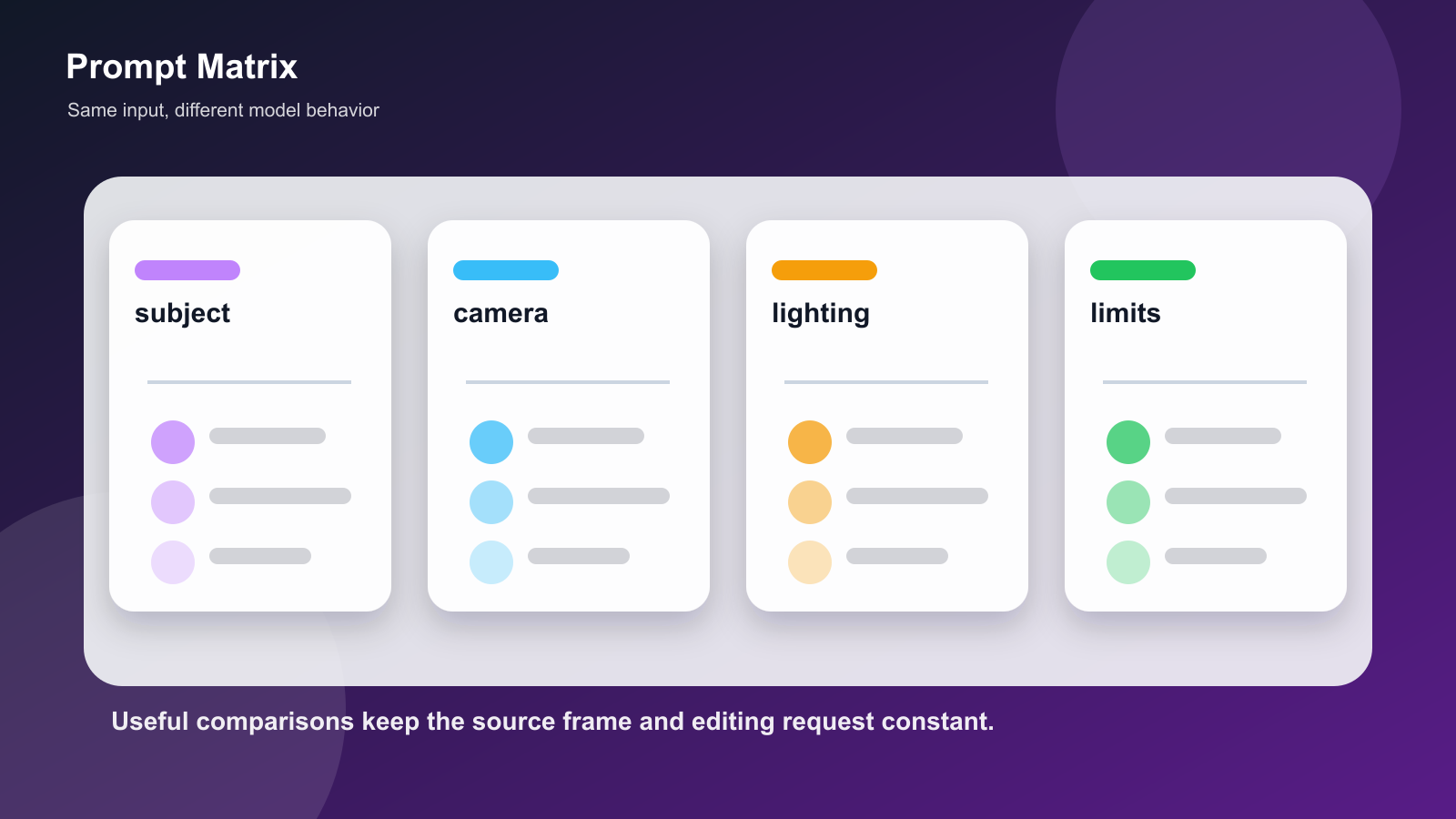
- Prompt adherence: does the model follow camera, motion, lighting, and object instructions?
- Revision control: can one small detail change without breaking the rest of the scene?
- Text and detail stability: do signs, formulas, UI elements, or product shapes stay coherent?
- Motion quality: does the camera movement feel intentional rather than random?
- Review readiness: can the output be checked, compared, watermarked, and approved before publishing?
Gemini Omni appears strongest when the task needs iterative editing and reference-aware generation. It may be less necessary for a simple disposable clip where any acceptable motion is enough.
Gemini Omni vs Seedance 2.0 vs Happy Horse 1.0
A fair review should also compare Gemini Omni with nearby AI video models instead of treating it in isolation. The goal is not to name one universal winner, because these models are optimized for different workflows.
| Model | Stronger fit | What to test |
|---|---|---|
| Gemini Omni | Reference-aware video creation, conversational editing, and Google ecosystem workflows | Multi-turn edits, subject preservation, SynthID transparency, and how well the scene remembers prior instructions. |
| Seedance 2.0 | Multimodal short-form video generation with strong motion, character consistency, and audio-video direction | Cinematic motion, reference handling, longer shot stability, audio/video alignment, and IP-safe source use. |
| Happy Horse 1.0 | Open-source-oriented AI video experimentation and multi-shot storytelling workflows | Local or semi-open workflow needs, multi-shot continuity, audio-video coherence, license terms, and hardware requirements. |
For practical testing, use the same source image, the same 6-second prompt, and one revision prompt across all three. Gemini Omni should be judged on controllable revision. Seedance 2.0 should be judged on motion and multimodal continuity. Happy Horse 1.0 should be judged on openness, multi-shot structure, and whether its deployment requirements fit the user’s workflow.
Practical Use Cases
Gemini Omni fits several content workflows:
- Product visuals: turn a still product image into a short motion clip while preserving the object.
- Social video drafts: create quick variations for Shorts, Reels, or TikTok-style concepts.
- Educational explainers: visualize scientific, historical, or technical concepts with coherent scene logic.
- Storyboarding: test camera motion, lighting, or character blocking before production.
- Video remixing: transform an existing clip while keeping part of its structure or action.
- Creator avatars: use Google’s avatar workflow responsibly when the creator is representing themselves.
The strongest use case is not always the flashiest one. In many workflows, Gemini Omni’s value is in controlled revision.
Where Gemini Omni Still Needs Careful Testing
The most useful discussion around Gemini Omni is not whether it looks impressive in a demo. The harder question is whether it reduces rework in real production. Three areas deserve extra attention.
First, multi-turn memory should be tested under pressure. A model may preserve a subject for one edit, but drift after the third or fourth instruction. If a creator says “keep the subject unchanged” and then asks for lighting, camera, and background changes, the model should not quietly alter the face, object shape, product label, or scene geography.
Second, generated text and symbolic detail remain important. Gemini Omni is likely to attract educators, explainers, product teams, and creators who need signs, diagrams, interface shots, formulas, or labels. A video can look cinematic and still fail if the written or symbolic details mutate between frames.
Third, provenance matters. SynthID helps with disclosure, but the creator still needs a workflow for source rights, prompt records, output review, and final approval. This is especially relevant when comparing Gemini Omni with Seedance 2.0 or Happy Horse 1.0, where platform policies, hosting choices, and model openness can differ.
A Practical Evaluation Rubric
Instead of using a vague “quality” score, evaluate Gemini Omni with a small rubric.
| Criterion | Question | Why it matters |
|---|---|---|
| Reference fidelity | Did the model preserve the input image or clip? | Important for product, character, and brand-safe use. |
| Edit locality | Did one requested change affect only the intended area? | Separates controllable editing from full regeneration. |
| Temporal coherence | Do objects, faces, lighting, and camera motion remain stable over time? | Prevents clips from feeling like disconnected frames. |
| Semantic accuracy | Are labels, diagrams, actions, and cause-effect relationships correct? | Critical for explainers and instructional video. |
| Reviewability | Can the output be compared, documented, and approved? | Important for teams, clients, and public publishing. |
| Rights and disclosure | Is the source material allowed, and is AI generation clear when needed? | Reduces legal and audience-trust risk. |
This rubric makes the review more useful than a “best model” list. It also prevents tool pages from becoming the whole article.
Common Failure Modes to Watch For
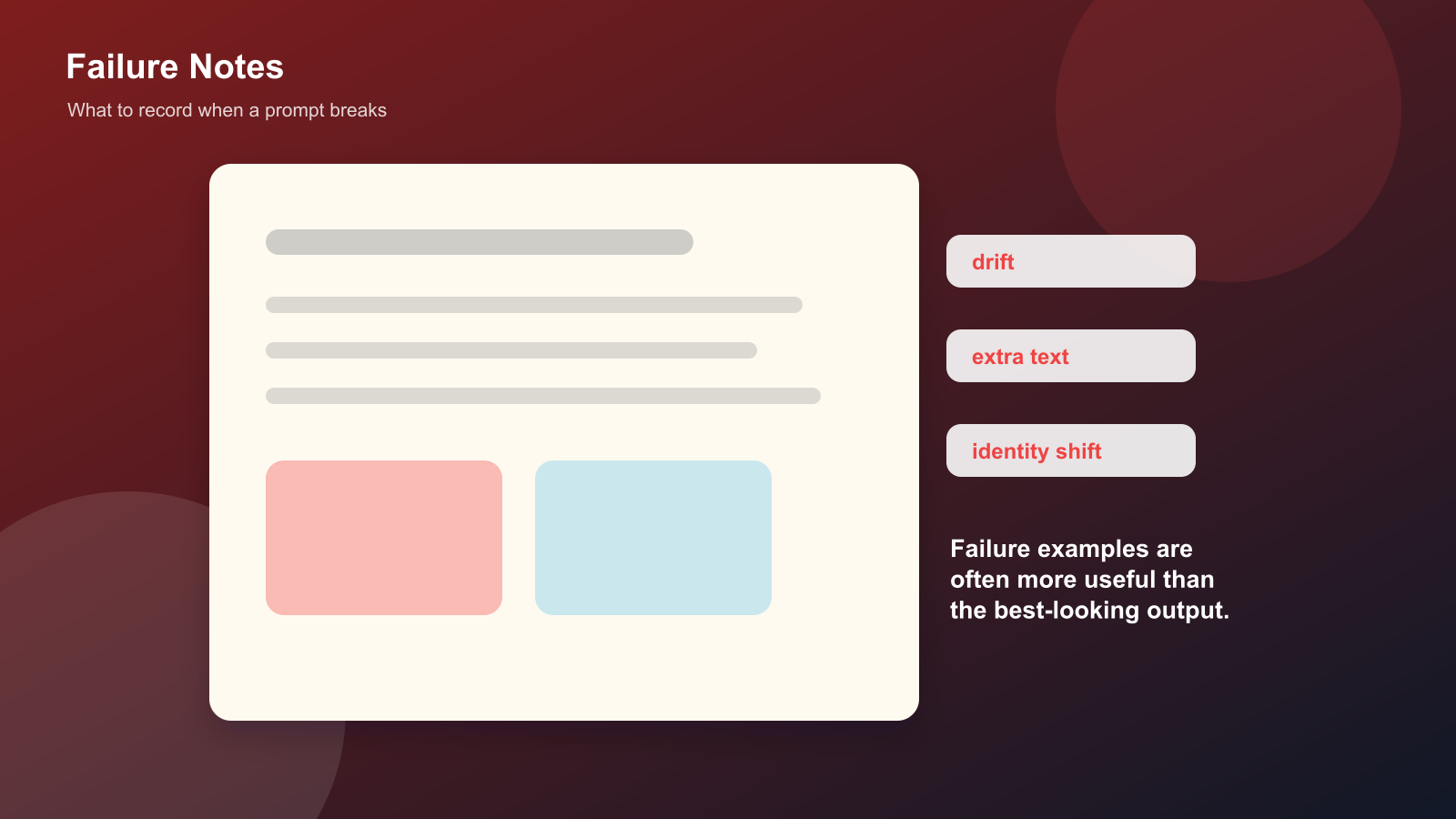
Gemini Omni, Seedance 2.0, Happy Horse 1.0, and other AI video models should all be checked for similar failure modes:
- the main subject subtly changes during motion;
- hands, product edges, or logos distort between frames;
- text appears correct in one frame and becomes unreadable later;
- camera movement looks smooth but ignores the requested direction;
- a revision prompt changes more than the requested detail;
- generated audio, Foley, or ambient sound feels detached from the visual action;
- the clip looks polished but cannot be reused because rights or disclosure are unclear.
A strong review should include at least one failed or imperfect output. That makes the article more credible and gives readers a realistic way to judge the tool.
When Gemini Omni Is Not the Best Fit
Gemini Omni may not be the ideal choice for every AI video task. If a creator only needs quick motion from a casual image, a simpler image-to-video tool may be enough. If a studio wants self-hosting or model-level experimentation, Happy Horse 1.0-style open workflows may be more relevant. If a project depends on action-heavy shots, long motion continuity, or audio-video timing, Seedance 2.0 may deserve a direct comparison.
The practical conclusion is that Gemini Omni should be tested as a workflow, not as a brand name. The model is most interesting when revision, reference control, and multimodal context matter.
Best Gemini Omni Tools as Test Endpoints
The following list is not a ranked recommendation. Treat these as test endpoints for running the same source, prompt, revision prompt, and review rubric across different Gemini Omni access points.
| Tool | Best for | Notes |
|---|---|---|
| Pollo AI Gemini Omni | Gemini Omni test endpoint | Use it to check model behavior with the same source and prompt. |
| VideoWeb AI Gemini Omni | Input-control comparison | Useful for checking prompt, image, frame, and ratio controls. |
| Flyne AI Gemini Omni | Fast behavior check | Useful for quick side-by-side prompt trials. |
| Seevido AI Gemini Omni | Multi-model comparison | Useful for comparing Gemini Omni with adjacent AI video models. |
| Topview AI Gemini Omni | Short-form workflow check | Useful for comparing short-form and social video outputs. |
| Dreamega Gemini Omni | Additional comparison endpoint | Useful as another sample point in the same test set. |
Other AI video tools such as Runway, Luma, Pika, PixVerse, and Kling are still worth testing as comparison points, even if the article focus is Gemini Omni. A good comparison uses the same source image, same prompt, same duration target, and the same review checklist.
Limitations and Responsible Use
Gemini Omni should still be reviewed carefully. AI video can introduce visual artifacts, unwanted objects, incorrect text, or misleading realism. If a clip uses real people, copyrighted footage, branded material, or product claims, review the rights and disclosure requirements before publishing.
Google’s SynthID watermarking is an important transparency step, but creators still need their own review process. The safest workflow is to keep source files, prompts, generated outputs, and approval notes together.
Conclusion
For prompt writers, Gemini Omni is important because it moves AI video toward multimodal input, conversational editing, and reference-aware creation. The most practical way to evaluate it is to use Google’s official Gemini Omni article as the factual baseline, compare review-style criteria such as subject preservation and revision control, then test tools like Pollo AI, Topview AI, VideoWeb, Flyne, and Seevido with the same prompt. The best Gemini Omni tool is the one that gives controllable, reviewable output for the task you actually need.
FAQ
What is Gemini Omni?
Gemini Omni is Google’s multimodal AI video model for creating and editing video from text, image, video, and supported audio references.
What makes Gemini Omni different from normal text-to-video tools?
Its key difference is the reference-driven and conversational editing workflow. Users can build on previous instructions instead of restarting from scratch each time.
What are the best Gemini Omni tools?
Use Google’s official Gemini Omni article as the factual baseline, then compare Pollo AI, Topview AI, VideoWeb AI, Flyne AI, and Seevido AI using the same prompt and source material.






Top comments (0)