
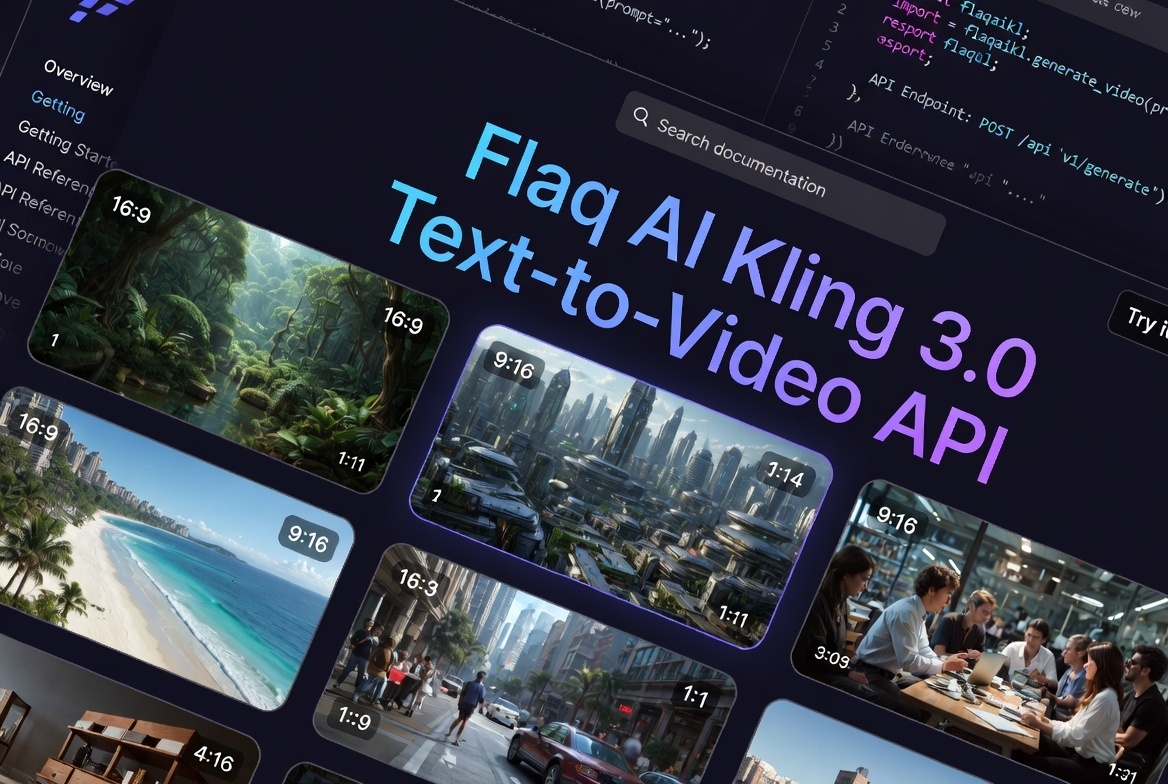

In today’s fast-moving content landscape, producing high-quality video that captures attention without blowing the budget has become one of the biggest challenges for creators, marketers, and developers. Many teams face the same dilemma: premium AI video tools deliver impressive results but come with high per-second costs that make daily or high-volume production unrealistic. Others are cheap but produce unnatural motion, floating objects, or inconsistent physics that break immersion the moment you watch closely.
Kling 3.0 Standard Text-to-Video offers a refreshing middle ground. Developed by Kuaishou and made accessible through the Flaq AI Kling 3.0 text to video API, this model turns natural language prompts into smooth, professional video clips with strong motion quality and believable physics — all at a genuinely affordable price point.
What makes it stand out is its practical focus. It doesn’t chase the absolute highest fidelity for one-off masterpieces. Instead, it delivers reliable, visually coherent results that work extremely well for real-world workflows like social media, e-commerce, and automated content pipelines.
Understanding the Model: What Kling 3.0 Standard Actually Delivers
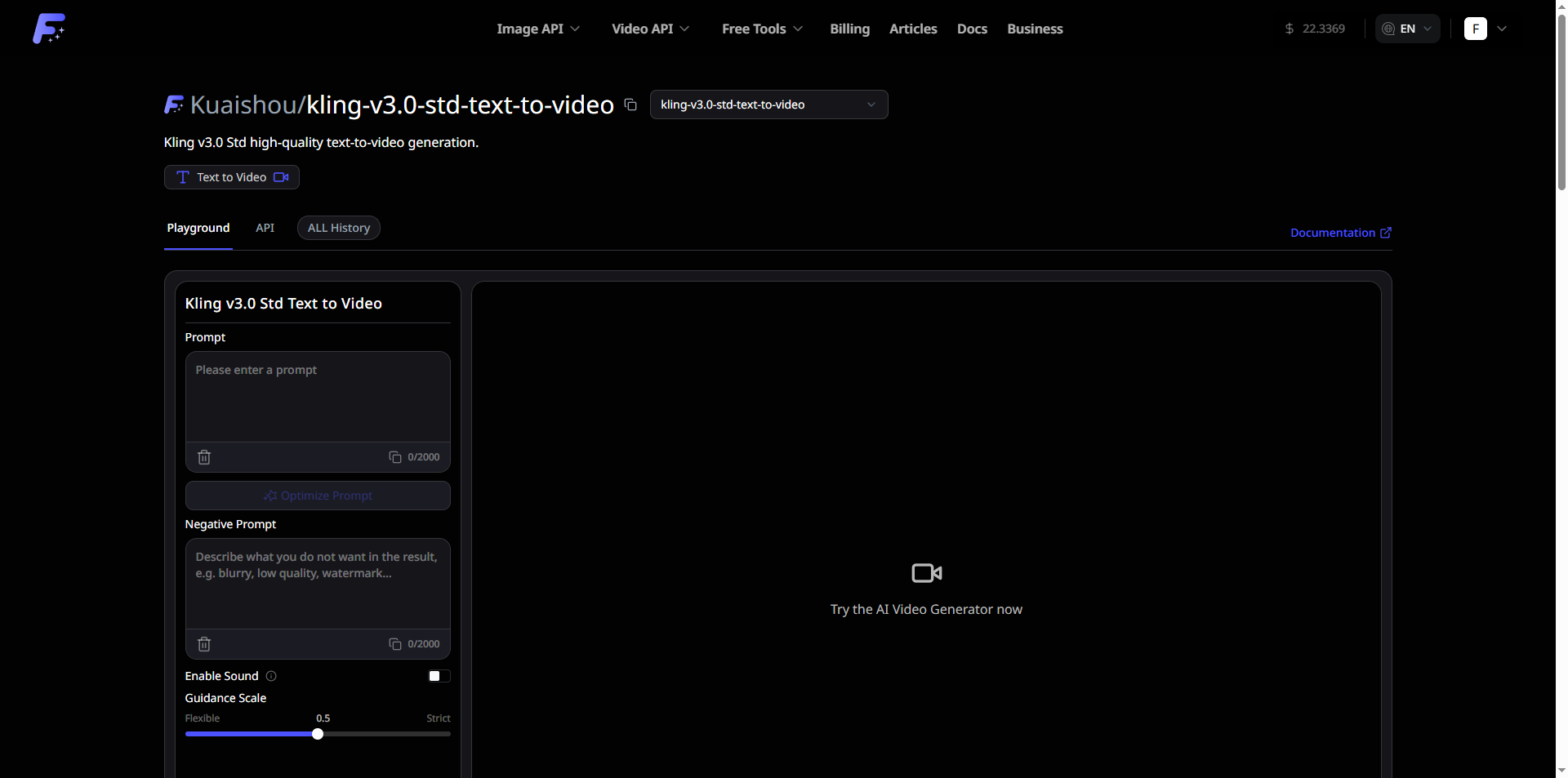
Kling 3.0 Standard is Kuaishou’s cost-effective tier within the Kling 3.0 video synthesis family. It converts detailed text descriptions into complete MP4 video clips ranging from 3 to 15 seconds long.
You simply write a prompt describing the scene, action, characters, lighting, and camera movement. The model then generates clips with lifelike object interactions, natural environmental dynamics, and cinematic camera work. The output is delivered quickly via a secure CDN, ready for immediate use or further editing.
One of the most useful additions is optional synchronized audio effects. Instead of generating silent video and sourcing sound separately, you can enable audio during generation to include ambient sounds, impacts, or atmospheric layers in a single pass. This feature alone can save hours in post-production for many projects.
The Flaq AI Kling 3.0 text to video API makes the entire process developer-friendly. It supports easy integration into scripts, batch processing, and automated pipelines, with parameters for duration, aspect ratio, guidance scale, and negative prompts.
Core Features That Actually Matter for Daily Production
After testing similar tools, these capabilities consistently prove most valuable in real projects:
Realistic Motion & Physics-Aware Generation
The model excels at understanding weight, momentum, gravity, and material behavior. Fabric moves naturally with body motion, objects respect physical interactions, and characters maintain balance during actions. This reduces the “uncanny” or floaty feel common in earlier AI video generations, making clips feel more cinematic and believable.Flexible Duration & Aspect Ratios
Choose any length between 3 and 15 seconds and generate in 16:9 (landscape) for YouTube or presentations, 9:16 (portrait) for TikTok/Reels/Stories, or 1:1 (square) for certain platforms and ads. Native support for all three formats eliminates extra cropping or reformatting steps.Optional Native Audio Integration
Enable audio to add synchronized sound effects in the same generation. While not designed for full dialogue or music tracks (that’s better suited for higher tiers), it works well for realistic ambient layers and impact sounds.
Additional practical perks include context-aware prompt understanding (it handles cinematography terms like “slow pan,” “dolly zoom,” or “natural lighting” effectively) and efficient API performance for high-throughput needs.
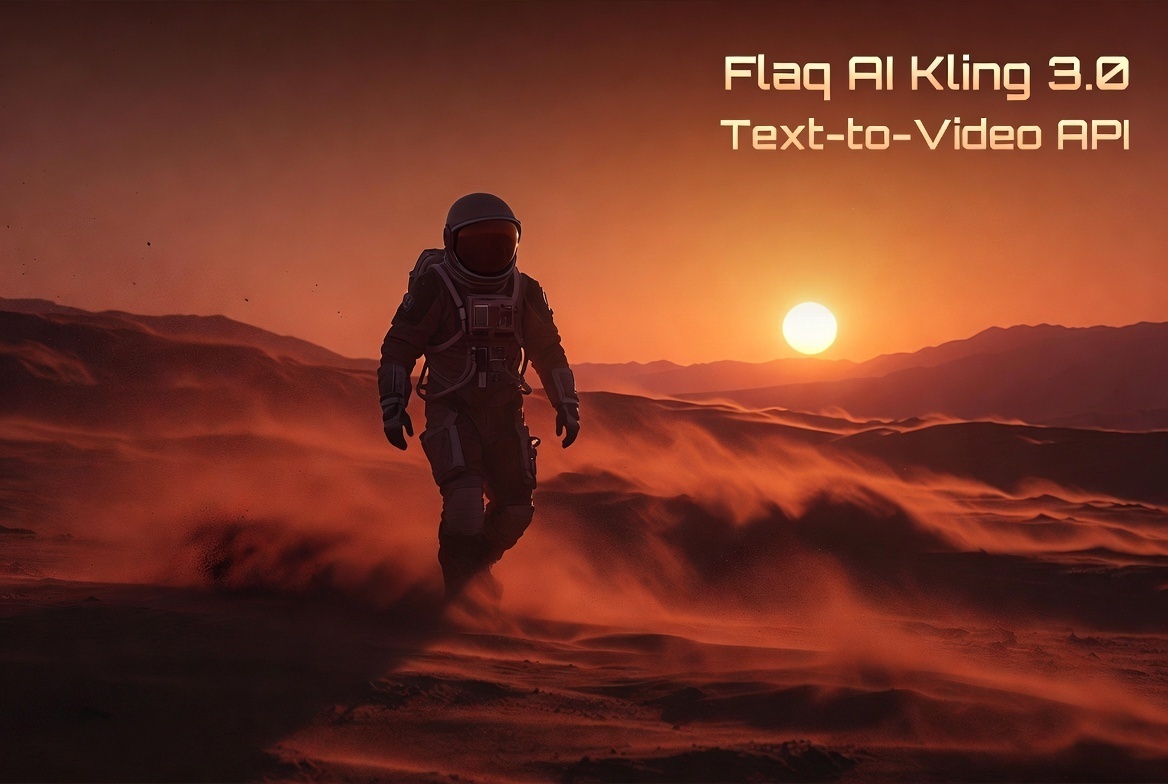
Where Kling 3.0 Standard Fits in Real Workflows
This model shines in scenarios that require volume and speed rather than ultra-premium single clips.
1. Social Media Content at Scale
Need 15–30 short videos for a campaign launch across multiple platforms? Feed structured prompts into the Flaq AI Kling 3.0 text to video API, set the right aspect ratios, and generate a full batch with consistent style and matching audio. The flexible duration and native formats make it easy to optimize for each platform without manual adjustments.
2. E-commerce Product Storytelling
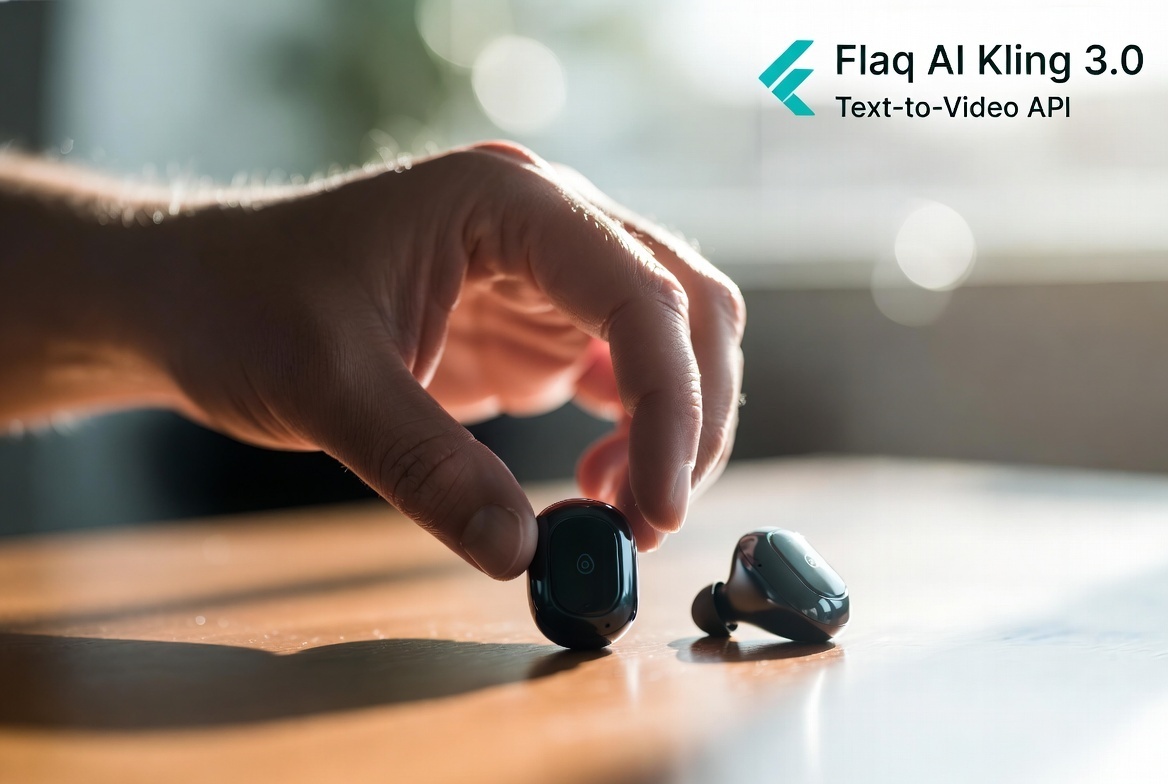
Static images convert poorly compared to dynamic demos. A prompt like “smooth close-up of wireless earbuds being picked up from a wooden desk, natural morning light, subtle finger movements, realistic reflections, 9:16 vertical” can produce polished lifestyle videos. Physics-aware rendering ensures hands and objects interact naturally, while optional audio adds satisfying clicks or ambient room tone.
3. Automated Content Pipelines for Publishers and Agencies
Many teams already automate blog-to-visual workflows. Integrating Kling 3.0 Standard allows turning article summaries or product data into supporting video assets automatically. Predictable per-second pricing (around $0.084 per second on Flaq.ai) keeps costs manageable even for daily runs.
How Kling 3.0 Standard Compares to the Pro Version and Competitors
Kuaishou designed the Standard tier for high-volume, cost-sensitive work, while the Pro version targets higher visual fidelity, better character consistency, and more advanced rendering for commercial projects.
In practice:
- Standard offers excellent value for most marketing and social content.
- Pro provides noticeably sharper motion fidelity and detail preservation, especially in complex character or multi-subject scenes, at a higher price.
Compared to other 2026 text-to-video models, Kling 3.0 Standard stands out for its combination of strong physics simulation, native square format support, optional audio, and competitive pricing. Many alternatives either lack built-in audio or become expensive quickly when scaling beyond a few generations per day.
Making the Most of Your Generations: Practical Tips
To achieve the best results consistently:
- Write descriptive, director-style prompts — include subject, action, camera movement, lighting mood, and pacing.
- Use negative prompts effectively (e.g., “blurry, distorted hands, floating objects, unnatural motion”) to reduce artifacts.
- Experiment with guidance scale: lower values for more creative variation, higher for stricter prompt adherence.
- Start with shorter 3–5 second clips when testing new ideas, then scale up to 10–15 seconds once the prompt is refined.
- Review outputs carefully in the first few iterations — small wording changes often yield big improvements in coherence.
The model responds particularly well to prompts that describe realistic scenes and natural human or object behavior.
Honest Limitations to Consider
No AI video model is perfect yet. Kling 3.0 Standard may occasionally show minor artifacts in very fast or highly complex multi-character interactions. Extremely long, dialogue-heavy, or narrative-driven scenes beyond 15 seconds are better handled by higher tiers or traditional production.
Prompts must also follow Kuaishou’s safety guidelines — restricted content will be rejected. As with any generative tool, occasional inconsistencies in extreme physics or fine details can appear, though the overall motion quality remains strong for its price bracket.
The Bigger Picture: Why Affordable, Realistic AI Video Matters in 2026
Video has become the primary way people consume information and entertainment online. Brands, educators, small businesses, and independent creators all compete for the same limited attention spans. Tools that make professional-looking video accessible — without requiring a full production team or massive budgets — democratize storytelling.
The Flaq AI Kling 3.0 text to video API lowers the barrier further by combining Kuaishou’s capable engine with clean documentation, reliable delivery, and easy integration. For many teams, this shifts the focus from “can we afford video?” to “what stories should we tell?”
Final Thoughts
If you’ve been hesitant about AI video because premium options felt too costly or cheaper ones produced disappointing results, Kling 3.0 Standard deserves serious consideration. It strikes a thoughtful balance between quality, flexibility, and affordability that fits a wide range of practical needs.
Whether you’re building social campaigns, enhancing e-commerce pages, or automating content at scale, this model can become a reliable part of your toolkit.
Ready to test it yourself?
Try Kling 3.0 Standard Text-to-Video on Flaq.ai
Frequently Asked Questions
What is the maximum video length with Kling 3.0 Standard?
Up to 15 seconds per clip, with flexible options starting from 3 seconds.
Does it support audio?
Yes — optional synchronized sound effects and ambient audio can be enabled during generation.
Which aspect ratios are available?
16:9 (landscape), 9:16 (portrait/vertical), and 1:1 (square).
How does the pricing work?
It uses competitive per-second billing, making it suitable for high-volume production.
Is it suitable for commercial use?
Yes, subject to Flaq.ai and Kuaishou’s terms of service.






Top comments (0)