

A lot of people keep their period dates in a notes app or a calendar and never do anything with them. A general chatbot can turn that list into something useful, like your average cycle length or a rough idea of when the next period is due, but only if you give it clean data and ask a narrow question. Ask "is my cycle normal?" and you'll get a page of generic advice. Ask for a specific calculation and you'll get an answer you can check.
Here are the prompts that work best, what each one is good for and where it makes more sense to use a calculator built for the job.
Start with clean dates
Every prompt below needs the same input: the first day of each period, one per line, oldest first. Not the last day, not the days you had cramps. Just the start dates.
2026-06-03
2026-07-01
2026-07-30
2026-08-27
2026-09-26
2026-10-24
Six dates is a good minimum. Fewer than three and any average is mostly guesswork.
Prompt 1: cycle lengths and the average
Here are the start dates of my last periods, oldest first.
Calculate the number of days between each start date and
the next one. Show each cycle length, then the average
and the shortest and longest cycle. Show your working.
"Show your working" matters. Chatbots sometimes miscount days across month boundaries, and seeing each subtraction lets you catch a wrong number before you rely on it. A cycle runs from the first day of one period to the day before the next one starts, so the length is simply the gap between two start dates.
Prompt 2: how much your cycle varies
Using the cycle lengths above, tell me the difference
between my shortest and longest cycle in days. Do not
give medical advice. Just describe the spread in plain
words.
This gives you one number that tells you a lot: how far apart your shortest and longest cycles are. A spread of two or three days means predictions will be fairly close. A spread of ten days means any single predicted date is a rough guess, and you'll want to plan around a window instead.
The "do not give medical advice" line keeps the answer short. Without it, most chatbots add several paragraphs of caveats.
Prompt 3: a predicted window, not a date
Based on my average cycle length and the spread, give me
a likely window for my next period start date, from the
earliest to the latest day. Use my most recent start
date as the starting point.
Asking for a window is more honest than asking for a date. Even a regular cycle shifts by a day or two, and a window built from your own shortest and longest cycles reflects how your body actually behaves.
Prompt 4: notes and symptoms
If you also write down symptoms, you can ask a chatbot to find patterns:
Here are my notes for each cycle, with the cycle day for
each note. Tell me if any symptom tends to show up on the
same cycle days. Only describe patterns that appear in at
least three cycles.
The "at least three cycles" rule stops the model from turning one bad week into a trend.
What to leave out
- Diagnosis questions. "Do I have PCOS?" or "Is this endometriosis?" are questions for a doctor. A chatbot can't examine you and will either hedge or guess.
- Birth control decisions. Never use a predicted fertile window from a chatbot, or from any calculator, as contraception. These are estimates.
- Vague dates. "Sometime in early July" breaks every calculation. If you don't know a date, leave that cycle out.
- Anything you wouldn't want stored. Health details you paste into a chatbot may be kept in your chat history. Share only what you need for the question.
Where prompts fall short
Prompts are handy for a one-off look at your data, but they have limits you'll run into quickly:
- You have to paste the dates every time. Each new chat starts from zero, and it's easy to miss a cycle.
- The math isn't guaranteed. Day counting across months is exactly the kind of thing language models occasionally get wrong.
- No reminders. A chat window won't tell you three days before your period is due.
- Answers change. Ask the same question twice and the wording, and sometimes the numbers, can differ.
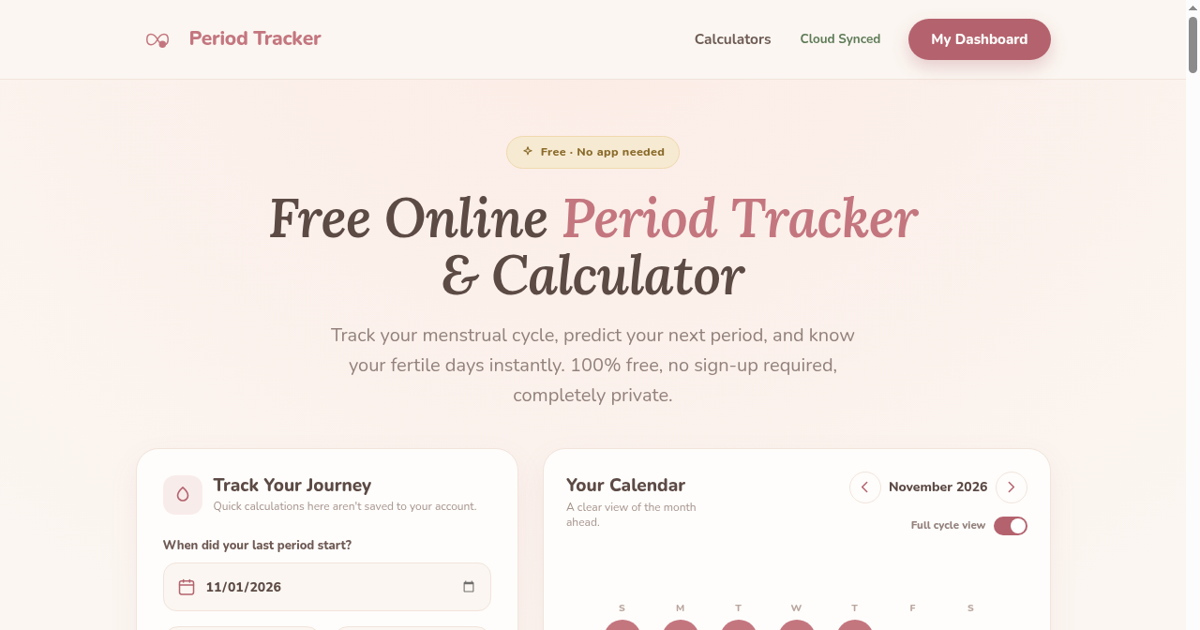
For the calculation itself, a dedicated tool is more reliable. The period cycle length calculator on Period Tracker takes the start dates of your last few periods and works out your average cycle length directly in your browser, with no account and nothing to install. The same site has an irregular period calculator for cycles that vary a lot, and an ovulation calculator if you want an estimated fertile window. Like the prompts above, the results are estimates for general information, not medical advice.
If you'd rather not paste dates at all, a free account there keeps your cycle history, emails you before your period or ovulation and includes an Ask tab where an AI answers questions using your own logs. That covers prompts 1 through 4 without the copying, since the assistant already has your dates.
A simple routine
- Write down the start date of each period the day it begins.
- Once you have three or more dates, work out your average cycle length with a calculator or Prompt 1.
- Use the spread from Prompt 2 to decide how wide your planning window should be.
- If you track symptoms, check for patterns every few months with Prompt 4.
- If anything looks off, like a cycle much shorter or longer than usual, or periods that suddenly change, bring your list of dates to a doctor. A clean log makes that conversation much easier.
The point of all of this isn't to predict your period to the day. It's to replace "I think it's been about a month" with numbers you can actually check.





Top comments (0)