
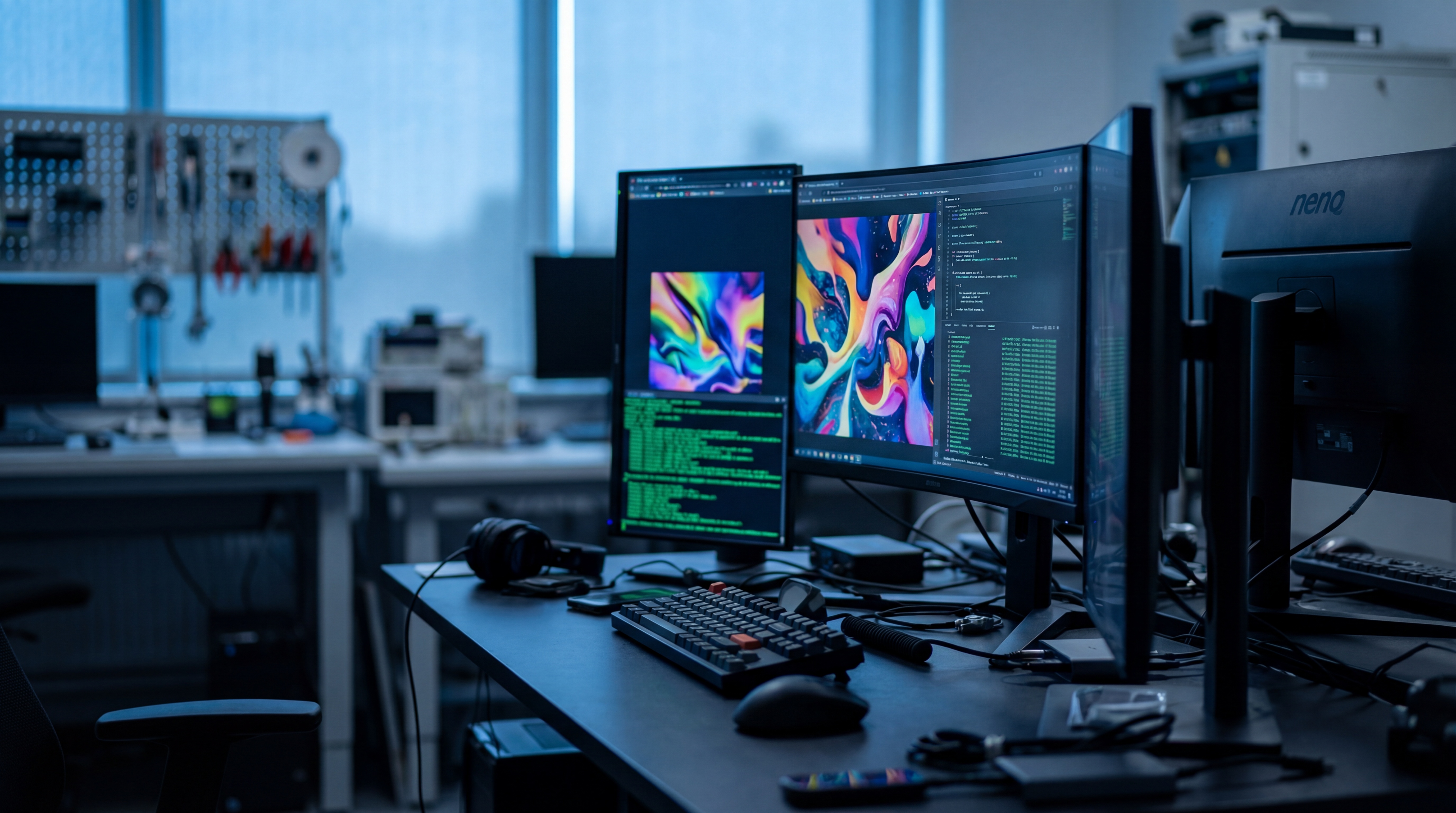

GLM-Image is Z.ai's image generation model combining an autoregressive generator with a diffusion decoder. It supports text-to-image generation and, in its open implementation, image editing and other image-conditioned tasks. You can download the official Hugging Face weights or use Z.ai's documented hosted image generation API. GLM-Image model card Z.ai API guide
What are the key facts about GLM-Image?
| Field | Verified information |
|---|---|
| Developer | Z.ai, publishing through the zai-org organization. GLM-Image model card |
| Released | A release date is not published in the cited model card or API overview. GLM-Image model card Z.ai API guide |
| Type | Hybrid autoregressive and diffusion image generation model. GLM-Image model card |
| Size or parameters | A 9B autoregressive generator and a 7B diffusion decoder. GLM-Image model card |
| License and access | Overall model: MIT, with Apache-2.0 terms retained for the included X-Omni VQ tokenizer and ViT weights; implementation repository: Apache-2.0; API access is separate. GLM-Image model card GLM-Image repository Z.ai API guide |
| Where it runs | Documented CUDA inference through Transformers and Diffusers, or hosted inference through Z.ai's API. GLM-Image repository Z.ai API guide |
How does GLM-Image generate text inside images?
GLM-Image is designed for images that combine visual composition with written information. Z.ai's API documentation identifies posters, explanatory diagrams, social graphics, and multi-panel layouts as intended uses. These examples make text placement and content organization useful starting points for evaluation. They do not remove the need to proofread the result. Z.ai API guide
The architecture divides responsibilities between two components. The autoregressive model produces visual representations guided by the instruction, while the diffusion decoder constructs the image. A Glyph Encoder supports the decoder's handling of written characters. Use a text-heavy brief to evaluate that design on the lettering and layout you need. GLM-Image model card
For a practical poster test, prepare the content before asking for artwork. Write the headline, supporting line, and intended placement of each. Keep the factual content approved independently. The model should be evaluated on how it expresses that content visually, rather than being asked to invent information that the image then presents as authoritative.
Try a workshop poster with a clearly separated title, illustration, and footer. Inspect spelling and reading order first. Only after those pass should you compare color choices, decorative details, or alternative compositions. This evaluation sequence helps keep visually appealing mistakes from passing unnoticed.
What are GLM-Image's hardware and output limits?
Hardware guidance needs careful reading. The GitHub README contains a broad memory warning and a separate table of measured inference costs. The Hugging Face card additionally describes CPU offloading at approximately 23GB of GPU memory, with slower inference. These statements describe different execution conditions; none establishes an unconditional minimum for every installation. GLM-Image repository GLM-Image model card
Before renting hardware, select an implementation and configuration, then verify that configuration's actual memory behavior. Keep model loading, generation, and batch size in the test record. An observation from an already-loaded pipeline should not be treated as a guarantee that the same machine can load every component successfully.
Output dimensions also have explicit constraints. Z.ai's hosted API documentation says each dimension must be a multiple of 32 and fall between 512 and 2048 pixels. The open implementation likewise requires dimensions divisible by 32. Apply the rules for the access path you are using instead of assuming that every interface exposes identical options. Z.ai API guide GLM-Image repository
The repository reports its inference measurements on a single H100 using Diffusers. Keep those results tied to that configuration, and measure completion time and peak memory separately for your chosen setup. GLM-Image repository
The open model supports image-to-image tasks, while the cited hosted overview documents text input and image output. Verify the exact endpoint before assuming that an editing example from the local repository works through the hosted generation API. GLM-Image model card Z.ai API guide
How do you use GLM-Image through its API or local weights?
The hosted API is a straightforward first evaluation path when you do not want to configure the full local pipeline. Obtain authorized Z.ai API access and keep the key in your local secret-management setup. The following request follows the official endpoint and payload structure, using a new example prompt. Z.ai API guide
curl --request POST \
  --url https://api.z.ai/api/paas/v4/images/generations \
  --header "Authorization: Bearer $ZAI_API_KEY" \
  --header 'Content-Type: application/json' \
  --data '{
    "model": "glm-image",
    "prompt": "A clean workshop poster. Title: \"Garden Sketching\". A pencil drawing of a leaf in the center. Footer: \"Bring a notebook\".",
    "size": "1280x1280"
  }'
The API returns an image URL. Download the generated image from that returned URL and inspect the actual file. Keep the response with the prompt so that a later comparison uses the same input record. Z.ai API guide
For local execution, begin with the official repository's Transformers and Diffusers instructions. It documents GlmImagePipeline, the zai-org/GLM-Image identifier, CUDA placement, and separate generation and editing examples. Use the documented dependencies and review memory settings before loading the weights. GLM-Image repository
The authors recommend enclosing intended image text in quotation marks. Apply that convention to the words you actually want printed, then describe their visual roles outside the quoted text. For example, distinguish a headline from a small footer instead of leaving both as an undifferentiated sentence. GLM-Image model card
Build an evaluation sheet with separate columns for exact text, placement, subject identity, and visual defects. Record pass or fail against the same requirements for every attempt. If a spelling error persists, simplify the layout or shorten the copy and test the revised brief; do not silently replace the acceptance criteria after seeing the output.
Consult the ComfyUI guide for workflow concepts and cloud GPU pricing when estimating the infrastructure side of a local trial. Neither replaces the selected implementation's model and dependency requirements.
How does GLM-Image compare with GPT Image 2?
| Model | Deployment distinction | Useful evaluation question |
|---|---|---|
| GLM-Image | Published weights and a separately documented hosted API. GLM-Image model card Z.ai API guide | Does its treatment of your text and layout justify the chosen deployment effort? |
| GPT Image 2 | OpenAI's hosted image generation and editing model, without published open weights. GPT Image 2 documentation | Does a managed service meet the same asset brief without local model administration? |
Use the same approved words and layout requirements in both trials. Compare the number of usable assets and observed costs rather than matching unrelated leaderboard figures. PromptZone's GPT Image API guide explains the other integration context.
What else should you know about GLM-Image?
How many parameters does GLM-Image have?
GLM-Image has a 9B autoregressive generator and a 7B diffusion decoder. Its model card describes the responsibilities of each component. GLM-Image model card
Can I download GLM-Image weights?
Z.ai publishes GLM-Image weights as zai-org/GLM-Image on Hugging Face. The overall model is MIT-licensed, while the included X-Omni VQ tokenizer and ViT weights retain Apache-2.0 terms; the implementation repository also uses Apache-2.0. GLM-Image model card GLM-Image repository
Does GLM-Image support editing?
GLM-Image's open implementation supports image-conditioned generation, including editing and style transfer. Z.ai's hosted GLM-Image overview documents text-to-image generation; confirm endpoint support before planning a hosted editing integration. GLM-Image model card Z.ai API guide
How should you check text in a GLM-Image diagram?
For a GLM-Image diagram, compare every generated label with your approved text, then inspect arrows, reading order, and relationships. Keep visual polish and factual correctness as separate acceptance checks.
Sources
- Z.ai GLM-Image model card
- Official GLM-Image implementation
- Z.ai hosted GLM-Image documentation
- OpenAI GPT Image 2 model documentation






Top comments (0)