


Adding a fake filename to the front of a prompt is one of the cheapest quality changes available in FLUX. IMG_0431.JPG costs you eleven characters and pulls the whole image out of the glossy commercial register it defaults to. This explains the mechanism, gives you a template to build your own tokens, and marks the point where the technique stops helping and starts hurting.
The problem it solves
FLUX renders competently and boringly. Ask for a person in a kitchen and you get even lighting, clean composition, unblemished skin, and a kitchen that has never been cooked in. Every variant does it, and no amount of adding realistic or photorealistic fixes it, because those words describe the polished images too.
The cause is the caption distribution in the training data. Photographs that arrive with long, descriptive, well-written captions are overwhelmingly professional photographs: stock libraries, product shoots, editorial work. A prompt that reads like one of those captions lands the model in that region of its training distribution and you get what lives there.

Filenames are captions too
Web-scraped image datasets do not only capture alt text. They pick up surrounding page text, and where no caption exists, the file name itself often ends up as the caption. That gives file names a strong statistical signature.
IMG_2938.JPG is what a phone or a Canon body writes by default. DSC_0417.JPG is a Nikon or Sony default. Nobody renames a file they are dumping into a forum thread or a social post, so those strings sit next to millions of unremarkable snapshots: bad lighting, awkward crops, dust on the sensor, a real room. Meanwhile a file called hero-banner-final-v3-web.jpg sits next to a retouched commercial image.
So the filename token works as a genre selector. It is not a documented feature of the model, and the explanation above is the widely accepted account rather than something the model publishes, but the effect on output is easy to reproduce for yourself in a couple of minutes.
Here is the technique in its compact form:
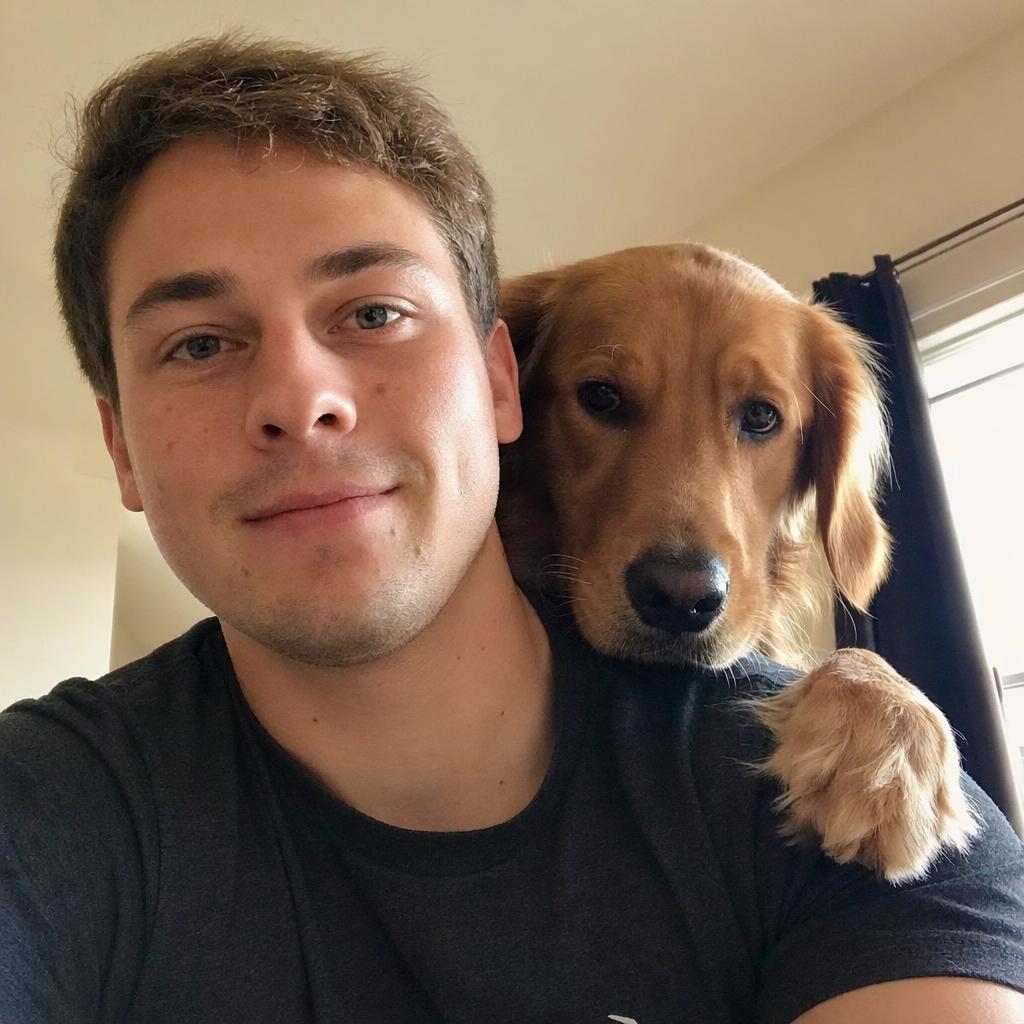
selfie_from_front_camera.jpg Spiderman on a rooftop in New York, posted on facebook in 2012
That runs well on FLUX.1 [dev] at guidance around 3.0 and on the pro endpoints. Three separate levers are working at once in that one line.
The three levers
| Lever | Examples | What it shifts |
|---|---|---|
| Filename token |
IMG_0431.JPG, DSC_0088.JPG, selfie_from_front_camera.jpg, screenshot_2019.png
|
capture device and the care taken with the shot |
| Platform anchor |
posted on facebook, uploaded to flickr, found on a forum, from a local news website
|
compression artefacts, crop conventions, subject matter |
| Era anchor |
in 2012, taken in the late 90s, early digital camera
|
sensor quality, colour rendering, clothing, background objects |
The era anchor is the underrated one. Asking for a photo from 2012 gets you the noise floor and colour cast of a phone sensor from that period, plus period-appropriate objects in the background, and it does this without any camera vocabulary at all. Asking for a photo from the late 1990s gets you film grain and the colour palette of consumer print film.
Stacking all three is more reliable than any single one. The levers agree with each other: a front-camera selfie posted to a social network in 2012 is a coherent object, and the model has seen many of them.
Building your own
- Pick a plausible capture context first. Who took this and why? A phone at a party, a security camera, a real estate listing, a passport booth. That decision drives everything else.
-
Write the filename that context would produce. Default camera naming for casual shots, descriptive hyphenated names for professional ones,
screenshot_prefixes for screen captures. - Add a platform and a year only if they fit. A security camera frame was not posted to Flickr. Incoherent stacking confuses the model and you get an averaged image.
- Delete the camera block. Naming a full-frame body and an f/1.2 lens pulls hard in the opposite direction and will undo the filename token.
- Drop guidance. On [dev], around 3.0 rather than 3.5 or higher. High guidance sharpens adherence and smooths texture at the same time, which is exactly the trade you do not want here.

Where it stops working
It does not fix anatomy. Hands, teeth and background crowds fail the same way they always did. The filename changes the register, not the model's competence.
It competes with prompt adherence. The tokens spend attention. On a long, tightly specified prompt you will sometimes see the filename win and detail from the tail of the prompt disappear. Keep filename-style prompts short.
It over-applies. Push several degradation cues at once and you get an unusably dark, blurred, low-resolution result. One filename token plus one era anchor is usually the ceiling.
It does not survive upscaling naively. Running a detail-adding upscaler over a deliberately mediocre photograph reintroduces the polish you just removed. If you upscale, use low denoise and accept the softness.
There is also an obvious use for convincing casual photographs of things that never happened. Treat that as a reason to label synthetic images as synthetic wherever they are published, not as a reason to avoid the technique.
Guidance, negative prompts, and de-distilled builds
A note on the wider context, since realism work runs into this constantly: stock FLUX [dev] and [schnell] have guidance distilled into the model, so there is no functioning negative prompt. You cannot ask for no studio lighting. Everything has to be phrased as something that is present, which is precisely why the filename technique earns its place.
Community de-distilled builds of [dev] appeared during late 2024, restoring true classifier-free guidance and with it a working negative prompt at the cost of doubled inference time and some quality drift. If negative prompts matter more to you than speed, those builds are worth knowing about; for most realism work, better positive phrasing is the cheaper answer.

Takeaways
- FLUX defaults to the professional-photography region of its training data because detailed captions live there. Change the caption style, not the adjectives.
-
IMG_1234.JPGstyle tokens, a platform anchor and a year anchor stack well when they describe a coherent situation. - Delete camera and lens vocabulary from any prompt using this technique; the two pull in opposite directions.
- Keep such prompts short, keep guidance low, and stop at one or two degradation cues.
- The technique changes register only. Anatomy, text rendering and composition still need the usual fixes.





Top comments (0)