
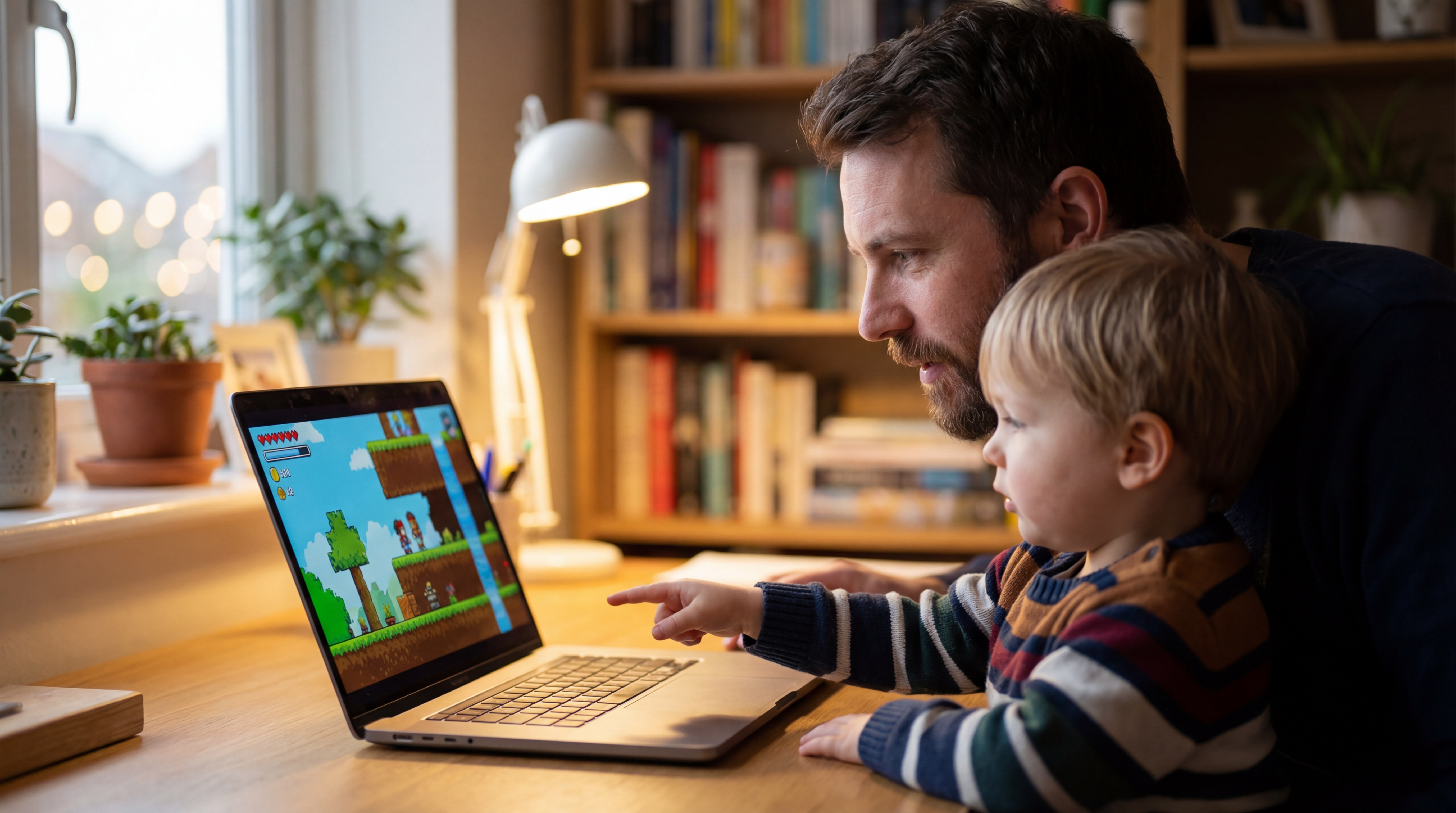

Black Forest Labs released FLUX.2 [klein], a compact model series for real-time local image generation and editing. Meanwhile, a Hacker News thread has sparked interest among AI practitioners and hobbyists alike with a practical question: What’s the best tech stack for building a tiny game with an 11-year-old? The discussion offers actionable insights for developers and educators looking to introduce young learners to coding and game design.
This article was inspired by "Ask HN: Best stack for building a tiny game with an 11-year-old?" from Hacker News.
Read the original source.
Why Game Development with Kids Matters
Teaching an 11-year-old to build a game isn’t just about coding—it’s about fostering problem-solving and creativity. The Hacker News thread, with 12 points and 20 comments, reveals a community consensus on balancing simplicity with engagement. The right stack can make or break a child’s first experience with programming.
Bottom line: Choosing accessible tools is key to keeping young learners motivated and avoiding frustration.

Top Stacks Recommended by the Community
HN users suggested several beginner-friendly tools tailored for a young coder’s skill level. Here’s a breakdown of the most mentioned stacks, focusing on ease of use and educational value.
| Tool | Learning Curve | Best For | Platform |
|---|---|---|---|
| Scratch | Very Easy | Visual Coding | Web, Desktop |
| Godot | Moderate | 2D/3D Games | Desktop |
| Roblox Studio | Easy | Multiplayer Games | Web, Desktop |
| Unity (with C# tutorials) | Steep | Advanced Projects | Desktop |
Scratch topped the list for its drag-and-drop interface, allowing kids to create games without syntax errors. Godot, with its lightweight engine, was praised for introducing real programming concepts via GDScript, a Python-like language. Roblox Studio appealed for its social aspect, letting kids publish games online instantly.
Community Insights on Engagement
Feedback from HN users emphasized keeping the process fun over technical depth. Key points from the 20 comments include:
- Start with small projects like a Pong clone or a simple platformer.
- Use visual tools to show instant results—kids lose interest with delayed feedback.
- Pair coding with storytelling to let the child design characters or worlds.
One user noted that an 11-year-old’s attention span averages 20-30 minutes per session, so tools with quick iteration cycles are critical.
Bottom line: Engagement trumps complexity—pick a stack that delivers visible progress fast.
Practical Tips for Getting Started
For developers or parents guiding a child, HN users offered actionable advice. Focus on 2-3 core mechanics (like movement and scoring) to avoid overwhelming the learner. Break sessions into short bursts, targeting 1-2 hours weekly to build a tiny game over a month. Community consensus also favored free tools to lower barriers—Scratch and Godot both fit this criterion.
"Where to Start with Scratch"
Looking Ahead
As AI and game development tools evolve, introducing kids to coding through game design remains a powerful way to build future skills. The Hacker News discussion underscores a growing interest in accessible tech education, hinting at a future where tools like Scratch or Godot could integrate AI assistants to further simplify learning. For now, these stacks offer a solid foundation for any young creator’s first project.






Top comments (0)