

When a generated object is difficult to separate from its surroundings, changing the removal settings may not address the source problem. Record what made the image awkward before generating another batch.
Describe the failure precisely
Was the handle merged with the wall, the transparent rim lost, or the object cropped at the edge? Keep these as separate observations. “Bad background” is too vague to guide the next prompt.
A trial with bgremover free can expose those boundary problems. Treat the result as evidence about this image and workflow, rather than a universal score for a tool.
Revise one visual condition
Show the complete object with space around every edge. Use a simple contrasting backdrop. Preserve openings, thin parts, and the object's natural shadow.
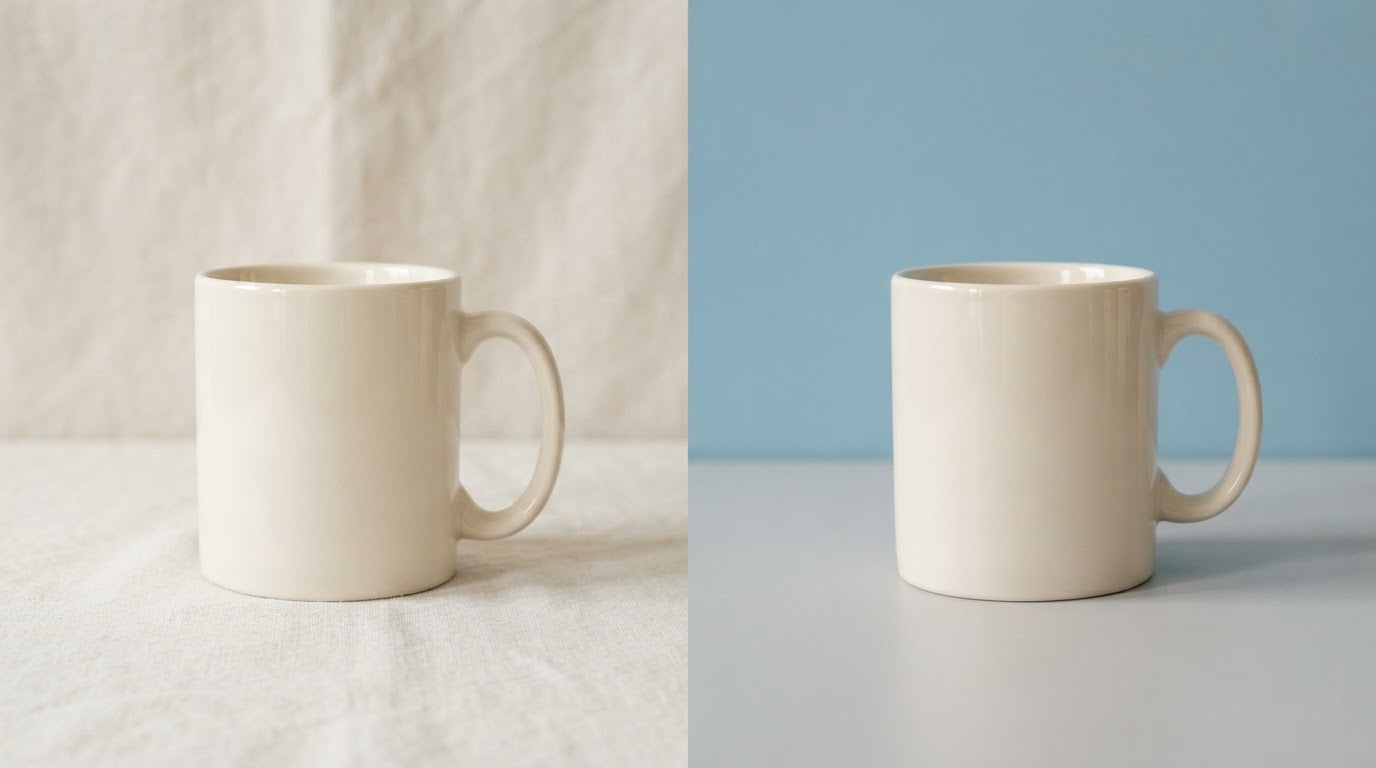
Keep the subject and framing stable while changing the backdrop description. Otherwise a nicer-looking result may conceal why the boundary improved.
The W3C PNG specification is a reference for transparency in the output file. A convincing preview still needs an export check.
Save the original prompt, revised prompt, source images, and observed failures. The useful lesson might be as small as leaving space around a handle. That is enough to make the next attempt more deliberate.
Try one unchanged source again before drawing a conclusion. Some workflows vary between runs. Label those repeats so a prompt revision does not get credit for an improvement that also occurred without it.



Top comments (0)